LabelLens
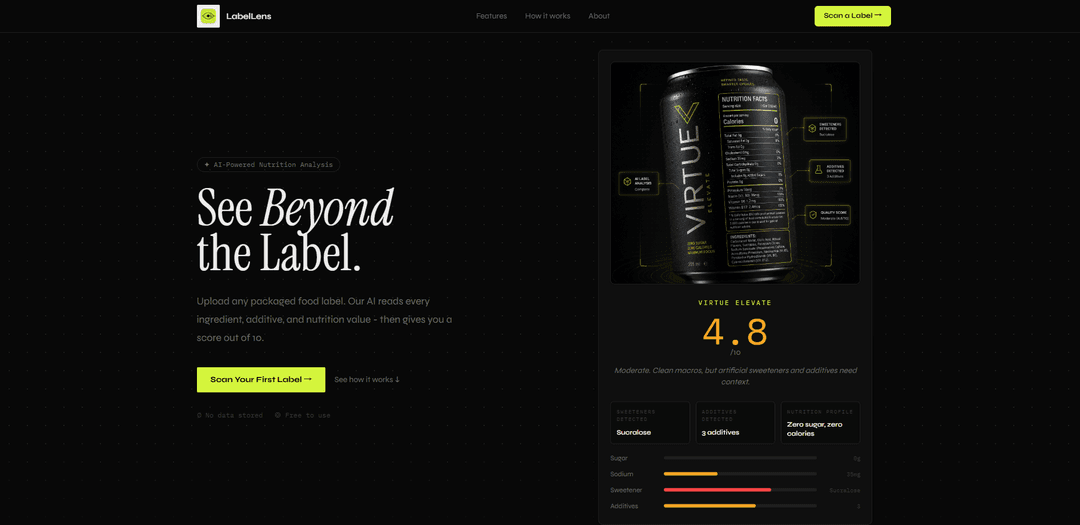
LabelLens is an AI-powered food/product label scanner that reads ingredients and nutrition facts from a photo, flags additives and concerns, and returns a plain-English breakdown with a 1–10 health score—without storing your images.
https://labellens.app/?ref=producthunt
Product Information
Updated:Jun 16, 2026
What is LabelLens
LabelLens is a web app (with mobile-style camera scanning and optional companion experiences) designed to help people “see beyond the label” when shopping for packaged foods and other products. By uploading or photographing the back-of-pack ingredients and nutrition panel, it quickly decodes confusing terms, identifies additives (including E-numbers), and summarizes what the label means in everyday language. The product emphasizes fast, real-time analysis and privacy, with the official site stating that images are not stored and no account is required to start scanning.
Key Features of LabelLens
LabelLens is an AI-powered product label scanner focused on packaged food: you upload or photograph a label and it uses OCR + AI to read ingredients, additives/E-numbers, and nutrition facts, then returns a fast plain-English breakdown and a 1–10 score highlighting positives, concerns (e.g., sweeteners/additives), and practical guidance. It emphasizes quick analysis, no account required, and “zero storage”/ephemeral processing, with alerts that help users make more informed, health-conscious shopping decisions.
Label photo upload & scan: Capture a label with your camera or upload an image from your gallery to start analysis in seconds.
OCR-driven ingredient & nutrition extraction: Reads ingredient lists and nutrition panels, pulling out key values (e.g., sugar, sodium, fats, protein, fiber) for interpretation.
Additive & E-number detection: Identifies additives/preservatives (including E-numbers) and flags items like artificial colors, flavor enhancers, and sweeteners.
Smart scoring (1–10) with verdict: Generates an easy-to-compare score plus a plain-language summary of what’s good, what to watch, and why.
Additive alerts & safety-style guidance: Highlights potentially concerning ingredients and provides context to help users decide whether to avoid or limit a product.
Fast, privacy-forward processing: Designed for near-instant results (often under a few seconds) and claims images are not stored (real-time, ephemeral analysis).
Use Cases of LabelLens
Everyday grocery decision support: Shoppers scan packaged foods in-store to quickly compare products and choose options with fewer additives or better nutrition profiles.
Dietary preference and avoidance checks: Users looking to limit certain ingredients (e.g., artificial sweeteners, specific additives) can scan labels to spot them quickly.
Wellness education & label literacy: Helps consumers understand confusing label jargon by translating ingredients and nutrition facts into plain English.
Travel & multilingual label understanding: When buying international products, users can scan labels and leverage multilingual recognition/translation to understand contents.
Product research and Q&A: Supports answering common questions about a product after scanning (e.g., what an ingredient is, why it’s used, and potential tradeoffs).
Prototype/benchmark tool for food-tech teams: Teams can use the app’s scan→extract→score workflow as a quick baseline for experimenting with label parsing and consumer-facing explanations.
Pros
Fast, simple workflow (scan/upload → immediate breakdown and score).
Clear additive/E-number highlighting and plain-English explanations for non-experts.
Privacy-forward positioning with “no account needed” and “zero storage” claims.
Cons
Accuracy depends on photo quality and OCR performance; unclear labels can reduce reliability.
A single numeric score can oversimplify nutrition and ingredient tradeoffs for different diets/needs.
Scope appears strongest for packaged-food labels; may be less useful for fresh/restaurant foods without standardized labeling.
How to Use LabelLens
1. Open LabelLens: Go to https://labellens.app (or open the LabelLens app, if you’re using the mobile version).
2. Start a scan: Click “Start Scanning” (or navigate directly to https://labellens.app/scan).
3. Capture or upload a label image: Point your camera at the back label of a packaged food and take a photo, or upload an existing image from your photo gallery.
4. Make sure the label is readable: If needed, re-take or adjust the image so the ingredients list and nutrition facts are clear and in focus.
5. Let the AI analyze the label: LabelLens will read the ingredients, additives/preservatives, E-numbers, and nutrition values from the image.
6. Review your score (1–10): Receive a rating out of 10 along with a plain-English verdict summarizing what’s good, what to watch for, and what to avoid.
7. Check ingredient and additive details: Look for flagged items such as artificial sweeteners, colors, flavor enhancers, preservatives, and other additives detected in the ingredient list.
8. Review the nutrition breakdown: Use the contextual breakdown (e.g., sugar, sodium, fat, protein, fiber) to understand the product’s nutrition profile beyond marketing claims.
9. Scan another product as needed: Repeat the scan process for other items; no account is required and the site states images are not stored (analysis is real-time and ephemeral).
LabelLens FAQs
LabelLens is an AI-powered nutrition analysis tool that lets you upload a packaged food label and get an ingredient/additive/nutrition breakdown plus a score out of 10.
Popular Articles

Vosko AI: Localize and Dub Videos for Global Audiences
Oct 15, 2026

Atoms: A Multi-Agent AI Platform That Transforms Ideas into Launch-Ready Products
Oct 13, 2026

Nano Banana SBTI: What It Is, How It Works, and How to Use It in 2026
Apr 15, 2026

Atoms Review — The AI Product Builder Redefining Digital Creation in 2026
Apr 10, 2026
Latest AI Tools Similar to LabelLens
TubeVoice
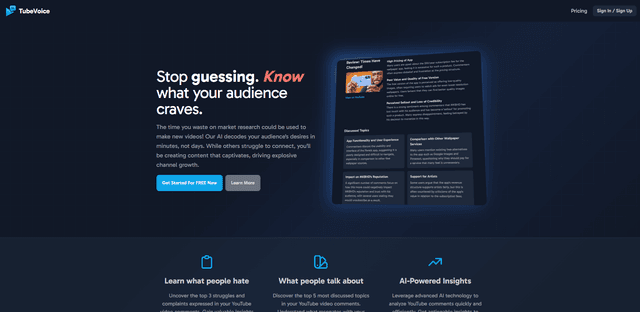
TubeVoice is an AI-powered YouTube comment analyzer that helps content creators understand their audience by providing insights from video comments through automated analysis.
ReviewPower
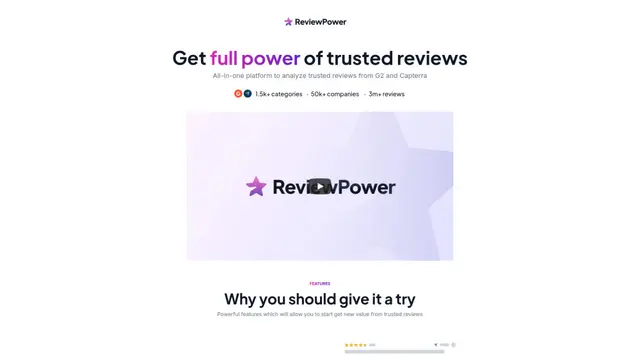
ReviewPower is an all-in-one platform that aggregates and analyzes trusted reviews from G2 and Capterra to help businesses gain valuable insights from customer feedback.
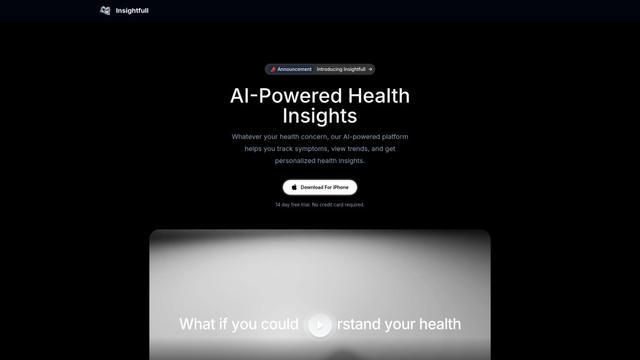
Insightfull
Insightfull is an AI-powered health tracking platform that helps users monitor symptoms, analyze health data, and receive personalized insights through symptom tracking, food logging, and medication management features.
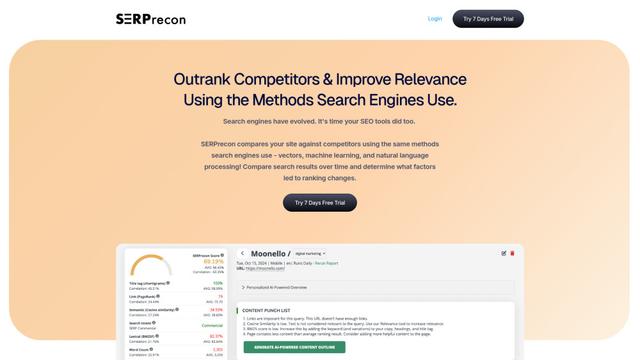
SERPrecon
SERPrecon is an advanced SEO tool that leverages vectors, machine learning, and natural language processing to help users analyze and outrank competitors by using the same methods as modern search engines.
Popular AI Tools Like LabelLens
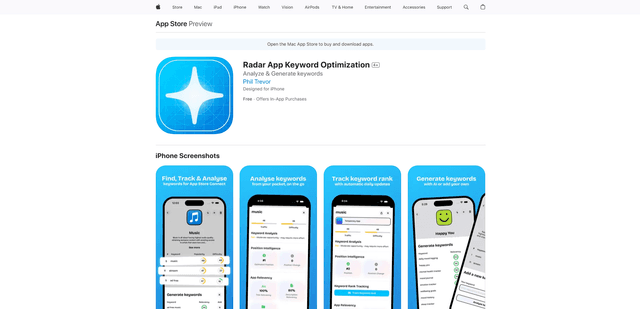
Radar
App Radar is a comprehensive app store optimization (ASO) tool that leverages AI-powered keyword research, competitor analysis, and automated tools to help improve app visibility and rankings across the Apple App Store and Google Play Store.
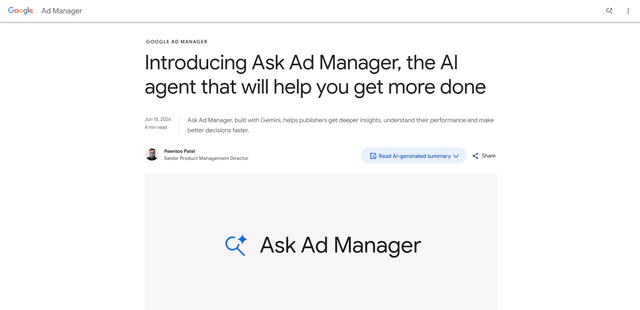
Ask Ad Manager by Google Ads
Ask Ad Manager is a Gemini-powered conversational agent inside Google Ad Manager that helps publishers troubleshoot issues in real time, generate custom performance reports from prompts, and navigate directly to the right settings using their own Ad Manager data.
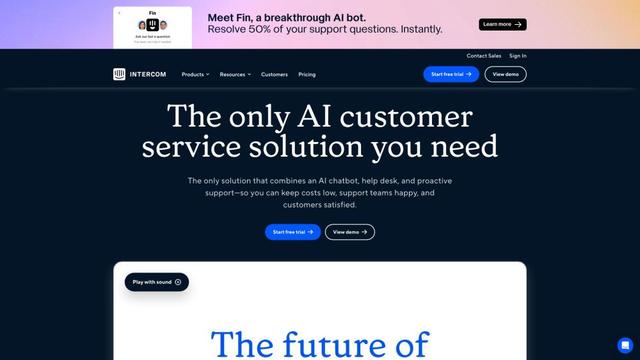
Intercom
Intercom is an AI-powered customer service platform that provides instant support, enhances agent productivity, and delivers insights to support leaders.
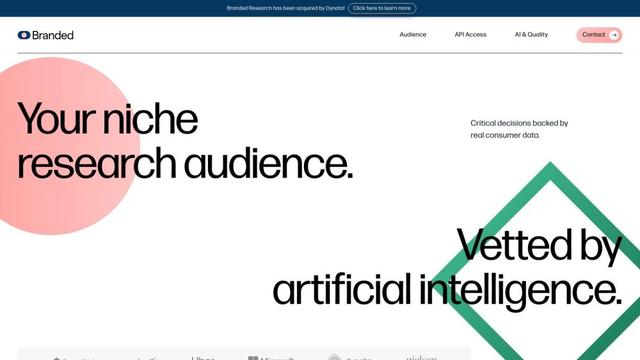
Branded
Branded is a market research company that uses AI and advanced sampling techniques to provide high-quality consumer insights and data.