
Kodo
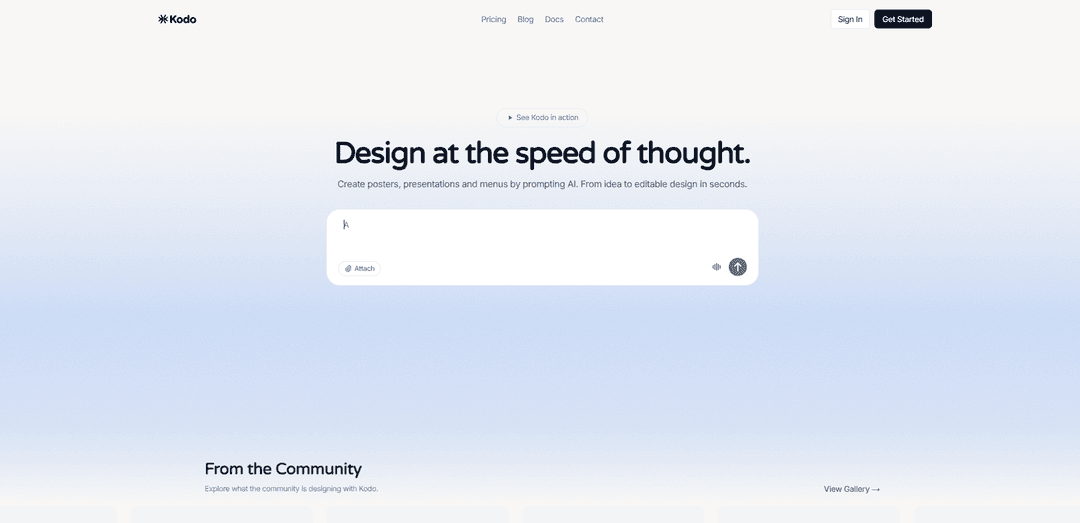
Kodo is an AI-powered design tool that enables users to create professional, fully editable designs instantly by simply describing what they want in plain text.
https://usekodo.ai/?ref=producthunt
Product Information
Updated:Mar 8, 2026
What is Kodo
Kodo represents the next evolution in digital design tools, combining the professional vector editing capabilities of Figma with the user-friendliness of Canva, while adding powerful AI generation features. It's a comprehensive design platform that allows users to create various types of visual content including posters, presentations, menus, social media graphics, flyers, business cards, and invitations. Unlike traditional design tools that require extensive design experience, Kodo makes professional design accessible to everyone through its innovative AI-powered approach.
Key Features of Kodo
Kodo is an AI-powered design tool that allows users to create professional designs through text prompts. It generates fully editable, layered designs for various visual content like posters, presentations, menus, and social media graphics. The platform combines professional vector editing capabilities similar to Figma with Canva's user-friendliness, while offering unique AI design generation features and real-time collaboration.
AI-Powered Design Generation: Create complete designs by simply describing what you want in plain English, with results delivered in seconds
Fully Editable Outputs: Unlike other AI tools that generate flat images, Kodo creates structured, layered designs where every element (text, spacing, colors, layout) can be edited
Professional Editing Tools: Includes vector editing capabilities like pen tool and boolean operations, combined with precise controls for professional design work
Real-time Collaboration: Enables multiple users to work together on designs simultaneously, making it ideal for team projects
Use Cases of Kodo
Restaurant Marketing: Create professional menus, promotional materials, and social media content for restaurants and cafes
Business Presentations: Generate professional slides and presentation materials for corporate meetings and pitches
Social Media Marketing: Design engaging social media graphics and promotional content for digital marketing campaigns
Event Planning: Create invitations, posters, and promotional materials for various events and celebrations
Pros
Combines AI generation with professional editing capabilities
Produces editable layered designs rather than flat images
Offers free plan with basic features
Includes real-time collaboration features
Cons
Credit-based system limits AI design generation
Free plan includes watermarks on exports
Some advanced features restricted to paid plans
How to Use Kodo
Sign up for Kodo: Go to usekodo.ai and create an account. Choose between Free ($0/month), Starter ($9/month) or Pro ($29/month) plan based on your needs.
Describe your design: Type a simple description of what you want to create, like 'coffee shop menu' or 'birthday invitation'. Be as specific as possible about what you want.
Wait for AI generation: Kodo will generate a complete, layered design based on your description in 1-2 minutes. You'll see a progress indicator while it works.
Review and edit the design: Once generated, you can edit any element of the design including text, spacing, colors, and layout. Use the manual design tools like shapes, text, drawing and images to refine it.
Make AI-powered changes: You can draw a region on the canvas and tell the AI exactly where to make specific changes to further refine the design.
Export your design: When satisfied with your design, export it in your preferred format. Free users will have a watermark, paid plans get watermark-free exports.
Manage your credits: Keep track of your Kodo credits - each AI design costs 3-9 credits depending on complexity. Manual editing tools are always free to use.
Kodo FAQs
Kodo is an AI-powered design tool that lets you create professional designs by describing what you want. It combines professional vector editing capabilities with AI-assisted design generation, serving as an alternative to Figma and Canva. Users can create designs from text prompts or use professional design tools.
Popular Articles

Atoms: A Multi-Agent AI Platform That Transforms Ideas into Launch-Ready Products
May 22, 2026

Nano Banana SBTI: What It Is, How It Works, and How to Use It in 2026
Apr 15, 2026

Atoms Review — The AI Product Builder Redefining Digital Creation in 2026
Apr 10, 2026

Kilo Claw: How to Deploy and Use a True "Do‑It‑For‑You" AI Agent(2026 Update)
Apr 3, 2026
Latest AI Tools Similar to Kodo
Poster Generator
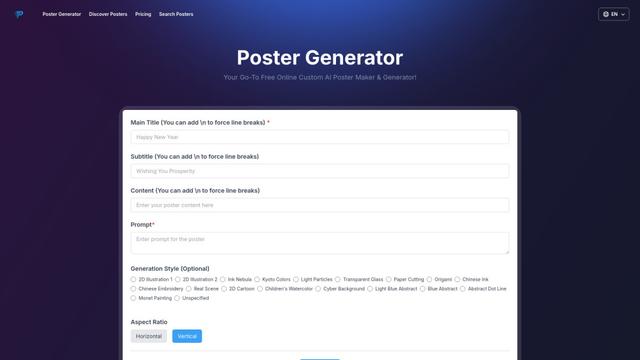
An AI-powered online poster maker that enables users to effortlessly create stunning custom posters through templates, AI generation, and drag-and-drop editing tools without requiring design skills.
Sketcho
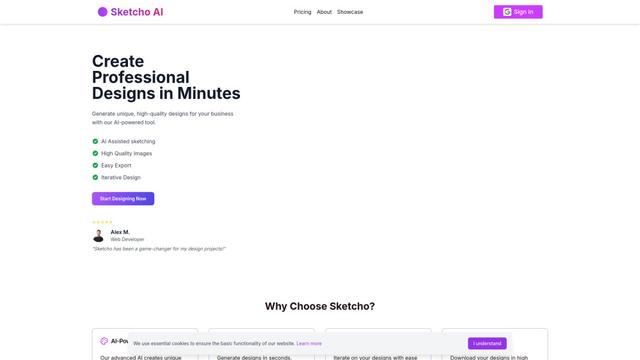
Sketcho is an AI-powered design tool that transforms sketches and ideas into high-quality professional designs through an intuitive interface.

Palette Hunt
Palette Hunt is an AI-powered color analysis tool that helps users discover their perfect color palettes through personalized analysis and AI-generated fashion models.
LogoGeneratorAI
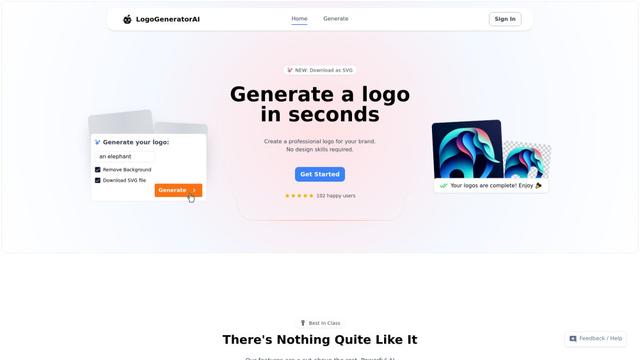
LogoGeneratorAI is an advanced AI-powered logo creation tool that generates unique, professional SVG logos with customizable features like color schemes, image cropping, and background removal.
Popular AI Tools Like Kodo
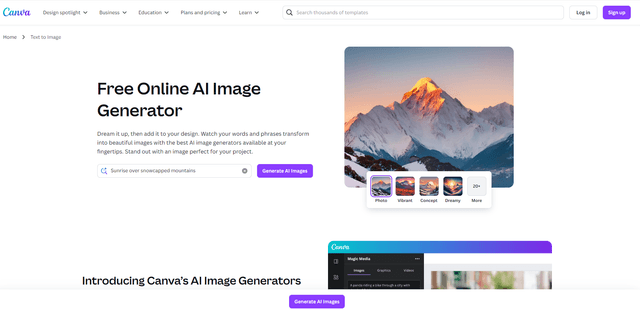
Canva AI
Canva AI is an advanced suite of AI-powered design tools integrated into Canva's platform, offering features like text-to-image generation, background removal, and content creation assistance to streamline the design process.
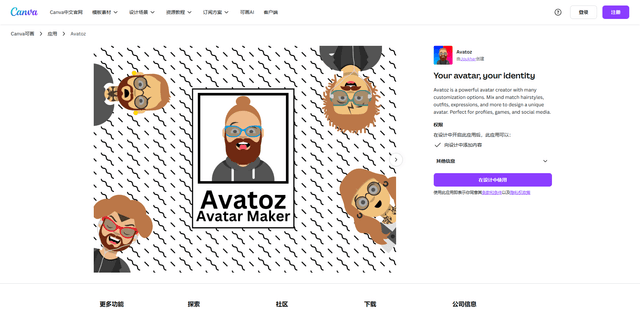
Avatoz
Avatoz is a powerful avatar creator app for Canva that allows users to design unique, customized avatars with extensive options for hairstyles, outfits, expressions and more.
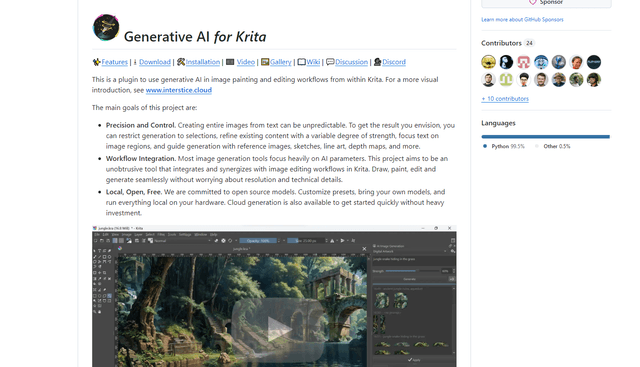
Krita
Krita is a free and open-source digital painting and illustration software that offers a wide range of professional-grade tools for artists and designers.
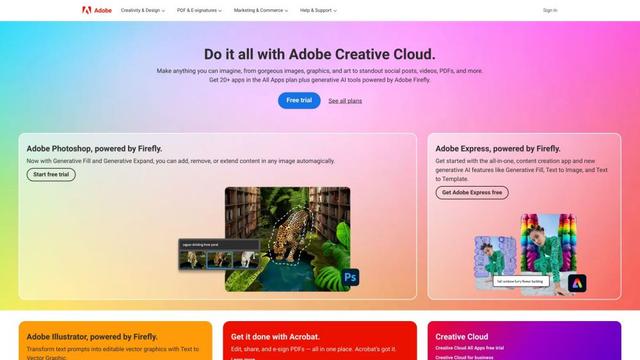
Adobe
Adobe is a leading software company that provides creative, marketing, and document management solutions through innovative applications and services.