Knock Knock App
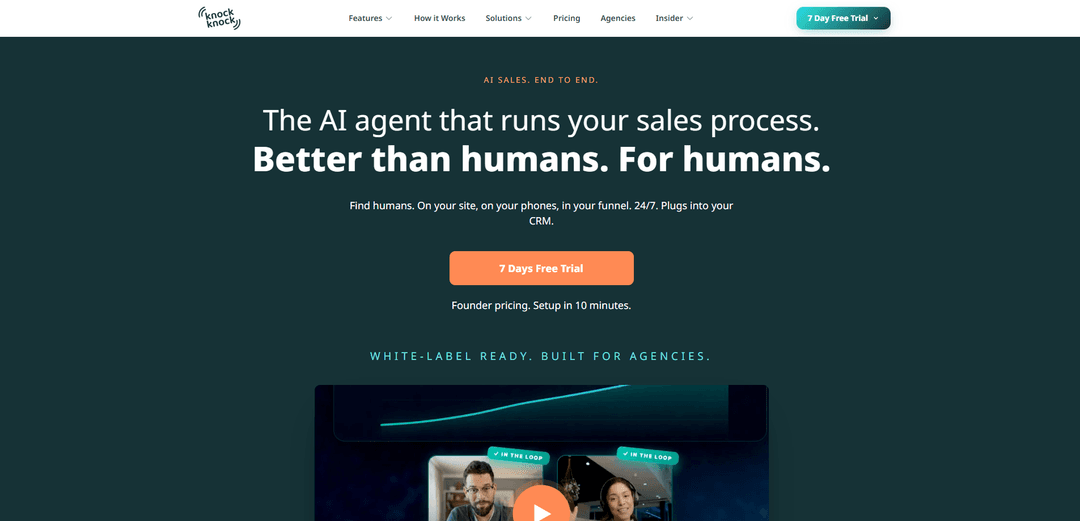
Knock Knock App is an end-to-end AI sales layer powered by Nox that engages website visitors and leads across chat, voice, and video, qualifies intent in real time, books meetings, syncs to your CRM, and hands off hot conversations to a human in one tap.
https://knockknockapp.ai/?ref=producthunt
Product Information
Updated:Jun 8, 2026
What is Knock Knock App
Knock Knock App is a unified AI-powered sales and conversion platform designed to turn anonymous traffic and inbound inquiries into real conversations and booked meetings—without adding sales headcount. Rather than acting like a basic chatbot, it functions as a full sales agent that can talk, listen, call, follow up, and schedule across multiple channels (onsite widget, inbound phone, and outbound calling). Built to plug into your existing stack, Knock Knock connects to CRMs like GoHighLevel and HubSpot (and many more via Zapier/webhooks), logs conversations and transcripts to contact records, and is positioned as a fast setup (about 10 minutes) solution that’s also white-label ready for agencies.
Key Features of Knock Knock App
Knock Knock App is an end-to-end AI sales layer powered by an agent called Nox that engages and qualifies leads across website chat, voice/video in-widget calls, inbound phone answering, and outbound calling. It tracks visitor behavior in real time, identifies and scores intent, pulls CRM context, handles objections, books meetings (and can take payments), logs transcripts/notes to your CRM, and escalates hot conversations to a human with a one-tap handoff. It’s designed to replace a fragmented stack of chat, voice AI, scheduling, visitor tracking, and CRM connectors with one connected system that can be installed via a snippet and configured quickly, with optional white-labeling for agencies.
Omnichannel AI sales agent (chat + voice + video + phone): One agent can talk to site visitors via chat, start voice calls inside the widget, optionally use video with an avatar, answer inbound phone calls 24/7, and run outbound calling—so prospects can use the channel they prefer.
Real-time visitor intelligence & intent scoring: Tracks live intent signals (e.g., pages visited, time on page, scroll depth, return visits), identifies visitors quickly, and assigns an intent score to trigger proactive engagement when buying intent spikes.
CRM-connected conversations with automatic logging: Pulls CRM context (past interactions and stage) and pushes every interaction back to the right contact record with transcripts, intent scores, and follow-up notes via native integrations (e.g., HubSpot, GoHighLevel) or Zapier/webhooks.
Automated qualification, objection handling, and booking: Runs the full pre-sales conversation—qualifies leads, answers questions, handles common objections, and books meetings directly on your calendar (with confirmations via text).
One-tap human takeover for hot leads: When a conversation becomes high-stakes, Nox can hand off the call/chat/video to a human instantly with full context, reducing friction and helping close deals faster.
Fast deployment + white-label options: Installs via a website snippet and “sits between your website and CRM,” designed for quick setup without engineering; supports white-labeling and agency resale from day one.
Use Cases of Knock Knock App
B2B SaaS: Convert trials and demo traffic: Engage trial users and pricing-page visitors in real time, qualify needs, answer product questions, and book demos automatically—then escalate to a rep when intent is highest.
High-ticket services: Consultation-driven sales: For consultancies, agencies, and professional services, the agent can pre-qualify leads, collect requirements, schedule consultations, and hand off only the best-fit prospects.
Ecommerce (WooCommerce): Assisted shopping & checkout: Act as a product expert that answers catalog questions, recommends items, and helps reduce hesitation (e.g., by guiding customers through decisions and checkout) with deep ecommerce hooks mentioned for WooCommerce.
Inbound phone coverage: Never miss a call: Answer inbound calls 24/7, book appointments, send confirmations, and route urgent/hot calls to a human—useful for local services and appointment-based businesses.
Outbound follow-up: Call leads before they go cold: Auto-dial new leads, run outbound campaigns, and follow up at the right time while logging outcomes—helpful for teams that rely on speed-to-lead and consistent outreach.
Agencies: White-label lead-gen layer for clients: Deploy across multiple client sites quickly, resell under your brand, and provide a unified engagement + CRM-logging system without adding headcount.
Pros
Unified, connected agent across onsite, inbound, and outbound channels (reduces tool sprawl).
Proactive engagement driven by real-time visitor tracking and intent scoring can improve speed-to-lead.
Human handoff with full context supports a hybrid model (AI handles volume; humans close).
Quick setup via snippet plus CRM integrations and white-labeling makes it agency-friendly.
Cons
Metered usage (AI Credits and Visitor ID Resolutions) may require monitoring/top-ups as volume grows.
Some capabilities are plan-gated (e.g., inbound phone and outbound limits depend on tier).
Proactive visitor identification and tracking may raise privacy/compliance considerations depending on region and implementation.
How to Use Knock Knock App
1) Create your Knock Knock account and start the free trial: Go to the Knock Knock site and start the 7-day free trial (no credit card). This gives you access to Nox (the AI sales agent), the website visitor script, and the chat/voice agent features included in your plan.
2) Decide which channel(s) to launch first (Onsite, Inbound, Outbound): Pick the channel that matches where your buyers come from: Onsite (website chat/voice/video widget), Inbound (AI answers phone calls 24/7), or Outbound (AI calls new leads and runs follow-ups). You can switch channels on/off anytime and add more later.
3) Add the Knock Knock tag (snippet) to your website: Install the Knock Knock script on your site (drop-in snippet). This enables real-time visitor tracking and allows Nox to engage visitors through the onsite widget.
4) Connect your CRM (or use Zapier/webhooks): Connect Knock Knock to your CRM so Nox can pull context (contact history, funnel stage) and log every interaction back to the correct contact record (including transcripts, intent score, and follow-up notes). Native integrations include GoHighLevel and HubSpot; other CRMs can connect via Zapier or webhooks.
5) Point Nox at your offer and define what “success” looks like: Configure Nox around your core offer (e.g., book a demo, schedule a consultation, take payment). This is the action Nox will drive toward when it chats/calls and handles objections.
6) Configure booking so Nox can schedule meetings automatically: Connect your calendar/booking preferences so the AI can check availability in real time, offer approved times, and place confirmed bookings directly onto your calendar (with confirmations sent to the lead).
7) Turn on proactive engagement (intent-based triggering): Enable behavior-based engagement so Nox watches visitor activity (pages, scrolls, returns), scores intent in real time, and starts conversations when visitors are most likely to buy—rather than waiting for them to click a chatbot.
8) Set up routing and human handoff rules: Define when Nox should keep handling the conversation vs. transfer to a human. When a conversation or call goes “hot,” you can take over in one tap with full context and history, while Nox fades out.
9) Enable inbound phone answering (if your plan supports it): If you want Knock Knock to answer calls 24/7, enable inbound voice so it picks up every call, speaks naturally, books meetings, transfers to humans on demand, and texts confirmations.
10) Enable outbound calling (if your plan supports it): Turn on outbound so Nox auto-dials new leads, follows up at the right time, runs outbound campaigns, logs every call, and books warm leads directly to your calendar.
11) Verify CRM logging and data flow: Run a test chat/call and confirm the interaction is written to the right CRM contact record with transcript, intent score, and notes. If you’re using Zapier/webhooks, verify your automations fire correctly.
12) Monitor results via the daily morning brief: Review Nox’s plain-English morning brief (sent early each day) summarizing what happened: key conversations, qualified leads, bookings, and follow-ups—so you don’t need to live in dashboards.
13) Manage usage limits (AI Credits and Visitor ID Resolutions): Track your monthly AI Credits (used for chat responses, voice minutes, outbound dials) and Visitor ID Resolutions (successful identification of anonymous visitors). If you hit caps, top up credits from the dashboard without upgrading plans.
14) Add white-labeling (optional): If you want to remove Knock Knock branding or resell under your own brand, enable white-labeling via the add-on, use the Business plan (includes white-label), or join the agency partner program for fully white-labeled resale.
15) Get help and iterate: Use the included support options (daily Zoom office hours; Business plans may include 1-on-1 onboarding and a dedicated account manager). Iterate your setup by adjusting engagement rules, routing, and which channels are enabled as you build trust in the system.
Knock Knock App FAQs
Knock Knock is an end-to-end AI sales layer powered by an AI agent called Nox. It’s designed to run the sales process across channels (website, phone, inbound and outbound) by engaging leads, qualifying them, answering objections, and booking meetings, while logging activity to your CRM.
Knock Knock App Video
Popular Articles

Proferex: A Cloud-Based Ad Tracking and Campaign Optimization Platform
Nov 4, 2026

How to Create Viral Talking Baby Podcast Videos with AI: Step-by-Step Guide
Nov 2, 2026

Vosko AI: Localize and Dub Videos for Global Audiences
Oct 15, 2026

Atoms: A Multi-Agent AI Platform That Transforms Ideas into Launch-Ready Products
Oct 13, 2026
Latest AI Tools Similar to Knock Knock App

Ticknotes
Ticknotes is an AI-powered meeting assistant that automatically records, transcribes, and generates personalized meeting summaries, action items, and key insights from audio, video, and text content.

Feta
Feta is an AI-powered meeting tool that helps product and engineering teams run efficient meetings by capturing discussions, automating tasks, and providing actionable insights through smart summaries and integrations.
Aimeet
Aimeet is a comprehensive AI-powered communication platform that combines real-time translation, transcription, screen sharing, and unlimited meeting capabilities for effective virtual collaboration.
MinutesLink
MinutesLink is an advanced AI-powered note-taking assistant that automatically records, transcribes, summarizes and organizes virtual meetings while building personalized digital avatars from meeting data.
Popular AI Tools Like Knock Knock App
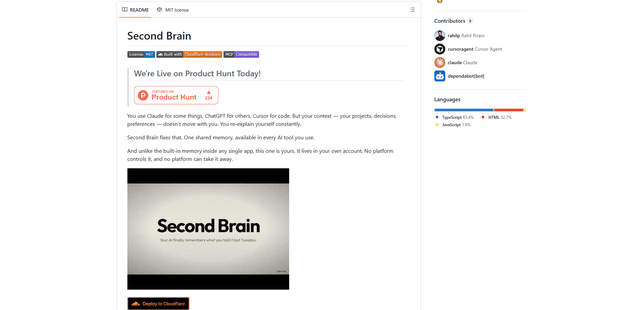
Second Brain for AI
Second Brain for AI is a self-hosted, MCP-compatible persistent memory layer on Cloudflare that lets Claude, ChatGPT, Cursor, and other AI clients store and semantically recall shared context across sessions.
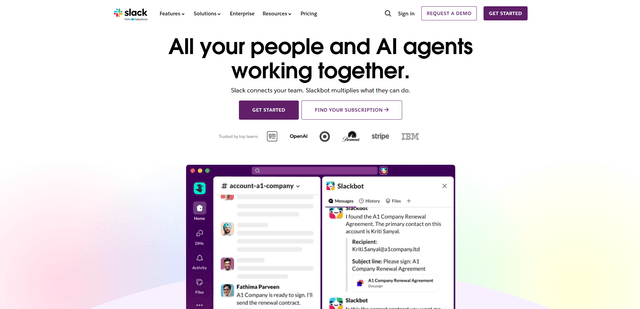
Slack
Slack is an AI-powered work platform that brings team communication, channels, files, automation, and app integrations into one conversational workspace.
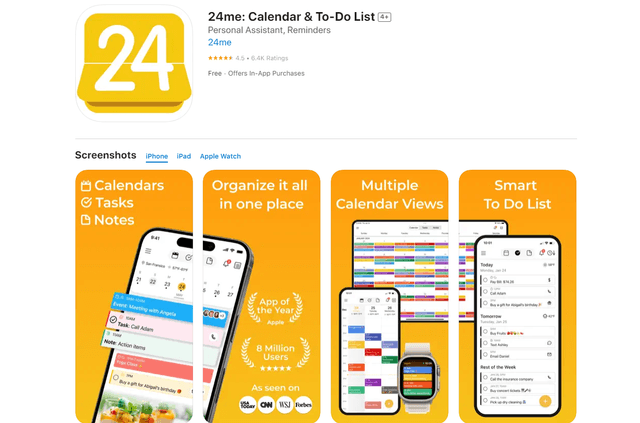
24me Smart Personal Assistant
24me is an award-winning smart personal assistant app that combines calendar, to-do lists, notes, and personal accounts in one unified platform to help boost productivity and time management.
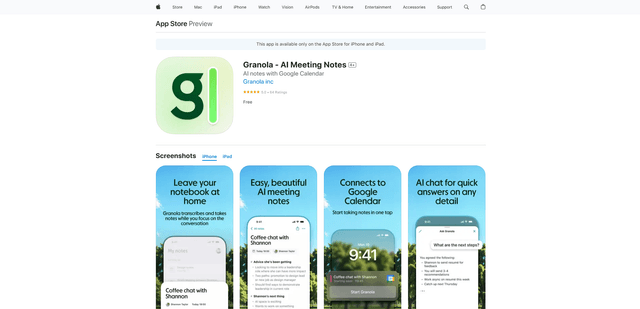
Granola for iOS
Granola for iOS is an AI-powered notepad app that helps users effortlessly capture, transcribe and summarize meeting conversations through intelligent note-taking and one-tap recording capabilities.