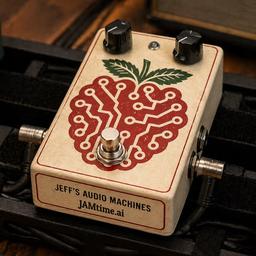
JAMtime.ai
JAMtime.ai is a tone-building assistant that helps musicians create guitar effects pedal and virtual instrument chains by describing the sound they want in plain language.
https://jamtime.ai/?ref=producthunt
Product Information
Updated:Jun 8, 2026
What is JAMtime.ai
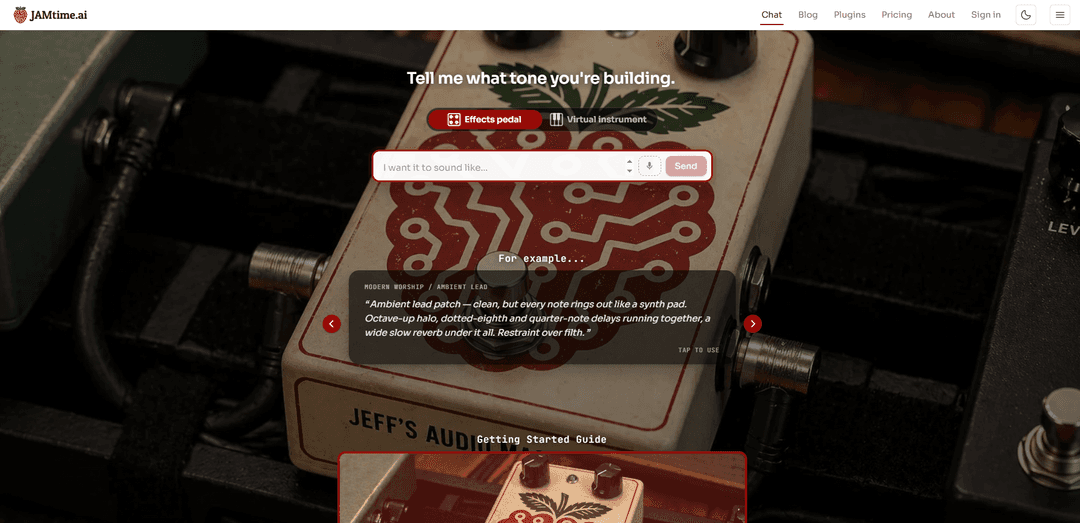
JAMtime.ai is a web-based tool focused on helping players and producers design and refine music tones. Instead of starting from presets or manually assembling a signal chain, you describe the vibe you’re trying to achieve (e.g., warm jazz hollowbody, dark and woody, subtle room reverb), and the platform guides you toward an appropriate setup. The site positions itself around tone creation for effects pedals and virtual instruments, with a chat-style interface plus supporting resources like a blog, plugins section, and pricing/sign-in pages.
Key Features of JAMtime.ai
JAMtime.ai is an interactive web app for musicians that helps you design and describe guitar tones and signal chains. It prompts you to specify the “tone you’re building” and whether you’re working with an effects pedal or a virtual instrument, then generates detailed, musically-relevant guidance (e.g., pickup/guitar style, amp behavior, EQ intent, compression feel, and subtle ambience) to match reference vibes like classic jazz tones. The site also includes a chat experience plus supporting pages such as a blog, plugins, pricing, and a getting-started video to help users apply the recommendations in real workflows.
Tone-building chat interface: A guided prompt (“Tell me what tone you're building”) that turns a user’s descriptive language into actionable tone and rig guidance.
Mode selection: effects pedal vs virtual instrument: Lets users tailor recommendations depending on whether they’re crafting tone on hardware pedals/amps or inside a software/in-the-box setup.
Reference-style presets/examples: Provides example prompts (e.g., jazz hollowbody/Wes Montgomery–style warmth) that users can tap/use as starting points for their own tone goals.
Workflow enablement content: Includes a Getting Started Guide video to help users quickly understand how to apply JAMtime.ai outputs to their setup.
Ecosystem pages (Plugins, Blog, Pricing): Offers supporting resources and product surfaces beyond chat, suggesting extensibility (plugins) and ongoing learning (blog).
Use Cases of JAMtime.ai
Guitarists dialing in a signature tone: Players can describe a target vibe (genre, artist reference, adjectives) and receive a practical chain/setting direction to reach it faster.
Home studio and bedroom producers: Producers working with amp sims and virtual instruments can translate “sound in my head” descriptions into concrete EQ/amp/reverb choices.
Live rig planning for gigs: Musicians can plan minimal, reliable pedal/amp chains for specific rooms or setlists (e.g., subtle room reverb, no modulation) based on tone goals.
Session prep and communication: Artists can generate clear tone descriptions to share with bandmates, engineers, or collaborators to align expectations before recording.
Music education and ear training: Teachers/students can use the examples and generated guidance to connect descriptive tone language (warm, woody, dark) with real signal-chain decisions.
Pros
Fast translation from creative adjectives to actionable tone/chain guidance
Supports both hardware-style (pedal/amp) and software-style (virtual instrument) workflows
Includes examples and a getting-started video that reduce the learning curve
Cons
Publicly visible information doesn’t specify exact supported gear/models or DAWs, so compatibility depth is unclear
Tone recommendations may still require iteration to match a user’s specific instrument, pickups, monitoring, and room
How to Use JAMtime.ai
1) Open JAMtime.ai: Go to https://jamtime.ai/ (or jump straight into the app at https://jamtime.ai/chat).
2) Sign in (recommended): Click “Sign in” in the top navigation and log in so you can use the chat experience consistently.
3) Start a new tone request in Chat: Click “Chat” (or stay on /chat). You’ll see an input area prompting you to describe the tone you’re building.
4) Choose what you’re building for: Select whether your request is for an “Effects pedal” or a “Virtual instrument,” depending on your use case.
5) Describe the tone in plain language: In the prompt box (“Tell me what tone you're building.”), write a detailed description of the sound you want—include adjectives (e.g., warm, dark, woody), playing context, and references to artists/songs if helpful.
6) Use an example prompt (optional): If you’re not sure how to phrase it, tap one of the example prompts (e.g., the “Jazz Hollowbody” example) to auto-fill a well-structured request you can edit.
7) Send your request: Click “Send” to generate guidance for the tone you described.
8) Refine iteratively: If the result isn’t quite right, adjust your description (e.g., reduce gain, roll off highs, change reverb type/amount) and send again until the tone matches what you want.
9) Learn the workflow via the Getting Started Guide (optional): Open the “Getting Started Guide” video on the page to see a walkthrough of how to use JAMtime.ai end-to-end.
10) Explore more resources (optional): Use the top navigation to explore “Plugins” for related tools, “Pricing” for plan details, and the “Blog” for additional guidance and examples.
JAMtime.ai FAQs
JAMtime.ai is a web app for building guitar effects pedal and virtual instrument tone chains by describing the tone you want in natural language.
JAMtime.ai Video
Popular Articles

Atoms: A Multi-Agent AI Platform That Transforms Ideas into Launch-Ready Products
Oct 13, 2026

Nano Banana SBTI: What It Is, How It Works, and How to Use It in 2026
Apr 15, 2026

Atoms Review — The AI Product Builder Redefining Digital Creation in 2026
Apr 10, 2026

Kilo Claw: How to Deploy and Use a True "Do‑It‑For‑You" AI Agent(2026 Update)
Apr 3, 2026
Latest AI Tools Similar to JAMtime.ai
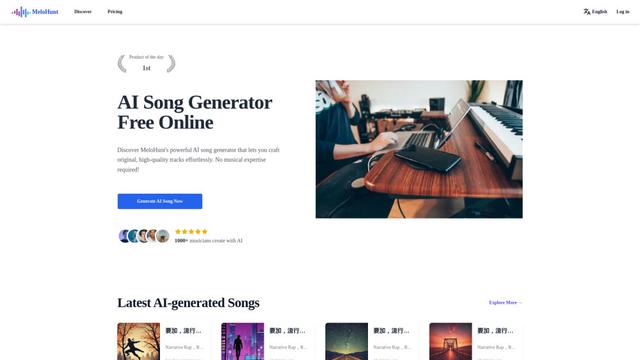
MeloHunt
MeloHunt is a powerful AI-powered song generator that enables users to create original, high-quality music tracks without requiring any musical expertise.
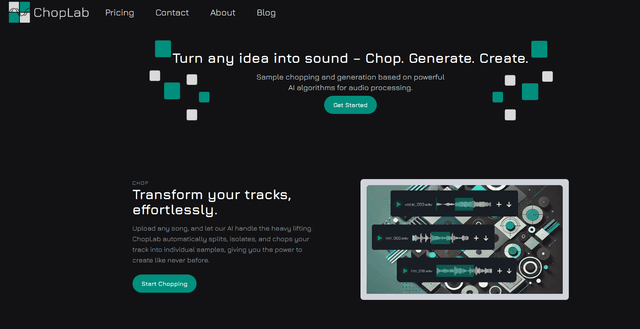
ChopLab
ChopLab is an AI-powered tool that enables music producers to transform audio tracks into unique samples and custom drum packs through automated splitting, isolation, and chopping processes.
MindBound Labs
MindBound Labs is an innovative platform focused on accelerating Artificial Super Intelligence (ASI) through community engagement, combining NFC cards, AI prompts, and personalization across multiple creative domains.
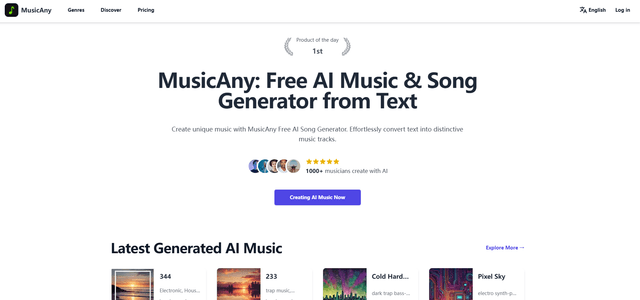
MusicAny
MusicAny is a cutting-edge free AI music generator that enables users to effortlessly create unique, royalty-free songs from text descriptions without any musical background.
Popular AI Tools Like JAMtime.ai
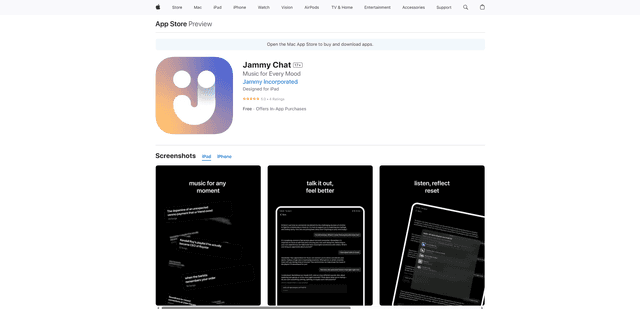
Jammy Chat
Jammy Chat is a music-infused mental health app that provides personalized playlists and emotional support by analyzing your mood through AI-powered conversations.
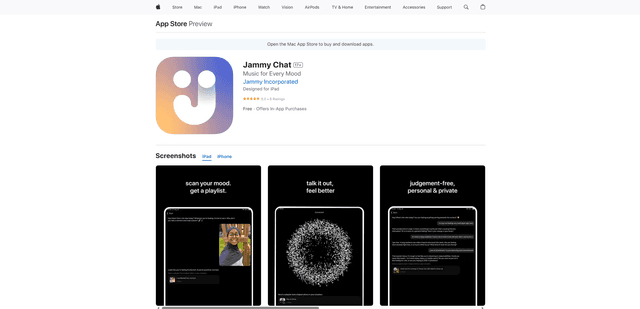
Jammy Chat
Jammy Chat is an AI-powered mental health app that scans users' facial expressions and provides personalized music playlists to help regulate emotions and improve mood.
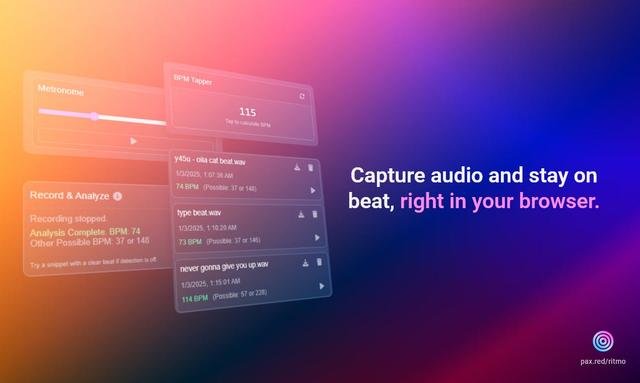
Ritmo
Ritmo is a smart audio toolkit Chrome extension that helps capture, analyze, and manage audio with features like BPM analysis, tap tempo, and metronome functionality.
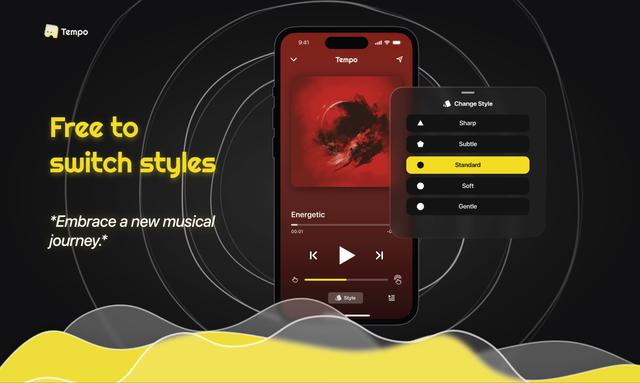
Tempo-Pulse
Tempo-Pulse is an AI-driven haptic music player that transforms any music into tactile sensations through innovative haptic technology, making music feelable for everyone including those who are hard of hearing.