Image Color Picker
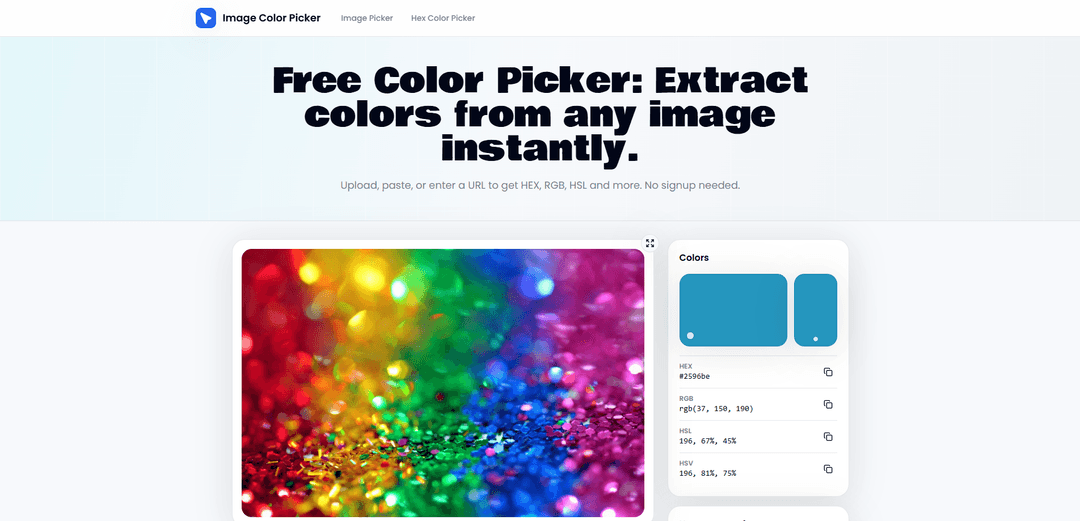
Image Color Picker es una herramienta gratuita basada en navegador que te permite extraer colores exactos de píxeles de cualquier imagen (subir, pegar o URL) y obtener instantáneamente códigos HEX, RGB, HSL y HSV listos para copiar, además de la creación y exportación de paletas.
https://www.imagecolorpicker.io/?utm_source=aipure
Información del Producto
Actualizado:06/07/2026
¿Qué es Image Color Picker?
Image Color Picker es una herramienta rápida de extracción de color asistida por IA que ayuda a los usuarios a identificar y generar instantáneamente códigos de color precisos a partir de cualquier imagen. Con una sola carga o clic, detecta colores dominantes y detallados y proporciona valores precisos en formatos HEX, RGB y HSL, lo que facilita su uso en flujos de trabajo de diseño y desarrollo. La herramienta está diseñada para la simplicidad y la velocidad. Los usuarios pueden cargar imágenes, pegar URLs o muestrear elementos visuales directamente para extraer paletas de colores en segundos. También ayuda a generar esquemas de color cohesivos, lo que la hace útil para la creación de identidad de marca, diseño de UI y consistencia visual en productos digitales. Image Color Picker es especialmente valioso para diseñadores de UI/UX, desarrolladores web, diseñadores gráficos, creadores de contenido y especialistas en marketing que necesitan referencias de color confiables sin conjeturas manuales. Elimina la fricción de recrear colores a mano y garantiza la consistencia en sitios web, aplicaciones y materiales de marketing. Ya sea que esté construyendo un sitio web, diseñando un logotipo o refinando un proyecto visual, Image Color Picker agiliza el proceso de selección de color y convierte cualquier imagen en una paleta de colores práctica y lista para usar en segundos.
Características Principales de Image Color Picker
Image Color Picker es una herramienta basada en navegador que le permite extraer valores de color precisos de cualquier imagen subiendo un archivo, pegando una captura de pantalla o proporcionando una URL de imagen/sitio web. Al hacer clic (y a menudo pasar el ratón) sobre el lienzo de la imagen, lee el color exacto del píxel a través de la API Canvas del navegador y devuelve formatos comunes como HEX, RGB, HSL y HSV con un solo clic para copiar. También admite la creación de una paleta de colores muestreados para exportar o guardar localmente, lo que lo hace útil para la coincidencia rápida de colores, auditorías y flujos de trabajo de diseño sin necesidad de instalación o registro.
Muestreo de color con precisión de píxel: Haga clic en cualquier punto de una imagen para leer el valor exacto del píxel subyacente (no una coincidencia estimada), devolviendo múltiples formatos de color a la vez.
Múltiples métodos de entrada: Cargue imágenes subiendo archivos, arrastrando y soltando, pegando desde el portapapeles o introduciendo una URL de imagen/dirección de sitio web para un muestreo remoto.
Salidas de color multiformato: Proporciona instantáneamente valores HEX, RGB, HSL y HSV para cada selección, reduciendo la necesidad de herramientas de conversión separadas.
Flujo de trabajo de copia con un solo clic: Copie cualquier valor de color mostrado (por ejemplo, HEX o RGB) con un solo clic para un uso rápido en CSS, herramientas de diseño o documentación.
Creación y exportación de paletas: Guarde los colores muestreados en una tira de paleta y expórtelos (por ejemplo, como texto) o guárdelos localmente para su posterior reutilización y uso compartido.
Procesamiento en el navegador respetuoso con la privacidad: Se ejecuta directamente en el navegador, por lo que el procesamiento de imágenes puede ocurrir localmente, lo que ayuda al trabajar con activos de clientes o capturas de pantalla internas.
Casos de Uso de Image Color Picker
Coincidencia de colores en diseño UI/UX y web: Muestree colores de capturas de pantalla, sitios de la competencia o maquetas para recrear paletas de UI y garantizar tokens de color CSS consistentes.
Auditorías de marca y marketing: Extraiga colores de marca de logotipos y creatividades de campaña para verificar el cumplimiento de las directrices o reconstruir una paleta de marca.
Flujos de trabajo de diseño gráfico y arte digital: Elija tonos exactos de imágenes de referencia para mantener la armonía en ilustraciones, carteles y composiciones fotográficas.
Creación de contenido para productos y comercio electrónico: Identifique y reutilice colores de fondo, acento o superposición consistentes en imágenes de productos y activos de escaparate.
Preparación para la comprobación de accesibilidad y contraste: Capture colores de primer plano/fondo de una interfaz para alimentar las comprobaciones de contraste y las revisiones de accesibilidad.
Ventajas
Flujo de trabajo rápido, sin instalación, sin registro que funciona directamente en el navegador
Muestreo preciso a nivel de píxel con múltiples formatos de color (HEX/RGB/HSL/HSV) y fácil copia
Admite varias formas de cargar imágenes (subir, pegar, URL) y crear/exportar paletas
Desventajas
La precisión depende de la calidad y compresión de la imagen de origen (por ejemplo, los artefactos JPEG pueden afectar los píxeles muestreados)
El muestreo basado en URL/sitio web puede estar limitado por restricciones de origen cruzado o recursos bloqueados en algunos casos
Las necesidades avanzadas (por ejemplo, gestión completa del sistema de diseño, validación de contraste automatizada) pueden requerir herramientas adicionales
Cómo Usar Image Color Picker
1. Carga una imagen en la herramienta: Abre Image Color Picker y añade tu imagen utilizando cualquiera de los métodos compatibles: sube un archivo desde tu dispositivo, pega una imagen/captura de pantalla desde tu portapapeles, arrastra y suelta una imagen en la página, o introduce una URL de imagen (o la dirección completa de un sitio web) para cargar una imagen de forma remota.
2. Espera a que la imagen se renderice en el navegador: Una vez cargada, la imagen aparece en el lienzo y está lista para ser muestreada. El procesamiento se realiza localmente en tu navegador (no se requiere registro).
3. Pasa el cursor para previsualizar colores en tiempo real: Mueve el cursor sobre la imagen para ver una vista previa en vivo del color debajo del puntero antes de seleccionarlo.
4. Haz clic en un píxel para muestrear (bloquear) el color: Haz clic en cualquier parte de la imagen para seleccionar el color exacto del píxel. La herramienta lee el valor preciso del píxel de los datos de la imagen (a través de la API Canvas del navegador).
5. Visualiza los códigos de color en múltiples formatos: Después de hacer clic, revisa los valores devueltos para el píxel seleccionado, incluyendo HEX, RGB, HSL y HSV.
6. Copia el código que necesites: Usa la opción de copiar con un solo clic junto al formato que desees (por ejemplo, HEX, RGB, HSL o HSV) para copiarlo a tu portapapeles.
7. Construye una paleta a partir de múltiples selecciones (opcional): Repite el proceso de pasar el cursor y hacer clic para muestrear colores adicionales, luego añádelos a la tira de paleta para recopilar un conjunto de colores de la imagen.
8. Guarda o exporta tu paleta (opcional): Descarga la paleta como un archivo de texto o guárdala en el almacenamiento local para usarla más tarde.
Preguntas Frecuentes de Image Color Picker
Sube una imagen, pégala desde tu portapapeles o introduce una URL de imagen. Luego haz clic (o toca) el píxel exacto que deseas muestrear para obtener instantáneamente el código de color en formatos como HEX, RGB, HSL y HSV.
Artículos Populares

Cómo crear videos virales de podcast de bebés parlantes con IA: Guía paso a paso
Nov 2, 2026

Proferex: una plataforma basada en la nube para el seguimiento de anuncios y la optimización de campañas
Nov 2, 2026

Vosko AI: Localiza y dobla videos para audiencias globales
Oct 15, 2026

Atoms: Una Plataforma de IA Multiagente Que Transforma Ideas en Productos Listos para Lanzar
May 22, 2026
Últimas herramientas de IA similares a Image Color Picker
Palette Hunt
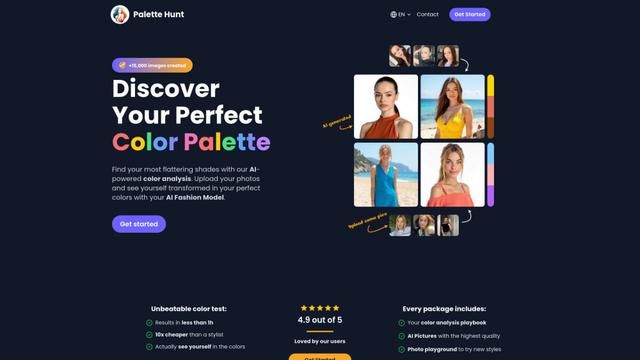
Palette Hunt es una herramienta de análisis de color impulsada por IA que ayuda a los usuarios a descubrir sus paletas de color perfectas a través de análisis personalizados y modelos de moda generados por IA.
AIColoring.art
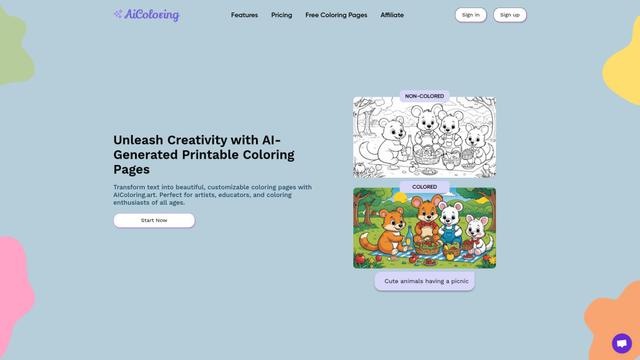
AIColoring.art es un generador de páginas para colorear impulsado por IA que transforma sugerencias de texto en hojas para colorear imprimibles personalizables con versiones tanto en blanco y negro como en color para referencia.
Droplette
Droplette es un dispositivo revolucionario para el cuidado de la piel que utiliza tecnología de microinfusión para entregar ingredientes activos más profundamente en la piel para obtener resultados más efectivos.
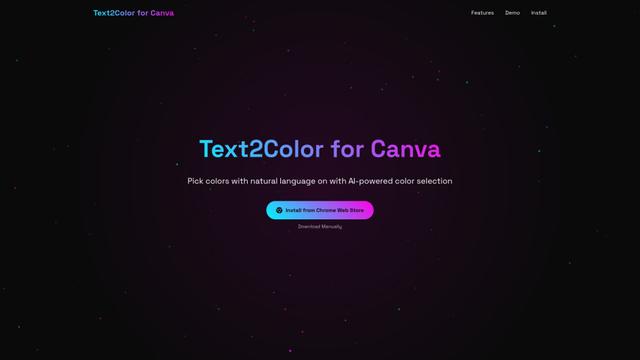
Text2Color for Canva
Text2Color para Canva es una extensión de Chrome impulsada por IA que revoluciona la selección de colores en Canva al permitir a los usuarios generar colores a partir de descripciones en lenguaje natural.
Herramientas de IA populares como Image Color Picker
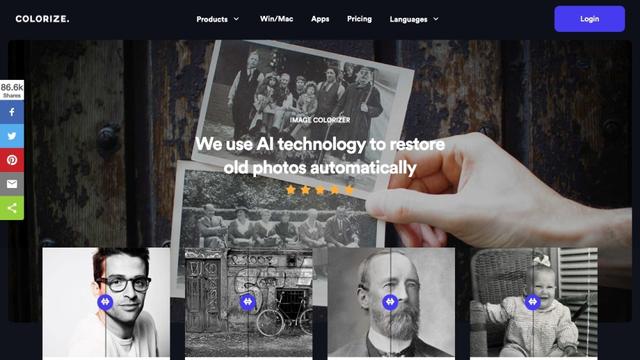
ImageColorizer
ImageColorizer es una herramienta en línea impulsada por IA que automáticamente coloriza, restaura, mejora y retoca fotos antiguas en blanco y negro.
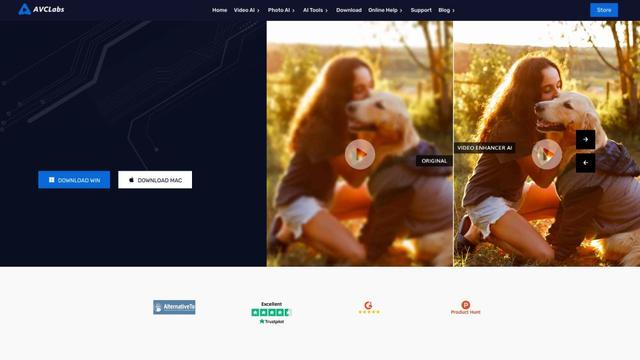
AVCLabs Video Enhancer AI
AVCLabs Video Enhancer AI es un software de mejora de video impulsado por IA que puede aumentar videos de baja resolución a HD, 4K o 8K, eliminar ruido, colorizar metraje en blanco y negro y mejorar los detalles faciales.
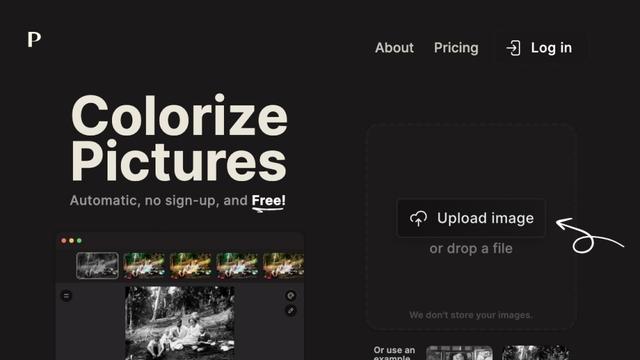
Palette.fm
Palette.fm es una herramienta impulsada por IA que colorea imágenes en blanco y negro en segundos, ofreciendo una gama de características e integraciones para diversos casos de uso.
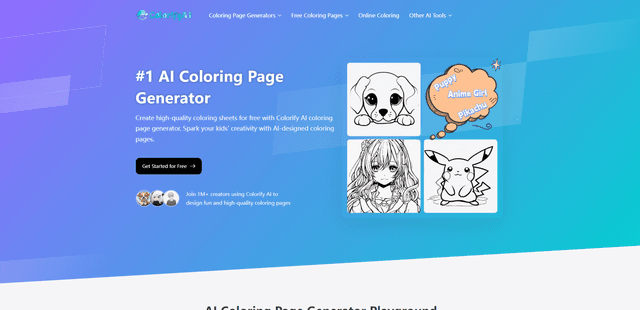
ColorifyAI
ColorifyAI es una herramienta gratuita impulsada por IA que transforma indicaciones de texto y fotos en páginas para colorear imprimibles de alta calidad con múltiples estilos artísticos, diseñada para despertar la creatividad tanto en niños como en adultos.