
Hearica
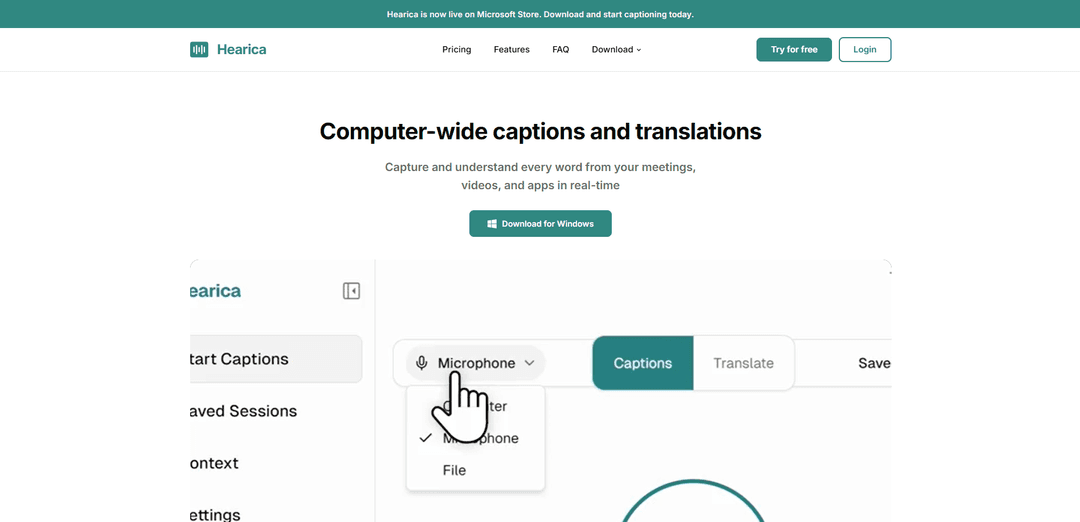
Hearica is a real-time captioning and translation software that captures audio from any source on your computer and converts it into customizable text overlays with support for 60+ languages.
https://hearica.com/?ref=producthunt
Product Information
Updated:Mar 8, 2026
What is Hearica
Hearica is an innovative computer-wide captioning application available on the Microsoft Store that provides real-time transcription and translation services. It's designed to break down communication barriers by making every conversation, lecture, and video accessible to everyone, particularly benefiting the deaf and hard-of-hearing community. The application works seamlessly with various audio sources without requiring any plugins or browser extensions.
Key Features of Hearica
Hearica is a Windows-based application that provides real-time captioning and translation services for any audio source on your computer. It features a customizable floating overlay that captures system audio or microphone input, supports over 60 languages, and offers enterprise-grade privacy with zero audio retention. The app allows users to teach custom vocabulary, export transcripts in multiple formats, and includes features for accessibility and professional use.
Universal Audio Capture: Captures audio from any source including system output, microphone, or uploaded files without requiring plugins or browser extensions
Customizable Floating Interface: Always-on-top overlay window with adjustable font size, weight, and opacity that can be positioned anywhere on screen
Custom Vocabulary Profiles: Allows users to create context-specific profiles with specialized terms, names, and jargon for improved accuracy
Multi-format Export Options: Enables export of transcripts to PDF, Word, text, or SRT subtitles with optional audio file inclusion
Use Cases of Hearica
Virtual Meetings: Real-time captioning for Zoom, Teams, and other video conferencing platforms
Accessibility Support: Assists deaf and hard-of-hearing individuals in following conversations and media content
Educational Settings: Transcription of lectures and educational content with support for multiple languages
Professional Documentation: Creation of written records from meetings, interviews, and presentations with export capabilities
Pros
High accuracy with context learning capabilities
Strong privacy features including HIPAA-ready infrastructure
Supports 60+ languages with real-time translation
Cons
Currently only available for Windows
Requires subscription for advanced features
How to Use Hearica
Download and Install: Download Hearica from the Microsoft Store for Windows and install it on your computer
Select Audio Source: Choose your preferred audio input method: Computer system audio output, Microphone, or Upload an audio/video file
Configure Display Settings: Customize the caption overlay by adjusting font size (Small/Large), boldness (Regular/Semi/Bold), and background opacity (Transparent/Solid)
Position the Overlay: Place the floating caption window anywhere on your screen - it will stay visible above other applications
Add Custom Vocabulary: Create context profiles and add specialized terms, names, acronyms and jargon for better accuracy
Start Captioning: Begin capturing audio from your selected source to see real-time captions/translations
Save and Export: Save transcripts with timestamps and speaker labels, then export to your preferred format (PDF, Word, text, or SRT subtitles)
Review Recordings: Play back saved recordings with synchronized highlighting - click any line to jump to that moment in the audio
Hearica FAQs
Hearica is currently available for Windows only, though they aim to add more platforms in the future.
Hearica Video
Popular Articles

Atoms: A Multi-Agent AI Platform That Transforms Ideas into Launch-Ready Products
May 22, 2026

Nano Banana SBTI: What It Is, How It Works, and How to Use It in 2026
Apr 15, 2026

Atoms Review — The AI Product Builder Redefining Digital Creation in 2026
Apr 10, 2026

Kilo Claw: How to Deploy and Use a True "Do‑It‑For‑You" AI Agent(2026 Update)
Apr 3, 2026
Latest AI Tools Similar to Hearica

ScribeBuddy
ScribeBuddy is an AI-powered tool that provides free transcription, translation, and subtitle generation services for audio/video content in 120+ languages with 98% accuracy, available across multiple platforms including iPhone, Android, Mac, and Windows.
VideoLingo
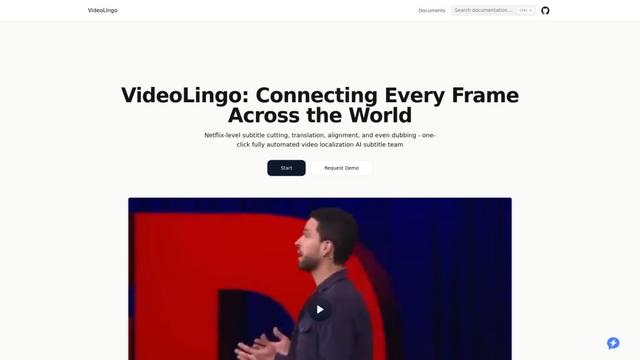
VideoLingo is an all-in-one video translation and localization tool that generates Netflix-quality subtitles and dubbing, enabling seamless knowledge sharing across language barriers worldwide.

CaptionCrafter AI
CaptionCrafter AI is an AI-powered tool that analyzes images and generates tailored, engaging social media captions with customizable parameters to boost engagement across various platforms.
Sonix AI
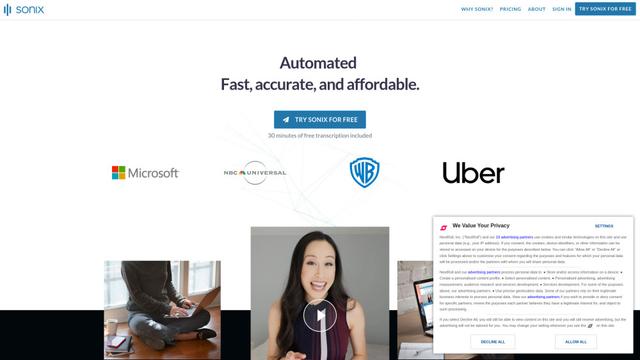
Sonix AI is an automated transcription, translation, and subtitling platform that uses cutting-edge artificial intelligence to quickly and accurately convert audio and video files to text in over 40 languages.
Popular AI Tools Like Hearica
Teleprompter & Captions AI
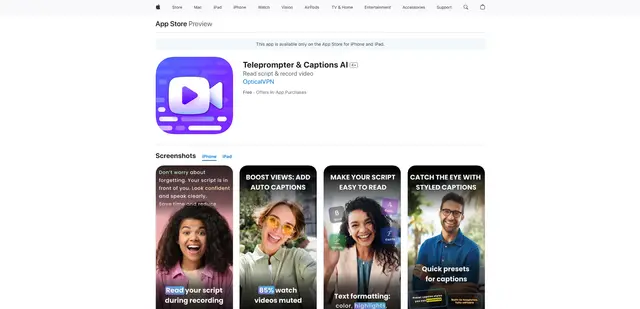
Teleprompter & Captions AI is an advanced all-in-one video production app that combines teleprompter functionality with AI-powered captions, script generation, and video recording capabilities for creating professional-looking content.

OpusClip Captions
OpusClip Captions is a free AI-powered tool that automatically adds engaging captions to videos, enhancing accessibility and viewer engagement.
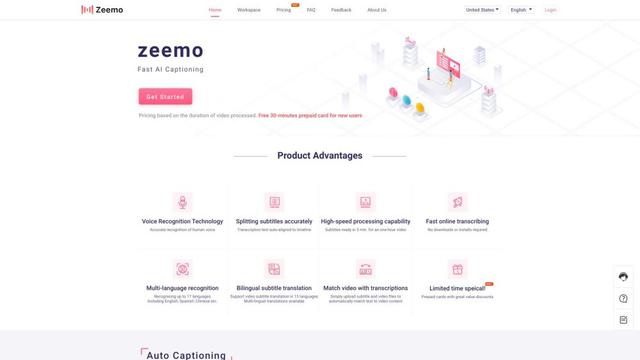
Zeemo AI
Zeemo AI is an AI-powered platform that automatically generates accurate captions and translations for videos in multiple languages with just one click.
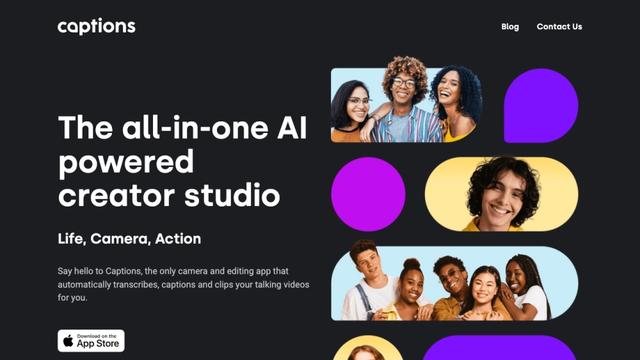
Captions
Captions is an AI-powered video creative studio that allows users to automatically add captions, edit videos, and create AI-generated content with just a few taps.