HappyHorse
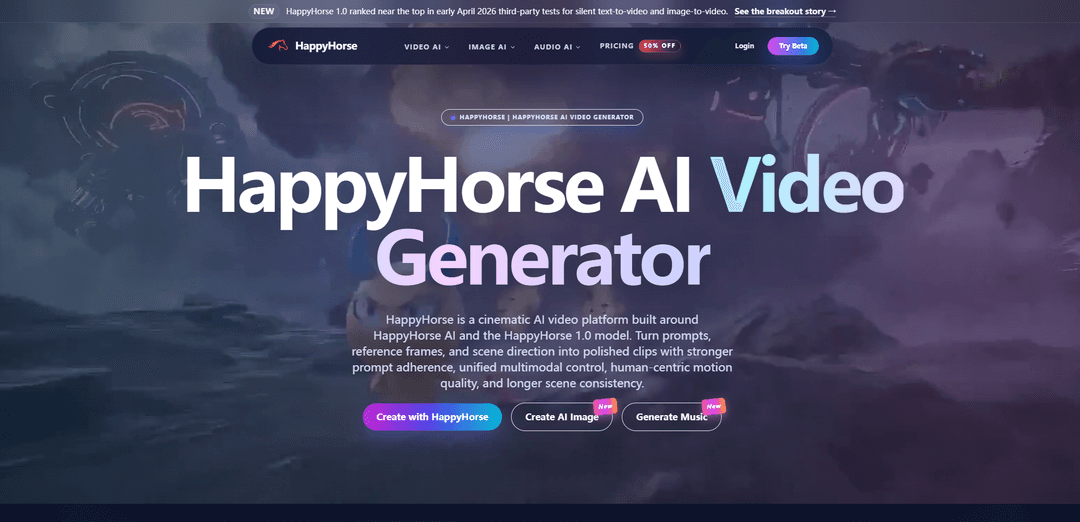
HappyHorse is an AI video generator for cinematic text-to-video and image-to-video creation with strong prompt fidelity, smooth motion, and scene control.
https://openhappyhorse.io/?utm_source=aipure
Product Information
Updated:Apr 10, 2026
What is HappyHorse
HappyHorse is an AI video generation platform built around the HappyHorse 1.0 model, which emerged in April 2026 as a top-ranked contender on the Artificial Analysis Video Arena leaderboard. The platform supports both text-to-video and image-to-video generation, producing cinematic-quality outputs with native 1080p HD resolution. According to public materials, HappyHorse 1.0 is described as a 15-billion-parameter unified single-stream Transformer with 40 layers of self-attention architecture, capable of generating video and audio jointly in approximately 38 seconds on an H100 GPU. The model was reportedly developed by an independent AI research team with former members from Alibaba's Taotian Group Future Life Laboratory, led by Zhang Di, formerly Vice President of Kuaishou and technical lead of the Kling AI project. While the platform claims to be 'fully open-source' with planned releases of base models, distilled models, and inference code, as of April 2026, the GitHub repository and model weights remain marked as 'coming soon,' making it currently accessible only through browser-based demos and paid tiers.
Key Features of HappyHorse
HappyHorse is a cinematic AI video generation platform built around the HappyHorse 1.0 model, a 15-billion-parameter unified Transformer architecture that generates 1080p video with synchronized audio in a single forward pass. The platform supports both text-to-video and image-to-video generation with strong instruction following, realistic human motion, and multilingual capabilities across 7 languages. HappyHorse 1.0 reportedly ranked #1 on the Artificial Analysis Video Arena in early April 2026, featuring 8-step denoising inference, native lip-sync, and cinematic output in approximately 38 seconds on an H100 GPU. The platform emphasizes human-centric video creation with advanced facial performance, body motion control, and scene continuity, though questions remain about its open-source claims as model weights and code have not been publicly released despite such assertions.
Unified Video + Audio Generation: Single-stream 40-layer Transformer architecture that generates synchronized video and audio together in one pass, eliminating post-processing steps and enabling precise lip-sync across 7 languages (Mandarin, Cantonese, English, Japanese, Korean, German, French).
Native 1080p HD Cinematic Output: Produces high-quality 1080p video with stable camera movements, coherent physics, and minimal morphing or glitching artifacts. Supports multiple aspect ratios (16:9, 9:16, 4:3, 21:9, 1:1) with typical clip lengths of 5-10 seconds.
Dual Generation Modes: Offers both text-to-video generation from natural language prompts and image-to-video creation using reference frames, storyboards, or concept images for enhanced creative control and scene planning.
Human-Centric Motion Control: Specialized capabilities for expressive facial performance, realistic body motion, lip-sync alignment, and subject continuity across frames, making it particularly strong for dialogue scenes and people-focused content.
Fast 8-Step Inference: Efficient generation process using 8-step denoising without classifier-free guidance (CFG), producing cinematic clips in approximately 38 seconds on a single H100 GPU.
Multilingual Prompt Support: Advanced multilingual capabilities with strong prompt adherence across multiple languages, enabling global content creation and localized video production workflows.
Use Cases of HappyHorse
Marketing & Advertising Campaigns: Create launch videos, product demos, social media ads, and promotional content with realistic human actors, synchronized voiceovers, and multilingual support for global campaigns without traditional production costs.
Digital Human & Avatar Content: Generate digital-human clips with precise lip-sync, expressive facial performance, and natural body motion for virtual presenters, customer service avatars, and personalized video messages.
E-commerce & Product Storytelling: Produce product explainer videos, feature demonstrations, onboarding tutorials, and customer testimonials that are easy to create, update, and localize for different markets.
Content Creation & Social Media: Rapidly generate storyboards, concept art, mood films, and social content for creators, agencies, and in-house studios needing fast creative testing and iteration cycles.
Training & Educational Videos: Create educational content, training materials, and instructional videos with consistent character continuity, clear dialogue, and multilingual support for diverse learning environments.
Film & Entertainment Pre-Production: Develop trailers, scene previews, storyboards, and concept frames for timing-sensitive edits and creative planning in film, television, and entertainment production workflows.
Pros
Ranked #1 on Artificial Analysis Video Arena for both text-to-video and image-to-video in early April 2026, outperforming established models like Seedance 2.0 by nearly 60 Elo points
Unified architecture generates synchronized video and audio in a single pass with native multilingual lip-sync, eliminating post-processing steps
Strong human-centric capabilities with exceptional facial performance, body motion, and scene continuity particularly suited for dialogue and people-focused content
Fast generation speed (approximately 38 seconds on H100) with browser-based access requiring no local setup or GPU, plus free starter credits
Cons
Open-source claims are unverified—despite marketing as 'fully open-source with commercial licensing,' no model weights, code, or GitHub repository are publicly accessible as of April 2026
Pseudonymous origins with no verified team or organization publicly claiming credit, raising transparency and accountability concerns
Elo rankings are volatile due to limited sample size compared to established models, and long-term performance stability is uncertain
Multiple conflicting domain names and branding surfaces create confusion about the official platform and product identity
How to Use HappyHorse
1: Visit the official HappyHorse website at openhappyhorse.io or happyhorses.io to access the platform
2: Sign up for a free account to receive starter credits for testing HappyHorse AI video generation
3: Choose your generation mode: Text-to-Video (T2V) or Image-to-Video (I2V)
4: For Text-to-Video: Write a detailed prompt describing your desired scene in natural language, including camera movement, subject actions, mood, and visual style
5: For Image-to-Video: Upload a reference image or keyframe that will serve as the starting point for your video generation
6: Configure generation settings: select aspect ratio (e.g., 16:9, 9:16), duration, quality level, and resolution (up to 1080p)
7: Enable audio generation if you want synchronized audio output with your video (HappyHorse 1.0 generates video and audio jointly)
8: For multilingual content: Write prompts in your preferred language (supports Chinese, English, Japanese, Korean, German, and French)
9: Click the Generate button to start the video creation process (generation typically takes around 38 seconds on high-end hardware)
10: Review the generated video output and refine parameters like camera movement, facial acting, body motion, pacing, and visual consistency if needed
11: Download your completed video for use in marketing, social media, product demos, ads, explainers, or other creative projects
12: Upgrade to a paid plan for more credits, faster queue times, longer video generations, and higher production capacity
HappyHorse FAQs
HappyHorse is a cinematic AI video platform built around HappyHorse AI and the HappyHorse 1.0 model. It generates high-quality video from text prompts or reference images, featuring strong prompt adherence, realistic motion, and human-centric control for faces, body motion, and lip-sync alignment.
Popular Articles

Atoms: A Multi-Agent AI Platform That Transforms Ideas into Launch-Ready Products
May 22, 2026

Nano Banana SBTI: What It Is, How It Works, and How to Use It in 2026
Apr 15, 2026

Atoms Review — The AI Product Builder Redefining Digital Creation in 2026
Apr 10, 2026

Kilo Claw: How to Deploy and Use a True "Do‑It‑For‑You" AI Agent(2026 Update)
Apr 3, 2026
Latest AI Tools Similar to HappyHorse

Loud Fame
Loud Fame is an AI-powered video transformation tool that allows users to convert regular videos into anime-style animations and create AI-generated celebrity talking videos.

BizBoom.ai
BizBoom.ai is an AI-powered platform that automatically generates professional product videos from product links and images with 95% less cost.

EzVideos
EzVideos is an all-in-one video creation tool that helps users generate viral videos for social media platforms like Instagram, TikTok, and YouTube with automated editing features and built-in resources.

Illuminix
Illuminix is an AI-powered platform that empowers businesses with autonomous hyper-experts and specialized tools for automated business processes, data management, and video content creation.
Popular AI Tools Like HappyHorse

HunyuanVideo-I2V
HunyuanVideo-I2V is an open-source AI framework developed by Tencent that transforms static images into high-quality, dynamic videos with customizable motion effects and exceptional visual consistency.

Google Veo 2
Veo 2 is Google DeepMind's state-of-the-art AI video generation model that can create high-quality videos up to 4K resolution with realistic motion, extensive camera controls, and improved physics simulation from text prompts.

Vibing
Vibing is an AI-powered dating app that helps users share authentic moments through video stories and make genuine connections based on personality matching and interactive features.

Edits, an Instagram app
Edits is Instagram's free video creation app that provides creators with professional editing tools, AI features, and analytics capabilities to create high-quality videos directly from their phones.