
Growati
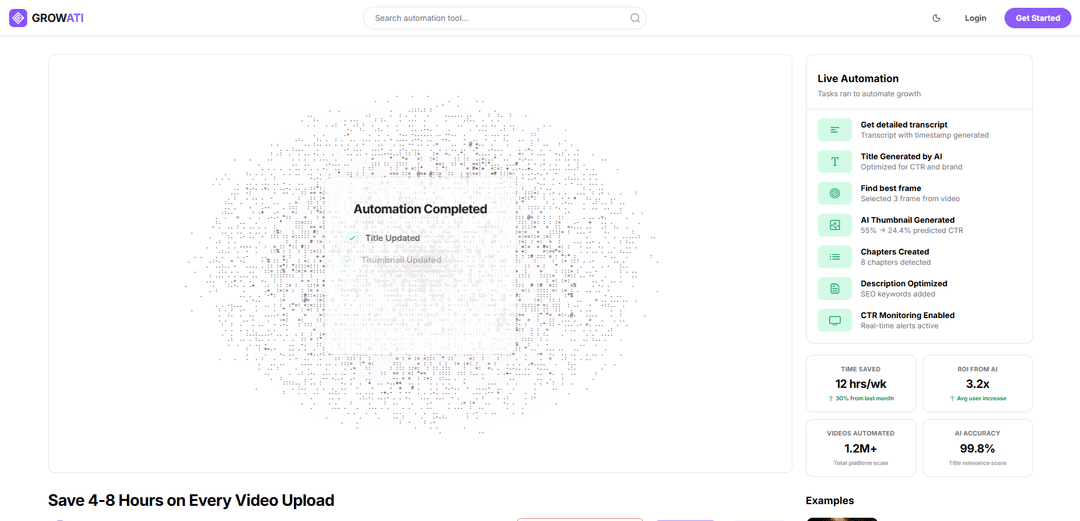
Growati is a YouTube automation tool that uses AI to generate and optimize thumbnails, titles, descriptions, and chapters—helping creators scale faster while saving hours of post-production work.
https://growati.com/?ref=producthunt
Product Information
Updated:Jun 8, 2026
What is Growati
Growati is an all-in-one platform designed to streamline YouTube post-production for creators who want to grow without spending excessive time on repetitive upload tasks. It focuses on automating key metadata and packaging work—such as thumbnails, titles, descriptions, and chapters—so creators can keep their attention on content creation while still improving click-through and engagement performance. Growati positions itself as a “safe” automation layer by working through official YouTube APIs and keeping creators in control of what gets published.
Key Features of Growati
Growati is an AI-powered YouTube post-production automation platform that helps creators scale uploads by generating and optimizing key publishing assets—thumbnails, titles, descriptions, and chapters—based on video content and performance. It can detect best frames for thumbnails, produce CTR-focused metadata, create timestamped transcripts/chapters, and monitor CTR to recommend updates over time, while using official YouTube APIs and giving creators control to review, publish, or revert changes.
AI metadata generation: Automatically generates YouTube titles, descriptions, and chapters to speed up publishing and improve discoverability/CTR.
Best-frame detection for thumbnails: Finds compelling moments in a video and selects frames to use as the base for thumbnail creation.
A/B-style thumbnail optimization: Creates thumbnail variants and optimizes toward higher predicted CTR, helping creators iterate faster.
Transcript + timestamp workflow: Produces detailed transcripts and timestamped chapter structures to improve viewer navigation and retention.
One-click / autopilot post-production: Runs the end-to-end workflow (frames → thumbnails → title/description → chapters) instantly, reducing manual busywork.
Performance monitoring + safe rollback: Enables CTR monitoring and allows reverting changes with saved versions; designed to avoid publishing without permission.
Use Cases of Growati
Solo YouTubers scaling weekly uploads: Automate thumbnails and metadata so creators can publish more consistently without spending hours per video on post-production.
Podcast and interview channels: Generate transcripts and chapters automatically to improve navigation, SEO, and viewer retention on long-form content.
Education and course creators: Create clear chapter breakdowns and optimized descriptions for tutorials/lectures, making content easier to follow and search.
Marketing teams for brands: Standardize and accelerate YouTube publishing with repeatable automation, while monitoring CTR and updating metadata based on performance.
Media agencies managing multiple channels: Use one-click workflows and versioning to handle post-production at scale across clients, reducing turnaround time.
Creators iterating for higher CTR: Continuously test and refine titles/thumbnails using performance signals and predicted CTR to improve click-through over time.
Pros
Saves significant time by automating repetitive YouTube post-production tasks (titles, descriptions, chapters, thumbnails).
Performance-oriented optimization (CTR-focused titles/thumbnails and monitoring) supports iterative growth.
Uses official YouTube APIs and supports review/revert controls for safer channel management.
Cons
Effectiveness depends on the quality of AI outputs and may still require human review for brand voice and accuracy.
Requires granting YouTube API access/permissions, which some teams may be cautious about.
Automation features may be less valuable for creators who already have established manual workflows or in-house editors.
How to Use Growati
1) Create an account and join the waitlist (if required): Go to https://growati.com and click “Get Started” or “Join Waitlist”. If you already have access, click “Login” and sign in.
2) Connect your YouTube channel (official API connection): Inside Growati, connect your YouTube account/channel when prompted. Growati states it uses official YouTube APIs and does not publish changes without your permission.
3) Upload your video to YouTube as Unlisted: Publish your video on YouTube first as “Unlisted”. Growati does not require uploading the video into Growati; it updates metadata directly on your YouTube channel.
4) Start a Growati automation run for the video: Select the unlisted video in Growati and run the automation workflow (one-click) to generate post-production assets and metadata.
5) Generate a detailed transcript with timestamps: Use the “Get detailed transcript” feature to produce a transcript that includes timestamps for easier editing, repurposing, and chapter creation.
6) Run Best Frame Detection: Use Best Frame Detection to automatically find compelling moments in the video. Growati may surface multiple candidate frames (e.g., 3 frames) for thumbnail creation.
7) Generate AI thumbnails (and iterate with A/B testing): Generate thumbnail options from the detected frames. Growati highlights A/B-tested thumbnails and predicted CTR improvements; iterate by generating alternatives until you have strong candidates.
8) Generate and optimize the title for CTR: Use the AI title generator to create titles optimized for click-through rate (CTR) while staying aligned with your brand.
9) Optimize the description for SEO: Use description optimization to add relevant SEO keywords and improve discoverability while keeping the description aligned with the video content.
10) Auto-create chapters: Generate chapters automatically (Growati detects chapter segments) and review them for accuracy and clarity before applying them to the video.
11) Review changes and choose your publishing mode: Review the generated thumbnails/titles/descriptions/chapters. Growati indicates you can keep manual control, publish automatically, or revert changes; versions are saved and can be reverted with one click.
12) Schedule uploads for engagement velocity (optional): If available in your account/workflow, schedule the video publish timing to target maximum engagement velocity (as described on Growati’s site).
13) Enable CTR monitoring and alerts: Turn on CTR monitoring to get real-time alerts. Use performance signals to decide whether to swap thumbnails/titles or revert to a previous version.
14) Iterate based on performance: After the video is live, use monitoring insights to iterate: test new thumbnail variants, adjust the title, refine the description, or update chapters—then re-check performance.
Growati FAQs
Growati is a YouTube automation tool that helps creators with post-production tasks like generating thumbnails, titles, descriptions, and chapters.
Growati Video
Popular Articles

Proferex: A Cloud-Based Ad Tracking and Campaign Optimization Platform
Nov 4, 2026

How to Create Viral Talking Baby Podcast Videos with AI: Step-by-Step Guide
Nov 2, 2026

Vosko AI: Localize and Dub Videos for Global Audiences
Oct 15, 2026

Atoms: A Multi-Agent AI Platform That Transforms Ideas into Launch-Ready Products
Oct 13, 2026
Latest AI Tools Similar to Growati
Noiz
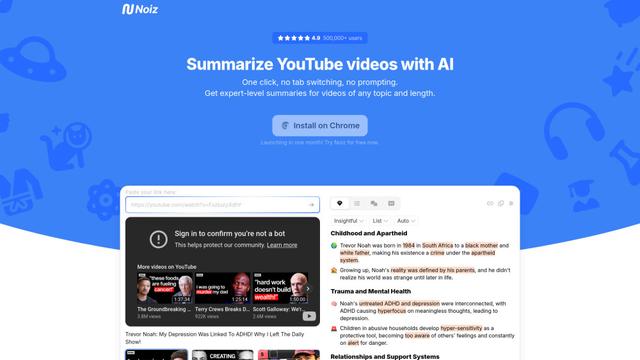
Noiz is an AI-powered video summarizer tool that transforms YouTube videos into concise summaries, transcripts, and key insights in 41 languages with just one click.
Sumvideo
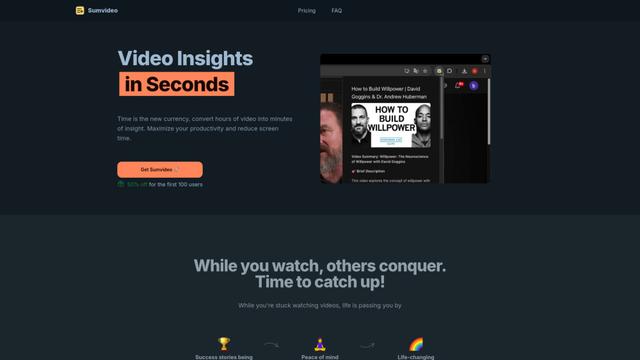
Sumvideo is an AI-powered browser extension that converts lengthy YouTube videos into concise text summaries, helping users save time and increase productivity.
TubeVoice
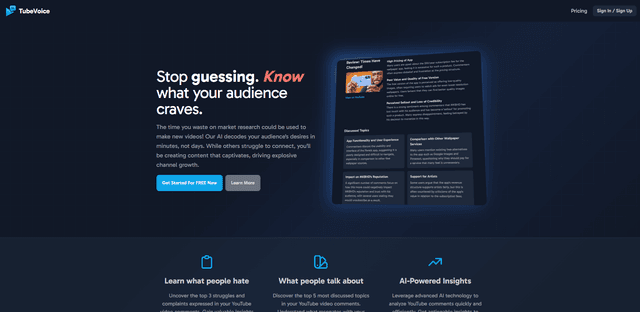
TubeVoice is an AI-powered YouTube comment analyzer that helps content creators understand their audience by providing insights from video comments through automated analysis.
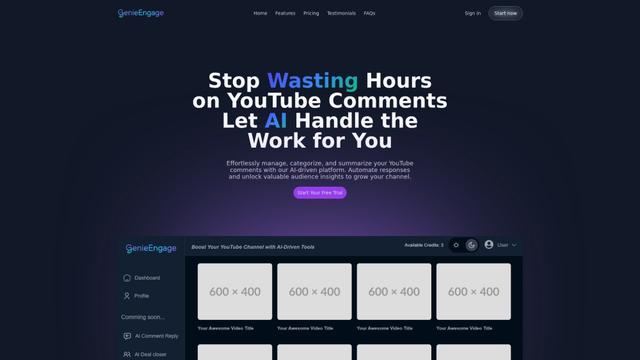
GenieEngage
Free TrialAI YouTube Assistant
GenieEngage is an AI-driven platform that helps YouTubers efficiently manage, categorize, and analyze video comments while providing automated response capabilities and audience insights to enhance channel growth.
Popular AI Tools Like Growati
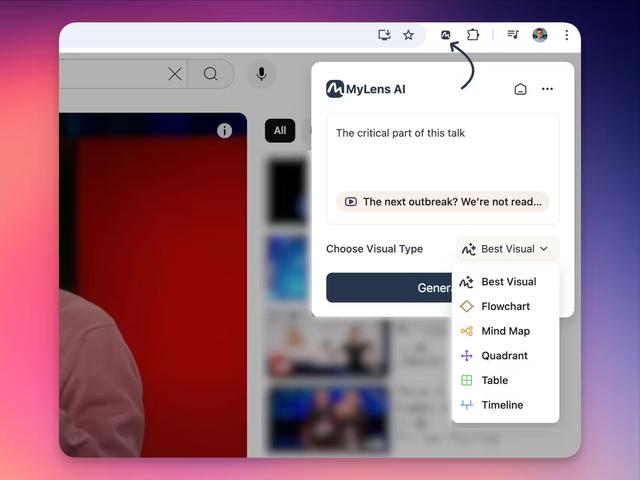
MyLensAI Chrome
MyLensAI Chrome is a browser extension that instantly transforms any webpage or YouTube video into visual summaries like mindmaps, timelines, tables, and flowcharts with just one click.

Youtube to transcript
Youtube to Transcript is a Chrome extension that allows users to easily convert YouTube videos into text transcripts with features like multi-language support, AI-powered summarization, and downloadable formats.

TubeBuddy
TubeBuddy is a browser extension and mobile app that provides YouTube creators with AI-powered tools for channel optimization, SEO, and growth.
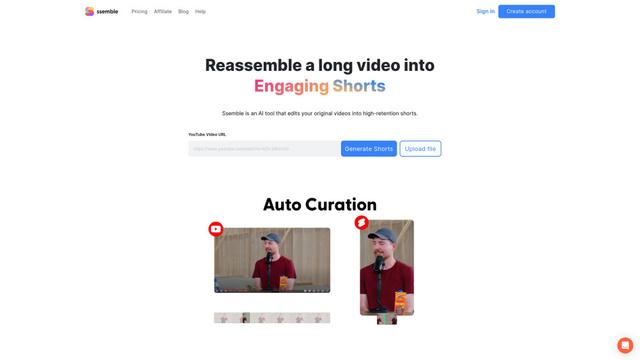
Ssemble
Ssemble is an AI-powered online video editor that automatically creates engaging shorts from longer videos, with features like trimming, captioning, transitions, and sound effects.