
Enjo Help Center
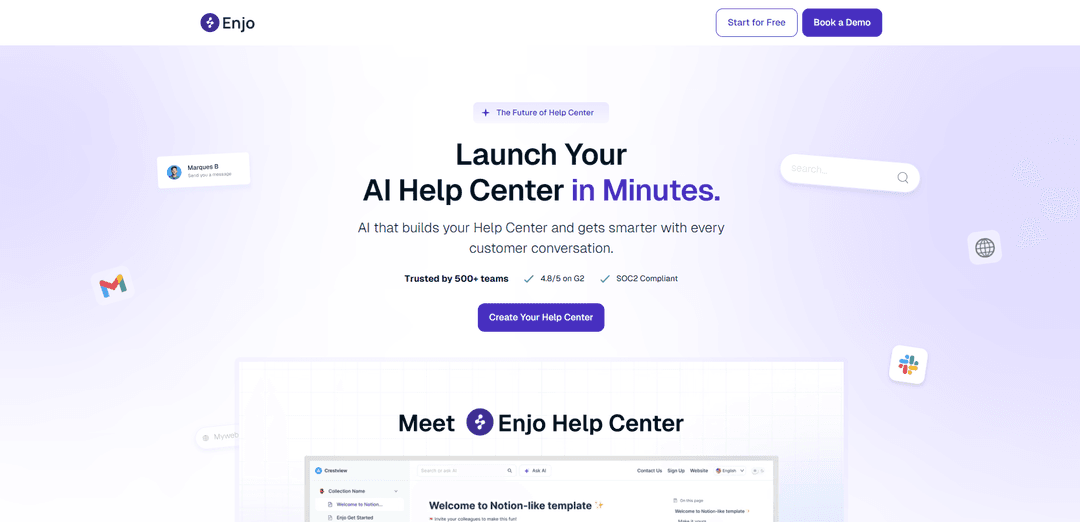
Enjo Help Center is an AI-powered, searchable knowledge base that can be auto-built from your website and support history, stays up to date through ongoing conversations, and includes an embeddable assistant with insights and guardrails.
https://www.enjo.ai/ph-launch?ref=producthunt
Product Information
Updated:May 18, 2026
What is Enjo Help Center
Enjo Help Center is a modern help center and knowledge base designed to reduce inbound support by giving customers instant, accurate self-service. It lets teams publish and organize articles quickly, provides fast search, and serves as a safe reference source for AI responses. If you don’t already have a help center, Enjo can generate one from existing sources like your website URL, FAQs, past tickets, and conversations—so you can go live in minutes without heavy setup or training data preparation.
Key Features of Enjo Help Center
Enjo Help Center is an AI-powered, searchable knowledge base that can be generated from your existing website and continuously improved from real customer conversations. It enables fast article publishing, provides a safe/approved reference source for AI responses, and includes an embeddable AI assistant to answer questions instantly and reduce inbound tickets. The Help Center is brandable (logo/colors/layout), supports custom domains and SEO tooling (auto slugs/meta/SERP preview), and pairs with insights to surface views, feedback/votes, and content gaps so teams can keep documentation accurate and up to date with minimal manual effort.
AI-built help center from your website: Enter your URL and Enjo crawls your site to extract useful content and stand up a Help Center quickly, reducing the need to manually write docs from scratch.
Searchable knowledge base & fast publishing: Create and publish articles quickly, giving customers a structured, searchable place to find answers without contacting support.
Embeddable AI assistant on the Help Center: Adds an AI Q&A layer directly on top of your Help Center so customers can ask questions in natural language and get instant answers.
Help Center Agent (plain-English article writing): An AI assistant that helps draft help articles/FAQs in plain English, accelerating content creation and iteration.
Branding, custom domain, and SEO controls: Customize logo/colors/layout, use a custom domain, and leverage SEO features like auto-generated slugs and meta with SERP preview to improve discoverability.
Insights for views, votes, and content gaps: Tracks Help Center performance and highlights unanswered questions and knowledge gaps so you can prioritize what to document next.
Use Cases of Enjo Help Center
SaaS customer support deflection: Turn product pages, pricing pages, and docs into an AI-assisted Help Center that answers common questions (billing, cancellations, feature how-tos) and reduces ticket volume.
E-commerce order and policy self-service: Publish and optimize FAQs for shipping, returns/refunds, and account issues; customers get instant answers via the embedded assistant instead of emailing support.
IT and internal service desk knowledge hub: Create an internal Help Center for employees (access requests, common troubleshooting, onboarding) and keep it current as processes change.
HR operations and employee FAQs: Centralize HR policies (benefits, PTO, payroll timelines) in a searchable Help Center; use insights to identify recurring questions to document.
Lean teams launching support documentation fast: Start with a website URL (even without an existing KB), publish quickly, and use real conversation gaps to continuously expand coverage.
Pros
Fast time-to-value: can generate a Help Center from a website URL and accelerate article creation with AI.
Improves self-service: searchable KB plus embedded AI assistant can reduce repetitive support questions.
Brand/SEO ready: supports branding, custom domain, and SEO metadata features for discoverability.
Continuous improvement loop: insights (views/votes/gaps) help prioritize and maintain content over time.
Cons
Usage-based limits: free tier includes a capped number of AI replies per month (200), requiring upgrades for higher volume.
Quality depends on source content: if the website/docs are incomplete or unclear, the generated Help Center may need editorial cleanup.
Some advanced capabilities are plan-gated: features like removing Enjo branding and additional guardrails/actions appear tied to paid tiers.
How to Use Enjo Help Center
1) Sign up and access your Enjo workspace: Create an Enjo account (no credit card required) and log in to your Enjo workspace/dashboard to begin setting up your Help Center.
2) Create (or open) the Help Center product area: From the Enjo product navigation, go to the Help Center section where you can create and manage your customer-facing knowledge base.
3) Seed your Help Center from your website URL: Enter your company/product website URL. Enjo scans your site, extracts useful content, and uses it to generate an initial Help Center structure and articles.
4) Connect additional knowledge sources (optional but recommended): Connect existing sources so the Help Center stays grounded in your approved content. Supported sources mentioned include Slack, Microsoft Teams, Zendesk, Salesforce, Jira, ServiceNow, Confluence, SharePoint, Google Drive, Notion, and websites.
5) (If using Zendesk Help Center) Connect Zendesk as a knowledge source: In Enjo Dashboard go to Settings → Apps → Connect Apps → choose Zendesk → name the connection and set visibility (workspace-wide or specific agents) → Connect → enter your Zendesk URL → Add account → complete the Zendesk consent screen → return to Enjo and confirm the connection appears under Apps.
6) Review and publish Help Center articles: Use the Help Center to publish articles quickly and make them searchable. Review generated content for accuracy and ensure it reflects current product, pricing, and policy details before making it customer-facing.
7) Configure branding and domain (optional): Customize your Help Center’s look (logo, colors, layout). If desired, set up a custom domain for the Help Center.
8) Enable the embeddable AI assistant on your Help Center: Turn on the Help Center’s embedded AI assistant so customers can ask questions directly and get instant answers within the Help Center experience.
9) Set safe-answering behavior (confidence + escalation): Configure the AI to answer only from approved help content and set confidence thresholds. When confidence is low, Enjo escalates to a human with full context rather than guessing.
10) Use the Help Center Agent to write or refine articles in plain English: Use Enjo’s Help Center Agent feature to draft new articles or improve existing ones using plain-English prompts, then review and publish.
11) Keep the Help Center up to date via ongoing customer conversations: When new questions appear, answer them once; Enjo learns from that interaction so the Help Center and future responses improve over time.
12) Monitor Help Center insights and close knowledge gaps: Use Help Center insights (views, votes, gaps) to identify missing or unclear content, then add/refine articles to reduce repeat questions and deflect more tickets.
13) Manage usage and pricing as you scale: Start on the free plan (includes 200 AI replies/month, unlimited seats, unlimited help centers). Upgrade if you need more AI replies/credits or additional paid features.
Enjo Help Center FAQs
Enjo Help Center is a searchable knowledge base you can launch in minutes. Enjo can create the help center from your existing website/content, and it keeps improving as it learns from customer conversations.
Enjo Help Center Video
Popular Articles

Atoms: A Multi-Agent AI Platform That Transforms Ideas into Launch-Ready Products
May 22, 2026

Nano Banana SBTI: What It Is, How It Works, and How to Use It in 2026
Apr 15, 2026

Atoms Review — The AI Product Builder Redefining Digital Creation in 2026
Apr 10, 2026

Kilo Claw: How to Deploy and Use a True "Do‑It‑For‑You" AI Agent(2026 Update)
Apr 3, 2026
Latest AI Tools Similar to Enjo Help Center
Snapmark
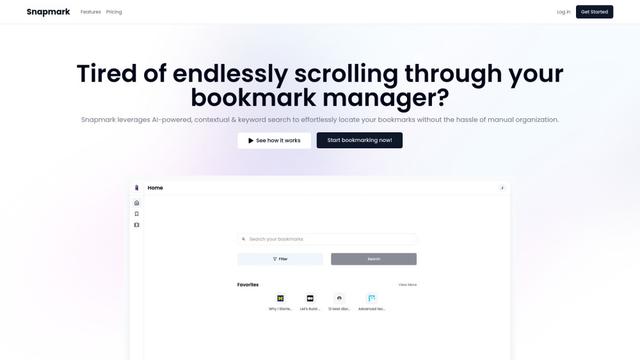
Snapmark is an AI-powered search engine for bookmarks that allows users to save, search, and organize websites, images, and text without manual tagging or categorization.
Uměl.cz
Uměl.cz is a Czech AI-powered search engine that provides intelligent and contextual answers to user queries.
想读 (WantRead)
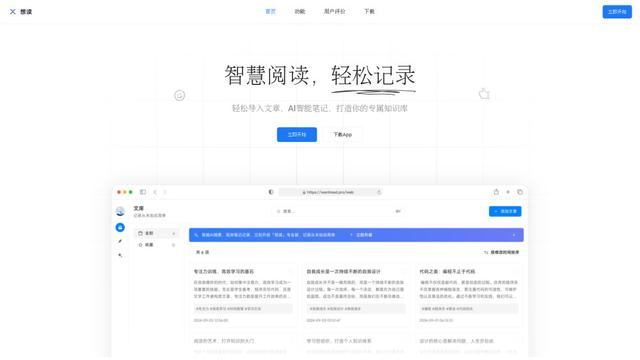
想读(WantRead) is an AI-powered reading and note-taking platform that helps users easily import, read, annotate and build their personal knowledge base.

PodExtra AI
PodExtra AI is an advanced AI-powered podcast tool that transforms podcast content into digestible formats through transcripts, summaries, mind maps, outlines, highlights and takeaways.
Popular AI Tools Like Enjo Help Center

Rememberall
Rememberall is a secure, open-source long-term memory solution that enables AI applications and GPT models to maintain persistent memory across conversations through semantic search and vector storage capabilities.
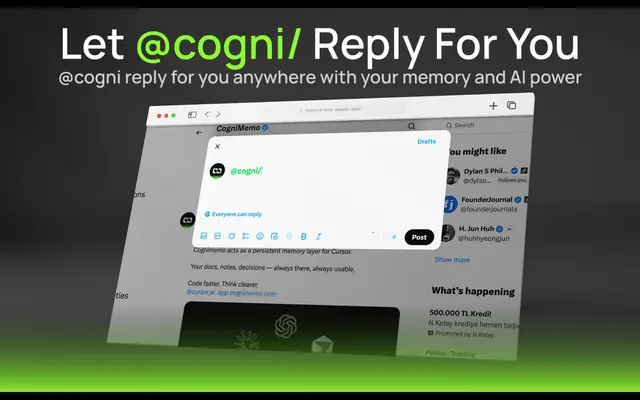
CogniMemo Extension
CogniMemo is a browser extension that adds long-term memory capabilities to AI tools like ChatGPT, Claude, Gemini, and DeepSeek by enabling context-aware conversations and knowledge management through saved notes and past chats.
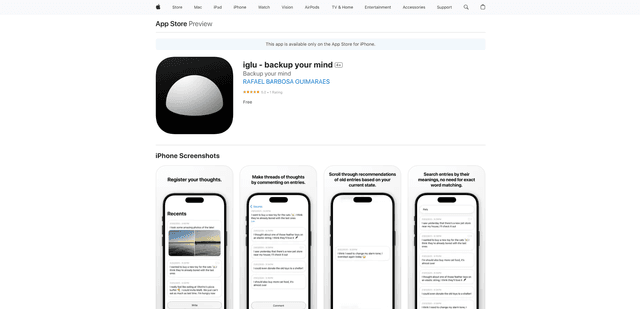
iglu
Iglu is a private, AI-powered micro-journaling app that helps users record, organize, and revisit their thoughts, memories, and ideas through text and media entries with intelligent search and recommendation features.
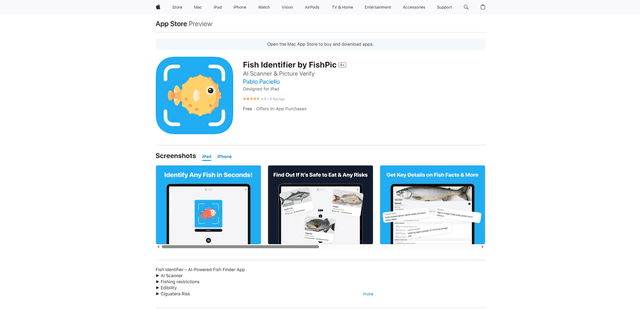
FishPic
FishPic is an AI-powered fish identification app that instantly recognizes fish species from photos while providing comprehensive information about edibility, regulations, and recipes.