
Edit Mind
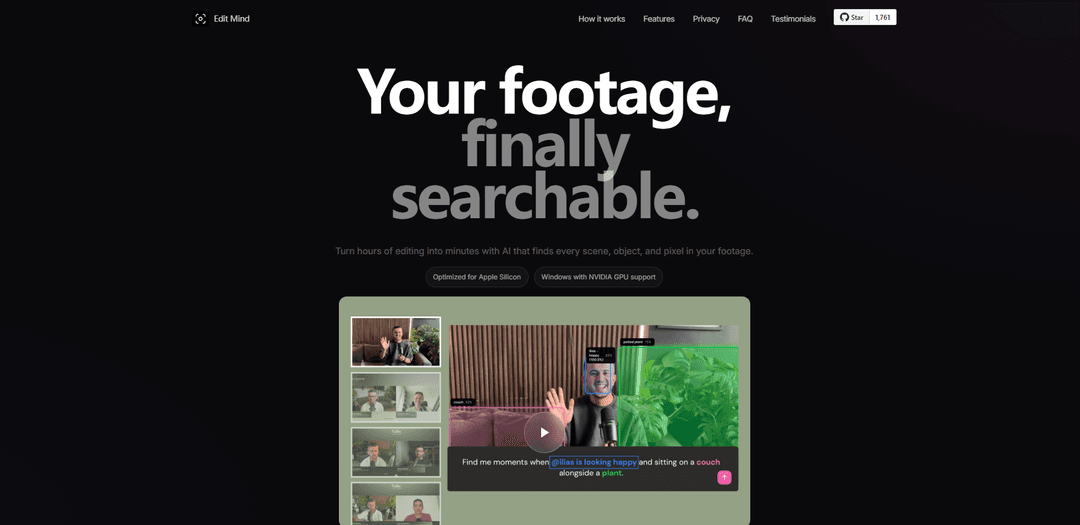
Edit Mind is a local-first video knowledge base that transcribes audio, analyzes frames (objects/faces/text/scenes), builds multimodal embeddings, and lets you search and jump to exact moments in your footage using natural language—without uploading to the cloud.
https://edit-mind.com/?ref=producthunt
Product Information
Updated:Aug 8, 2026
What is Edit Mind
Edit Mind is a privacy-first tool for creators and teams who have lots of footage but struggle to find specific moments quickly. It turns your personal video library into a searchable knowledge base by indexing what’s said and what’s visible across your videos, then letting you query it in plain English (e.g., “find me when I’m at my desk looking excited”). Edit Mind is available as a self-hosted, open-source stack (Docker-based) and as a commercial desktop app for macOS and Windows that packages everything into a one-click installer and adds direct integrations with editing tools like DaVinci Resolve and Final Cut Pro.
Key Features of Edit Mind
Edit Mind is a local-first video knowledge base that indexes your personal footage with on-device AI so you can search for exact moments using natural language. It transcribes audio with timecodes, analyzes frames for objects, faces, on-screen text, and scene descriptions, then fuses these signals into multimodal embeddings stored in a local database—keeping your media private and off the cloud. It supports a self-hosted (Docker) workflow for indexing and searching, and a desktop companion app focused on fast handoff into editing workflows (with integrations like Final Cut Pro and DaVinci Resolve), aiming to reduce time spent hunting through large video libraries.
Timecoded transcription (Whisper): Automatically transcribes spoken audio with timestamps so quotes, names, and topics become searchable and you can jump directly to the right moment.
Multi-modal frame analysis: Analyzes video frames to detect objects (e.g., YOLO), recognize faces (e.g., DeepFace), read on-screen text, and generate natural-language scene descriptions for richer search.
Semantic search across footage: Search in plain language (e.g., “find me when I’m at my desk looking excited”) to retrieve relevant scenes and jump to exact frames with confidence scores.
Local indexing + on-device vector database: Fuses text/visual/audio signals into multimodal vectors stored locally, enabling fast retrieval while keeping “zero bytes” of footage uploaded to the cloud.
Self-hosted Docker workflow: Docker-ready setup for local infrastructure users who want an open-source stack to index and search their libraries on their own hardware.
Editor workflow handoff (Desktop + NLE plugins): Desktop app path emphasizes staying in flow by sending found clips straight to the editing timeline; DaVinci Resolve and Final Cut Pro are listed as ready, with Premiere Pro coming.
Use Cases of Edit Mind
Video editing teams and solo creators: Quickly locate the exact quote, reaction, or B-roll moment across terabytes of footage, then jump to the frame and export/send clips into an NLE to speed up rough cuts.
Documentary and journalism archives: Index interviews and field footage so producers can search by topics, people, or visual elements (objects/scenes) while keeping sensitive material local.
Enterprises handling NDA or unreleased content: Maintain privacy by processing and searching footage on-premises—useful for internal reviews, marketing shoots, product demos, or confidential productions.
Researchers analyzing recorded sessions: Search long recordings (studies, usability tests, lectures) by spoken content and visual cues to find relevant segments without manual scrubbing.
Personal and family media libraries: Make large home-video collections searchable by moments, people, and scenes—helpful when you “filmed everything” but can’t find specific events later.
Pros
Local-first privacy: footage stays on your machine with on-device processing and local storage.
Multi-modal indexing (transcript + objects + faces + OCR + scene descriptions) enables richer search than text-only tools.
Editing workflow focus: jump-to-frame results and NLE integrations reduce friction from discovery to timeline.
Cons
Active development / not production-ready: features may be incomplete and bugs may occur.
Compute- and time-intensive indexing: large libraries can take significant processing time depending on hardware and settings.
Self-hosted path can involve setup overhead (Docker, model dependencies) and may require manual clip export/import compared to the desktop handoff flow.
How to Use Edit Mind
1) Choose your setup path (Self-hosted vs Desktop App): Decide how you want to run Edit Mind:
- Self-hosted (open-source): runs via Docker Compose, indexes locally, then you manually download/import clips into your editor.
- Desktop App: local desktop experience with one-click handoff to your NLE (e.g., Send to Final Cut Pro; DaVinci Resolve plugin included; Premiere Pro listed as coming soon).
2) Prepare your media library location: Organize the folder(s) that contain your videos (local disk, external drive, or NAS mount). Edit Mind is designed to keep footage on your machine/storage (no cloud upload).
3) (Self-hosted) Install and verify Docker: Install Docker (and Docker Compose) on the computer/server that will run Edit Mind. The project is designed to work on any computer or server with Docker installed.
4) (Self-hosted) Configure Docker file access to your media folder: Before starting, configure Docker so containers can read your video folder.
- macOS/Windows: ensure your media folder/drive is shared with Docker.
- Linux: file sharing is typically enabled by default.
This step is required so Edit Mind can index your footage.
5) (Self-hosted) Get the Edit Mind code: Clone the repository and enter it:
- git clone https://github.com/iliashad/edit-mind
- cd edit-mind
6) (Self-hosted) Configure environment files: Edit Mind uses a two-file environment configuration. Fill in the required values (notably the path/mount to your media folder and any app settings) so the containers know where your footage lives and where to store local databases/metadata.
7) (Self-hosted) Start Edit Mind with Docker Compose: Run the stack using Docker Compose (as intended by the project). This launches the web app and the supporting services (e.g., analysis pipeline + local databases) inside containers.
8) Add/index your videos (build your local knowledge base): Point Edit Mind at your video library and start indexing. During indexing, Edit Mind:
- Transcribes audio (Whisper) with timecodes
- Analyzes frames (objects via YOLO, faces via DeepFace, on-screen text, scene descriptions)
- Fuses signals into multi-modal vectors and saves them to an on-device database (local-first; zero bytes leave your machine)
9) Wait for analysis to complete (first run may take time): Indexing time depends on library size and hardware. Performance may slow as libraries scale to thousands of videos, so plan initial indexing accordingly.
10) Search your footage using natural language: Use plain-language queries to find moments across your library, for example:
- "@ilias talking about AI"
- "find me all scenes where cats is showing up"
Search can match spoken words (transcript), objects, faces, and scene descriptions.
11) Open a result and jump to the exact frame/timecode: From search results, open the matching scene and use the provided jump-to-frame/timecode behavior to navigate directly to the moment in the source video.
12) (Self-hosted) Export the found moment and bring it into your editor manually: In the self-hosted workflow, after you find the moment:
1) Download the result (clip or ZIP)
2) Switch to your NLE
3) Import the downloaded media manually
This is the expected tradeoff for the open-source stack.
13) (Desktop App) Send clips directly to your NLE (keep editing in flow): In the desktop workflow, after you find the moment:
1) Click “Send” to your editor (e.g., Final Cut Pro)
2) Continue cutting without exporting or dragging files around
DaVinci Resolve integration is listed as ready; Adobe Premiere Pro is listed as coming soon.
14) Keep your library private and local: Maintain the local-first setup: footage stays on your disks/arrays/backups, and search stays local from indexing to results—useful for NDAs, unreleased content, and personal archives.
Edit Mind FAQs
Edit Mind is a local-first video knowledge base that indexes your footage (transcription + frame/scene analysis + multimodal embeddings) so you can search for moments in natural language and jump to the exact frame.
Edit Mind Video
Popular Articles

Proferex: A Cloud-Based Ad Tracking and Campaign Optimization Platform
Nov 4, 2026

How to Create Viral Talking Baby Podcast Videos with AI: Step-by-Step Guide
Nov 2, 2026

Vosko AI: Localize and Dub Videos for Global Audiences
Oct 15, 2026

Atoms: A Multi-Agent AI Platform That Transforms Ideas into Launch-Ready Products
Oct 13, 2026
Latest AI Tools Similar to Edit Mind

EzVideos
EzVideos is an all-in-one video creation tool that helps users generate viral videos for social media platforms like Instagram, TikTok, and YouTube with automated editing features and built-in resources.

Blanc AI
Blanc AI is a revolutionary AI solution that enables video content translation and dubbing into 47+ languages while preserving the original voice, emotions, and lip synchronization.
Wink Mody
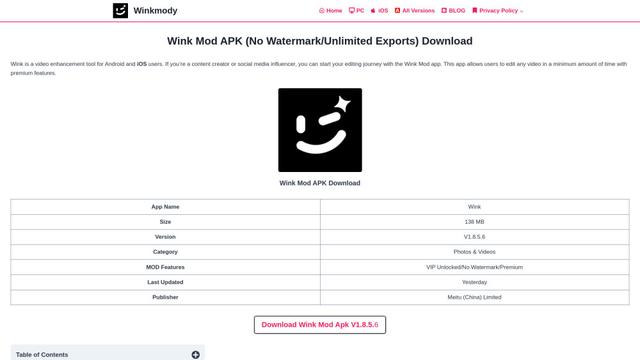
Wink Mody is a modified version of the Wink video editing app that offers premium features like AI-powered retouching, 4K exports, and watermark-free editing completely free of charge.
Shortmake AI
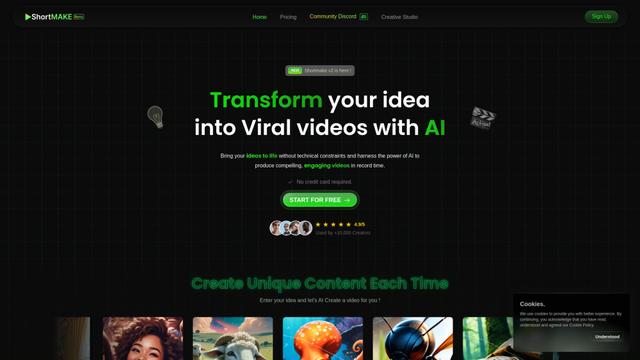
ShortMake is an AI-powered video creation platform that transforms ideas into viral-ready videos by automatically generating scripts, voiceovers, visuals, and subtitles specifically optimized for platforms like TikTok and YouTube Shorts.
Popular AI Tools Like Edit Mind
AI Clips - New Gen
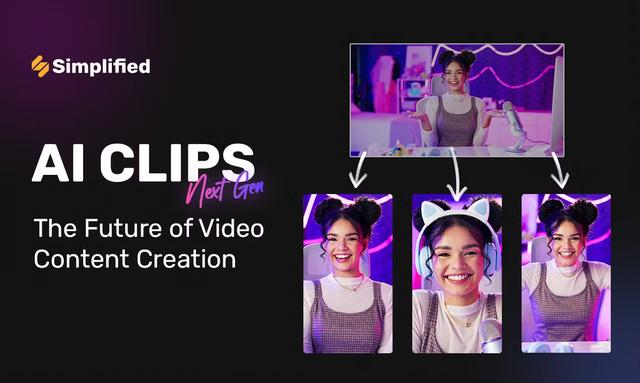
AI Clips - New Gen is an AI-powered video clipping tool that automatically generates engaging short-form content from long videos for multiple social media platforms like YouTube Shorts, TikTok, Instagram Reels and more.
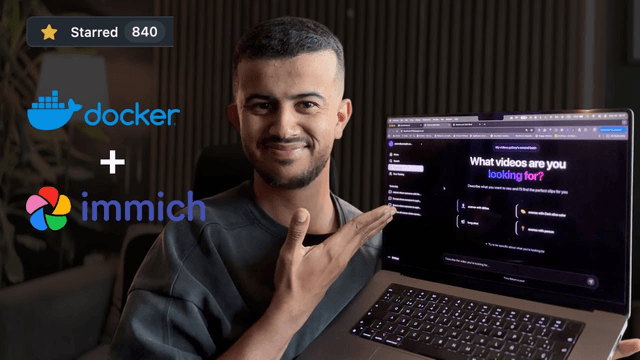
Edit Mind
Edit Mind is an open-source, AI-powered video indexing and semantic search platform that enables users to analyze and search through video content using natural language queries, with features including transcription, frame analysis, face recognition, and object detection.
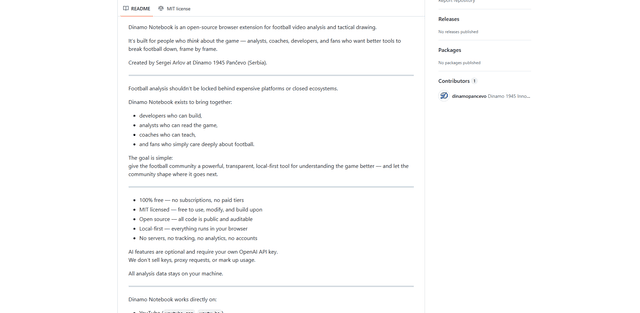
Dinamo Notebook
FreeAI Video Editing
Dinamo Notebook is a free, MIT-licensed, local-first browser extension for football video analysis that lets you draw tactical annotations on YouTube/Dailymotion/Twitch footage and optionally use AI (with your own OpenAI API key) for tactical insights.
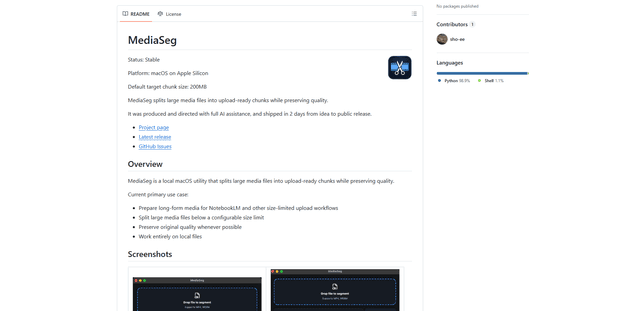
MediaSeg
MediaSeg is a stable, local-first macOS utility that splits large MP4/WEBM media files into upload-ready chunks under a configurable size limit while preserving quality using ffmpeg/ffprobe and an AI-assisted, target-based sizing strategy.