
echo
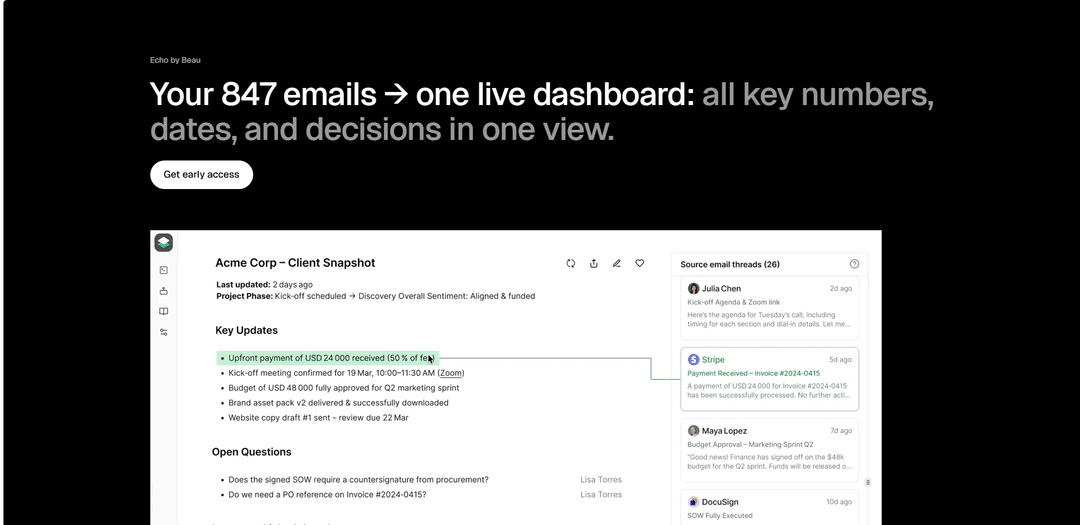
Echo is an intelligent Gmail integration tool that automatically transforms your inbox content into organized, real-time dashboards for tracking everything from travel plans and subscriptions to job applications and invoices.
https://beau.to/echo?ref=producthunt
Product Information
Updated:Dec 15, 2025
What is echo
Echo is a revolutionary email management system that connects to your Gmail account to bring order and clarity to your digital life. Instead of manually searching through hundreds of emails, Echo analyzes your inbox and automatically extracts, organizes, and displays key information in intuitive dashboards. It requires no migration or new app learning - users simply connect their Gmail account and Echo handles the rest.
Key Features of echo
Echo is an email intelligence tool that transforms your Gmail inbox into an organized dashboard by automatically extracting and categorizing important information from your emails. It uses AI to analyze email content and presents key data like travel details, subscriptions, job applications, and invoices in real-time structured views, eliminating the need for manual searching and organization.
Automated Email Analysis: Uses AI to automatically read and extract key information from emails without requiring manual input or setup
Live Dashboard Integration: Presents extracted information in real-time organized dashboards that update automatically as new emails arrive
Custom Stream Creation: Allows users to define their own rules using natural language to create specialized information streams
Direct Gmail Integration: Works directly with existing Gmail accounts without requiring email migration or new app installations
Use Cases of echo
Travel Management: Consolidates flight times, hotel bookings, check-ins, and travel links from multiple confirmation emails into one organized view
Subscription Tracking: Monitors and displays all active service subscriptions, payment schedules, and cost anomalies in a single dashboard
Job Application Tracking: Organizes job search activities by tracking applications, responses, and follow-ups across multiple email threads
Invoice Management: Extracts and tracks payment amounts, due dates, and payment status from billing emails automatically
Pros
No new app or migration required - works directly with existing Gmail
Fully automated information extraction and organization
Customizable to different use cases and needs
Cons
Currently limited to Gmail integration only
Requires granting email access permissions
How to Use echo
Basic Usage: Type 'echo' followed by the text you want to display. For example: echo "Hello World"
Using Quotes: Use quotes when your text contains spaces or special characters: echo "This is a message with spaces"
Display Variables: Echo can display variable values using the $ symbol. Example: echo $NAME
Using the -e Option: Use -e to interpret escape sequences like \n for newline or \t for tab. Example: echo -e "Line 1\nLine 2"
Redirect Output to File: Use > to write to a file or >> to append. Example: echo "text" > filename.txt
Using with Multiple Files: Use tee command to write to multiple files: echo "message" | tee -a file1 file2
Prevent Newline: Use -n option to prevent adding a newline at the end: echo -n "Text without newline"
Variable Sanitization: Use ${} for proper variable sanitization: echo "${variable}"
echo FAQs
Echo is an email analysis tool that transforms your Gmail inbox into a live dashboard by extracting and organizing key information like flight times, hotel bookings, subscriptions, job applications, and invoices into one organized view.
Popular Articles

Vosko AI: Localize and Dub Videos for Global Audiences
Oct 15, 2026

Atoms: A Multi-Agent AI Platform That Transforms Ideas into Launch-Ready Products
Oct 13, 2026

Nano Banana SBTI: What It Is, How It Works, and How to Use It in 2026
Apr 15, 2026

Atoms Review — The AI Product Builder Redefining Digital Creation in 2026
Apr 10, 2026
Latest AI Tools Similar to echo
Voltmailer
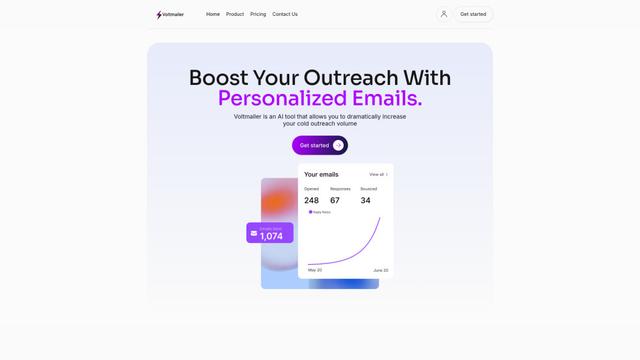
Voltmailer is an AI-powered email automation tool that helps businesses scale their cold outreach by generating personalized emails through website data scraping and automated personalization.
Strongest Layer
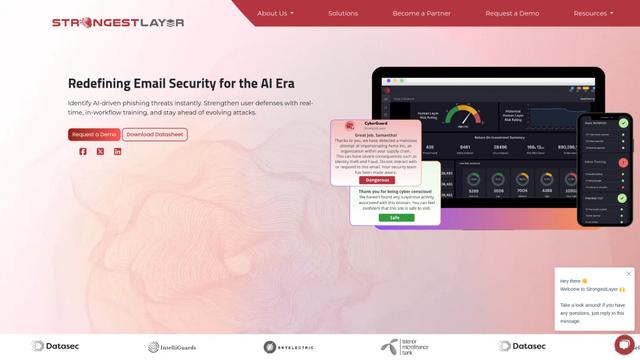
StrongestLayer is an AI-powered email security platform that protects organizations against AI-generated phishing threats while providing real-time training and threat analysis integrated directly into employee email workflows.
GATE AI Email Generator
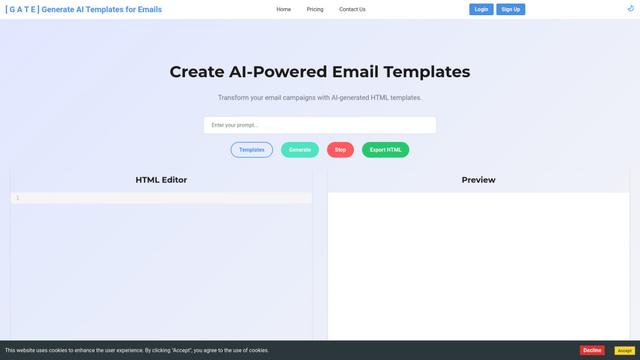
GATE is an AI-powered email HTML template generator that helps transform email campaigns by automatically creating customized HTML templates using artificial intelligence.

SmartLeadMagnet
SmartLeadMagnet is an AI-powered lead magnet creation platform that helps businesses generate high-converting lead magnets through an intuitive drag-and-drop interface, customizable templates, and seamless website integration.
Popular AI Tools Like echo
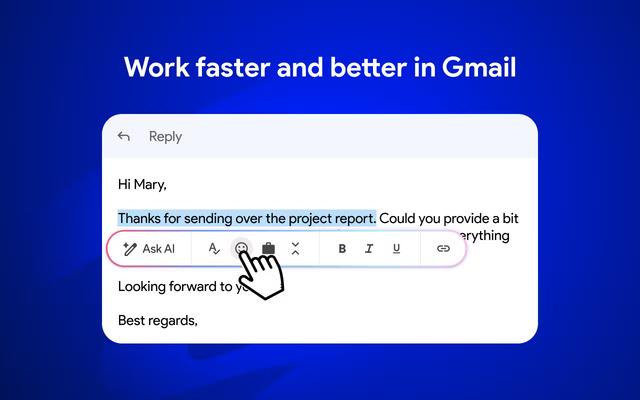
Mailmeteor AI for Gmail
Mailmeteor is a powerful Gmail extension that combines AI email writing, mail merge, automated follow-ups, and email export capabilities to enhance productivity and email management within Gmail.

Apparent for Gmail
Apparent for Gmail is a Chrome extension that enhances Gmail's readability and usability by reorganizing conversations, simplifying layouts, and streamlining workflows while maintaining privacy and security.
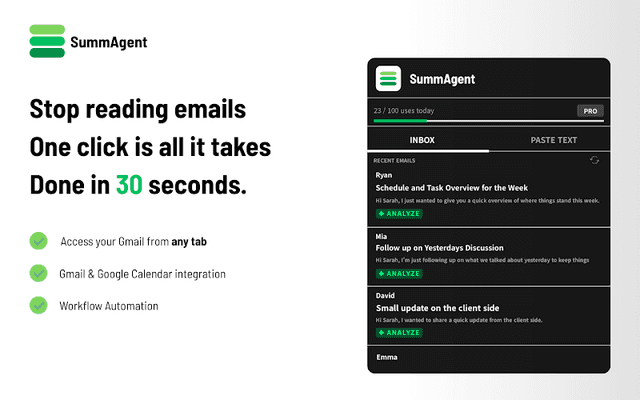
SummAgent
SummAgent is an AI-powered Gmail productivity extension that extracts tasks and deadlines from emails, provides smart summaries, and syncs action items directly to Google Calendar with one click.

Mailchimp
Mailchimp is a leading all-in-one marketing platform that provides AI-powered email marketing, automation, and customer relationship management tools to help businesses grow and engage with their audience.