
ditto.site
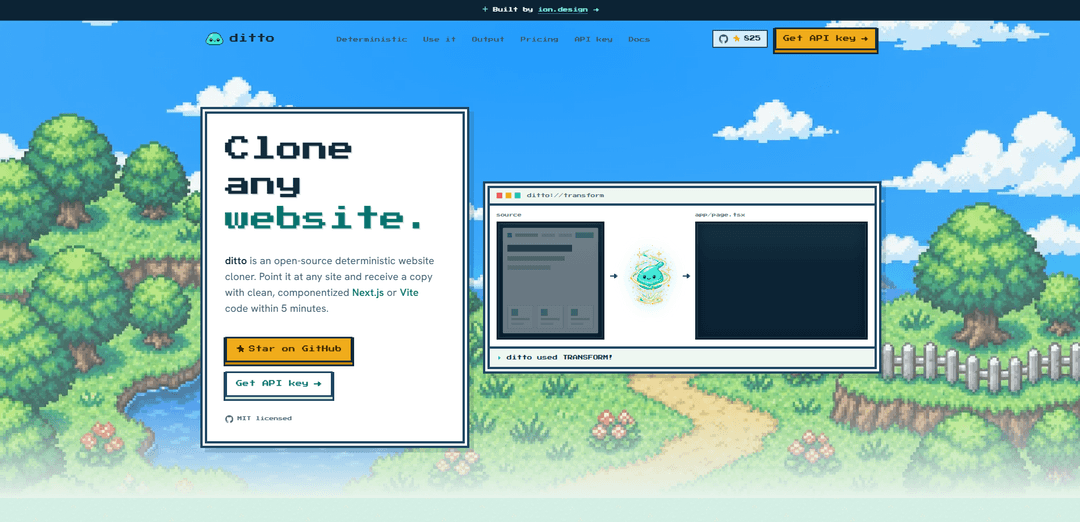
ditto.site é um clonador de sites determinístico de código aberto, licenciado pelo MIT, que transforma qualquer URL pública em código Next.js ou Vite limpo e componentizado — geralmente em cerca de 5 minutos — sem depender de suposições de LLM.
https://ditto.site/?ref=producthunt&utm_source=aipure
Informações do Produto
Atualizado:Aug 8, 2026
O que é ditto.site
ditto.site é uma ferramenta determinística de “website-para-código” que gera um aplicativo web TypeScript autocontido a partir do que uma página de destino renderiza no navegador. Em vez de precisar de acesso ao repositório de código-fonte de um site, você fornece uma URL pública e o ditto gera um projeto de fácil manutenção (Next.js ou Vite) com componentes estruturados e estilização (por exemplo, Tailwind). O projeto é de código aberto (MIT) e pode ser usado via hospedagem própria, uma API REST hospedada ou um servidor MCP projetado para fluxos de trabalho de agentes. O ditto.site enfatiza a saída consistente e estável e destina-se a ser usado apenas onde você tem os direitos de inspecionar, copiar, transformar e operar no conteúdo de destino.
Principais Recursos do ditto.site
ditto.site é um "clonador" de websites determinístico, de código aberto e licenciado pelo MIT, que transforma um URL público em um aplicativo web TypeScript autônomo e de fácil manutenção (Next.js ou Vite) em minutos. Em vez de usar uma estimativa baseada em LLM, ele executa um pipeline estável que captura o que uma página renderiza no navegador e, em seguida, gera código limpo e componentizado com sistemas de design extraídos (tokens, fontes, "breakpoints"), interações ("hover"/foco, "dropdowns", "accordions", movimento) e artefatos de SEO ("metadata", JSON-LD, "sitemaps") prontos para produção. Ele pode ser usado por meio de ferramentas de código aberto auto-hospedadas, uma API REST hospedada ou um servidor MCP para fluxos de trabalho de agentes.
Pipeline de clonagem determinística: Produz saídas rápidas, estáveis e repetíveis (captura → geração → verificação) sem depender da interpretação não determinística do LLM.
Geração de código de URL para aplicativo: Converte uma página da web pública em um projeto TypeScript novo e autônomo com base no que a página renderiza em um navegador – nenhum repositório de origem original é necessário.
Saída da estrutura: Next.js ou Vite: Emite um "scaffold" de aplicativo real que você pode executar e estender, escolhendo Next.js ou Vite dependendo da sua pilha e necessidades de implantação.
Código de fácil manutenção e componentizado: Evita "um arquivo gigante" dividindo o DOM repetido em componentes, elevando regiões em seções e extraindo um modelo de conteúdo editável.
Extração do sistema de design: Extrai "tokens", fontes, "breakpoints", estrutura de layout e movimento/interações para preservar a aparência, mantendo o estilo editável.
Múltiplos caminhos de integração (OSS, API, MCP): Execute localmente/auto-hospede (MIT), chame a API REST hospedada para enfileirar/consultar trabalhos e baixar resultados, ou exponha a clonagem como uma ferramenta para agentes via um servidor MCP.
Casos de Uso do ditto.site
Reconstruções/migrações de agências ou estúdios: Recrie um site de marketing existente em código Next.js/Vite limpo como ponto de partida para redesenhos, trabalho de desempenho ou integração de CMS.
Prototipagem de pesquisa competitiva/de mercado: Gere réplicas fiéis e editáveis de páginas publicamente acessíveis (quando você tem direitos para inspecionar/transformar) para estudar padrões de layout, IA e sistemas de design.
Modelos de integração de construtores de aplicativos de IA: Ofereça aos novos clientes uma linha de base de código real que corresponda ao seu site atual, substituindo o problema da tela em branco por um projeto inicial de fácil manutenção.
Entrega de engenharia a partir da "verdade renderizada": Quando a fonte original não está disponível, produza uma base de código funcional a partir da página renderizada para acelerar a documentação interna, refatorações ou modernização.
Fluxos de trabalho de geração de sites assistidos por agentes: Conecte o ditto ao Claude/Cursor/agentes personalizados via MCP para que os loops de construção automatizados possam clonar, modificar e iterar em projetos reais.
Linha de base de replicação de site pronta para SEO: Use metadados gerados, JSON-LD e "sitemaps" como base para reconstruções que preservam o SEO antes de otimizações adicionais.
Vantagens
Saídas determinísticas e consistentes, adequadas para fluxos de trabalho repetíveis e automação.
Gera projetos TypeScript Next.js/Vite componentizados e de fácil manutenção, em vez de "dumps" HTML planos.
Uso flexível: código aberto auto-hospedado, API REST hospedada ou MCP para ferramentas de agente.
Extrai "tokens" de design, interações e artefatos de SEO para preservar a fidelidade e acelerar a iteração.
Desvantagens
Apropriado apenas quando você tem os direitos de inspecionar/copiar/transformar o conteúdo de destino; o uso indevido pode criar problemas legais/éticos.
A fidelidade da saída é limitada ao que pode ser capturado da página renderizada; lógica de aplicativo complexa/"backends" não são inerentemente reconstruídos.
Ainda pode exigir limpeza manual ou adaptação para conteúdo dinâmico, fluxos de autenticação ou integrações específicas do site.
Como Usar o ditto.site
1) Escolha como você quer usar o Ditto: O Ditto oferece três pontos de entrada que usam o mesmo motor determinístico: (a) Auto-hospedagem de código aberto (execute todo o pipeline localmente), (b) API REST hospedada (POST uma URL, verifique o status do trabalho e, em seguida, baixe a saída), ou (c) Servidor MCP (conecte o Ditto a um agente como Claude/Cursor).
2) Use o Ditto via API REST hospedada (caminho mais rápido): Vá para https://www.ditto.site/api-key e obtenha uma chave de API. Use o endpoint hospedado para enviar uma URL pública, depois verifique o trabalho até que ele seja concluído e, finalmente, puxe o projeto gerado (Next.js App Router por padrão, ou Vite React quando solicitado).
3) Use o Ditto via MCP (para fluxos de trabalho de agentes): Obtenha uma chave de API e, em seguida, adicione o Ditto como um servidor MCP na configuração do seu agente/cliente usando a URL do MCP e seu token Bearer. Exemplo de configuração: { "mcpServers": { "ditto": { "url": "https://api.ditto.site/mcp", "headers": { "Authorization": "Bearer ${DITTO_API_KEY}" } } } }
4) Auto-hospede o Ditto (execute o pipeline localmente): Clone o repositório de código aberto e instale as dependências: `gh repo clone ion-design/ditto.site` e depois `cd ditto.site && npm install`.
5) Execute um trabalho de clone local contra uma URL: No repositório, execute o comando clone e passe a URL de destino: `npm run clone -- https://example.com` (substitua pelo site que você está autorizado a clonar).
6) Transforme a saída do clone do Ditto em um projeto no disco (descompacte): Use o descompactador oficial do repositório verificado: `npm run unpack -- <clone.json|-> <out-dir>`. Isso escreve arquivos de texto e materializa ativos binários (base64 embutido ou buscado via $DITTO_API_URL / $DITTO_API_KEY).
7) Abra e construa o aplicativo gerado: Abra o diretório de saída no seu editor. O Ditto emite um projeto TypeScript real com código componentizado (não um único arquivo gigante), incluindo tokens/sistema de design extraídos, fontes, interações, movimento, pontos de interrupção e seções.
8) Saiba o que o Ditto captura (e o que ele pode perder): O Ditto captura o que o navegador realmente renderizou no momento do instantâneo. Conteúdo que carrega mais tarde (rolagem infinita, imagens de carregamento lento ou conteúdo acionado por interação) pode não ser incluído – certifique-se de que o conteúdo que você deseja esteja visível antes de clonar.
9) Siga as melhores práticas de uso e direitos: O Ditto é destinado a aprendizado, prototipagem e casos de uso autorizados. Você é responsável por garantir que tem o direito de clonar e usar o código de qualquer página, respeitando direitos autorais, termos de serviço e IP.
Perguntas Frequentes do ditto.site
ditto.site é um "clonador" de sites determinístico de código aberto que transforma uma URL pública em uma base de código limpa e componentizada (Next.js ou Vite) com base no que a página renderiza em um navegador.
Vídeo do ditto.site
Artigos Populares

Vosko AI: Localize e Duble Vídeos para Públicos Globais
Oct 15, 2026

Atoms: Uma Plataforma de IA Multiagente Que Transforma Ideias em Produtos Prontos para Lançamento
May 22, 2026

Nano Banana SBTI: O Que É, Como Funciona e Como Usá-lo em 2026
Apr 15, 2026

Análise do Atoms — O Construtor de Produtos de IA Redefinindo a Criação Digital em 2026
Apr 10, 2026
Ferramentas de IA Mais Recentes Semelhantes a ditto.site
GPT Easy Web
GPT Easy Web é uma plataforma amigável impulsionada por IA que permite aos usuários construir, personalizar e gerenciar sites facilmente através de interações em linguagem natural e ferramentas automatizadas, sem exigir conhecimento em programação.

AI Website Tool
A Ferramenta de Site AI é um construtor de sites alimentado por IA que cria sites profissionais em minutos, gerando automaticamente textos focados em negócios, visuais personalizados e designs responsivos com apenas alguns cliques.
Softgen
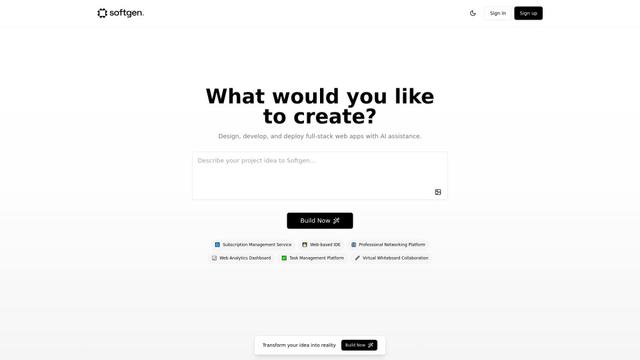
Softgen.ai é uma plataforma geradora de projetos full-stack impulsionada por IA que permite aos usuários transformar suas ideias em aplicações web funcionais sem requisitos de codificação.
Webifier
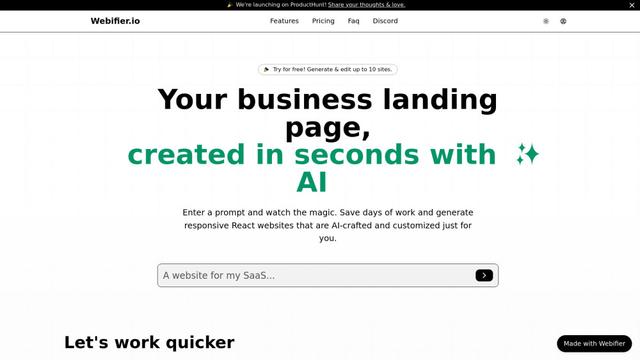
Webifier é uma ferramenta impulsionada por IA que transforma prompts de texto em páginas de destino React totalmente funcionais com código limpo e exportável usando NextJS14, TailwindCSS e componentes Shadcn.
Ferramentas de IA Populares Como ditto.site
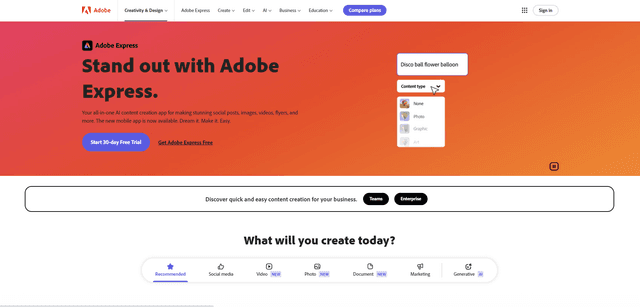
Adobe Express
Adobe Express é um aplicativo de criação de conteúdo tudo-em-um impulsionado por IA para criar facilmente postagens sociais impressionantes, imagens, vídeos, folhetos e mais com templates e ativos de design profissionalmente projetados.
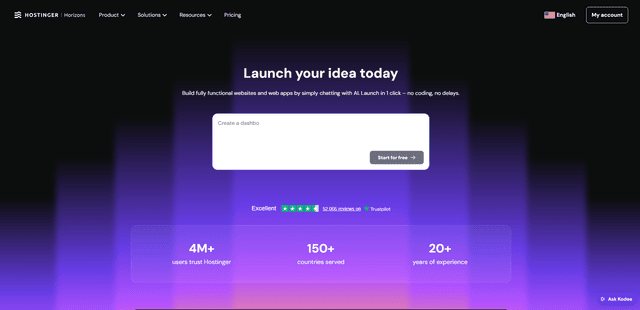
Hostinger
A Hostinger é um provedor de serviços de hospedagem web e domínio que oferece ferramentas alimentadas por IA, como o Horizons, que permite que qualquer pessoa crie, edite e publique aplicativos web e websites personalizados sem programar por meio de uma interface de chat simples.
GPT Engineer
O GPT Engineer é uma ferramenta de desenvolvimento de software movida a IA que permite que qualquer pessoa construa aplicações web conversando com um engenheiro de IA.
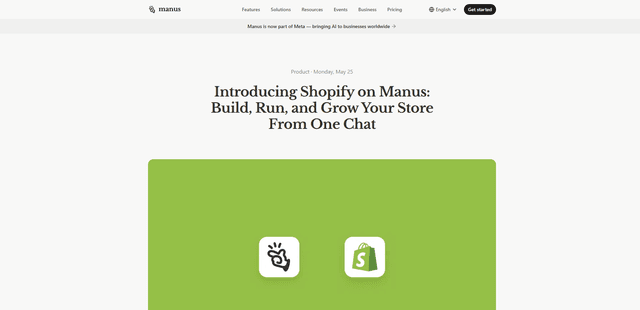
Manus Shopify Connector
O Conector Manus Shopify permite que você construa uma vitrine com suporte Shopify, gerencie seu catálogo e gere campanhas baseadas em dados a partir de um único chat — usando APIs do Shopify com acesso com escopo OAuth e checkout do Shopify.