DeepKolor
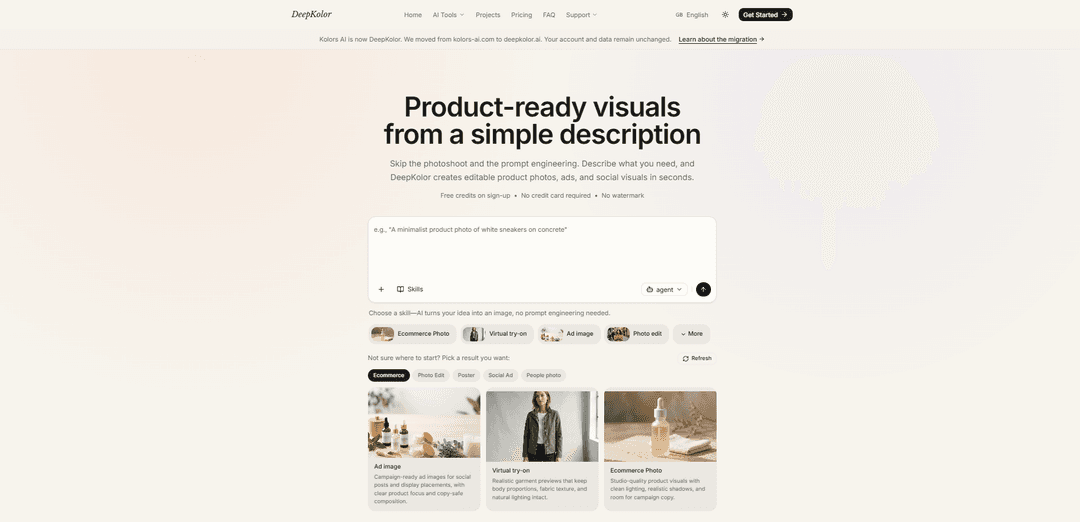
DeepKolor is a conversational AI design agent for image generation, photo editing, product photography, and virtual try on. Chat to create — one workstation, multiple AI models, no design skills needed. Free tier available with paid plans for more credits.
https://deepkolor.ai/?utm_source=aipure
Product Information
Updated:Aug 17, 2026
What is DeepKolor
DeepKolor (formerly Kolors AI) is an AI-powered tool for creating product-ready visuals from plain language. Designed to help creators, ecommerce teams, and marketers move faster than traditional design and photoshoots, it generates images (and supports image/video workflows) inside a single chat-driven canvas where you can iterate and refine results. The service has migrated from kolors-ai.com to deepkolor.ai while keeping user accounts and data unchanged, and it offers free credits on sign-up with no credit card required and no watermark on downloads.
Key Features of DeepKolor
DeepKolor (formerly Kolors AI) is a conversational AI visual creation platform that turns plain-language requests (and optional reference images) into editable image/video projects in a single canvas. It focuses on fast, product-ready outputs—such as ecommerce photos, ads, posters, and social visuals—without requiring prompt engineering or traditional design software. The product includes a library of focused “skills” and mini-app workflows (e.g., upscaling, background removal, virtual try-on, poster generation, comic translation), supports iterative refinement via chat, and offers watermark-free downloads with commercial usage rights across its paid plans, plus free credits on sign-up.
Chat-to-visual workflow: Use natural language to generate and iteratively refine images (and video workflows) inside one canvas, reducing the need to rewrite complex prompts.
Skill-based creation (no prompt engineering): Pick a “skill” (e.g., Ecommerce Photo, Virtual Try-on, Ad image, Photo edit) and DeepKolor guides generation toward the desired output type.
Editable, product-ready outputs: Generates studio-style visuals with practical marketing considerations (clean lighting, realistic shadows, copy-safe composition) designed for immediate use in campaigns and storefronts.
Mini-app library for focused tasks: Includes dedicated workflows such as Storyboard Grid (9-panel 2K storyboard), AI 4-panel comic generator, comic translator, image upscaler, virtual try-on, poster generator, background remover, and remove-people tool.
Watermark-free export + commercial rights: Plans include downloading without watermark and commercial usage rights, aimed at creators and teams shipping real marketing assets.
Credit-based plans with priority generation: Monthly credit allocations (e.g., Starter/Pro/Enterprise tiers) with priority generation during peak hours to support consistent production output.
Use Cases of DeepKolor
Ecommerce product photography: Create clean studio shots, lifestyle scenes, and virtual model imagery for product listings without organizing a photoshoot.
Paid social and display advertising: Generate campaign-ready ad creatives with strong product focus and compositions that leave room for copy and branding.
Fashion virtual try-on previews: Produce realistic garment try-ons that preserve body proportions, fabric cues, and lighting for lookbooks and product pages.
Marketing posters and promotional banners: Turn a short brief into polished posters/banners for events, launches, and promotions, with quick iteration on variants.
Media & entertainment pre-production: Use the Storyboard Grid mini-app to convert scene briefs into photorealistic multi-panel storyboards for planning shots and sequences.
Content localization & comics workflows: Translate comic dialogue while preserving panels and reading flow, and optionally color/transform visuals for international audiences.
Pros
Natural-language workflow reduces prompt engineering and speeds up iteration.
Broad set of practical mini-apps (upscale, background removal, remove people, posters, storyboards, try-on) supports end-to-end creative tasks.
Watermark-free downloads and commercial rights make outputs usable for real business deliverables.
Free credits on sign-up and no credit card required lowers the barrier to testing.
Cons
Credit-based usage means heavy production can require higher tiers or careful credit management.
Best suited to product/marketing-style visuals; may be less ideal for highly specialized or niche creative pipelines.
Some workflows depend on having good reference images for optimal realism and consistency.
How to Use DeepKolor
1) Open DeepKolor and start a project: Go to https://deepkolor.ai/ and click “Get Started” or “Start creating” to enter the chat-to-image workspace (the canvas where you generate and edit visuals).
2) Choose a workflow (Skill or Mini App): Pick a “Skill” (e.g., Ecommerce Photo, Virtual try-on, Ad image, Photo edit) if you want a guided outcome without prompt engineering, or open a “Mini App” (e.g., AI Poster Generator, Remove Background, AI Image Upscaler, Comic Translator) for a focused task.
3) Describe what you need in plain language: Type a simple sentence describing the result you want (DeepKolor is designed to work without complex prompt engineering). Include key details like subject/product, setting, lighting, and intended use (store image, social ad, poster, etc.).
4) (Optional) Upload a reference image: If your workflow supports it, upload a product photo or visual reference to guide the generation (useful for product visuals, try-on, posters, and edits).
5) Generate initial options: Let DeepKolor create the first set of visuals based on your description/reference. Review the outputs on the canvas.
6) Refine by chatting (iterate quickly): Use the chat to request changes (e.g., “make the background cleaner,” “add softer shadows,” “more room for copy,” “change the color palette,” “make it more photorealistic”). DeepKolor supports fast visual iterations through conversation.
7) Use Photo Edit for targeted changes: If you selected “Photo edit,” keep refining via chat to perform edits like removing objects/people, enhancing the image, changing elements, or otherwise refining the visual until it matches your goal.
8) Use Mini Apps for specific tasks when needed: Switch to a Mini App for specialized outputs such as “Remove Background,” “Remove People from Photo,” “AI Image Upscaler,” “AI Poster Generator,” “Storyboard Grid,” or “AI 4-Panel Comic Generator,” then follow the same generate → review → refine loop.
9) Export your final visual: When satisfied, download/export the result from the canvas for use in your store, ads, or social posts. DeepKolor emphasizes exporting “watermark-free visuals ready for your store, ads, and socials.”
10) Manage account, credits, and plan (optional): If you need more output volume or priority generation, review pricing/credits on the Pricing section. You can also access settings at https://deepkolor.ai/settings to manage your account.
DeepKolor FAQs
DeepKolor (formerly Kolors AI) is a conversational AI image generator that creates editable product photos, ads, and social visuals from a simple description or an uploaded reference image.
Popular Articles

Proferex: A Cloud-Based Ad Tracking and Campaign Optimization Platform
Nov 4, 2026

How to Create Viral Talking Baby Podcast Videos with AI: Step-by-Step Guide
Nov 2, 2026

Vosko AI: Localize and Dub Videos for Global Audiences
Oct 15, 2026

Atoms: A Multi-Agent AI Platform That Transforms Ideas into Launch-Ready Products
Oct 13, 2026
Latest AI Tools Similar to DeepKolor

EzVideos
EzVideos is an all-in-one video creation tool that helps users generate viral videos for social media platforms like Instagram, TikTok, and YouTube with automated editing features and built-in resources.

Blanc AI
Blanc AI is a revolutionary AI solution that enables video content translation and dubbing into 47+ languages while preserving the original voice, emotions, and lip synchronization.
Wink Mody
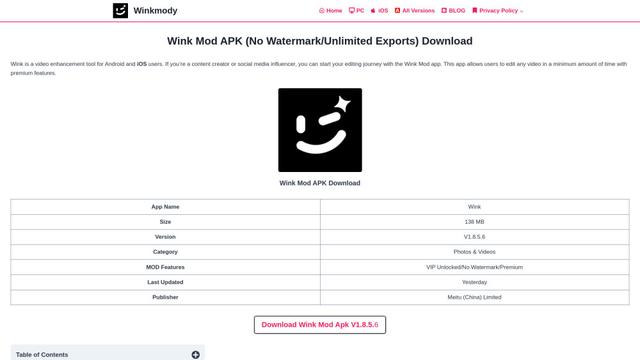
Wink Mody is a modified version of the Wink video editing app that offers premium features like AI-powered retouching, 4K exports, and watermark-free editing completely free of charge.
Shortmake AI
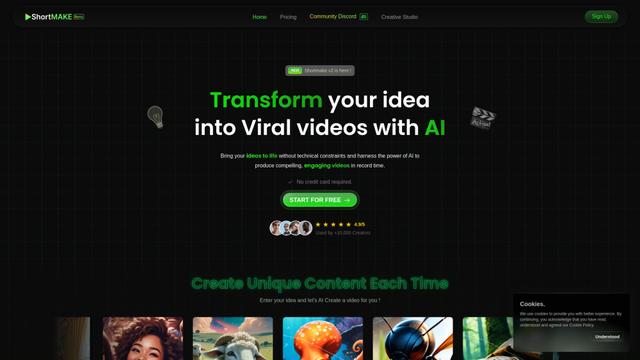
ShortMake is an AI-powered video creation platform that transforms ideas into viral-ready videos by automatically generating scripts, voiceovers, visuals, and subtitles specifically optimized for platforms like TikTok and YouTube Shorts.
Popular AI Tools Like DeepKolor
AI Clips - New Gen
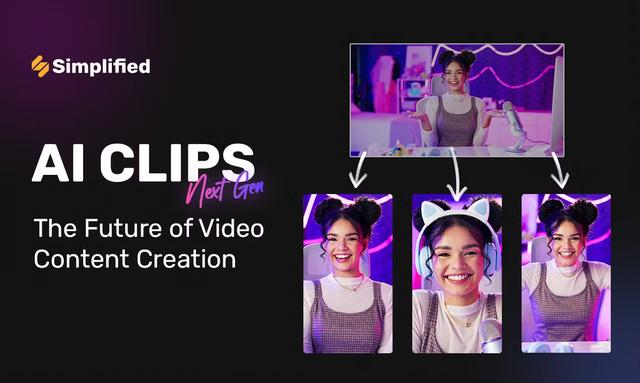
AI Clips - New Gen is an AI-powered video clipping tool that automatically generates engaging short-form content from long videos for multiple social media platforms like YouTube Shorts, TikTok, Instagram Reels and more.
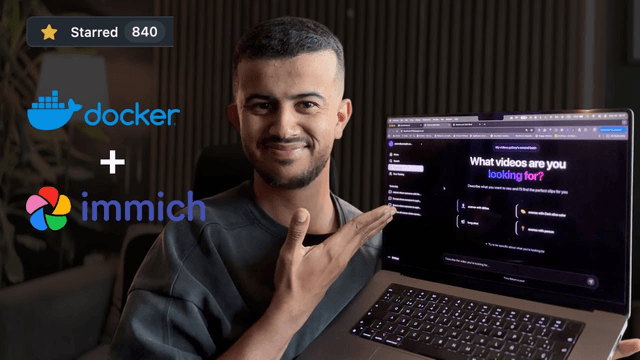
Edit Mind
Edit Mind is an open-source, AI-powered video indexing and semantic search platform that enables users to analyze and search through video content using natural language queries, with features including transcription, frame analysis, face recognition, and object detection.
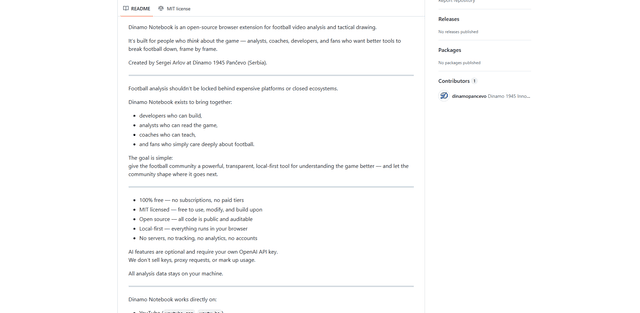
Dinamo Notebook
FreeAI Video Editing
Dinamo Notebook is a free, MIT-licensed, local-first browser extension for football video analysis that lets you draw tactical annotations on YouTube/Dailymotion/Twitch footage and optionally use AI (with your own OpenAI API key) for tactical insights.
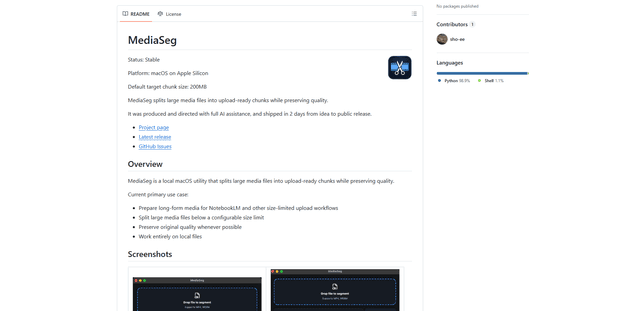
MediaSeg
MediaSeg is a stable, local-first macOS utility that splits large MP4/WEBM media files into upload-ready chunks under a configurable size limit while preserving quality using ffmpeg/ffprobe and an AI-assisted, target-based sizing strategy.