
Dayvo
DayVo is a revolutionary voice-to-text note-taking app that transforms spoken words into organized, searchable notes with real-time transcription and AI-powered insights, designed for people who think faster than they type.
https://apps.apple.com/us/app/dayvo/id6752662777?ref=producthunt
Product Information
Updated:Jan 8, 2026
What is Dayvo
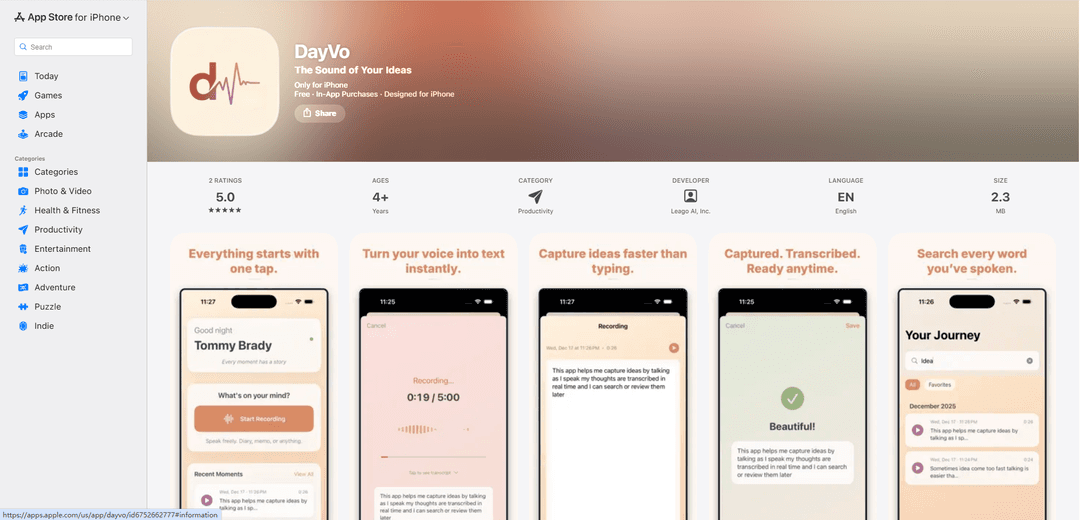
DayVo is an everyday voice diary and memo app developed by Leago AI, Inc. that combines voice recording with advanced transcription technology. Available for iPhone users, this productivity tool offers a seamless way to capture thoughts, ideas, and memos through voice input, making it ideal for those who prefer speaking over typing. The app features a clean, intuitive interface with a minimalist design focused on providing a frictionless recording experience.
Key Features of Dayvo
DayVo is a voice-to-text note-taking app that enables users to quickly capture and organize their thoughts through speech. It offers real-time transcription with support for English and Chinese, automatic theme extraction, and smart search capabilities. The app features a clean interface with one-tap recording, live transcription viewing, and the ability to generate PDF summaries. All processing happens locally on the device using Apple frameworks, ensuring privacy and security of user data.
Real-time Speech-to-Text: Instantly converts spoken words into text with 99%+ accuracy for English and Chinese languages, allowing users to see transcription as they speak
Smart Organization & Search: Automatically extracts themes and keywords from recordings, making it easy to search and find specific content across all recordings
Reflection & Analysis Tools: Provides summary statistics, top themes, and concise overviews for custom time periods (daily, weekly, or monthly)
Privacy-First Design: All transcription and processing happens locally on device using Apple frameworks, ensuring user data remains private
Use Cases of Dayvo
Personal Journal: Keep a private voice diary and reflect on thoughts, experiences, and personal growth over time
Professional Note-Taking: Capture meeting minutes, decisions, and action items quickly without breaking workflow
Content Creation: Quickly capture creative ideas, outlines, and drafts for writers, creators, and professionals
Student Learning: Record and transcribe lecture notes, study materials, and research thoughts for easy reference
Pros
Simple one-tap recording interface with minimal learning curve
Local processing ensures privacy and security
Free version offers good basic functionality
Cons
Limited language support (only English and Chinese currently)
Requires iOS 17.0 or later
Some advanced features require premium subscription
How to Use Dayvo
Download and Install: Download DayVo from the Apple App Store and install it on your iPhone (requires iOS 17.0 or later)
Start Recording: Tap the single record button in the center of the app interface to begin capturing your voice
Speak and View Transcription: As you speak, your words will be automatically transcribed into text in real-time using Apple's Speech framework
Edit Transcription: Review and edit the transcribed text anytime if needed to correct any errors
Search and Organize: Use the search function to find specific content across all your recordings. The app automatically extracts themes and keywords
Reflect on Recordings: Select a time range (yesterday, 7 or 30 days, or custom) to review your recordings with top themes and summaries
Export Content: Use one-tap PDF export to create branded summaries that you can save or share via iCloud, email, or chat
Manage Privacy: All processing happens locally on your device. Recordings remain private unless you choose to export them
Dayvo FAQs
Yes. All voice processing and transcription happens locally on your device using Apple's frameworks. Your recordings remain local unless you choose to export them.
Popular Articles

Vosko AI: Localize and Dub Videos for Global Audiences
Oct 15, 2026

Atoms: A Multi-Agent AI Platform That Transforms Ideas into Launch-Ready Products
Oct 13, 2026

Nano Banana SBTI: What It Is, How It Works, and How to Use It in 2026
Apr 15, 2026

Atoms Review — The AI Product Builder Redefining Digital Creation in 2026
Apr 10, 2026
Latest AI Tools Similar to Dayvo
EchoWave
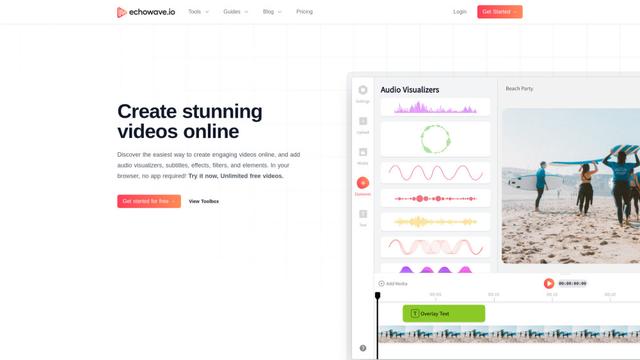
EchoWave is an online video and audio editing platform that enables creators to convert audio content into engaging videos with waveform visualizations, subtitles, and effects for social media sharing.
AIdeaflow Podcast
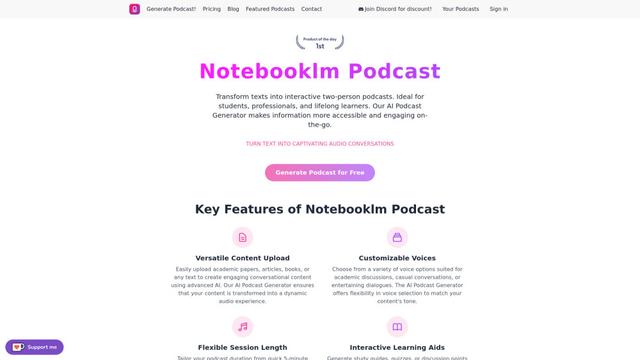
AIdeaflow Podcast is an AI-powered platform that transforms text into engaging podcast content with natural conversations across 120+ voices and multiple languages.
TranscribetoText.AI
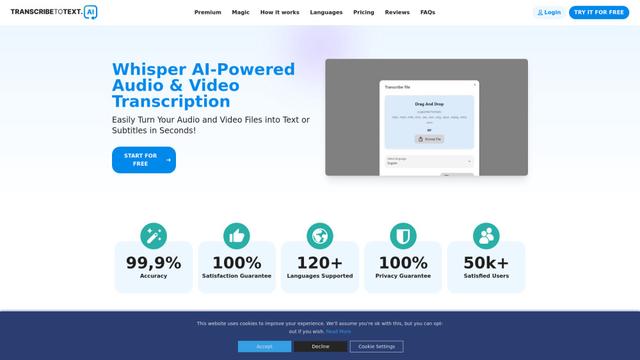
TranscribeToText.AI is a powerful online transcription service that converts audio and video files to text in over 120 languages with 99.9% accuracy, offering unlimited transcription access and flexible output options.
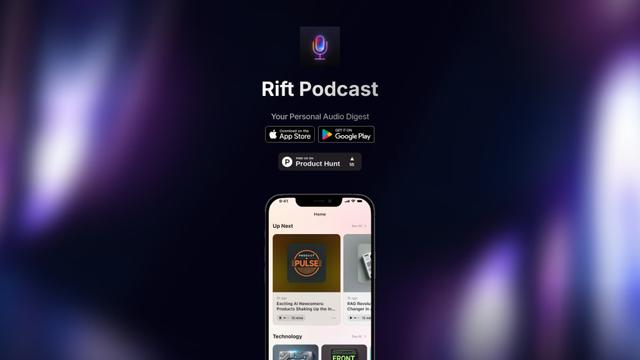
Rift Podcast
Rift Podcast is an AI-powered application that transforms web content into personalized audio podcasts, offering exclusive insights curated from various tech platforms and delivered in just 15 minutes daily.
Popular AI Tools Like Dayvo
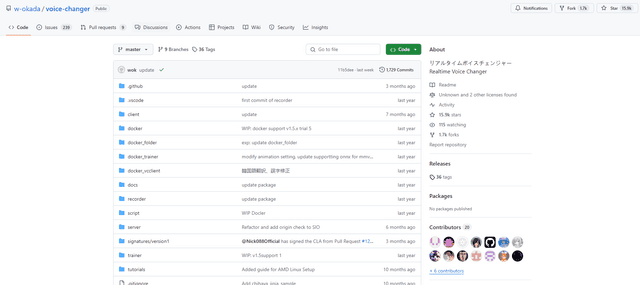
W-Okada Voice Changer
W-Okada Voice Changer is an open-source real-time voice conversion software that uses AI to transform voices with high quality and low latency.
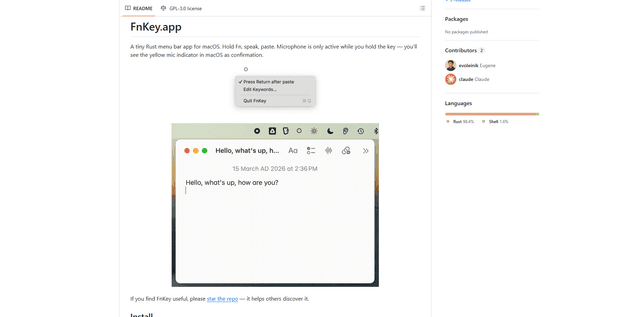
FnKey
FnKey is a lightweight macOS menu bar application that enables quick voice-to-text transcription by holding the Fn key to speak and automatically pastes the transcribed text when released.
Background noise removal
A powerful Chrome extension that uses advanced AI technology to remove unwanted background noise from audio and video files, offering real-time noise cancellation for crystal-clear sound quality.
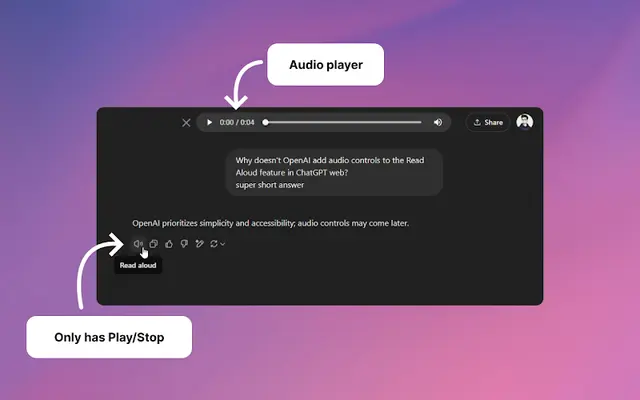
Audio player for ChatGPT
A Chrome extension that enhances ChatGPT's Read Aloud feature by adding a user-friendly audio player with basic controls like play/pause, seek bar, and duration display.