
Creator OS
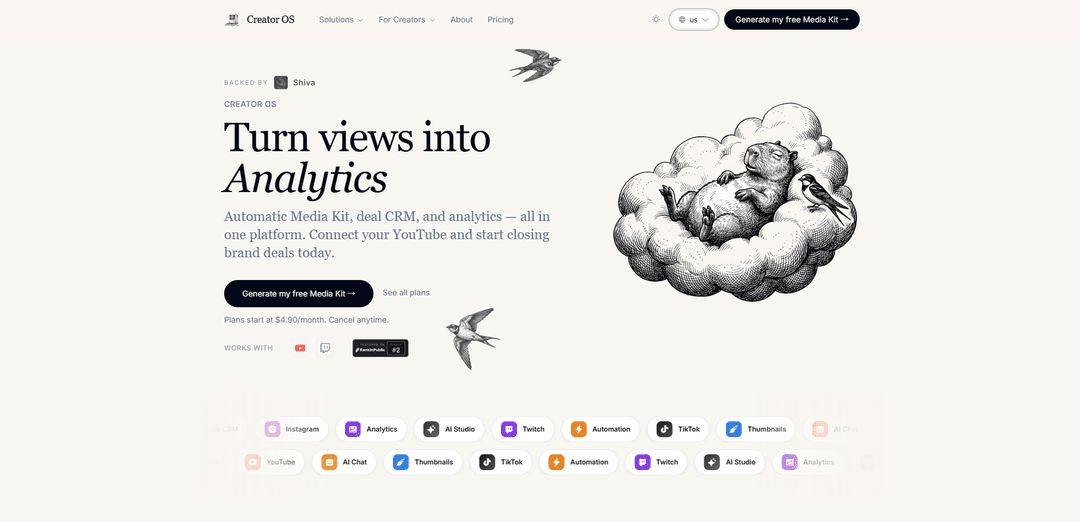
Creator OS is an all-in-one platform for content creators that combines automatic media kit generation, brand deal management, analytics tracking, and workflow automation to help turn views into revenue.
https://usecreator.app/?ref=producthunt
Product Information
Updated:May 8, 2026
What is Creator OS
Creator OS is a comprehensive web-based platform designed specifically for content creators on YouTube, Twitch, and other social media platforms. It serves as a centralized operating system that streamlines the entire content creation business process, from ideation to monetization. The platform integrates multiple essential tools including an automatically generated media kit with verified analytics, a deal CRM for managing brand partnerships, content planning workflows, and social media analytics dashboards. Available as both a web application and Chrome extension, Creator OS eliminates the need for juggling multiple disconnected tools like spreadsheets, email clients, and separate analytics platforms. With pricing starting at $4.90/month and supporting cross-device synchronization, it's built to help creators of all sizes—from nano creators to established influencers—professionalize their creative careers and maximize their earning potential.
Key Features of Creator OS
Creator OS is an all-in-one platform designed specifically for content creators to streamline their business operations and grow their creative careers. It provides comprehensive tools for managing social media analytics, content planning, brand deals, and financial tracking across multiple platforms including YouTube, Instagram, Twitter, LinkedIn, and Facebook. The platform features an automatic media kit generator, deal CRM, revenue tracking, content calendar, and AI-powered tools for script generation and content creation. With seamless cross-device synchronization and integration capabilities, Creator OS eliminates the need for juggling multiple disconnected tools, allowing creators to manage their entire business from one unified interface.
Automatic Media Kit & Brand Deal Management: Auto-generated media kit with verified analytics that creators can share via one link, along with a deal CRM to track sponsorships, negotiate rights and prices, manage content delivery, and handle payments all in one platform.
Multi-Platform Social Analytics Dashboard: Centralized analytics tracking across YouTube, Instagram, Twitter, LinkedIn, Facebook, and Twitch, providing deep insights into creator business performance, engagement rates, average views, and subscriber metrics.
AI-Powered Content Creation Tools: AI-driven script generation, content briefs, video creation assistance, and automated branding wall creation that helps creators focus on creativity while AI handles technical setup and professional presentation.
Revenue & Financial Tracking: Comprehensive income monitoring across multiple platforms including sponsorships, affiliate commissions, brand deals, and ad inventory, with features for invoicing, contracts, payroll, and team commission management.
Content Calendar & Workflow Management: Integrated content planning system with scheduling capabilities, time tracking, team management, and a Chrome extension for capturing ideas while browsing, all synced across desktop, tablet, and mobile devices.
Lightweight CRM & Collaboration Tools: Relationship management system for tracking collaborators, sponsors, brands, and audience members, with live creator chat, automated approval workflows, and seamless feedback tools to keep campaigns on track.
Use Cases of Creator OS
YouTube Creators Building Sustainable Income: YouTubers can connect their channel to automatically generate professional media kits with verified analytics, track which revenue sources are most effective, manage brand sponsorships through the CRM, and use AI-powered tools to script and plan content consistently.
Multi-Platform Content Creators & Influencers: Creators working across YouTube, Instagram, Twitter, and other platforms can centralize all social media analytics, schedule and publish content to all platforms from one interface, and track which platforms generate the most brand deal opportunities.
Creator Teams & Agencies: Content creation agencies can manage multiple creators, track team performance, handle payroll and commissions, coordinate content calendars, automate approval workflows, and manage client relationships all within one collaborative platform.
Brand Partnership Management: Creators can professionally pitch to brands using auto-generated media kits, negotiate deals with rate suggestions based on similar creators, track campaign delivery and results, manage contracts automatically, and get paid seamlessly through the platform.
Content Strategy & Planning: Creators struggling with consistency can use the Idea Vault to capture concepts via Chrome extension, implement systematic planning processes, leverage AI for content briefs and scripts, and track performance analytics to refine their strategy over time.
E-commerce & Product Promotion for Creators: Creators selling products or promoting brands can create AI-generated branding walls with 'Buy Now' widgets, product review widgets, video showcases, and social media integration to highlight collections and drive conversions.
Pros
All-in-one unified platform that eliminates the need for juggling 5+ disconnected tools like Canva, spreadsheets, email, and Social Blade
Affordable pricing starting at $4.90/month with no subscription lock-ins and pay-per-project options for some features
Cross-device synchronization with web-based access on desktop, tablet, and mobile for seamless workflow
AI-powered automation for time-consuming tasks like media kit generation, content scripting, and professional brief creation
Cons
Platform is still in development and validating features with user feedback, suggesting it may not be fully mature
Limited information about integration depth with all mentioned social platforms beyond YouTube and Twitch
May have a learning curve despite tutorials, as it consolidates many complex features into one interface
Pricing structure appears to vary between different versions/offerings which could cause confusion
How to Use Creator OS
1. Sign up and connect your platform: Create a free account on Creator OS (usecreator.app) and connect your YouTube or Twitch channel to the platform. This allows the system to pull your analytics and channel data automatically.
2. Generate your automatic Media Kit: Once connected, Creator OS automatically generates a professional Media Kit (Pitch Pack) with verified analytics including subscriber count, average views, and engagement rates. This creates a shareable link you can send to brands.
3. Set up your deal CRM: Use the built-in CRM to track and manage brand deals. Organize sponsorship opportunities, track revenue sources, and monitor which platforms and brands are most effective for your business.
4. Install the Chrome Extension (optional): Download the Creator OS Chrome Extension from the Chrome Web Store to save video ideas, generate AI briefings, and capture thumbnails directly while browsing YouTube.
5. Use content planning tools: Organize your content calendar, schedule posts, and manage your workflow within the platform instead of juggling multiple tools like spreadsheets and Canva.
6. Track analytics and revenue: Monitor your social media analytics across platforms, track multiple revenue streams, and identify which content and partnerships are generating the most income through the unified dashboard.
7. Share your Media Kit with brands: When reaching out to potential sponsors, share your auto-generated Media Kit link that displays your verified statistics and professional profile to help close brand deals.
Creator OS FAQs
Creator OS is an all-in-one platform for content creators that provides an automatic media kit, deal CRM, and analytics. It helps creators turn their views into brand deals by connecting their YouTube or Twitch accounts and managing their creator business in one unified platform.
Popular Articles

Vosko AI: Localize and Dub Videos for Global Audiences
Oct 15, 2026

Atoms: A Multi-Agent AI Platform That Transforms Ideas into Launch-Ready Products
Oct 13, 2026

Nano Banana SBTI: What It Is, How It Works, and How to Use It in 2026
Apr 15, 2026

Atoms Review — The AI Product Builder Redefining Digital Creation in 2026
Apr 10, 2026
Latest AI Tools Similar to Creator OS
Noiz
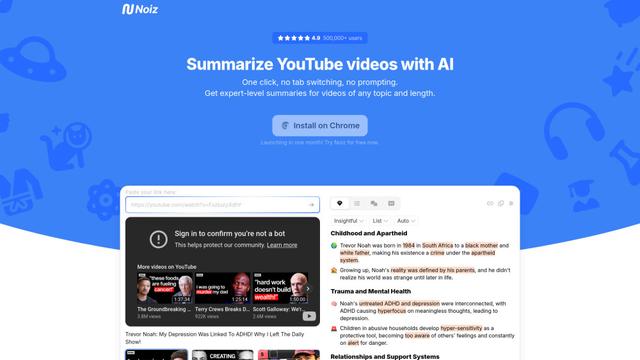
Noiz is an AI-powered video summarizer tool that transforms YouTube videos into concise summaries, transcripts, and key insights in 41 languages with just one click.
Sumvideo
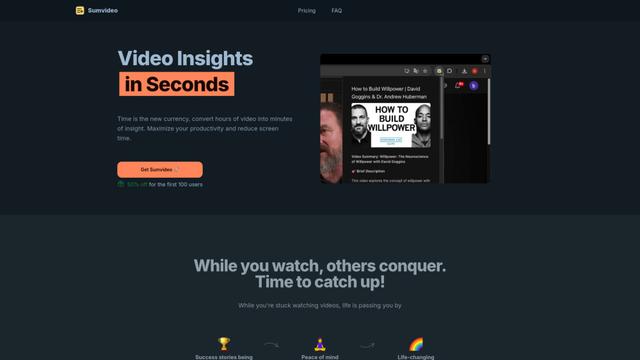
Sumvideo is an AI-powered browser extension that converts lengthy YouTube videos into concise text summaries, helping users save time and increase productivity.
TubeVoice
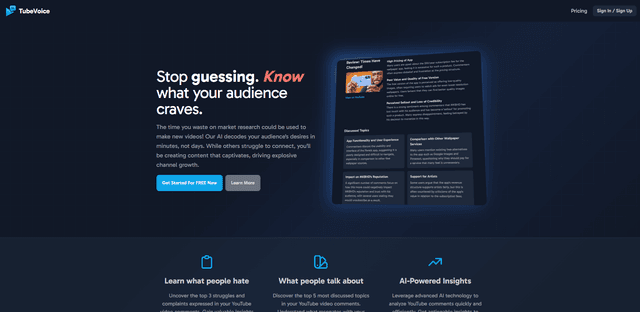
TubeVoice is an AI-powered YouTube comment analyzer that helps content creators understand their audience by providing insights from video comments through automated analysis.
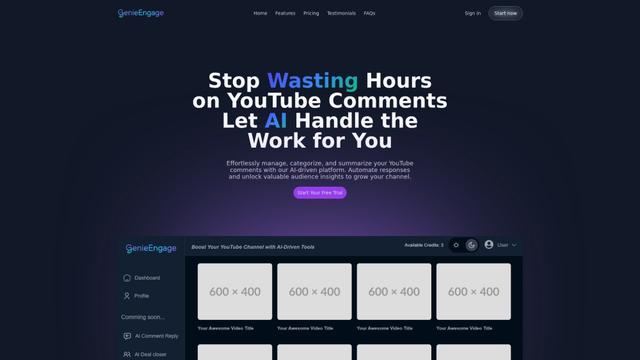
GenieEngage
Free TrialAI YouTube Assistant
GenieEngage is an AI-driven platform that helps YouTubers efficiently manage, categorize, and analyze video comments while providing automated response capabilities and audience insights to enhance channel growth.
Popular AI Tools Like Creator OS
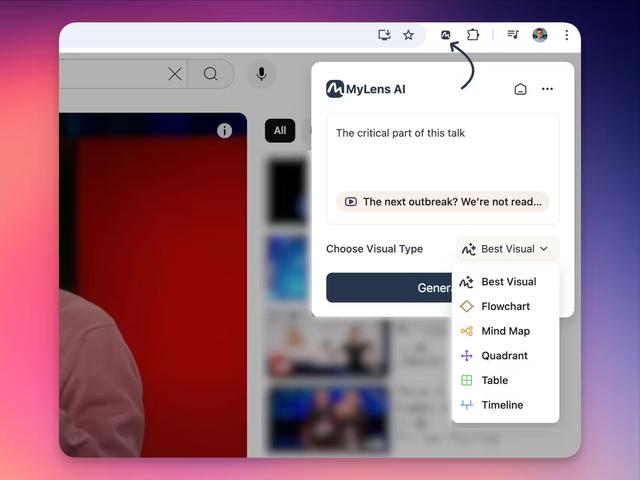
MyLensAI Chrome
MyLensAI Chrome is a browser extension that instantly transforms any webpage or YouTube video into visual summaries like mindmaps, timelines, tables, and flowcharts with just one click.

Youtube to transcript
Youtube to Transcript is a Chrome extension that allows users to easily convert YouTube videos into text transcripts with features like multi-language support, AI-powered summarization, and downloadable formats.
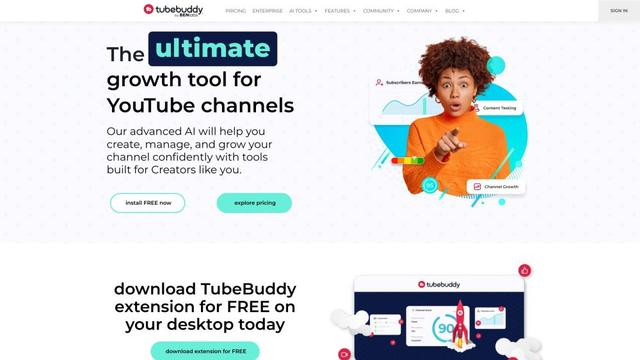
TubeBuddy
TubeBuddy is a browser extension and mobile app that provides YouTube creators with AI-powered tools for channel optimization, SEO, and growth.
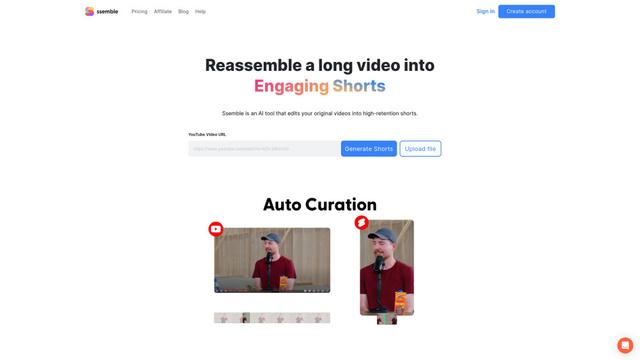
Ssemble
Ssemble is an AI-powered online video editor that automatically creates engaging shorts from longer videos, with features like trimming, captioning, transitions, and sound effects.