
Cowork
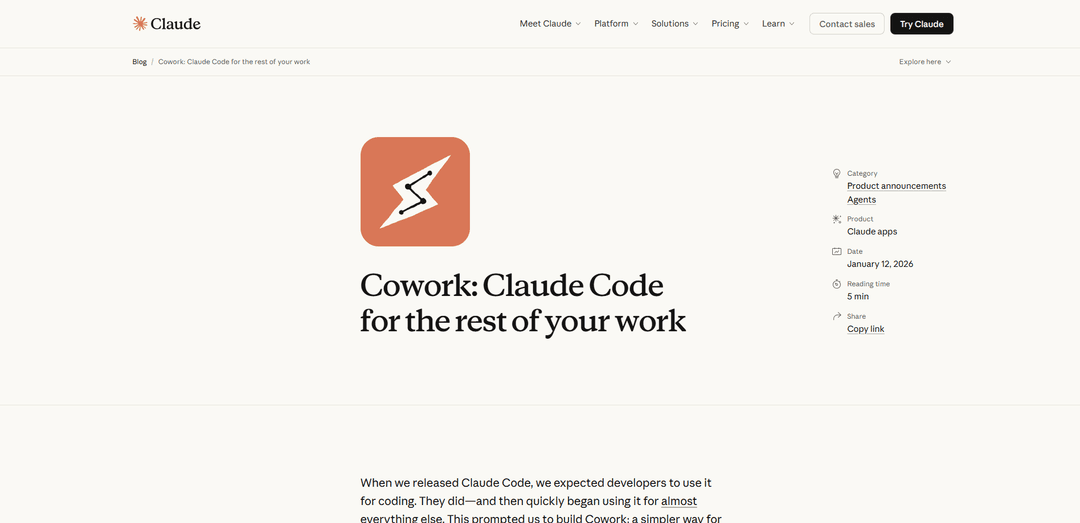
Cowork is Anthropic's new AI agent feature that allows anyone to give Claude access to local files and folders to complete complex tasks like organizing documents, creating reports, and analyzing data - without requiring coding knowledge.
https://claude.com/blog/cowork-research-preview?ref=producthunt
Product Information
Updated:Jan 15, 2026
What is Cowork
Cowork is a new research preview feature from Anthropic that brings Claude Code's powerful AI agent capabilities to non-technical users through a simplified interface in the Claude Desktop app. Built on the same foundations as Claude Code but designed for general knowledge work, Cowork allows users to give Claude access to specific folders on their computer to complete various tasks like reorganizing files, creating documents, analyzing data, and more. Currently available exclusively for Claude Max subscribers on macOS, Cowork represents Anthropic's effort to make agentic AI accessible to everyone, not just developers.
Key Features of Cowork
Cowork is a new feature in Claude Desktop that brings Claude Code's agentic capabilities to non-technical users. It allows users to give Claude access to specific folders on their computer, where Claude can read, edit, and create files autonomously while keeping users informed of its progress. Built on the same foundations as Claude Code, Cowork can handle complex tasks like organizing files, creating documents, and processing data without requiring coding knowledge.
Folder-based Access Control: Users can designate specific folders for Claude to access, ensuring it can only read and modify files within authorized locations
Autonomous Task Execution: Claude plans and completes multi-step tasks independently while keeping users updated on progress, similar to working with a human colleague
Integrated Tools & Skills: Compatible with existing Claude connectors and new skills for creating documents and presentations, plus browser access through Claude in Chrome
Parallel Task Processing: Users can queue multiple tasks for Claude to work on simultaneously without waiting for each to complete
Use Cases of Cowork
Document Organization: Sort and rename files in folders, organize downloads, and create structured file systems from messy collections
Data Processing & Analysis: Create spreadsheets from raw data, process receipts and expenses, synthesize information from multiple sources
Content Creation: Generate reports from scattered notes, create slide decks, and produce first drafts of documents
Research & Synthesis: Analyze multiple documents, conduct web research, and compile findings into organized outputs
Pros
Makes Claude Code's powerful capabilities accessible to non-technical users
Provides clear visibility into Claude's actions and planning process
Enables complex multi-step tasks without constant user interaction
Cons
Currently limited to macOS and Claude Max subscribers ($100-200/month)
Potential security risks from file access and prompt injections
Some features like cross-device sync and memory not yet available
How to Use Cowork
Download and Install: Download and install the Claude macOS desktop app if you haven't already. Cowork is currently only available for macOS.
Access Requirements: Ensure you have a Claude Max subscription ($100-200/month plan) as Cowork is currently only available to Max subscribers.
Launch Cowork: Open the Claude desktop app and click on 'Cowork' in the sidebar. It will appear as a new tab alongside the existing Chat and Code tabs.
Select Working Folder: Give Claude access to a specific folder on your computer that you want it to work with. Claude can only read, edit or create files within folders you explicitly grant access to.
Provide Instructions: Give Claude clear instructions about what you want it to do with the files in that folder (e.g., organize files, create spreadsheets, analyze documents, etc.).
Review Plan: Claude will make a plan for completing the task and show you what steps it intends to take. Review this to ensure it aligns with your goals.
Monitor Progress: Claude will work autonomously while keeping you updated on its progress via the sidebar, showing steps completed and outputs being created.
Provide Feedback: You can provide additional guidance or feedback while Claude works, and queue up multiple tasks to be processed in parallel.
Safety Considerations: Start with non-sensitive files while learning the tool, keep backups of important files, and provide clear unambiguous instructions to avoid unintended actions.
Cowork FAQs
Cowork is a research preview feature that brings Claude Code's agentic capabilities to Claude Desktop for non-coding knowledge work. It allows Claude to access, read, edit, and create files in folders you choose on your computer, with the ability to complete tasks more autonomously than in regular conversations.
Popular Articles

Vosko AI: Localize and Dub Videos for Global Audiences
Oct 15, 2026

Atoms: A Multi-Agent AI Platform That Transforms Ideas into Launch-Ready Products
Oct 13, 2026

Nano Banana SBTI: What It Is, How It Works, and How to Use It in 2026
Apr 15, 2026

Atoms Review — The AI Product Builder Redefining Digital Creation in 2026
Apr 10, 2026
Latest AI Tools Similar to Cowork
Sortio
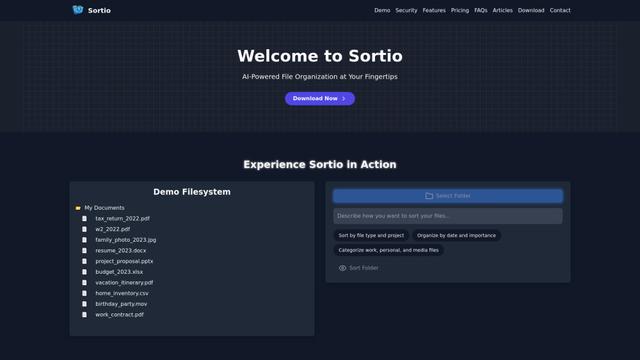
Sortio is an AI-powered desktop application that enables effortless file organization through natural language commands and intelligent sorting capabilities.

elDoc
elDoc is an all-in-one integrated automated platform that combines eSignatures, Document Workflow Automation, Secure File Management, and AI Document Processing capabilities to streamline document management and processing tasks.
RemoteSpace
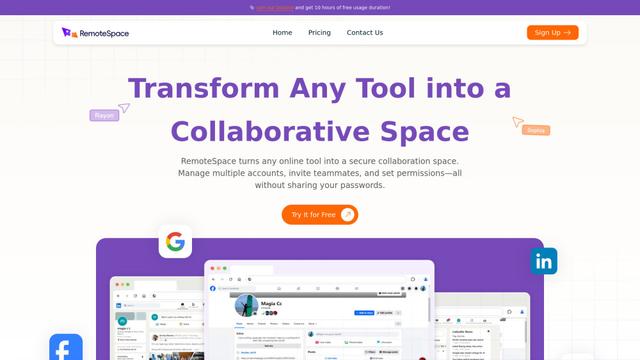
RemoteSpace is a secure collaboration platform that transforms any online tool into a shared workspace, allowing teams to manage multiple accounts, collaborate asynchronously, and maintain security without sharing passwords.

Proxy Booster
Proxy Booster is an all-in-one proxy management platform that helps users boost proxy speed, reduce proxy costs, and enhance security through AI-powered features like Smart-cache and custom proxy rules.
Popular AI Tools Like Cowork

Claude Folder Upload
A Chrome extension that enables users to upload entire folders to Claude AI while intelligently preserving directory structures and file relationships, with smart filtering capabilities for irrelevant files.
Quill
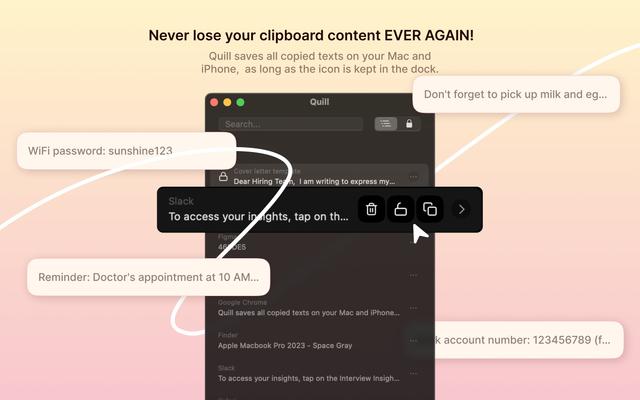
Quill is a comprehensive clipboard manager that automatically captures and organizes everything you copy across your Apple devices, featuring smart search, quick access, and seamless synchronization capabilities.
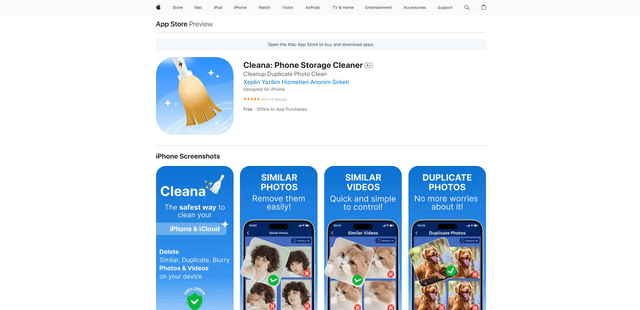
Cleana: iPhone Storage Cleaner
FreemiumAI Files Assistant
Cleana is an AI-powered iPhone storage cleaner that helps users efficiently identify and remove duplicate photos, similar videos, and unnecessary files while ensuring 100% offline data privacy.
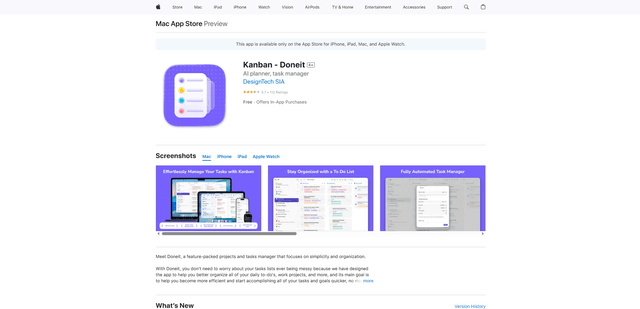
Doneit
Doneit is a feature-packed projects and tasks manager app that focuses on simplicity and organization, offering multiple views like list, grid, Kanban board and timeline to help users better organize all their daily to-do's and work projects.