
Continua AI
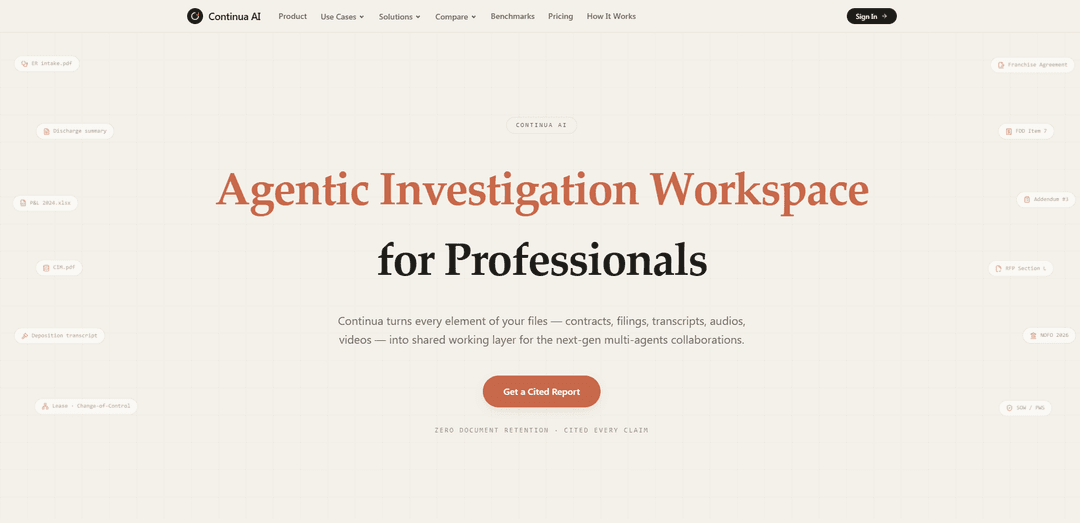
Continua AI is an agentic investigation workspace that reads 100% of long, multimodal document sets end-to-end and returns reviewable, citation-backed reports with zero document retention and HIPAA-ready workflows.
https://askcontinua.com/?utm_source=aipure
Product Information
Updated:Sep 3, 2026
What is Continua AI
Continua AI is an agentic investigation platform built for professionals who need to analyze large, complex sets of documents and data with high accuracy and traceability. It can work across contracts, financials, filings, spreadsheets, transcripts, audio, video, and other files, using full-context reasoning to identify relationships, inconsistencies, risks, and key findings while citing each claim back to its source. Designed for use cases such as due diligence, legal review, compliance, healthcare, audits, and RFP analysis, Continua combines multiple AI models with a shared data layer to produce structured, evidence-backed reports while emphasizing privacy through zero document retention.
Key Features of Continua AI
Continua AI is an agentic investigation workspace that reads entire long document sets end-to-end and produces reviewable, citation-backed outputs for professional workflows. It supports multimodal inputs (documents, spreadsheets, audio/video), extremely large context reasoning (marketed up to a 1B token context window) to reduce “top‑k/RAG” blind spots, and collaborative artifacts like cited reports and entity/relationship views. The product emphasizes sensitive-data handling with “zero document retention,” HIPAA-ready workflows, and BAAs available, and it can run tasks across multiple underlying foundation models.
Cited, checkable answers: Generates reports and Q&A where claims are backed by citations so users can verify conclusions against the underlying pages and passages.
Full-document, large-context reasoning: Designed to read 100% of pages end-to-end and reason over very large corpora (advertised up to a 1B token context window), reducing retrieval blind spots common in top‑k RAG approaches.
Multimodal and heterogeneous file support: Works across contracts, filings, transcripts, spreadsheets, and also audio/video, turning mixed file piles into a single investigation workspace.
Agent-native investigation artifacts: Produces structured outputs (e.g., markdown/HTML artifacts), flags conflicts/changes, and can build a “live fact universe” of events, relationships, and inconsistencies for ongoing analysis.
Multi-model backend connectivity: Connects to multiple leading models (e.g., OpenAI, Claude, Gemini, DeepSeek, Kimi) to support different analysis styles and performance tradeoffs.
Security and privacy controls for sensitive reviews: Positions itself for sensitive investigations with zero document retention after tasks, HIPAA-ready workflows, and Business Associate Agreements (BAAs) available.
Use Cases of Continua AI
M&A and SMB acquisition due diligence: Analyze CIMs, financials, leases, and customer contracts to extract key terms, surface risks, and produce a cited diligence memo highlighting conflicts and obligations.
Legal contract review and covenant tracking: Review agreements (e.g., leases, franchise agreements, addenda, change-of-control clauses) to summarize effective terms, covenants, and exceptions with page-level citations.
Healthcare / medical record chronology: Support HIPAA-aligned medical-record review by building timelines from intake notes, discharge summaries, and related documents, with cited references for auditability.
Compliance and policy investigations: Audit policies, SOPs, and regulatory/NOFO materials to identify gaps, contradictions, and required controls, producing traceable, cited findings.
RFP / SOW analysis for enterprise operations: Parse RFP sections, SOW/PWS documents, and attachments to extract requirements, evaluation criteria, and deliverables, producing a cited compliance matrix.
Litigation and deposition transcript analysis: Search and synthesize long transcripts to identify admissions, inconsistencies, and key events, returning a cited issue map for attorneys and paralegals.
Pros
Strong auditability: citation-backed outputs make it easier to verify and defend conclusions in professional settings.
Handles large, messy file piles: supports many file types and emphasizes full-context reading to reduce missed details.
Privacy-forward positioning: zero document retention plus HIPAA-ready workflows and BAAs available for sensitive use cases.
Cons
Marketing claims may require validation: “100% pages read” and very large context (e.g., 1B tokens) can vary by file type, task, or limits not visible in the snippet.
Not a turnkey vertical workflow by itself: investigations still depend on well-scoped questions and user review of cited evidence.
Multi-model complexity: different underlying models can produce varying outputs, requiring governance and consistency checks in regulated teams.
How to Use Continua AI
1) Choose which Continua AI product you’re using: Continua AI appears in multiple surfaces: (a) the cited-analysis web workspace at https://askcontinua.com/ (for long document sets and cited reports), and (b) the Social AI agent for group chats (SMS/iMessage/Discord) plus an Android app for a personal agent. Pick the surface that matches your goal (document investigation vs. group-chat coordination vs. personal agent on Android).
2) Create access / open the workspace (web): Go to https://askcontinua.com/ and select an entry point such as “Get a Cited Report,” “Run a Free Task,” or “Sign In” (which routes to the web app). The site indicates “First task free” and “No credit card required” for the initial run.
3) Start an investigation task (web): In the web app, initiate a new task by choosing a prompt/workflow (examples shown on the site include due diligence, effective terms & covenants, medical chronology, and other investigation-style tasks).
4) Attach your file pile (web): Upload the materials you want analyzed (the site lists supported inputs such as contracts, filings, transcripts, spreadsheets, and also multimodal inputs like audio/video). Add multiple files so the system can reason across the full set rather than only top-k retrieval.
5) Ask the hard question (web): Enter the specific question you need answered (e.g., contradictions, conflicts, obligations, timelines). Continua AI is positioned to read 100% of pages end-to-end and return outputs with many citations so you can verify claims.
6) Generate and review the cited report (web): Run the task and review the resulting report. Validate conclusions by checking the included citations (the site emphasizes “Cited every claim” and “Cited, reviewable outputs,” often with many citations per report).
7) Use the report for collaboration (web): Treat the output as a shared working layer: the site describes “agent-native artifacts” (e.g., markdown/html-based files) and a “shared data layer for AIs,” intended for multi-agent collaboration and investigation workflows.
8) Confirm security posture for sensitive work (web): If you’re working with sensitive data, review the Trust/Security materials linked from the site. The site states “Zero document retention” and notes it is designed to support HIPAA-ready workflows, with BAAs available for enterprise use.
9) Add Continua to a group chat (SMS/iMessage): To use Continua as a group-chat helper, add the phone number 332-286-3377 to an existing group SMS/iMessage thread. Then send messages in the group as usual and invoke Continua when you want help with planning, coordination, reminders, polls, or retrieving details from the thread.
10) Control how often the agent speaks (group chat): If Continua is responding too frequently, tell it to “hang back.” Sources describe that the agent is designed to participate with social intelligence—helpful when needed, quieter otherwise.
11) Ask privately for details you forgot (group chat): If you need to recall specifics (time, location, decisions) without interrupting the group, direct message Continua to ask for the information privately (described as a way to retrieve details from the conversation).
12) Use Continua on Discord (group chat): To use Continua in Discord, add Continua’s username to a Discord chat (as described in the sources). Once added, use it similarly for coordination, task help, and information retrieval within the channel.
13) Use Continua on Android (personal agent): Install the Continua Android app (as described in the sources). Use it to chat with your agent, review memory, inspect tasks and activity via a timeline, and search what the agent already knows.
14) Enable optional phone context signals (Android): In Android settings within the app, optionally enable context sources individually (examples listed include notification relay for allowed apps, calendar/contacts/location context, health/activity signals when available, and user-started camera/screen-sharing capture flows). These are described as opt-in signals that make the agent more useful over time.
15) Use the HyperKeyboard where available (Android): Enable Continua’s HyperKeyboard to bring context-aware suggestions and agent actions into places where Android allows custom keyboards (per the sources).
16) Get help if you run into issues: If you encounter problems with the group-chat agent, the sources provide [email protected] as a contact. For the cited-analysis web workspace, the site lists an enterprise contact path via [email protected].
Continua AI FAQs
Continua AI is an agentic investigation workspace for professionals that analyzes long, complex file sets (e.g., contracts, filings, transcripts, spreadsheets, audio, video) and produces cited, reviewable outputs.
Popular Articles

How to Create Viral Talking Baby Podcast Videos with AI: Step-by-Step Guide
Nov 2, 2026

Proferex: A Cloud-Based Ad Tracking and Campaign Optimization Platform
Nov 2, 2026

Vosko AI: Localize and Dub Videos for Global Audiences
Oct 15, 2026

Atoms: A Multi-Agent AI Platform That Transforms Ideas into Launch-Ready Products
Oct 13, 2026
Latest AI Tools Similar to Continua AI
Folderr
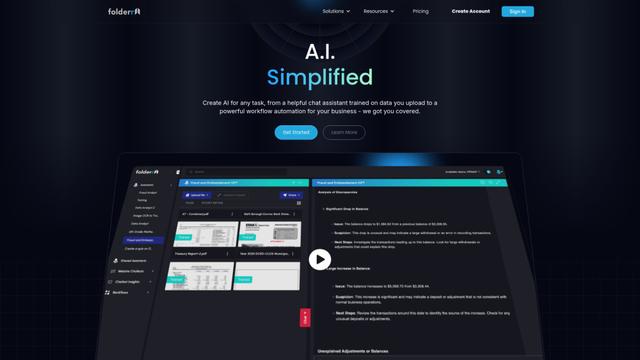
Folderr is a comprehensive AI platform that enables users to create custom AI assistants by uploading unlimited files, integrating with multiple language models, and automating workflows through a user-friendly interface.
InDesign Translator
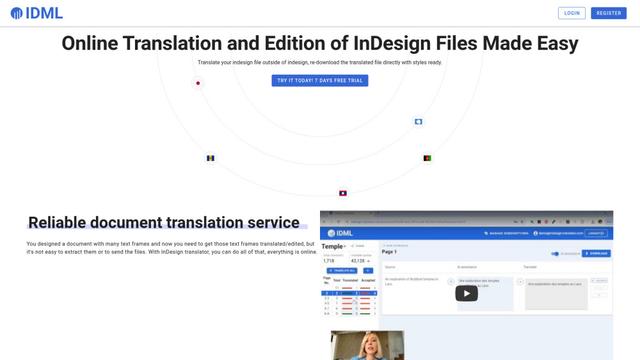
InDesign Translator is an online translation service that enables users to translate InDesign files while maintaining formatting and styles, offering AI-assisted translation and easy collaboration features without requiring translators to have InDesign installed.
Specgen.ai
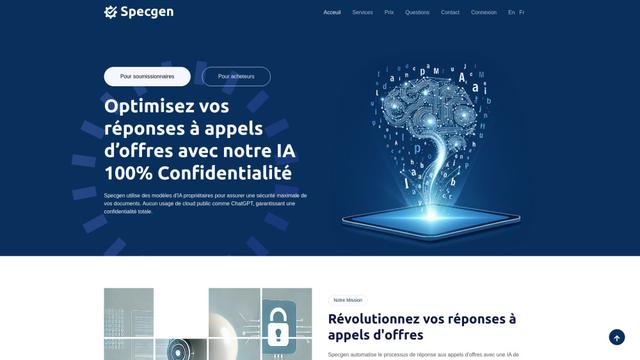
Specgen.ai is an AI-powered platform that helps businesses optimize their bid responses by automatically analyzing tender requirements and generating personalized responses while ensuring 100% data confidentiality through proprietary AI models.
TurboDoc
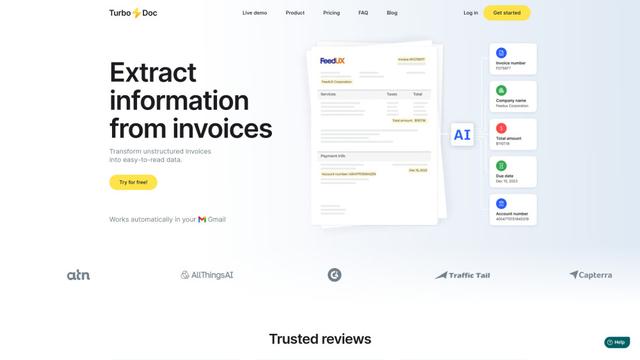
TurboDoc is an AI-powered invoice processing software that automatically extracts and transforms unstructured invoice data into organized, easy-to-read structured data through Gmail integration and intelligent document processing.
Popular AI Tools Like Continua AI

R2R
R2R (Reason to Retrieve) is an advanced AI retrieval system that provides production-ready Retrieval-Augmented Generation (RAG) capabilities with multimodal content ingestion, hybrid search, knowledge graphs, and comprehensive document management through a RESTful API.

Claude Folder Upload
A Chrome extension that enables users to upload entire folders to Claude AI while intelligently preserving directory structures and file relationships, with smart filtering capabilities for irrelevant files.
Web Clipper for NotebookLM
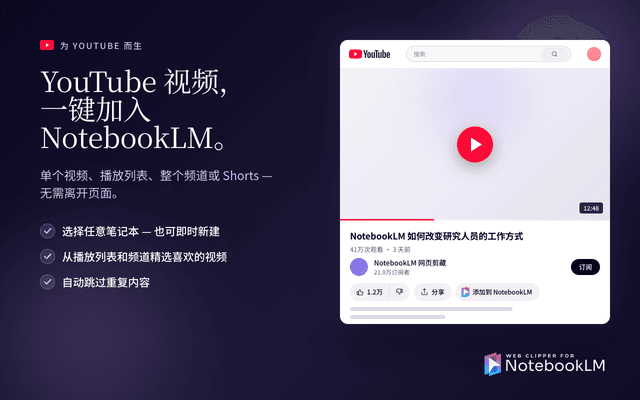
Web Clipper for NotebookLM is a Chrome extension that saves web pages, PDFs, YouTube content, social posts/threads, and even AI chat conversations directly into Google NotebookLM in one click, plus adds powerful export, sync, and notebook-management tools.
ReadHero
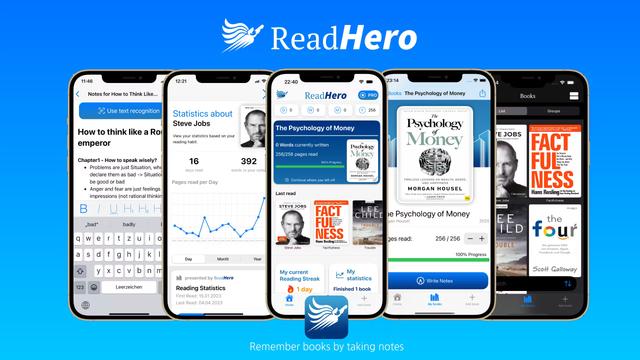
ReadHero is a comprehensive book tracking and note-taking app that helps readers remember and retain more of what they read by enabling progress tracking, note-taking, and book management all in one place.