
ConceptSeek
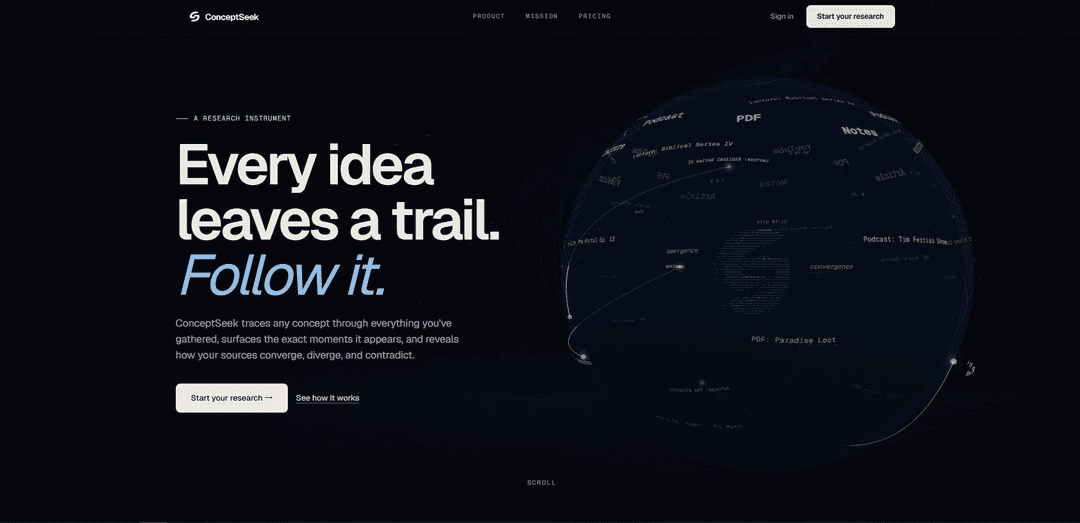
ConceptSeek is an AI-powered concept search tool that lets you search by meaning across your chosen YouTube videos, podcasts, PDFs, and notes, then jump to exact timestamps/passages and map how sources converge, diverge, or contradict.
https://www.conceptseek.com/?ref=producthunt
Product Information
Updated:May 19, 2026
What is ConceptSeek
ConceptSeek is a “research instrument” designed to help you work directly from the sources you care about rather than relying on generalized AI summaries. It allows you to build curated libraries from long-form materials—such as YouTube videos (including playlists and channels), podcasts, PDFs, text documents, and direct notes—and then trace ideas across them. The focus is evidence-first research: finding the precise moments where a concept appears and keeping the original context accessible so you can verify, cite, and compare what your sources actually say.
Key Features of ConceptSeek
ConceptSeek is an AI-powered concept search and research tool that lets you search by meaning (not just keywords) across user-curated sources like YouTube videos/playlists/channels, podcasts, PDFs, text documents, and notes. It surfaces the exact matching passages and timestamps (“moments”) and lets you jump directly to the original context, while also helping you compare how sources converge, diverge, or contradict via relational mapping (“Threads”). It’s positioned as an evidence-first research instrument: it supports grounded synthesis and navigation across long-form material you choose, rather than generating decontextualized answers from the open web.
Concept search (semantic, meaning-based): Search by idea, claim, theme, or phrase and retrieve passages that match the concept even when the exact wording differs.
Jump to exact moment / passage: Open precise timestamps in videos/podcasts and exact transcript or document passages with the result shown in full context for verification.
Threads (relational map of evidence): Visualize and compare how sources connect around a claim—where they agree, contradict, complement, or discuss the concept in different contexts.
Libraries (curated source collections): Organize trusted materials into reusable libraries containing mixed media (videos, transcripts, PDFs, notes) to build a personal research corpus.
Cross-library search: Run a single query across multiple libraries while preserving source-level context so you can compare different collections or viewpoints.
Save searches: Save and revisit searches to build ongoing research trails and quickly return to previously found moments and supporting passages.
Use Cases of ConceptSeek
Academic research & literature review acceleration: Search across lectures, papers, and PDFs to find where a concept is defined or debated, then cite exact passages and compare viewpoints.
Journalism & fact-checking: Trace a claim through interviews, podcasts, and videos; jump to the exact quotes; and map where sources corroborate or conflict.
Student study and exam prep: Locate the exact segment in long lectures where a topic is explained, recover ideas you forgot the keywords for, and compile evidence-based notes.
Content creation & editing (YouTube/podcast workflows): Find the perfect quote or segment across hours of recordings, then jump to precise timestamps for clipping, scripting, or referencing.
Policy/market analysis across curated sources: Build libraries of trusted experts and reports, then compare how different sources frame the same concept and where arguments diverge.
Personal knowledge management for long-form media: Turn scattered videos, podcasts, PDFs, and notes into a searchable library that becomes more valuable over time for ongoing learning.
Pros
Evidence-first workflow: results link to exact timestamps/passages so you can verify context instead of relying on opaque summaries.
Works across long-form, mixed media (YouTube, podcasts, PDFs, notes) and supports semantic search for hard-to-keyword ideas.
Curated libraries and cross-library search enable structured research and comparison across trusted sources.
Threads mapping helps reveal convergence, divergence, and contradictions more clearly than a flat list of results.
Cons
Requires building/maintaining libraries of sources; value depends on what you upload/curate rather than searching the entire web by default.
Usage is credit/plan-based with limits on libraries, sources per library, and processing capacity depending on tier.
Best suited to transcriptable/processable content; performance and coverage may vary with source quality (e.g., noisy audio, missing transcripts).
How to Use ConceptSeek
1. Create an account and start a trial: Go to ConceptSeek and sign up. Choose a plan (each includes a seven-day free trial) so you have credits and library limits appropriate to your workflow.
2. Create a research library: Open the Libraries area and create a new library (give it a clear name for the topic, course, beat, or project). Libraries are reusable containers for trusted sources you want to search later.
3. Add sources to your library: Populate the library with the material you want to inspect: YouTube videos, playlists, channels, podcasts, PDFs, text documents, and direct text notes. ConceptSeek is designed to search across the sources you choose.
4. Wait for sources to be processed and indexed: After adding sources, allow ConceptSeek to process them so they become searchable by meaning (concept) and navigable by exact passages/moments.
5. Run a concept search (search by idea, not just keywords): Use the Concept search box and enter an idea, claim, theme, or phrase (e.g., “symbolism”). ConceptSeek surfaces precise passages that carry the concept, even if the wording differs from your query.
6. Set your search scope (choose which libraries to search): Use the SCOPE selector to choose one or more libraries. Toggle All/None as needed so your results stay grounded in the specific sources you intend to use.
7. Use cross-library search to compare across collections: Enable cross-library search when you want one query to run across multiple libraries without losing source-level context (useful for comparing how different creators/authors frame the same concept).
8. Inspect results as “Moments” (evidence-first review): Review the returned Moments list to see each matched passage or segment. This is where you identify the exact places your concept appears across your gathered sources.
9. Jump to the exact moment or passage in the original source: Click “Jump to moment” (or open the result) to navigate directly to the precise timestamp in a video/podcast or the exact passage in a transcript/document, with the transcript and media synchronized so you can verify context.
10. Use Threads to map how sources relate around a claim: Switch to Threads to visualize where sources converge, diverge, contradict, or complement each other around your query. Use the relational map to compare perspectives rather than relying on a flat summary.
11. Filter and compare connections across sources: Within Threads, focus on the connections you care about (e.g., agrees vs contradicts vs different context) and open the linked sources/moments to validate how each source frames the concept.
12. Save searches for ongoing research: Use Save search to store a query and its scope so you can return later, continue building evidence, and avoid re-running the same setup each time.
13. Reuse and expand your libraries over time: Keep adding new videos, podcasts, PDFs, and notes to the same library (or create new libraries by topic). Your library becomes more valuable as it grows, enabling faster retrieval of quotes, references, and supporting material.
14. Apply the workflow to common research tasks: Use ConceptSeek to (a) research a topic across trusted sources, (b) recover ideas when you don’t remember exact keywords, (c) test a thesis against evidence by finding supporting/challenging passages, and (d) make long-form material usable by jumping directly to relevant moments.
ConceptSeek FAQs
ConceptSeek is an AI-powered concept search tool (a “research instrument”) that helps you trace ideas across the sources you’ve gathered and jump to the exact moments or passages where those ideas appear.
ConceptSeek Video
Popular Articles

Atoms: A Multi-Agent AI Platform That Transforms Ideas into Launch-Ready Products
May 22, 2026

Nano Banana SBTI: What It Is, How It Works, and How to Use It in 2026
Apr 15, 2026

Atoms Review — The AI Product Builder Redefining Digital Creation in 2026
Apr 10, 2026

Kilo Claw: How to Deploy and Use a True "Do‑It‑For‑You" AI Agent(2026 Update)
Apr 3, 2026
Latest AI Tools Similar to ConceptSeek

MarketYap!
MarketYap! is an AI-powered investment news aggregation platform that simplifies stock research by gathering and summarizing articles from multiple reputable sources.
ArXiv Pulse
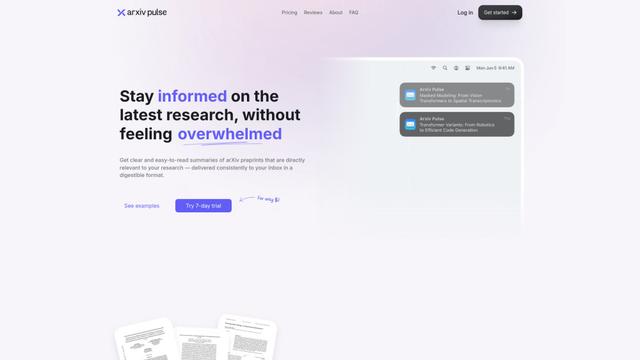
ArXiv Pulse is a platform that helps researchers stay updated with the latest research papers by providing personalized, easy-to-read summaries of arXiv preprints delivered directly to their inbox.
Zeli.app
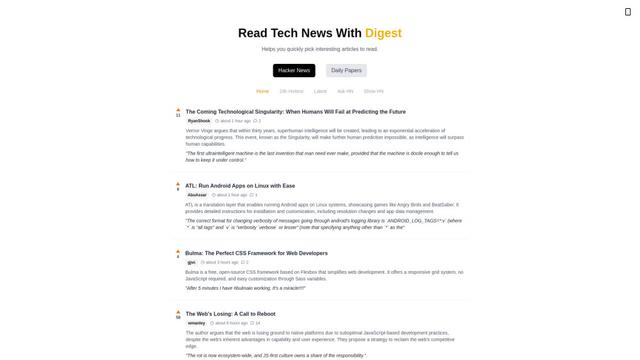
Zeli is an English-language platform that aggregates and provides digests of Hacker News articles and latest AI research papers to help tech enthusiasts stay updated with cutting-edge technology.
Gene
Gene is an AI-powered research and web assistant tool that helps users analyze, summarize and extract key information from articles and documents.
Popular AI Tools Like ConceptSeek
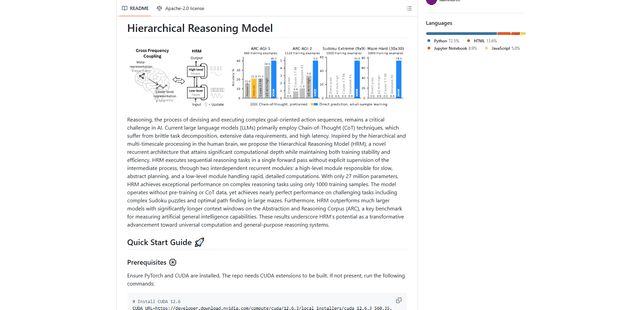
Hierarchical Reasoning Model
The Hierarchical Reasoning Model (HRM) is a brain-inspired AI architecture that achieves exceptional reasoning capabilities with only 27 million parameters, using two interdependent recurrent modules for abstract planning and detailed computations.
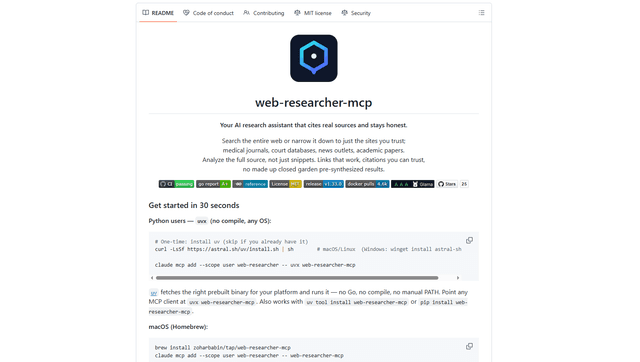
Web Researcher MCP
Web Researcher MCP is a local, production-grade MCP server that lets AI assistants search the web (optionally restricted to trusted “search lenses”), read full sources (including JS-rendered pages, PDFs, and YouTube transcripts), and return verifiable citations with multi-provider failover. [Source: https://github.com/zoharbabin/web-researcher-mcp?ref=producthunt]
Open AI o3
OpenAI o3 is a next-generation AI reasoning model with enhanced capabilities in coding, mathematics, and problem-solving that achieves breakthrough performance on advanced benchmarks while prioritizing safety through deliberative alignment.

NextGenAI by OpenAI
NextGenAI is a first-of-its-kind consortium launched by OpenAI that unites 15 leading research institutions with $50M in funding and tools to advance AI research and education.