
ColibotAI
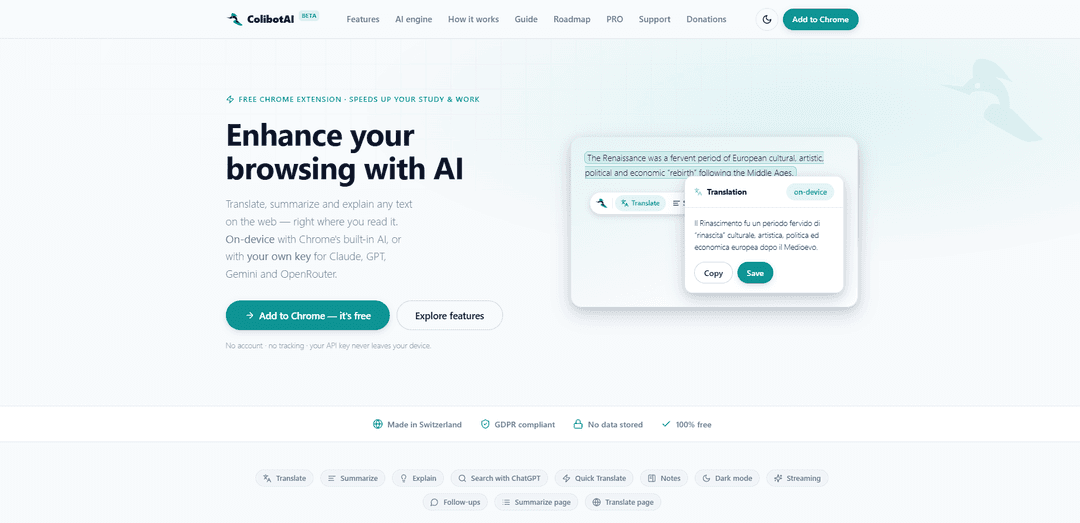
ColibotAI is a free, privacy-first Chrome extension that lets you translate, summarize, explain, and search selected web text using on-device AI or your own API key (GPT/Claude/Gemini/OpenRouter), with notes, page actions, and streaming results.
https://edoardoguzzi.com/colibotai?ref=producthunt
Product Information
Updated:Jun 16, 2026
What is ColibotAI
ColibotAI is an AI-powered browser extension for Chrome designed to help you work with online text directly where you read it. It enables one-click translation, summarization, and explanations of highlighted content, plus features like “Search with ChatGPT,” Quick Translate, and a Notes side panel to save and reuse outputs. Built with a calm, intuitive interface, it’s GDPR-compliant, requires no account, includes no tracking, and is free to use—either via Chrome’s on-device AI (when available) or by connecting your preferred AI provider with your own key.
Key Features of ColibotAI
ColibotAI is a free Chrome browser extension that lets you translate, summarize, explain, and further explore web text directly where you read it. It supports a hybrid AI approach: privacy-first on-device processing via Chrome’s built-in AI (Gemini Nano) when available, or “bring your own key” to use cloud models (Claude, GPT, Gemini, OpenRouter) or even your own OpenAI-compatible local/custom endpoint (e.g., Ollama/LM Studio). It emphasizes no account, no tracking, local key storage, optional notes, streaming outputs, follow-up questions, and one-click actions for selected text or entire pages.
Translate, Summarize, Explain (in-page): Highlight any text on a webpage and instantly translate it, condense it into key points, or get a contextual explanation via a small on-page toolbar and popover.
Hybrid AI engine (on-device or your own model/key): Run free, private on-device AI with Chrome’s built-in model, or connect your own provider key (OpenAI, Anthropic, Google, OpenRouter) or an OpenAI-compatible custom/local endpoint.
Whole-page actions: Summarize an entire article (with selectable depth: Short/Medium/Long) or translate a full page in place with a one-click restore to the original.
Notes side panel: Save results, then search, annotate, export, and reuse them from a dedicated side panel for lightweight knowledge capture while browsing.
Streaming answers + follow-ups: See results appear live as they’re generated and ask follow-up questions on the same output without reselecting text, keeping the original context.
Token-saving reuse + key validation: Avoid repeated calls by reusing prior answers for near-identical text (configurable similarity threshold), and validate API keys with a zero-token check plus optional debug mode.
Use Cases of ColibotAI
Student study support: Translate readings, summarize chapters/articles, and get explanations of complex passages directly on academic sites, journals, and online course materials.
Professional research & briefings: Quickly condense long reports, news, or documentation into actionable takeaways, then save highlights to Notes for later review or sharing.
Customer support & knowledge base reading: Explain technical instructions, summarize troubleshooting steps, and translate user-reported issues across languages to speed up triage and resolution.
Multilingual content workflows: Translate snippets or entire pages for market research, competitor analysis, or localization checks without leaving the browser.
Privacy-sensitive teams using local models: Point ColibotAI to a local OpenAI-compatible endpoint (e.g., Ollama/LM Studio) to keep data on-device/on-prem while still getting AI assistance.
Deep-dive exploration via ChatGPT search handoff: Send selected text to “Search with ChatGPT” in a new tab to expand analysis, generate questions, or compare interpretations beyond the on-page popover.
Pros
Privacy-first design: no account, no tracking, no backend; on-device mode keeps text local, and BYOK sends directly to your chosen provider
Flexible model choice: supports major providers plus OpenAI-compatible local/custom endpoints
Productivity features: whole-page summarize/translate, Notes panel, streaming outputs, and follow-ups
Cost control: free on-device option and token-saving reuse for repeated text
Cons
On-device capabilities depend on Chrome’s built-in AI availability and supported languages/models
Using cloud models requires your own API key and incurs provider usage costs
Full-page translation/summarization and accuracy can vary by website structure and model choice
How to Use ColibotAI
1) Install ColibotAI: Download and install ColibotAI from the Chrome Web Store.
2) Choose how you want to run the AI (engine): Either use Chrome’s on-device AI (free/private, when available) or open ColibotAI Settings and add your own API key (OpenAI, Anthropic/Claude, Google/Gemini, OpenRouter) or point it to an OpenAI-compatible endpoint (e.g., Ollama, LM Studio, llama.cpp, or your own server).
3) (Optional) Pick a model/provider when using your own key: In Settings, select the provider and model you want to use. Your key is stored locally and is not synced.
4) Activate the extension UI: Use the default shortcut to toggle/activate ColibotAI (Ctrl+Shift+E on/off). If your setup uses the older/default activation shortcut, try Ctrl+Shift+0. Shortcuts can be changed in Chrome.
5) Select text on any webpage: Highlight the text you want to work with. A small toolbar/command bar appears near your selection.
6) Choose an action: Translate, Summarize, or Explain: Click “Translate”, “Summarize”, or “Explain” on the toolbar to run the selected action on your highlighted text.
7) View the result: Read the output in the popover/modal that appears. If streaming is enabled, you’ll see the answer appear live as it’s generated.
8) Copy or save the result to Notes: Use the copy button to copy the result, or save it to the Notes side panel for later reuse, search, annotation, export, or deletion.
9) Ask a follow-up (optional): From the result view, ask a follow-up question without re-selecting the text; ColibotAI keeps the original selection as context.
10) Use Notes side panel (optional): Open Notes with the default shortcut Ctrl+Shift+Y to browse saved items, search them, annotate, export, or delete them.
11) Use Quick Translate (optional): Open Quick Translate with Ctrl+Shift+U to translate text you type or paste via the floating panel.
12) Summarize the whole page (optional): Use “Summarize page” to condense an entire article in one click and choose the depth (Short/Medium/Long).
13) Translate the whole page (optional): Use “Translate page” to translate the page in place, then restore the original with one click.
14) Use “Search with ChatGPT” (optional): Choose “Search with ChatGPT” to send your selection to ChatGPT in a new tab for deeper exploration.
15) Request features or get community support (optional): Visit the ColibotAI Roadmap/Community page, create an account or log in, and post feature requests or support questions.
ColibotAI FAQs
ColibotAI is a free Chrome extension that lets you translate, summarize, and explain text directly on web pages where you read it.
Popular Articles

Vosko AI: Localize and Dub Videos for Global Audiences
Oct 15, 2026

Atoms: A Multi-Agent AI Platform That Transforms Ideas into Launch-Ready Products
Oct 13, 2026

Nano Banana SBTI: What It Is, How It Works, and How to Use It in 2026
Apr 15, 2026

Atoms Review — The AI Product Builder Redefining Digital Creation in 2026
Apr 10, 2026
Latest AI Tools Similar to ColibotAI
Callaia
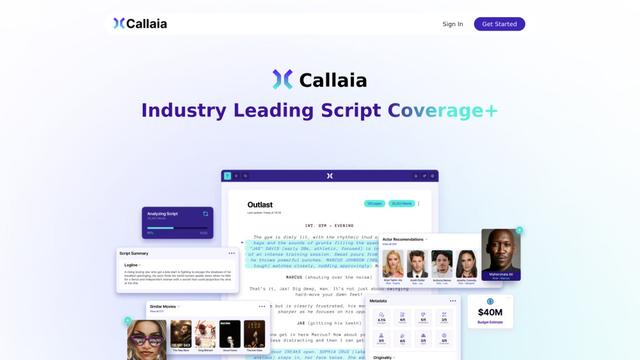
Callaia is an AI-powered script analysis tool that provides comprehensive script coverage, including logline, synopsis, character summaries, and actionable recommendations in under a minute for $79 per script.

Scribly AI
Scribly AI is an AI-powered content creation platform that helps users generate high-quality articles, blogs, emails, and various types of content in minutes while maintaining SEO optimization and brand voice consistency.
VocalScribe
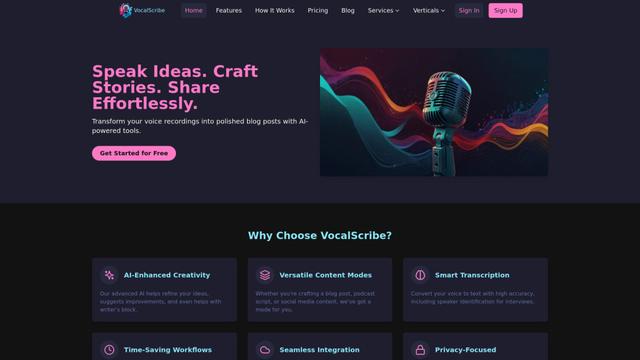
VocalScribe is an AI-powered platform that transforms voice recordings into polished blog posts and other content formats with smart transcription and enhancement capabilities.
Writers-Copilot
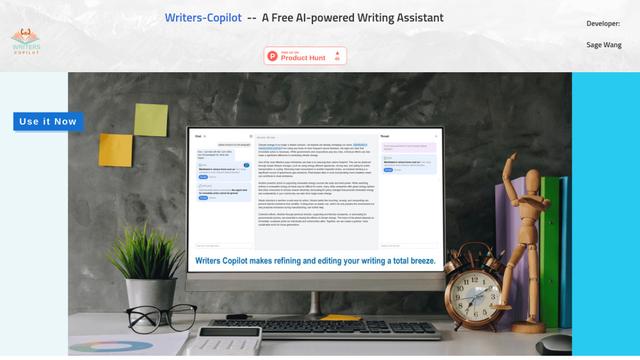
Writers-Copilot is a free AI-powered writing assistant that provides intelligent editing suggestions, real-time feedback, and content improvement capabilities to enhance writing quality and efficiency.
Popular AI Tools Like ColibotAI
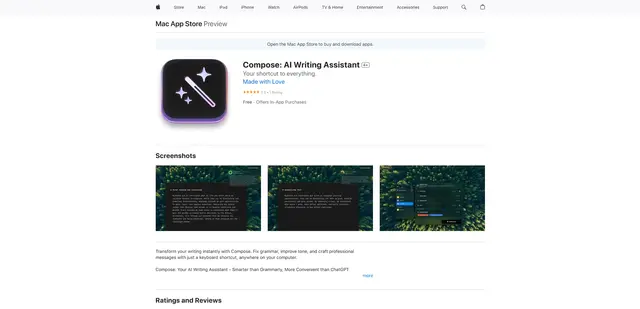
Compose for macOS
Compose for macOS is an AI-powered writing assistant that works system-wide, allowing users to transform and enhance their writing with just a keyboard shortcut across any application.
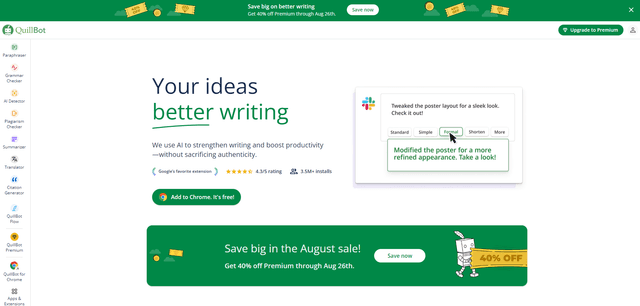
QuillBot
QuillBot is an AI-powered writing assistant that offers paraphrasing, grammar checking, and other tools to help users improve their writing quality and efficiency.

Doubao 1.6
Doubao 1.6 is an advanced multimodal AI model from ByteDance featuring enhanced reasoning capabilities, tool calling support, and adaptive thinking that balances performance with reasoning ability.
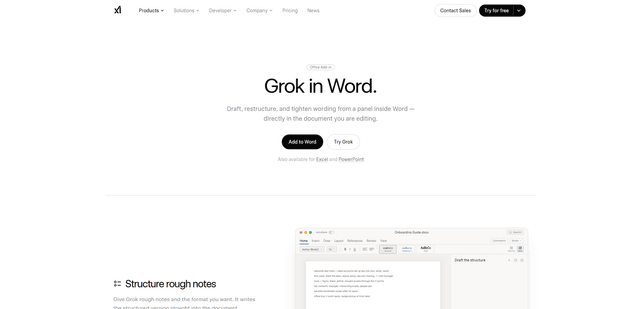
Grok by SpaceXAI for Word
Grok by SpaceXAI for Word is a free Microsoft 365 add-in that docks an AI side panel inside Word to draft, restructure, and apply undoable in-document edits while helping keep long documents stylistically consistent.