
ClickUp
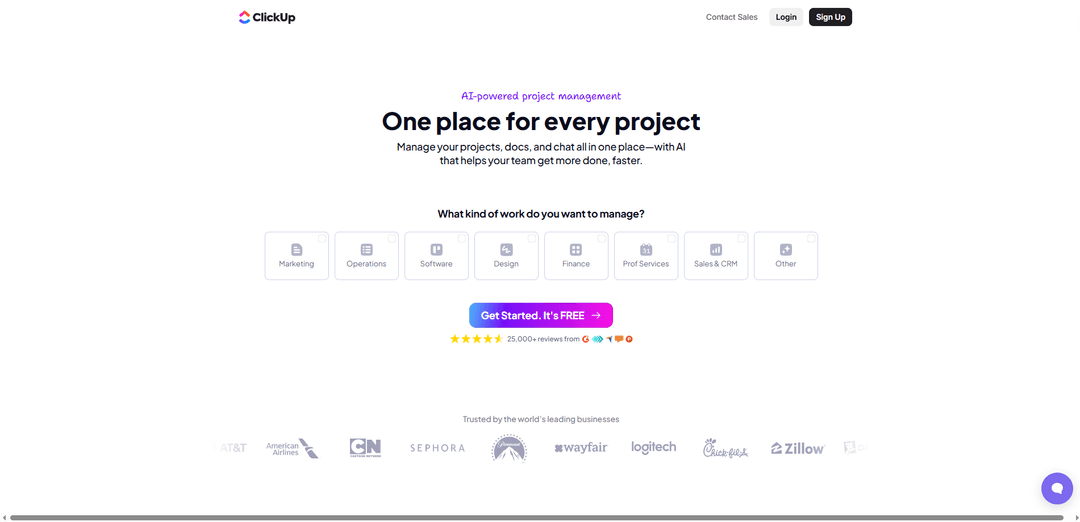
ClickUp is an all-in-one productivity platform that combines project management, docs, chat, AI capabilities and collaboration tools in a unified workspace to help teams work more efficiently.
https://try.web.clickup.com/n7wcvo9vy3xz-mtoru?ref=producthunt
Product Information
Updated:Jan 8, 2026
What is ClickUp
Launched in 2017, ClickUp is a comprehensive project management and productivity software that aims to replace multiple work apps with a single platform. The company has grown rapidly to serve over 20 million users from leading businesses including Siemens, AT&T, American Airlines, and many others. ClickUp differentiates itself by offering a highly customizable and feature-rich environment where teams can manage projects, tasks, documents, communications and workflows in one centralized location.
Key Features of ClickUp
ClickUp is an all-in-one project management and productivity platform that combines tasks, docs, chat, goals and AI capabilities in one unified workspace. It offers extensive customization options, multiple view types (like lists, boards, calendars), time tracking, automation features, and AI-powered assistance through ClickUp Brain. The platform aims to eliminate work sprawl by bringing together various work apps and workflows while providing flexibility to adapt to different team needs.
Unified Workspace: Combines tasks, docs, goals, chat and AI tools in one platform, eliminating the need for multiple separate apps
Customizable Views & Workflows: Offers multiple view options (lists, boards, calendars, Gantt charts) and allows deep customization through ClickApps to match specific team needs
AI Integration: Features AI capabilities through ClickUp Brain and AI Super Agents to help with task management, documentation, and workflow optimization
Time Tracking & Resource Management: Built-in time tracking, workload management and resource planning tools to monitor team productivity and project progress
Use Cases of ClickUp
Marketing Team Collaboration: Helps marketing teams plan campaigns, track content creation, manage deadlines and collaborate on assets in one place
Software Development: Enables development teams to manage sprints, track bugs, organize documentation and coordinate releases using agile methodologies
Educational Institution Management: Allows schools and educational organizations to coordinate administrative tasks, manage teaching resources and track student projects with an easy-to-use interface
Pros
Extensive feature set that can replace multiple separate tools
Highly customizable to adapt to different workflow needs
Strong AI integration capabilities
Cons
Can feel overwhelming due to the abundance of features and options
Performance issues reported with larger teams/projects
Mobile app needs improvement according to user feedback
How to Use ClickUp
Create a ClickUp Workspace: Sign up for a ClickUp account and create your first workspace. Choose your theme color and initial integrations like Google Calendar, Dropbox, etc.
Set Up Hierarchy Structure: Organize your work using ClickUp's hierarchy: Workspace > Spaces > Folders > Lists > Tasks. Try to limit tasks to 200-300 per List for optimal performance.
Enable ClickApps: Enable relevant ClickApps like Automations, Custom Fields, Time Estimates, and Time Tracking to customize functionality according to your needs.
Create and Manage Tasks: Click the '+' button to create tasks, add descriptions, assign team members, set due dates, attach files, and use the task description to add notes, checklists, or links.
Set Up Views: Add different views (List, Board, Calendar, Gantt) by clicking '+ View' to visualize and manage your tasks in various formats.
Configure Custom Statuses: Create custom task statuses (e.g., 'To Do,' 'In Progress,' 'In Review,' 'Complete') and assign colors for easy visual recognition.
Invite Team Members: Add members and guests to your Workspace and set appropriate permission levels to control access and capabilities.
Set Up Notifications: Configure notification settings to alert team members of changes or updates in real-time.
Use Time Tracking: Utilize built-in time tracking features to monitor productivity and manage project timelines effectively.
Implement Automations: Set up automated workflows to reduce repetitive tasks and increase efficiency based on specific triggers and actions.
ClickUp FAQs
ClickUp is an all-in-one project management and productivity platform launched in 2017 that allows teams to manage projects, documents, and chat in one place, with AI-powered features to help teams get more done faster.
ClickUp Video
Related Articles

Popular Articles

Atoms: A Multi-Agent AI Platform That Transforms Ideas into Launch-Ready Products
May 22, 2026

Nano Banana SBTI: What It Is, How It Works, and How to Use It in 2026
Apr 15, 2026

Atoms Review — The AI Product Builder Redefining Digital Creation in 2026
Apr 10, 2026

Kilo Claw: How to Deploy and Use a True "Do‑It‑For‑You" AI Agent(2026 Update)
Apr 3, 2026
Latest AI Tools Similar to ClickUp
Plani.ai
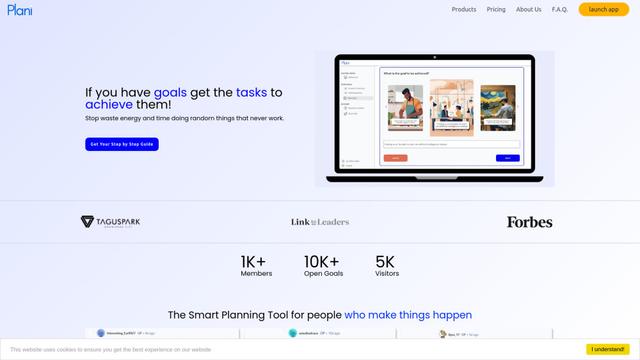
Plani.ai is an AI-powered business planning tool that generates customized strategies, tasks, and actionable plans to help entrepreneurs, startups, and small businesses achieve their business goals.
Tendery.ai
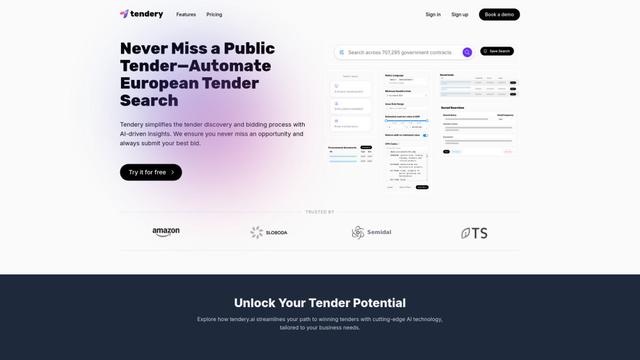
Tendery.ai is an AI-powered platform that transforms EU public procurement by providing automated tender discovery, intelligent matching, and enhanced proposal creation capabilities.

Devozy.ai
Devozy.ai is an AI-powered developer self-service platform that combines Agile project management, DevSecOps, multi-cloud infrastructure management, and IT service management into a unified solution for accelerating software delivery.
MDLR
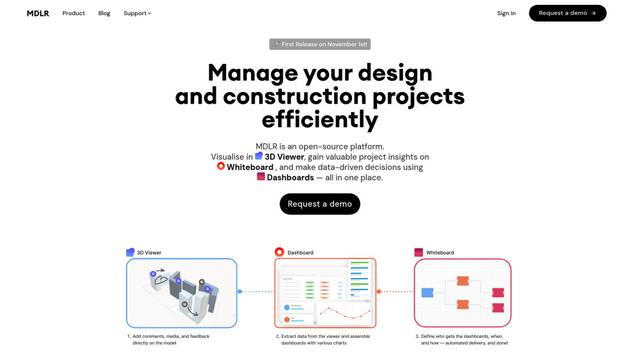
MDLR is an open-source AI-powered platform that streamlines design and construction project management through integrated 3D viewing, real-time dashboards, and interactive whiteboards.
Popular AI Tools Like ClickUp
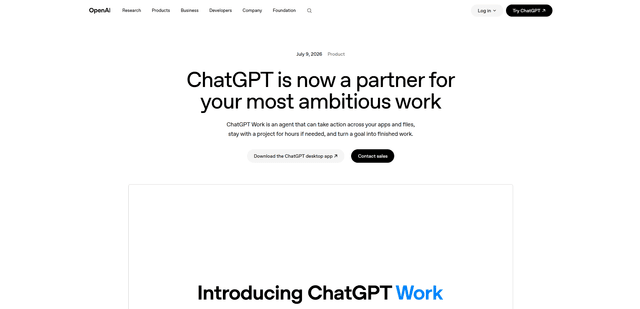
ChatGPT Work
ChatGPT Work is an agent mode inside ChatGPT that can run multi-step projects for hours, pull context from your connected apps and files, and produce finished outputs like docs, slides, sheets, and interactive Sites—while keeping you in control with approvals and enterprise governance.
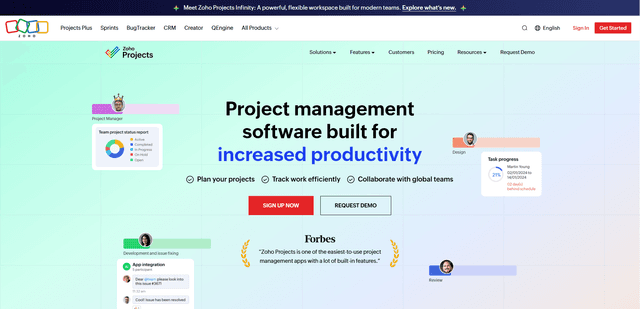
Zoho Projects
Zoho Projects is a cloud-based project management software that helps teams plan, track, and collaborate on projects with features like Gantt charts, task automation, time tracking, and comprehensive reporting tools.
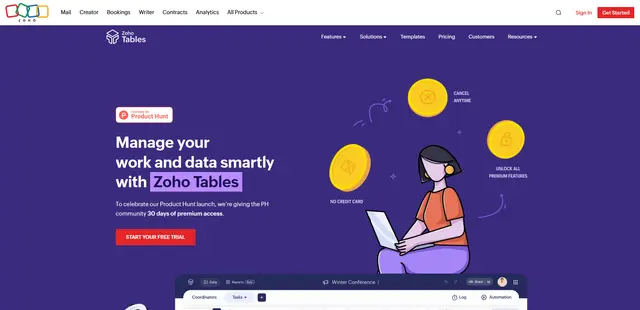
Zoho Tables
Zoho Tables is a modern spreadsheet-database hybrid that helps teams organize data with relational links, build views and dashboards, collaborate in real time, and automate workflows with no-code and AI assistance.
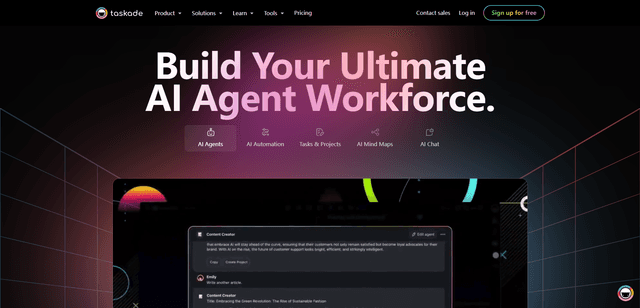
Taskade
Taskade is an AI-powered productivity platform that combines task management, real-time collaboration, and AI automation in one unified workspace for teams and individuals.