
Octrafic
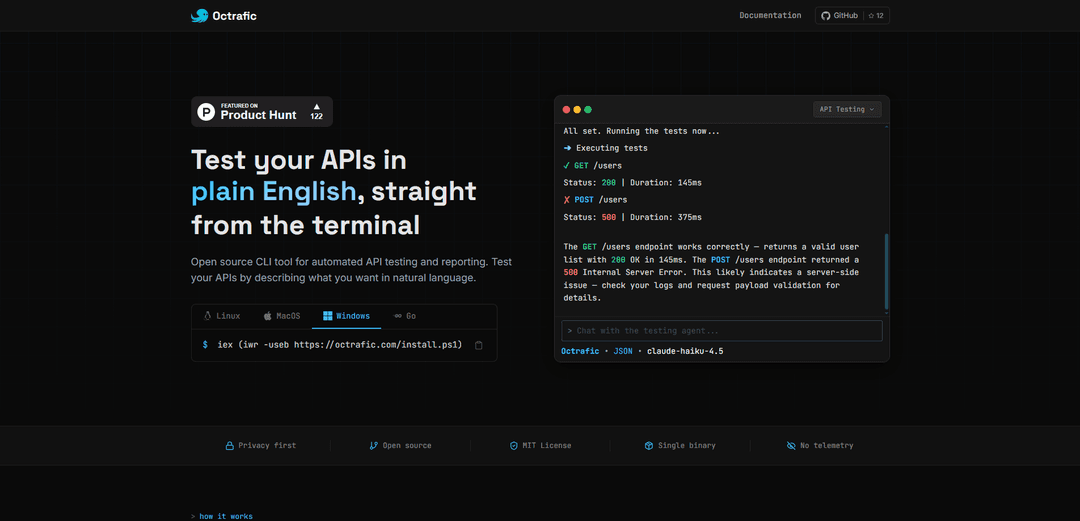
Octrafic is an AI-powered CLI tool that enables developers to test APIs using natural language commands instead of writing test scripts, with features like automated testing, PDF reporting, and OpenAPI specification generation.
https://octrafic.com/?ref=producthunt
Product Information
Updated:Mar 8, 2026
What is Octrafic
Octrafic is an open-source command-line interface (CLI) tool designed to simplify API testing through natural language interaction. Written in Go, it serves as a lightweight alternative to traditional API testing tools like Postman. The tool operates on a 'bring your own key' (BYOK) model, supporting various AI providers including Claude, OpenAI, OpenRouter, Gemini, Ollama, and llama.cpp, while maintaining a privacy-first approach with no telemetry.
Key Features of Octrafic
Octrafic is an AI-powered CLI tool for API testing that allows developers to test APIs using natural language commands instead of writing test scripts. It features automated test scenario generation, real HTTP request execution, PDF report generation, OpenAPI specification scanning, and supports multiple AI providers including OpenAI, Claude, and local models through Ollama.
Natural Language Testing: Describe test scenarios in plain English and let the AI agent automatically break them down into executable test cases
Automated PDF Reporting: Generate comprehensive PDF reports of test results with one command for easy sharing with team members
OpenAPI Auto-Scanner: Automatically generate OpenAPI 3.1 specifications from source code without manual documentation
Multiple LLM Provider Support: Flexibility to use different AI providers including OpenAI, Claude, OpenRouter, or run models locally with Ollama and llama.cpp
Use Cases of Octrafic
Development Testing: Backend developers can quickly test API endpoints during development without writing test scripts
CI/CD Integration: DevOps teams can integrate automated API testing into pipelines using headless mode for continuous testing
Non-Technical QA Testing: QA engineers without coding experience can effectively test APIs using natural language commands
API Documentation Validation: Teams can verify that APIs behave according to their OpenAPI/Swagger specifications
Pros
Open source and free to use forever
Lightweight single binary with no runtime dependencies
Natural language interface reduces testing complexity
Cons
Requires external AI provider API key
Currently in alpha stage with some rough features
May not support all complex testing scenarios
How to Use Octrafic
Install Octrafic: Install using one of these methods:
- Linux/macOS: curl -fsSL https://octrafic.com/install.sh | bash
- Homebrew: brew install octrafic/tap/octrafic
- Windows: iex (iwr -useb https://octrafic.com/install.ps1)
Configure LLM Provider: Set up your preferred AI provider (required). Options include:
- OpenAI
- Claude
- OpenRouter
- Ollama (for local models)
- llama.cpp
Run octrafic for first-time setup wizard
Prepare API Specification: Either:
- Use existing OpenAPI/Swagger spec file
- Generate spec automatically with 'octrafic scan -p ./your-api-directory'
- Provide direct API URL
Set Authentication (if needed): Configure API auth using flags:
- Bearer token: --auth bearer --token "your-token"
- API key: --auth apikey --key X-API-Key --value "your-key"
- Basic auth: --auth basic --user admin --pass secret123
Start Testing: Launch Octrafic with: octrafic -u https://your-api.com -s spec.json
Describe tests in plain English like:
- "test the login endpoint"
- "validate user creation"
- "check error handling"
Review Results: Octrafic will:
- Execute the tests
- Show pass/fail status
- Display response times
- Highlight any errors
Export Reports (Optional): Generate documentation with:
- PDF reports: Use 'Export results as PDF' command
- Postman collections export
- Python pytest files
- Bash curl scripts
CI/CD Integration (Optional): For automation pipelines use:
octrafic test --url https://api.example.com --spec openapi.json --prompt "test all endpoints"
Runs in headless mode with exit codes for CI/CD integration
Octrafic FAQs
Yes. Octrafic is open source and free to use with no limits. You bring your own LLM API key.
Popular Articles

Atoms: A Multi-Agent AI Platform That Transforms Ideas into Launch-Ready Products
May 22, 2026

Nano Banana SBTI: What It Is, How It Works, and How to Use It in 2026
Apr 15, 2026

Atoms Review — The AI Product Builder Redefining Digital Creation in 2026
Apr 10, 2026

Kilo Claw: How to Deploy and Use a True "Do‑It‑For‑You" AI Agent(2026 Update)
Apr 3, 2026
Latest AI Tools Similar to Octrafic
Mediatr
MediatR is a popular open-source .NET library that implements the Mediator pattern to provide simple and flexible request/response handling, command processing, and event notifications while promoting loose coupling between application components.
UsageGuard
UsageGuard is a secure AI platform that provides unified API access to multiple LLM providers with built-in safeguards, moderation, and cost control features.
APIPark
APIPark is an open-source, all-in-one AI gateway and API developer portal that enables organizations to quickly build internal API portals, manage multiple AI models, and streamline API lifecycle management with enterprise-grade security and governance features.
API Fabric
API Fabric is an AI-powered application generator that helps create APIs and frontends by describing the application requirements through natural language prompts.
Popular AI Tools Like Octrafic

A2A Protocol
A2A (Agent2Agent) Protocol is an open interoperability protocol developed by Google that enables seamless communication and collaboration between AI agents across different frameworks and vendors, regardless of their underlying architecture.
Product Hunt MCP
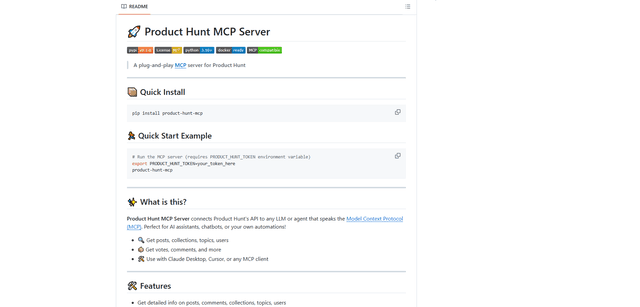
Product Hunt MCP Server is a blazing-fast, plug-and-play server that connects Product Hunt's API to any LLM or AI agent through the Model Context Protocol (MCP), enabling seamless access to posts, collections, topics, users, votes, and comments.
GenAI API for Apple Shortcuts
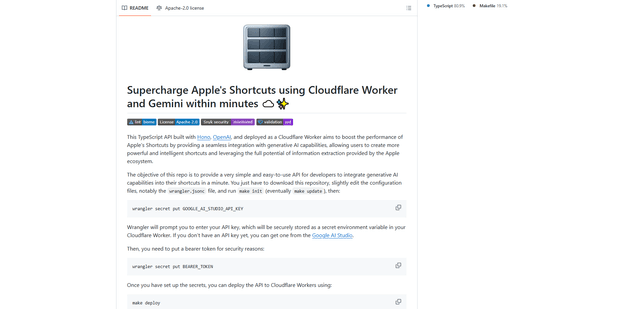
A TypeScript API that supercharges Apple's Shortcuts by integrating Cloudflare Workers with Google's Gemini AI model to enable powerful AI capabilities within minutes and for free (up to 1,500 requests per day).
Agent Starter Pack
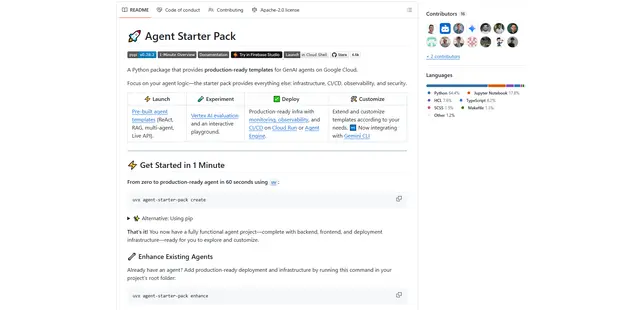
Agent Starter Pack is a Python package that provides production-ready templates for building GenAI agents on Google Cloud with built-in infrastructure, CI/CD, observability, and security features.