
Cleo
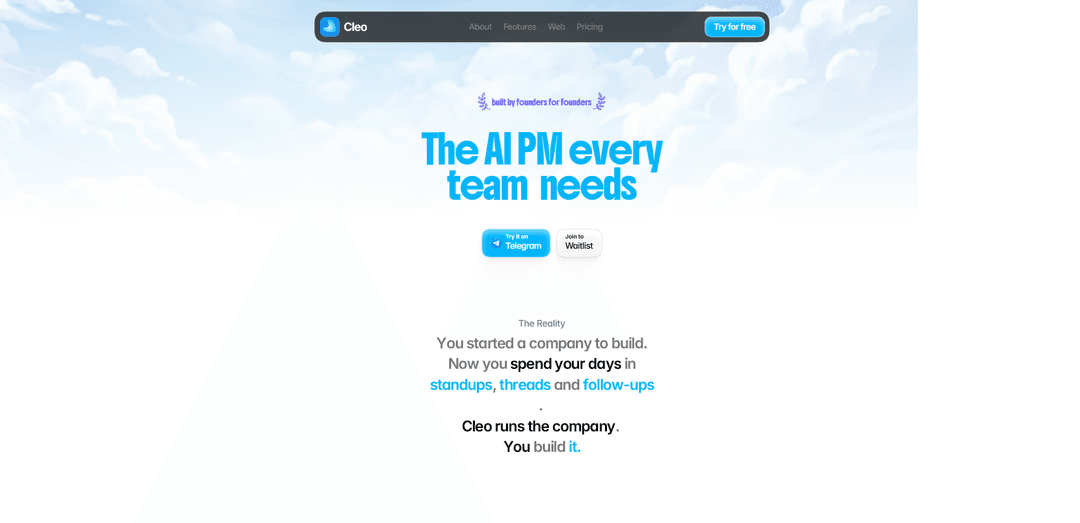
Cleo is an AI-native product-team operating system that learns your team and voice, runs standups and follow-ups end to end, and plugs into your existing tools to ship work with minimal management overhead.
https://trycleo.ai/?ref=producthunt
Product Information
Updated:Jun 8, 2026
What is Cleo
Cleo is an AI Product Manager built for founders and product teams who want to spend less time coordinating and more time building. Positioned as an AI-powered COO for day-to-day execution, Cleo centralizes team rhythm and operational context so work keeps moving without constant meetings, threads, and manual follow-ups. It integrates with the tools you already use—no new apps or migrations—while maintaining an organizational “memory” of what your company has said and done to stay aligned with how your team operates.
Key Features of Cleo
Cleo is an AI “product manager/COO” built for founders that runs core team operations so you can focus on building. It automates standups, coordinates work across multiple AI agents, drafts and replies to messages in your voice, and maintains organizational memory of what the company has said and done. Cleo plugs into existing tools (no new apps or migrations) and aims to operate with minimal rules or manual setup—handling follow-ups, coordination, and day-to-day execution end to end.
Automated standups (end-to-end): Replaces traditional standup meetings by collecting updates, synthesizing progress, and driving follow-ups without the team needing to meet live.
Multi-agent execution: Runs multiple agents in parallel to handle different operational tasks at the same time (e.g., tracking workstreams, nudging owners, summarizing status).
Replies in your voice: Drafts and sends meeting or thread responses on your behalf, matching your communication style to reduce founder time spent in inboxes and chats.
Company memory: Retains context about what the company has discussed and done, enabling more consistent decisions, continuity across projects, and less repeated explanation.
Automation without heavy rules: Designed to “run without rules” and reduce manual workflow configuration—Cleo proactively coordinates and executes routine operating tasks.
Works with your existing stack: Integrates into the tools you already use, avoiding new apps and migrations while fitting into current workflows.
Use Cases of Cleo
Early-stage startup operations: A founder uses Cleo to run standups, track ownership, and push follow-ups so a small team can ship faster without adding management overhead.
Remote or distributed teams: Cleo replaces synchronous check-ins with async status collection and summaries, keeping teams aligned across time zones.
Product & engineering delivery coordination: Uses organizational memory plus automated nudges and summaries to keep feature work moving, reduce “what’s the status?” churn, and surface blockers.
Meeting and thread management for leaders: Execs delegate routine responses and coordination to Cleo, which drafts replies in their voice and ensures next steps don’t drop.
Agency or client-service workflow oversight: Cleo coordinates multiple client workstreams, consolidates updates, and drives follow-ups to maintain delivery rhythm without constant manual PMing.
Pros
Reduces time spent on standups, follow-ups, and coordination so teams can focus on execution
Drafts communications in the user’s voice, helping leaders stay responsive without constant context switching
Builds persistent company memory, improving continuity and reducing repeated explanations
Fits into existing tools and workflows (no new apps/migration)
Cons
Requires access to team tools and communications to be effective, which may raise privacy/security concerns for some orgs
Quality and trust depend on how well it learns the team’s context and voice; early setup/learning curve may be needed
Automation may not match every team’s preferred process, especially in highly regulated or tightly controlled environments
How to Use Cleo
1) Connect Cleo to your existing work tools: Open Cleo (trycleo.ai) and link the tools you already use (your “stack”). Cleo is designed to plug in without requiring new apps or a migration, so the goal is to give it access to where your team already communicates and works.
2) Turn on Cleo-run standups: Enable the Standups feature so Cleo can run standups end-to-end. This replaces manual standup meetings by collecting updates, organizing them, and producing a consolidated view of progress and blockers.
3) Use Agents to run parallel workstreams: Start a set of AI agents to work at the same time on different tasks (e.g., researching a topic, summarizing customer feedback, drafting a brief). Use this when you want multiple outputs produced in parallel rather than sequentially.
4) Generate meeting replies “in your voice”: Use the Meetings capability to have Cleo draft responses for threads and follow-ups. Review and send the suggested replies to keep communication moving without writing everything from scratch.
5) Ask Cleo to create a one-page product brief: Connect relevant sources (e.g., customer feedback, internal discussions, metrics) and run Cleo to produce a one-page brief that summarizes: the top bet, what customers are asking for, the evidence chain, and a draft spec.
6) Let Cleo coordinate execution and keep the team in rhythm: Rely on Cleo’s coordination layer to keep work moving in a consistent cadence—tracking what’s happening, what needs attention next, and aligning the team around a shared operating rhythm.
7) Use Cleo’s “memory” to retain company context: As Cleo operates, it retains context about what your company has said or done. Use this to avoid re-explaining background and to keep decisions and follow-ups consistent over time.
8) Monitor outcomes with metric-based check-ins: After shipping changes, use Cleo to watch your metrics and report whether an initiative “worked, partially, did not work, or is too early,” helping you close the loop between execution and results.
Cleo FAQs
Cleo is an AI product manager designed to run day-to-day company workflows so founders can focus on building.
Cleo Video
Popular Articles

How to Create Viral Talking Baby Podcast Videos with AI: Step-by-Step Guide
Nov 2, 2026

Proferex: A Cloud-Based Ad Tracking and Campaign Optimization Platform
Nov 2, 2026

Vosko AI: Localize and Dub Videos for Global Audiences
Oct 15, 2026

Atoms: A Multi-Agent AI Platform That Transforms Ideas into Launch-Ready Products
Oct 13, 2026
Latest AI Tools Similar to Cleo
MultipleWords
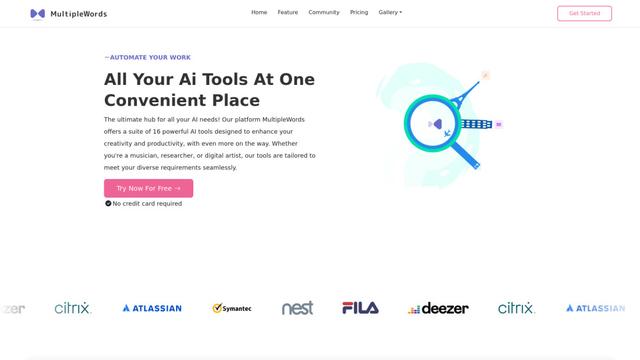
MultipleWords is a comprehensive AI platform offering 16 powerful tools for content creation and manipulation across audio, video, and image editing with cross-platform accessibility.
Athena AI
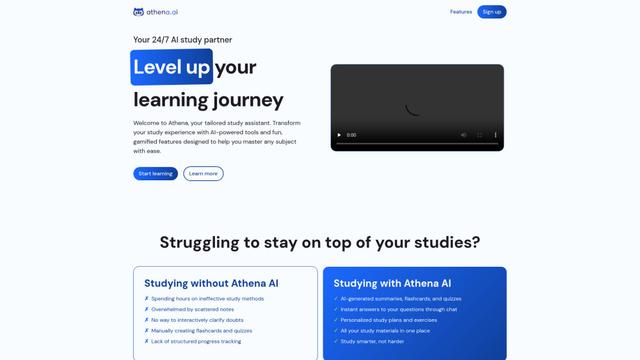
Athena AI is a versatile AI-powered platform offering personalized study assistance, business solutions, and life coaching through features like document analysis, quiz generation, flashcards, and interactive chat capabilities.
Taidai.io
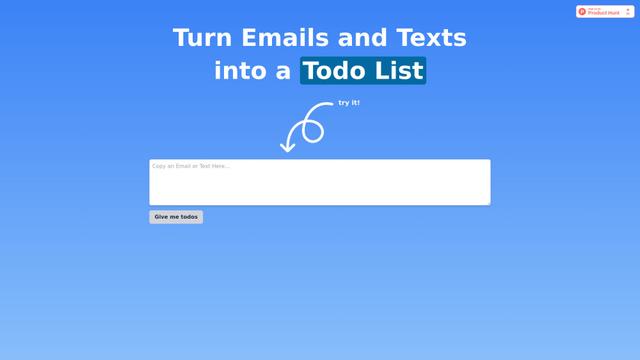
Taidai.io is an AI-powered tool that automatically converts notes, emails, and text content into actionable todo lists.
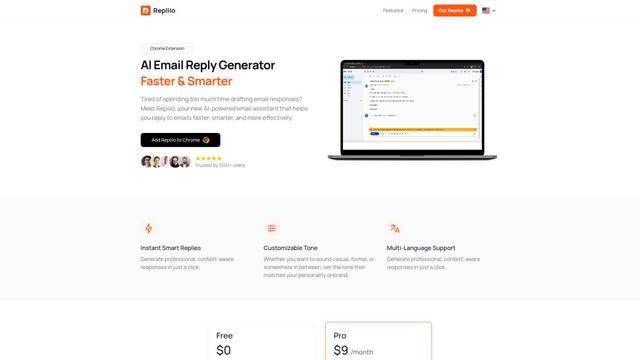
Repliio
Repliio is an AI-powered email assistant Chrome extension that helps users generate professional, context-aware email responses quickly with customizable tones and multi-language support.
Popular AI Tools Like Cleo

Microsoft Excel: Spreadsheets
Microsoft Excel is the industry-leading spreadsheet software that allows users to organize, analyze, and visualize data through powerful features like formulas, charts, and AI-powered insights.
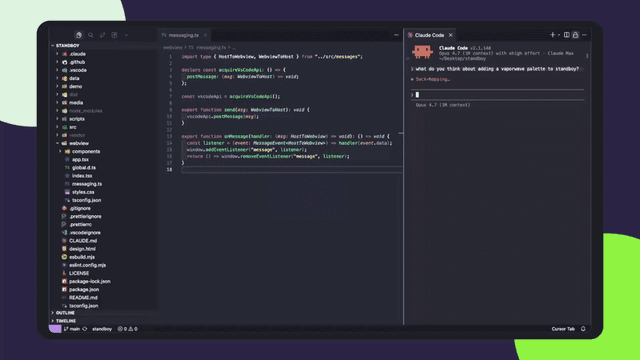
Standboy
Standboy is a VS Code/Cursor extension that auto-expands a Game Boy (GB/GBC/GBA) emulator in the sidebar during AI agent activity, then auto-hides and pauses—resuming mid-frame next time—while keeping a persistent ROM library, saves, and cover art.
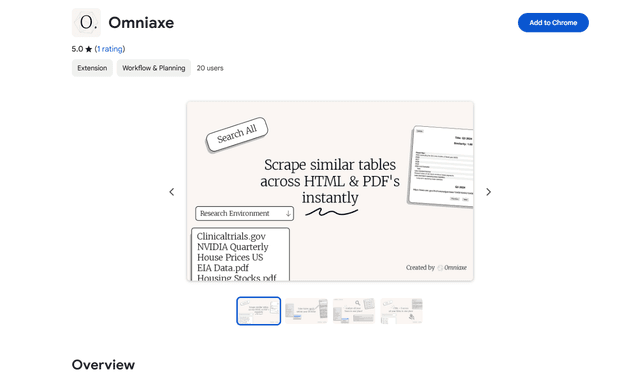
Omniaxe
Omniaxe is an all-in-one Chrome extension research tool that combines seamless data extraction, AI-powered analysis, and centralized note-taking capabilities designed specifically for analysts, researchers and students.
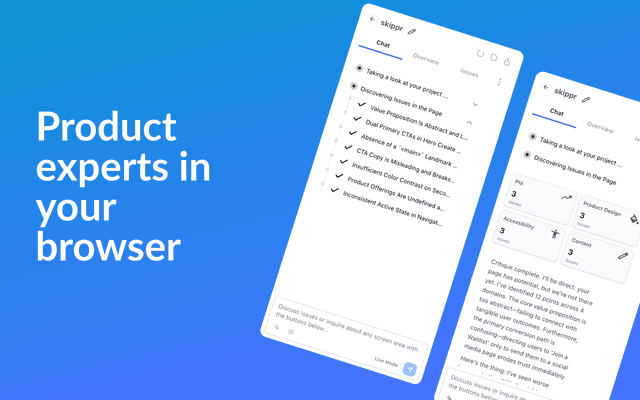
Finesse by Skippr AI
Finesse by Skippr AI is a browser extension that provides instant, expert-level product feedback and critiques across design, content strategy, accessibility, and product direction through specialized AI reviewers.