
ClarifierAI for IOS
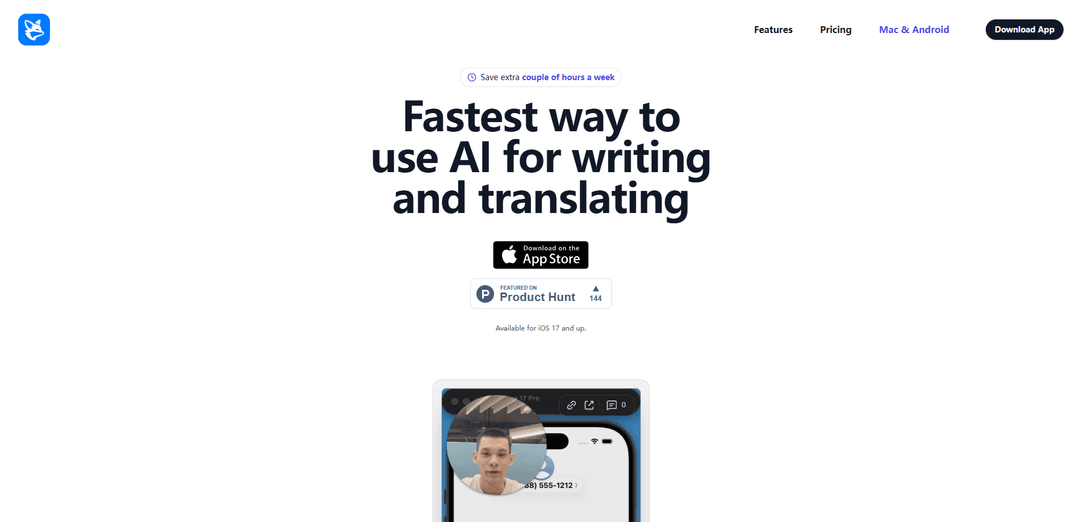
ClarifierAI for iOS is an AI-powered keyboard extension that enables users to instantly rewrite, translate, fix grammar, and improve their writing directly within any app without switching contexts.
https://tryclarifier.app/?ref=producthunt
Product Information
Updated:Apr 15, 2026
What is ClarifierAI for IOS
ClarifierAI for iOS is a powerful Grammarly alternative built directly into your iPhone keyboard as a native iOS extension. Available for iOS 17 and up, this innovative writing assistant allows users to seamlessly improve their text, translate messages, check politeness, and correct grammar exactly where they're already typing—whether in Messages, WhatsApp, Slack, email clients, Notes, or social media apps. Unlike traditional AI writing tools that require switching between separate applications, ClarifierAI integrates directly into the iOS keyboard, providing instant access to AI-powered writing assistance with a single tap. The app is designed for professionals, founders, and non-native speakers who need to communicate clearly and confidently throughout their day, transforming messy thoughts into polished, professional messages without interrupting their workflow.
Key Features of ClarifierAI for IOS
ClarifierAI for iOS is an AI-powered writing assistant that works as a keyboard extension directly within your iPhone, positioning itself as a Grammarly alternative. It enables users to rewrite text, translate content, fix grammar, and improve writing quality without switching between apps. The tool operates seamlessly across all iOS applications including Messages, WhatsApp, Slack, email clients, Notes, and social media platforms. It requires iOS 17.6 or later and emphasizes user privacy by not storing or selling text data, processing only the content users specifically choose to enhance.
Native Keyboard Integration: Works directly inside your iOS keyboard as an extension, allowing you to rewrite, translate, and fix grammar exactly where you're typing without switching between apps.
Message Improvement: Transforms messy, rushed thoughts into clear, professional messages with a single tap, perfect for quick replies that need to sound polished before sending.
Real-time Translation: Instantly translate your text into different languages directly from the keyboard, helping non-native speakers communicate naturally and fluently.
Grammar Correction: Automatically detects and fixes grammar issues with the ability to undo individual changes without accepting everything at once for precise control.
Politeness Checker: Analyzes and adjusts the tone of your messages to ensure appropriate politeness levels for professional and personal communications.
Universal App Compatibility: Functions everywhere you can type text on iOS, including Messages, WhatsApp, Slack, email clients, Notes, and all social media applications.
Use Cases of ClarifierAI for IOS
Corporate Communications: Professionals can draft perfect emails, Slack messages, and reports without overthinking, ensuring polished corporate communications throughout their workday.
Startup Pitching: Founders can communicate their vision clearly to investors, customers, and team members without second-guessing their pitch or messaging quality.
Multilingual Business: Non-native English speakers can write and translate messages with accurate grammar, sounding natural and fluent in professional contexts without language barriers.
Quick Social Media Responses: Social media managers and individuals can quickly improve and polish their responses across multiple platforms without leaving the app they're using.
Customer Support: Support teams can ensure consistent, professional, and grammatically correct responses to customers across various messaging platforms and email clients.
International Collaboration: Remote teams working across different languages can translate and improve their messages in real-time, facilitating smoother international collaboration.
Pros
Seamless integration directly into the iOS keyboard eliminates the need to switch between apps
Strong privacy protection with no data storage or selling of user text
Works universally across all iOS apps where text input is possible
Smooth user experience with the ability to undo individual changes selectively
Cons
Requires iOS 17.6 or later, limiting compatibility with older devices
Some users report bugs that need fixing
Missing certain customization options like reordering AI tools or quick translation switching on the keyboard
Premium subscription required for full feature access with automatic renewal
How to Use ClarifierAI for IOS
1: Download and install ClarifierAI from the App Store (requires iOS 17.6 or later)
2: Open your iPhone Settings and navigate to the keyboard settings to enable the ClarifierAI keyboard extension
3: Open any app where you can type text (Messages, WhatsApp, Slack, Email, Notes, or social media apps)
4: Switch to the ClarifierAI keyboard by tapping the globe icon on your keyboard
5: Type or paste your text that you want to improve, translate, or correct
6: Highlight the text you want to process directly on the keyboard
7: Select the desired AI tool: Improve Messages, Grammar Correction, Translate, or Politeness Checker
8: Review the AI-generated suggestions that appear right on the keyboard
9: Accept all changes by pressing confirm, or undo individual changes if needed without accepting everything at once
10: Send your polished message directly from the app you're using
ClarifierAI for IOS FAQs
Unlike other tools, ClarifierAI works directly inside your keyboard. Instead of switching back and forth between a separate AI app and your messaging app, you can seamlessly rewrite, translate, and fix grammar exactly where you are already typing.
Popular Articles

Vosko AI: Localize and Dub Videos for Global Audiences
Oct 15, 2026

Atoms: A Multi-Agent AI Platform That Transforms Ideas into Launch-Ready Products
Oct 13, 2026

Nano Banana SBTI: What It Is, How It Works, and How to Use It in 2026
Apr 15, 2026

Atoms Review — The AI Product Builder Redefining Digital Creation in 2026
Apr 10, 2026
Latest AI Tools Similar to ClarifierAI for IOS
Humanize AI
Humanize AI is a leading free online platform that transforms AI-generated text into natural, human-like content by eliminating robotic undertones while bypassing all AI detection tools.
Wandpen
Wandpen is a distraction-free AI rewriting Chrome extension that works seamlessly where you write, offering unlimited access to all features without any premium restrictions.
InclusivitEasy
InclusivitEasy is an AI-powered multilingual inclusive language checker that detects bias, suggests inclusive alternatives, and educates users on sensitivity in communication.
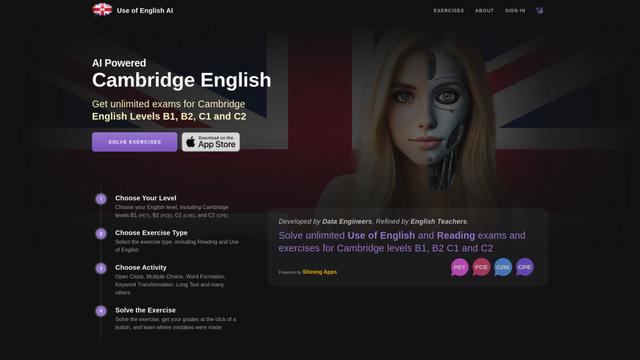
Use of English AI
Use of English AI is an innovative platform that uses AI to generate unlimited practice exercises for Cambridge English exams at B1, B2, C1 and C2 levels.
Popular AI Tools Like ClarifierAI for IOS
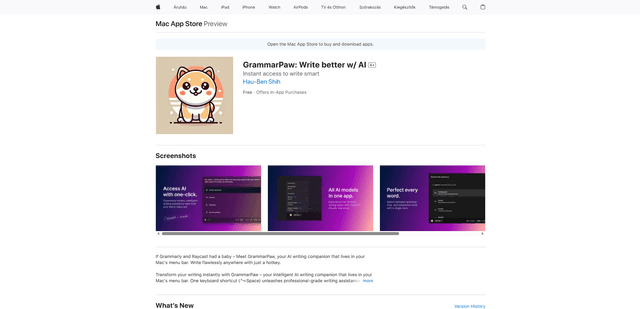
GrammarPaw – AI Writing assistant on Mac
FreemiumAI Grammar Checker
GrammarPaw is your intelligent AI writing companion that lives in your Mac's menu bar, accessible with one keyboard shortcut (⌃⌥Space) to help correct grammar, rewrite, and translate your texts easily.
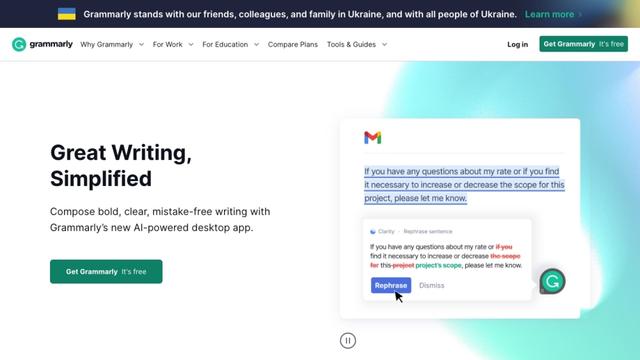
Grammarly
Free TrialAI Grammar Checker
Grammarly is an AI-powered writing assistant that helps users improve their writing by checking grammar, spelling, tone, and style while providing real-time suggestions across various platforms and applications.
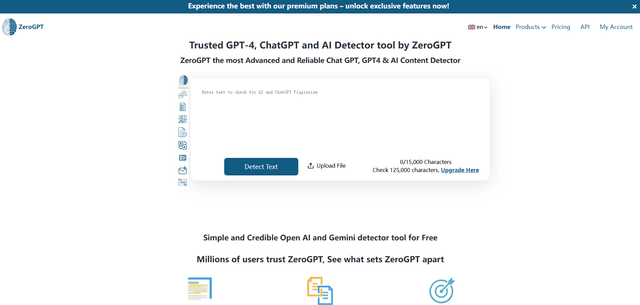
ZeroGPT
ZeroGPT is a comprehensive AI content suite featuring a highly accurate AI detector tool that analyzes text to determine whether it was written by AI (like ChatGPT, GPT-4, Gemini) or humans, along with additional features like summarization, paraphrasing, translation and grammar checking capabilities.
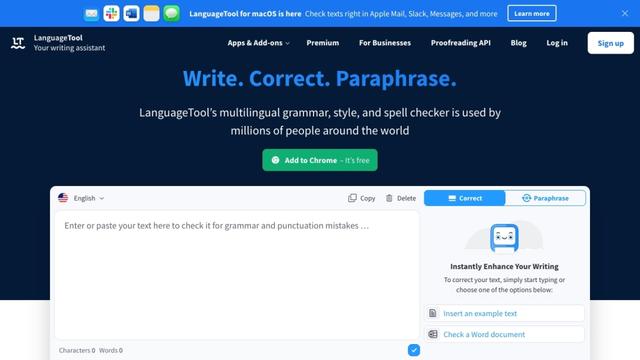
LanguageTool
FreemiumAI Grammar Checker
LanguageTool is an open-source, AI-powered grammar, style, and spell checker that supports over 30 languages and integrates with various platforms and applications.