
Chessie
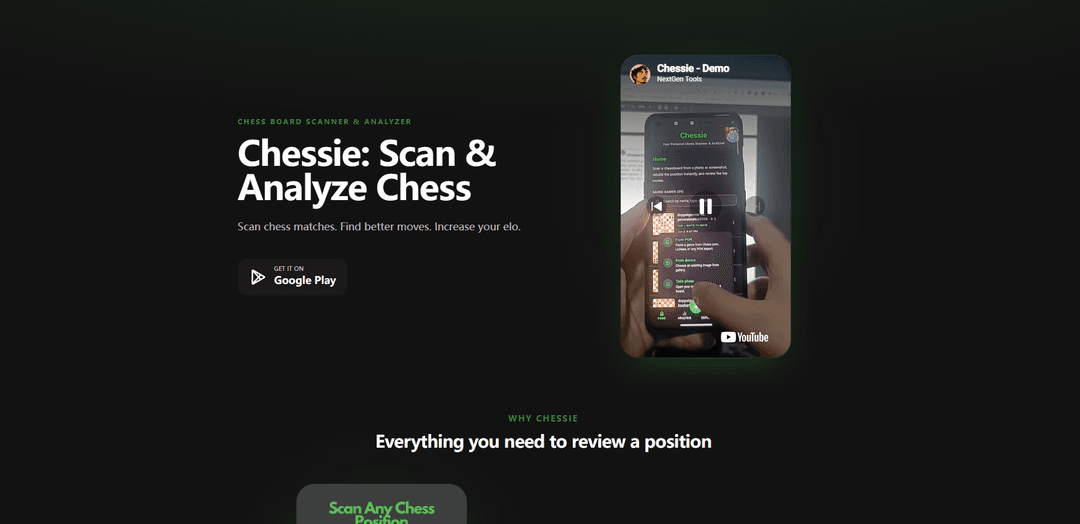
Chessie is a mobile chess board scanner and analyzer that recognizes positions from photos, imports PGNs, and runs offline Stockfish analysis with best-move suggestions and move grades.
https://chessie.nxgntools.com/?ref=producthunt
Product Information
Updated:Jun 16, 2026
What is Chessie
Chessie is an Android app designed to help chess players quickly review and understand games and positions. It lets you scan a real chessboard using your camera (or upload a photo), instantly recognize the pieces and squares, and jump straight into analysis. Beyond scanning, Chessie also supports importing games via PGN (including from platforms like Chess.com and Lichess) and provides in-app game review tools such as evaluations, candidate moves, and move grading.
Key Features of Chessie
Chessie is a mobile chess board scanner and analysis app that lets you capture a real-world chess position (via camera or photo) or import games via PGN, then analyze positions and full games using an on-device Stockfish engine. It focuses on fast board recognition, actionable analysis (evaluations, lines, and top candidate moves), move-by-move grading, and fully offline use, offered as a one-time purchase with unlimited scanning and analysis.
Camera board scanning: Point your camera at a physical chessboard or upload a photo; Chessie reads the position in seconds so you can analyze real games from anywhere.
Instant board recognition: Automatically detects pieces and squares with minimal manual setup—confirm the detected position and jump straight into analysis.
PGN import from major platforms: Paste PGN (e.g., from Chess.com or Lichess), verify moves/position, and run full game analysis without retyping games by hand.
Stockfish-powered analysis: Provides engine evaluations and lines using Stockfish for trustworthy position assessment and deeper understanding of best continuations.
Top candidate moves (up to 10): Surfaces up to ten best moves each turn, ranked by strength, to compare options quickly and choose lines that match your style.
Offline-first workflow + one-time pricing: Works fully offline with unlimited scanning and analysis; monetized via a one-time $4.99 unlock rather than subscriptions or engine credits.
Use Cases of Chessie
Over-the-board post-game review: Scan a position from a tournament or casual game and immediately analyze critical moments, blunders, and best continuations.
Chess coaching and lesson prep: Coaches can quickly digitize student games from a physical board, run analysis, and review move grades and alternatives during lessons.
Club analysis nights and group study: In chess clubs, members can scan positions from demo boards or printed diagrams and discuss engine lines and candidate moves together.
Content creation for chess educators: Creators can import PGNs or scan real boards to generate accurate analysis lines and evaluations for videos, blogs, and study materials.
Offline training while traveling: Players can analyze games and positions without Wi‑Fi or mobile data—useful on commutes, flights, or in low-connectivity environments.
Pros
Fully offline scanning and Stockfish analysis (no Wi‑Fi required).
One-time purchase pricing with unlimited analysis (no subscriptions/credits).
Fast camera/photo board recognition plus PGN import for flexible workflows.
Cons
Availability appears focused on Android (Google Play), with no iOS version mentioned in the provided sources.
Competitor comparison/pricing details may change over time (the site notes competitor pricing is approximate).
How to Use Chessie
1. Install Chessie: Download and install Chessie from Google Play (com.jrguazon.chessie).
2. Open the app and choose how you want to load a position: Start a new analysis by either scanning a physical board with your camera or uploading a photo of a chess position.
3. Scan a chessboard position (camera method): Point your phone camera at the chessboard so the full board is visible. Chessie will detect squares and pieces automatically and read the position in seconds.
4. Upload a photo (image method): Select an existing image from your device. Chessie will run the same automatic detection to identify pieces and squares from the photo.
5. Confirm the recognized board: Review the detected pieces and placement. If anything looks off, adjust/confirm until the position matches the real board, then proceed to analysis.
6. Analyze the position with Stockfish: Run engine analysis to see an evaluation and suggested lines powered by Stockfish.
7. Review the Top 10 candidate moves: For the side to move, view up to ten recommended moves ranked by strength and compare alternatives quickly.
8. Import a full game via PGN (Chess.com/Lichess): Copy a PGN from Chess.com or Lichess, paste it into Chessie, verify the board and moves, then run full game analysis without retyping.
9. Use Game Review to grade moves: Step through the game move-by-move to see grades (e.g., brilliant vs blunder) and how the evaluation changes after each move.
10. Practice offline: Use scanning and Stockfish analysis without Wi‑Fi or mobile data; your games and analysis stay on your device.
11. Unlock unlimited features (optional): If prompted, purchase the one-time $4.99 unlock to analyze forever with unlimited offline Stockfish analysis (no subscriptions or engine credits).
Chessie FAQs
Chessie is a chess board scanner and analyzer app that lets you scan chess positions from a camera or photo and analyze them with the Stockfish engine.
Popular Articles

Vosko AI: Localize and Dub Videos for Global Audiences
Oct 15, 2026

Atoms: A Multi-Agent AI Platform That Transforms Ideas into Launch-Ready Products
Oct 13, 2026

Nano Banana SBTI: What It Is, How It Works, and How to Use It in 2026
Apr 15, 2026

Atoms Review — The AI Product Builder Redefining Digital Creation in 2026
Apr 10, 2026
Latest AI Tools Similar to Chessie

TubeVoice
TubeVoice is an AI-powered YouTube comment analyzer that helps content creators understand their audience by providing insights from video comments through automated analysis.
ReviewPower
ReviewPower is an all-in-one platform that aggregates and analyzes trusted reviews from G2 and Capterra to help businesses gain valuable insights from customer feedback.

Insightfull
Insightfull is an AI-powered health tracking platform that helps users monitor symptoms, analyze health data, and receive personalized insights through symptom tracking, food logging, and medication management features.
SERPrecon
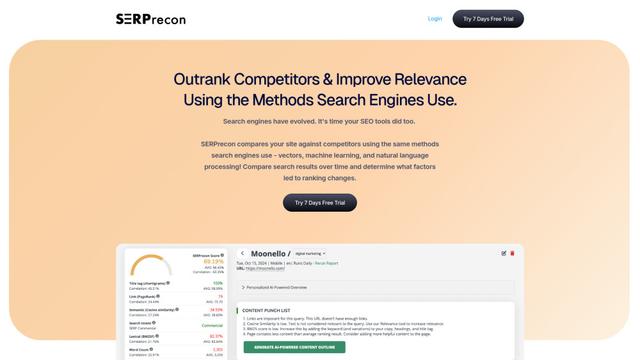
SERPrecon is an advanced SEO tool that leverages vectors, machine learning, and natural language processing to help users analyze and outrank competitors by using the same methods as modern search engines.
Popular AI Tools Like Chessie
Radar
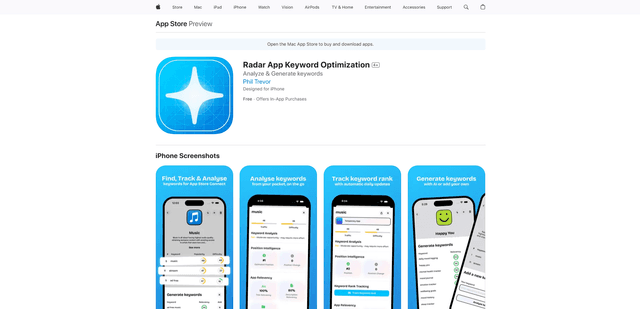
App Radar is a comprehensive app store optimization (ASO) tool that leverages AI-powered keyword research, competitor analysis, and automated tools to help improve app visibility and rankings across the Apple App Store and Google Play Store.
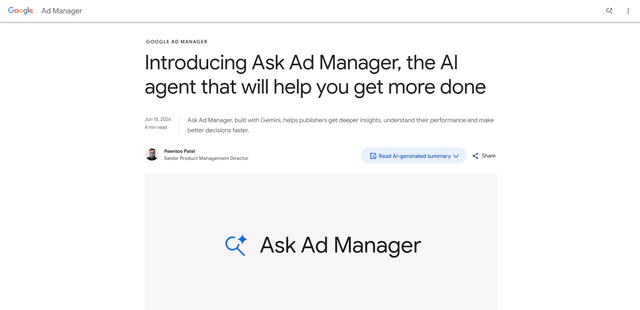
Ask Ad Manager by Google Ads
Ask Ad Manager is a Gemini-powered conversational agent inside Google Ad Manager that helps publishers troubleshoot issues in real time, generate custom performance reports from prompts, and navigate directly to the right settings using their own Ad Manager data.

Intercom
Intercom is an AI-powered customer service platform that provides instant support, enhances agent productivity, and delivers insights to support leaders.

Branded
Branded is a market research company that uses AI and advanced sampling techniques to provide high-quality consumer insights and data.