
CellCog
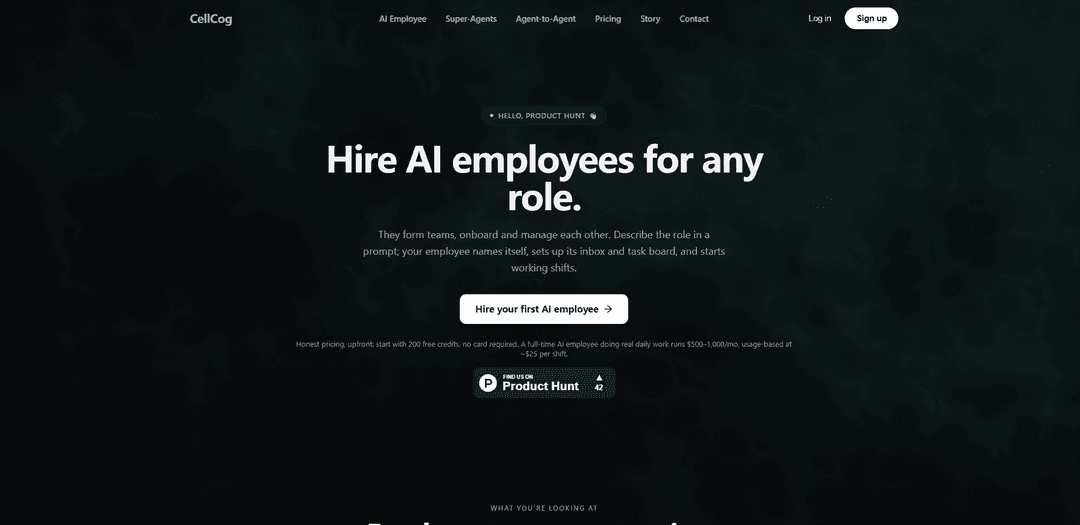
CellCog is a multimodal “AI employee” platform that gives you persistent, deep-reasoning agents with their own inbox, task board, and memory to execute end-to-end work across any input and any deliverable.
https://cellcog.ai/producthunt?utm_source=aipure&utm_medium=launch&utm_campaign=launch_jul29&ref=producthunt
Product Information
Updated:Aug 8, 2026
What is CellCog
CellCog positions itself as a general-purpose AI worker you can “hire for a role,” rather than a simple chat automation. Each AI employee shows up like a teammate—with a name, an email inbox, a task board, and persistent context across shifts—so it can keep track of decisions, files, and ongoing work over time. The platform is built to turn conversations into real outputs (e.g., reports, prototypes, PDFs, media, dashboards) and emphasizes deep research and reasoning quality as a core differentiator, including strong benchmark performance on DeepResearch Bench.
Key Features of CellCog
CellCog is a multimodal “any input → any output” AI agent platform positioned as an AI employee rather than a stateless API. It maintains persistent context across a chat (including prior decisions and generated files), can execute deep research with multi-source cross-referencing when requested, and can produce a wide range of deliverables—reports, PDFs, presentations, dashboards/spreadsheets, images, audio/video, prototypes/interactive HTML, and more—in a single request. CellCog also supports agent/team-style operation (agents forming teams and managing tasks), integrates into workflows (e.g., Linear issue assignment), and provides a web workspace to view chats, download artifacts, manage keys, and control data.
Any-to-any multimodal generation: Accepts many input types (text plus reference files like PDFs, spreadsheets, images, audio, and code) and produces many output formats (research reports, PDFs, presentations, spreadsheets/dashboards, images, video/audio, 3D models, diagrams, prototypes) in one request.
Persistent, employee-like agents: Each chat behaves like an ongoing conversation with memory—tracking context, decisions, and generated artifacts—closer to a “teammate” than a stateless endpoint.
Deep research mode with verification workflows: Agent/team mode supports multi-source research, cross-referencing, and citation verification; citations are available on request rather than automatically attached.
Working interactive prototypes (HTML): Generates clickable, shareable prototypes with real interactions (e.g., modals, tabs, flows), not just static design images.
Platform + SDK for operationalization: Provides a web console for viewing chats and downloading outputs, plus a Python SDK for programmatic “fire-and-forget” or blocking execution with automatic artifact download.
Workflow integration (e.g., Linear): Can be installed at the workspace level and invoked by assigning issues or mentioning @CellCog, enabling background execution and reporting inside existing team processes.
Use Cases of CellCog
Market & competitive research for business teams: Produce structured research deliverables (reports, briefs, comparisons) with cross-referenced sources and optional citations for strategy, partnerships, or vendor evaluation.
Startup due diligence & investment memos: Compile founding/team background, funding history, product/market analysis, and competitor mapping into a cohesive memo with supporting evidence and artifacts.
Content & creative production pipeline: Generate multi-format marketing assets—copy, images, slide decks, PDFs, podcasts/audio, and videos—using reference materials and a single coordinated brief.
Product design and stakeholder demos: Create interactive HTML prototypes to validate user flows, demonstrate concepts, and gather feedback faster than static mockups.
Ops automation via task boards and issue trackers: Run recurring “shifts” where an agent processes inbound tasks from an inbox or Linear issues, produces updates, and maintains dashboards for ongoing operations.
Data analysis and reporting for teams: Turn spreadsheets or datasets into dashboards, summaries, and executive-ready reports, with generated files downloadable and tracked per chat.
Pros
Broad modality coverage: one system for research, documents, media, prototypes, and data outputs.
Persistent context and artifact tracking make it suitable for ongoing projects vs. one-off prompts.
SDK + web platform + integrations (e.g., Linear) support both ad-hoc and operational workflows.
Optional deep-research workflows (cross-referencing/citation verification) improve rigor when needed.
Cons
Citations are not automatic; users must explicitly request citation-backed outputs.
Some modes are recommended only for trivial lookups (guidance suggests not using agent mode for simple questions), which may add configuration complexity.
Not intended for local developer tasks like code editing, git operations, or terminal/file navigation (handled outside CellCog).
How to Use CellCog
1) Decide what you want CellCog to do (pick a role or deliverable): CellCog is designed as an “AI employee” (persistent, not a stateless API). Start by defining the job in plain language (e.g., research analyst, content creator, growth ops, report writer) or the output you want (research report, images, video, PDF, spreadsheet, dashboard, etc.).
2) Start a new CellCog chat with a clear prompt: Create a chat and describe the role/task and success criteria. Because the chat is persistent, CellCog will keep context of decisions, research, and files it generated, so you can iterate without re-explaining everything.
3) Provide inputs (optional): attach reference files the agent should read: If you have supporting materials (PDFs, spreadsheets, images, audio, code, etc.), attach them as reference inputs so CellCog can use them during the task—same mental model as uploading files to a multimodal chat.
4) Ask for the exact output format you want: CellCog can produce many deliverables in one request (e.g., a research report plus a slide deck plus images). Specify formats explicitly (e.g., “HTML report”, “PDF”, “presentation”, “spreadsheet”, “images”). If you need citations, request them—citations are not automatic.
5) Run the task via the Python SDK (create_chat): Use the SDK to start the job. Example pattern from the docs: `from cellcog import CellCogClient; client = CellCogClient(agent_provider="cursor|claude-code|opencode|..."); result = client.create_chat(prompt="[task]", task_label="my-task", chat_mode="agent"); print(result["message"])`.
6) Choose the appropriate chat mode (Agent vs Agent-Team): Use `chat_mode="agent"` for simpler tasks and lookups. Use Agent-Team mode when you need deeper, multi-pass work (more comprehensive research, cross-checking, higher accuracy). Note: Agent-Team mode costs ~4x more than Agent mode for the same task type.
7) Wait for completion (or monitor progress for long tasks): By default, the SDK “Wait for Completion” blocks until the result is ready. For long-running tasks (>4 minutes), you may receive periodic progress summaries indicating what CellCog is working on.
8) Retrieve generated files from the auto-downloaded chat folder: Generated artifacts (PDFs, images, etc.) are automatically downloaded to `~/.cellcog/chats/{chat_id}/` (or to specified GENERATE_FILE paths if you set them).
9) Iterate in the same chat (refine, edit, extend): Because the chat retains full context, you can send follow-ups like: “Refine the previous output,” “Make the colors warmer,” “Add a section on risks,” or “Now create a video from those images.” Use `send_message()` to continue the same chat.
10) Use CellCog where it’s strongest; avoid it where it’s not recommended: Use CellCog for deliverables that require real work across modalities (research, videos, images, PDFs, presentations, spreadsheets, dashboards, 3D models, etc.). Do not use it for code editing, git operations, terminal commands, file operations, or project navigation—handle those natively.
11) Install and authenticate the SDK if needed: If the CellCog Python SDK isn’t installed, run `/cellcog-setup` (or `/cellcog:cellcog-setup` depending on your tool) to install and authenticate. Skills can be installed via clawhub (e.g., `clawhub install cellcog`, plus optional capability skills like research/video/podcast).
12) Follow basic safety guidance for file uploads: Only upload what you’re comfortable sharing with an AI service. Do not upload credentials, private keys, `.env` files, SSH keys, or other sensitive secrets in file uploads/SHOW_FILE-style attachments.
CellCog FAQs
CellCog is a platform for “AI employees” — general-purpose AI agents you hire for roles. Each employee has a name, its own inbox and task board, persistent memory across shifts, and it works in the background and reports like a colleague.
CellCog Video
Popular Articles

Vosko AI: Localize and Dub Videos for Global Audiences
Oct 15, 2026

Atoms: A Multi-Agent AI Platform That Transforms Ideas into Launch-Ready Products
Oct 13, 2026

Nano Banana SBTI: What It Is, How It Works, and How to Use It in 2026
Apr 15, 2026

Atoms Review — The AI Product Builder Redefining Digital Creation in 2026
Apr 10, 2026
Latest AI Tools Similar to CellCog
Plani.ai
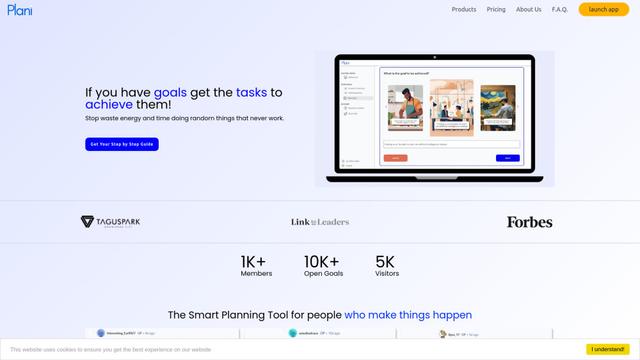
Plani.ai is an AI-powered business planning tool that generates customized strategies, tasks, and actionable plans to help entrepreneurs, startups, and small businesses achieve their business goals.
Tendery.ai
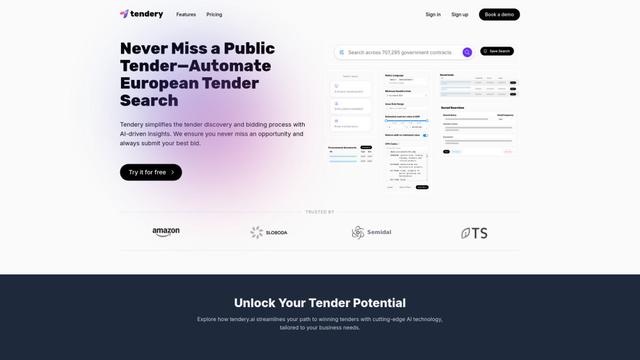
Tendery.ai is an AI-powered platform that transforms EU public procurement by providing automated tender discovery, intelligent matching, and enhanced proposal creation capabilities.

Devozy.ai
Devozy.ai is an AI-powered developer self-service platform that combines Agile project management, DevSecOps, multi-cloud infrastructure management, and IT service management into a unified solution for accelerating software delivery.
MDLR
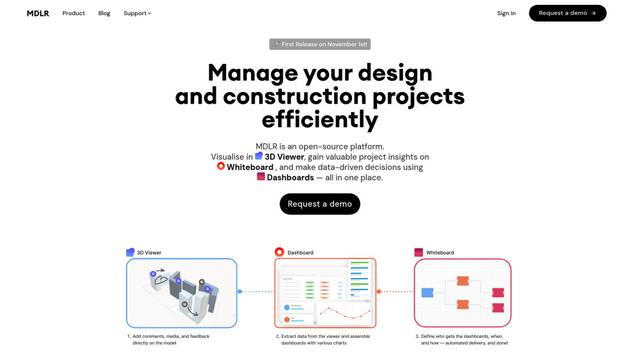
MDLR is an open-source AI-powered platform that streamlines design and construction project management through integrated 3D viewing, real-time dashboards, and interactive whiteboards.
Popular AI Tools Like CellCog
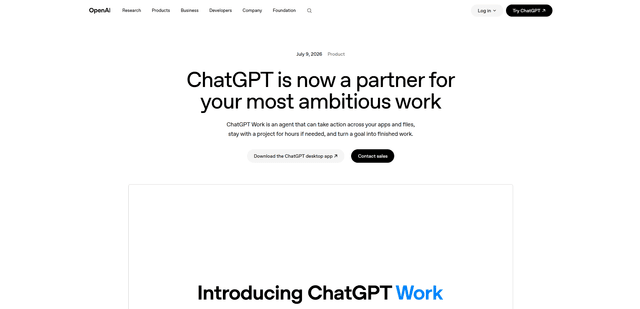
ChatGPT Work
ChatGPT Work is an agent mode inside ChatGPT that can run multi-step projects for hours, pull context from your connected apps and files, and produce finished outputs like docs, slides, sheets, and interactive Sites—while keeping you in control with approvals and enterprise governance.
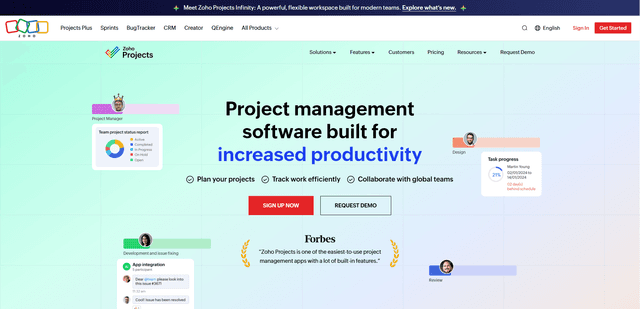
Zoho Projects
Zoho Projects is a cloud-based project management software that helps teams plan, track, and collaborate on projects with features like Gantt charts, task automation, time tracking, and comprehensive reporting tools.
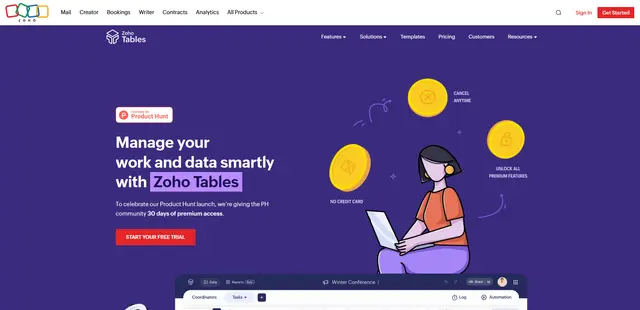
Zoho Tables
Zoho Tables is a modern spreadsheet-database hybrid that helps teams organize data with relational links, build views and dashboards, collaborate in real time, and automate workflows with no-code and AI assistance.
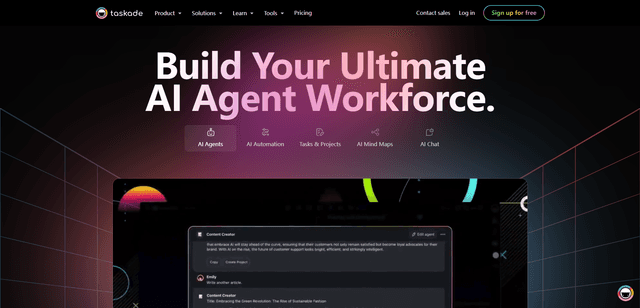
Taskade
Taskade is an AI-powered productivity platform that combines task management, real-time collaboration, and AI automation in one unified workspace for teams and individuals.