
CapCut Video and Image Editor
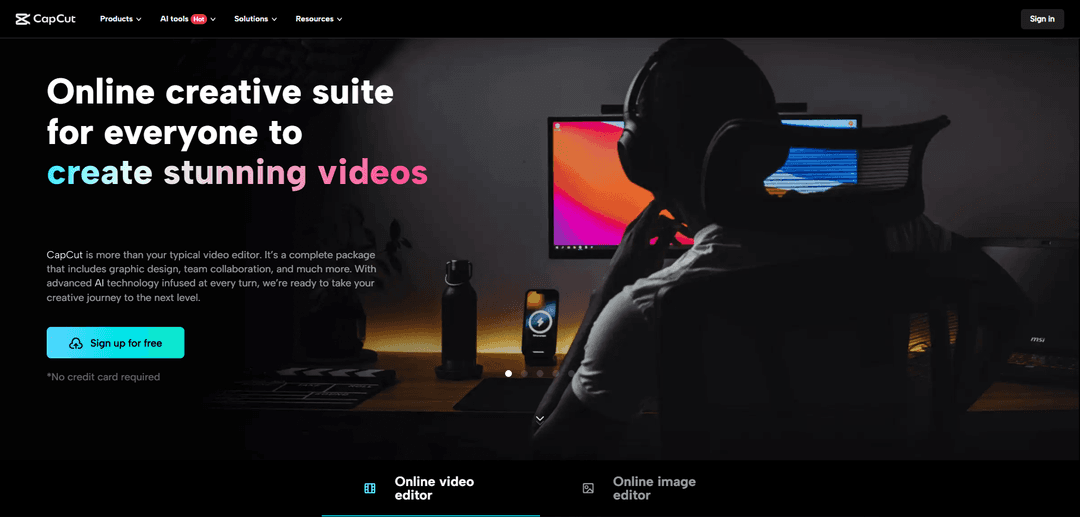
CapCut is a comprehensive AI-powered creative suite that offers video editing, graphic design, and image enhancement tools with an intuitive interface, templates, and advanced features for content creators of all skill levels.
https://www.capcut.com/creative-suite?utm_source=aipure&utm_medium=referral&utm_campaign=first_launch&ref=producthunt
Product Information
Updated:Apr 8, 2026
What is CapCut Video and Image Editor
CapCut is an all-in-one creative platform developed by ByteDance (the company behind TikTok) that combines video editing, graphic design, and image editing capabilities in one seamless package. Available on desktop, mobile, and web browsers, it provides both free and premium subscription tiers to cater to different user needs. The platform stands out for its integration of AI technology throughout its features, making professional-quality content creation accessible to beginners while offering advanced tools for experienced creators.
Key Features of CapCut Video and Image Editor
CapCut is a comprehensive all-in-one creative suite that combines video editing, image editing, and graphic design capabilities with advanced AI technology. It offers features like auto captions, background removal, multiple track editing, royalty-free music library, and team collaboration tools. The platform provides both basic and advanced editing tools, supports various file formats, and allows users to create content for multiple social media platforms without watermarks.
AI-Powered Tools: Includes AI video generator, auto captions, background removal, voice generation, and image enhancement capabilities to streamline the creative process
Multi-track Editing: Edit with unlimited video, audio, image, and text tracks, with support for keyframe animation and motion tracking
Team Collaboration: Cloud storage, file sharing, and team management features allow multiple users to work together on projects with different roles and access levels
Template Library: Extensive collection of customizable templates for various content types, making it easy to create professional-looking videos and images quickly
Use Cases of CapCut Video and Image Editor
Social Media Content Creation: Perfect for creating engaging content for platforms like TikTok, Instagram, and YouTube with platform-specific aspect ratios and templates
Fitness Training: Trainers can create detailed workout videos with text overlays, slow-motion effects, and exercise explanations
Business Marketing: Small businesses can create professional promotional videos and product demonstrations without hiring expensive editors
Educational Content: Teachers and instructors can create engaging educational videos with captions, annotations, and visual effects
Pros
User-friendly interface suitable for both beginners and professionals
Comprehensive feature set with advanced AI capabilities
Free version available with substantial features
No watermark on exported content
Cons
Some advanced features require a paid subscription
Storage limitations in free version
Internet connection required for online features
How to Use CapCut Video and Image Editor
Open CapCut and Create New Project: Click 'New project' once CapCut opens to access the editing page. You can use the web version, desktop app, or mobile app.
Import Media: Drag and drop videos/images from your folders onto the timeline, or click 'Import' to use File Explorer to locate and add media. CapCut also provides stock videos/images if you need content.
Basic Editing: Use basic editing tools to trim, split, crop and resize your videos/images. You can also adjust properties like brightness, contrast, and color balance in the Adjust panel.
Add Effects and Enhancements: Access creative tools like filters, stickers, text overlays, transitions, and animations from the toolbar. You can customize these elements and adjust their duration on the timeline.
Audio Editing: Add background music from CapCut's royalty-free library, record voiceovers, or import your own audio. Adjust audio levels and apply effects like voice enhancement or background noise removal.
AI-Powered Features: Utilize AI tools like auto-captions, background removal, text-to-speech, image upscaling, and style transfer to enhance your content with minimal effort.
Preview and Adjust: Preview your edits in real-time using the preview window. Make any necessary adjustments to timing, effects, or other elements.
Export Project: Once satisfied with your edit, export your project in your desired format and quality settings. You can directly share to social media platforms or save to your device.
CapCut Video and Image Editor FAQs
CapCut offers comprehensive editing features including: auto captions generation, royalty-free music library, unlimited video/audio/image/text tracks, background removal, video cropping/trimming/resizing, AI image generation, text templates, stickers, animations, and team collaboration tools.
CapCut Video and Image Editor Video
Popular Articles

Vosko AI: Localize and Dub Videos for Global Audiences
Oct 15, 2026

Atoms: A Multi-Agent AI Platform That Transforms Ideas into Launch-Ready Products
Oct 13, 2026

Nano Banana SBTI: What It Is, How It Works, and How to Use It in 2026
Apr 15, 2026

Atoms Review — The AI Product Builder Redefining Digital Creation in 2026
Apr 10, 2026
Latest AI Tools Similar to CapCut Video and Image Editor

EzVideos
EzVideos is an all-in-one video creation tool that helps users generate viral videos for social media platforms like Instagram, TikTok, and YouTube with automated editing features and built-in resources.

Blanc AI
Blanc AI is a revolutionary AI solution that enables video content translation and dubbing into 47+ languages while preserving the original voice, emotions, and lip synchronization.

Wink Mody
Wink Mody is a modified version of the Wink video editing app that offers premium features like AI-powered retouching, 4K exports, and watermark-free editing completely free of charge.

Shortmake AI
ShortMake is an AI-powered video creation platform that transforms ideas into viral-ready videos by automatically generating scripts, voiceovers, visuals, and subtitles specifically optimized for platforms like TikTok and YouTube Shorts.
Popular AI Tools Like CapCut Video and Image Editor

AI Clips - New Gen
AI Clips - New Gen is an AI-powered video clipping tool that automatically generates engaging short-form content from long videos for multiple social media platforms like YouTube Shorts, TikTok, Instagram Reels and more.

Edit Mind
Edit Mind is an open-source, AI-powered video indexing and semantic search platform that enables users to analyze and search through video content using natural language queries, with features including transcription, frame analysis, face recognition, and object detection.

Dinamo Notebook
FreeAI Video Editing
Dinamo Notebook is a free, MIT-licensed, local-first browser extension for football video analysis that lets you draw tactical annotations on YouTube/Dailymotion/Twitch footage and optionally use AI (with your own OpenAI API key) for tactical insights.

MediaSeg
MediaSeg is a stable, local-first macOS utility that splits large MP4/WEBM media files into upload-ready chunks under a configurable size limit while preserving quality using ffmpeg/ffprobe and an AI-assisted, target-based sizing strategy.