Bulkmark
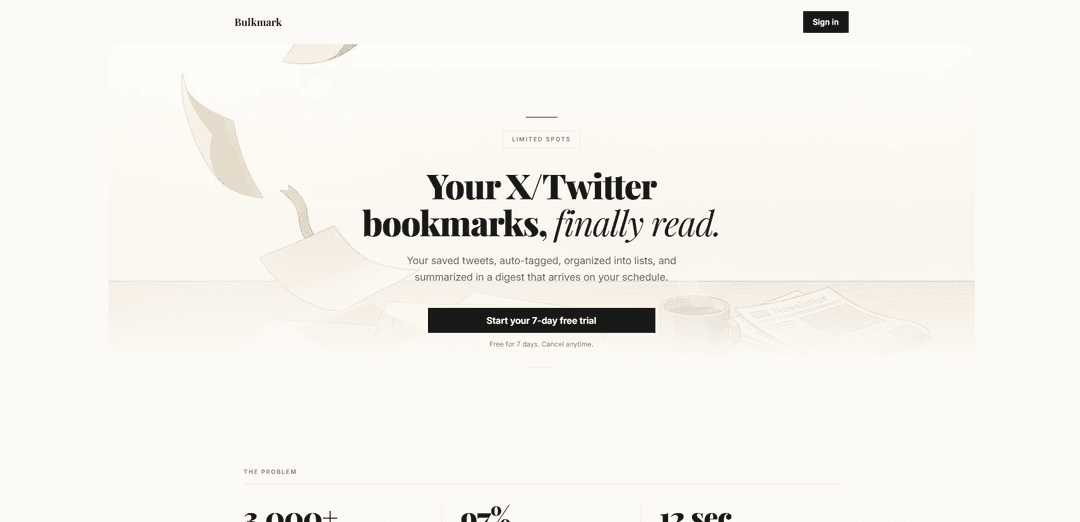
Bulkmark is an AI-powered X/Twitter bookmark manager that auto-tags and organizes saved posts, enables full-text search and shareable lists, and delivers daily/weekly email digests with summaries and Q&A over your bookmarks.
https://bulkmark.io/?ref=producthunt
Product Information
Updated:Jun 8, 2026
What is Bulkmark
Bulkmark helps you turn your X/Twitter bookmark “pile” into a searchable, organized library you’ll actually revisit. Instead of leaving saved tweets buried in one long, unsorted feed, Bulkmark syncs your bookmarks, categorizes them by topic, and surfaces the most useful items through lists and scheduled digests. It’s designed for people who save a lot on X—research, threads, inspiration, and references—but want a faster way to find, review, and learn from what they’ve already bookmarked.
Key Features of Bulkmark
Bulkmark is an AI-powered X/Twitter bookmark manager that turns your saved tweets into an organized, searchable library you’ll actually revisit. It syncs your bookmarks, automatically tags and sorts them by topic, lets you search/filter and curate shareable lists, and generates a scheduled email digest that summarizes your saved content. It also includes a chat-style AI that can answer questions using your own bookmarks and links back to the original posts, helping you quickly extract insights without endless scrolling.
Automatic X/Twitter bookmark sync: Connect your X account once and Bulkmark continuously (or on-demand) pulls in new bookmarks so your library stays up to date without manual exporting.
AI auto-tagging and organization: Bookmarks are categorized by topic (e.g., AI, Design, Dev, Business) to replace X’s single unsorted list and make saved content easier to revisit.
Full-text search + filters: Search across all saved bookmarks and narrow results by tag, date, or engagement to find specific threads or ideas in seconds.
Curated, shareable lists: Drag bookmarks into themed collections (e.g., research, inspiration, playbooks) and share via a single link—viewers don’t need an account.
Scheduled email digest summaries: Bulkmark summarizes your saved tweets into a clean, topic-grouped digest delivered daily or weekly so you can catch up quickly.
Chat AI over your bookmarks: Ask questions and get answers grounded in your saved tweets, with links back to original posts for context and verification.
Use Cases of Bulkmark
Founder and startup research: Collect market insights, growth threads, and fundraising advice from X, then query them later and receive weekly summaries to stay current.
Product and UX inspiration library: Designers can save UI patterns, critiques, and case studies, auto-organize them by theme, and share curated lists with teammates.
Developer learning and reference: Engineers can bookmark code tips, tooling threads, and architecture discussions, then use search and AI Q&A to retrieve solutions fast.
Content creation and editorial planning: Creators can save high-signal threads, organize them into topic lists, and use digests to turn recurring ideas into posts or newsletters.
Team knowledge management: Teams can centralize and share collections of important X posts (announcements, best practices, research) without requiring every viewer to log in.
Pros
Turns X bookmarks into a structured, searchable knowledge base (tags, filters, lists).
Digest summaries reduce time spent re-reading and scrolling through old bookmarks.
Shareable lists make it easy to distribute curated resources without requiring accounts.
Cons
Value depends on continued access to and stability of X/Twitter integrations and APIs.
Users may have privacy concerns when syncing personal bookmarks for AI processing.
Best suited for people who already bookmark heavily; light bookmarkers may see limited benefit.
How to Use Bulkmark
1) Start a free trial and create your account: Go to https://bulkmark.io/login and sign up. Bulkmark offers a 7-day free trial (cancel anytime).
2) Connect your X/Twitter account: Link your X account once so Bulkmark can sync your existing bookmarks and keep new bookmarks syncing automatically.
3) Run your first sync (if prompted): After connecting, let Bulkmark import your saved bookmarks. Once complete, your bookmarks will appear in Bulkmark.
4) Let Bulkmark auto-tag your bookmarks: Bulkmark automatically tags bookmarks by topic (e.g., AI, Design, Dev, Business) as they sync, so your library becomes organized without manual sorting.
5) Search your bookmark library: Use full-text search to find specific tweets/threads quickly, instead of scrolling through X’s single bookmark list.
6) Filter and sort to narrow results: Filter bookmarks by tag and sort by date or engagement to quickly surface the most relevant items.
7) Create themed lists (collections): Group bookmarks into curated lists (e.g., “AI Research”, “Design Inspo”, “Startup Playbooks”) by dragging bookmarks into a collection.
8) Share a list with a link: Share any list using a single link. Viewers don’t need a Bulkmark account to view shared lists.
9) Set up your email digest schedule: Choose daily or weekly delivery. Bulkmark summarizes and groups your saved bookmarks into a clean email digest so you can catch up quickly.
10) Read your digest and jump back to originals: Use the digest as a quick briefing; it includes links back to the original posts so you can open the full tweet/thread when needed.
11) Use Chat AI to ask questions about your bookmarks: Ask a question and get answers pulled from your saved tweets, with links to the source bookmarks—useful for rediscovering specific threads or ideas.
12) Keep your library up to date: Continue bookmarking on X as usual. Bulkmark will sync new bookmarks automatically (or you can sync on demand) and keep them organized.
13) Choose a plan if you want to continue after the trial: Bulkmark has one plan with all features; pricing tiers increase over time, and your price stays the same as long as you remain subscribed.
Bulkmark FAQs
Bulkmark is an AI-powered X/Twitter bookmark manager that syncs your saved tweets, auto-tags and organizes them, and sends you a scheduled email digest so you actually revisit what you saved.
Bulkmark Video
Popular Articles

How to Create Viral Talking Baby Podcast Videos with AI: Step-by-Step Guide
Nov 2, 2026

Proferex: A Cloud-Based Ad Tracking and Campaign Optimization Platform
Nov 2, 2026

Vosko AI: Localize and Dub Videos for Global Audiences
Oct 15, 2026

Atoms: A Multi-Agent AI Platform That Transforms Ideas into Launch-Ready Products
Oct 13, 2026
Latest AI Tools Similar to Bulkmark

Ticknotes
Ticknotes is an AI-powered meeting assistant that automatically records, transcribes, and generates personalized meeting summaries, action items, and key insights from audio, video, and text content.

Feta
Feta is an AI-powered meeting tool that helps product and engineering teams run efficient meetings by capturing discussions, automating tasks, and providing actionable insights through smart summaries and integrations.

Aimeet
Aimeet is a comprehensive AI-powered communication platform that combines real-time translation, transcription, screen sharing, and unlimited meeting capabilities for effective virtual collaboration.
MinutesLink
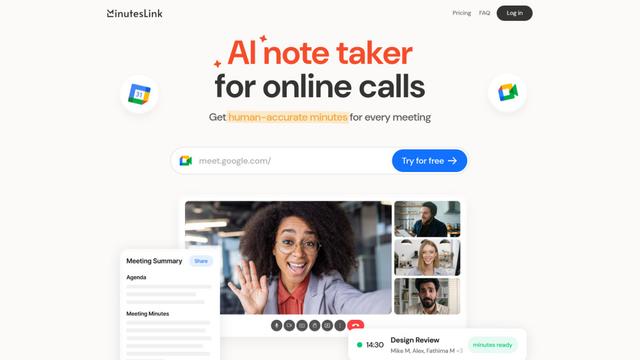
MinutesLink is an advanced AI-powered note-taking assistant that automatically records, transcribes, summarizes and organizes virtual meetings while building personalized digital avatars from meeting data.
Popular AI Tools Like Bulkmark
Second Brain for AI
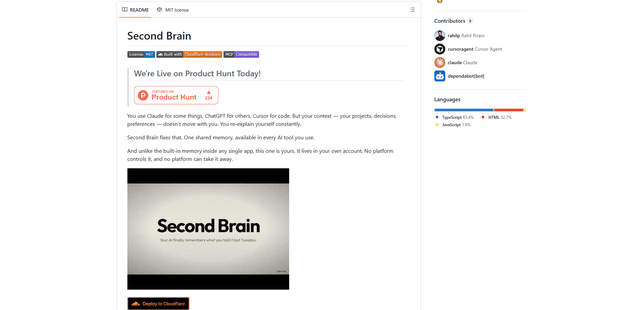
Second Brain for AI is a self-hosted, MCP-compatible persistent memory layer on Cloudflare that lets Claude, ChatGPT, Cursor, and other AI clients store and semantically recall shared context across sessions.
Slack
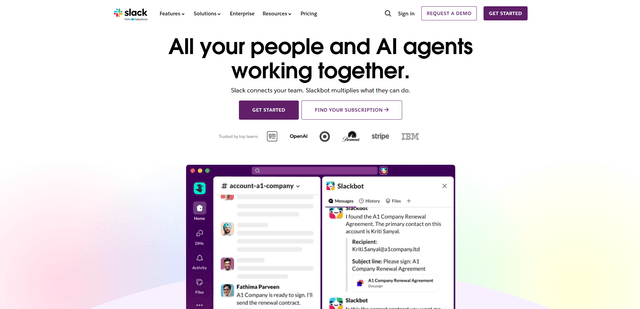
Slack is an AI-powered work platform that brings team communication, channels, files, automation, and app integrations into one conversational workspace.
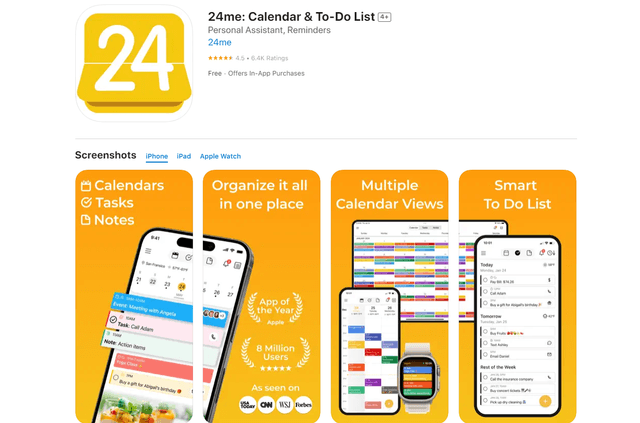
24me Smart Personal Assistant
24me is an award-winning smart personal assistant app that combines calendar, to-do lists, notes, and personal accounts in one unified platform to help boost productivity and time management.
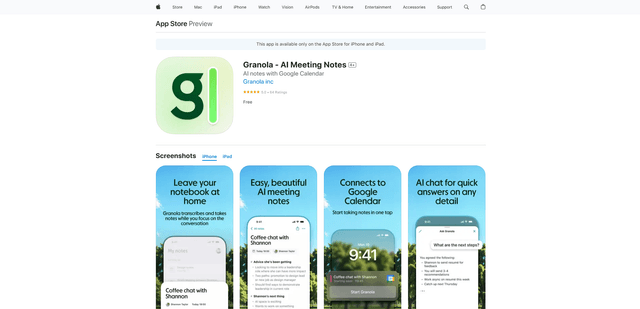
Granola for iOS
Granola for iOS is an AI-powered notepad app that helps users effortlessly capture, transcribe and summarize meeting conversations through intelligent note-taking and one-tap recording capabilities.