
base
WebsiteAI Project Management
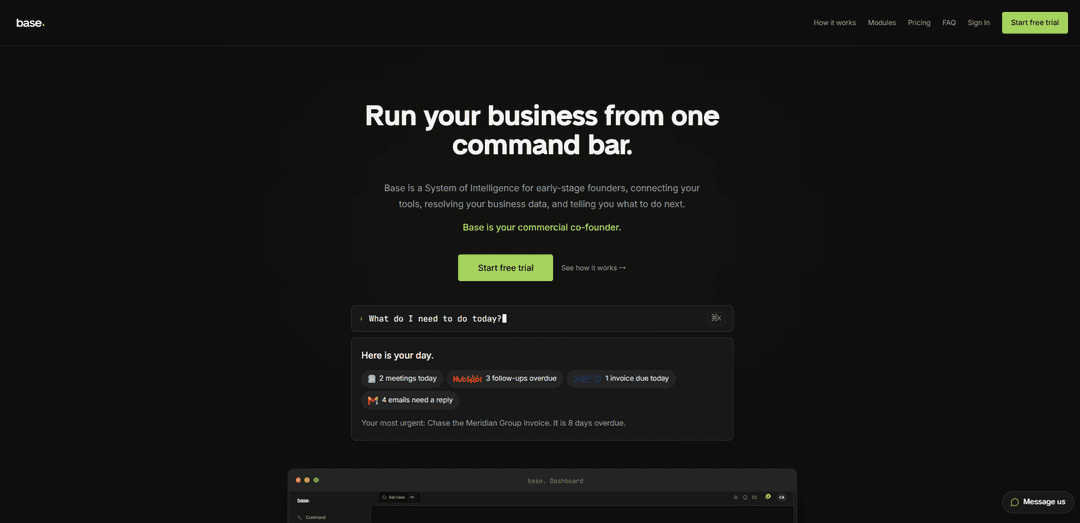
Base is an AI-native “commercial co-founder” that connects your existing business tools and lets you run CRM, finance, marketing, ops, and more from a single plain-English command bar with proactive insights and automations.
https://withbase.ai/?ref=producthunt
Product Information
Updated:Aug 8, 2026
What is base
Base is a System of Intelligence for early-stage founders designed to run the commercial side of a company from one place. Instead of juggling separate tools for CRM, payments, accounting, analytics, hiring, contracts, and communications, you connect what you already use (or set up what you’re missing) and control it through a command-bar interface. Base unifies your company data across modules, answers cross-tool questions in plain English, and surfaces what needs attention—helping founders stay focused on building while the business operations stay organized and up to date.
Key Features of base
Base is an AI-native “System of Intelligence” for early-stage founders that connects the core tools needed to run a business (CRM, finance, payments, analytics, email, projects, hiring, contracts, and more) and lets you control them from a single plain-English command bar. It resolves data across your stack into a unified “company brain,” builds searchable memory of business activity over time, and surfaces a proactive feed of what needs attention (e.g., overdue invoices, unsigned contracts, stalled leads). Base emphasizes founder-controlled automation (confirmations before impactful actions), includes native modules for brand and outbound (Campaigns/Sequences), and is designed to help founders run the commercial side of the business without adding operational overhead.
Command-bar business control: Run day-to-day commercial operations from a single ⌘K-style command interface using plain English, reducing tool switching across CRM, finance, comms, and ops.
Connected integrations across key functions: Connect tools like Gmail, Slack, HubSpot/Attio/Pipedrive, Stripe, Xero/QuickBooks, PostHog, Linear, Notion, Google Drive/Calendar, Intercom, Workable, BoldSign, Zapier, and more to keep data unified.
Cross-tool answers & business synthesis: Ask questions like “How is the business doing this week?” and Base pulls from finance, CRM, analytics, and email to return one plain-English, multi-source answer.
Proactive feed & executive dashboard: A prioritized list of items needing attention (e.g., follow-ups, invoices, contracts) plus headline metrics like runway, MRR, pipeline, and headcount pulled live from connected systems.
Company brain + memory that compounds: Creates a permanent, searchable record of business events (commands run, contracts, hires, updates) to improve context and decision support over time.
Native outbound + brand modules: Includes built-in Brand, Campaigns (broadcast email), and Sequences (multi-step drip cadences) that work alongside your connected stack; bulk actions include confirmation screens.
Use Cases of base
SaaS founder weekly operating rhythm: Unify Stripe/Xero, CRM, PostHog, and Gmail to get a weekly performance narrative, track runway and pipeline coverage, and surface urgent follow-ups before they slip.
E-commerce operator with Shopify + finance: Sync Shopify orders/customers with payments and accounting to monitor revenue, inventory signals, and cash flow in one place and act quickly on operational exceptions.
Services/agency pipeline and invoicing: Manage leads and deals in CRM, generate/send contracts, invoice via Stripe/Xero, and keep client communications organized—without juggling multiple tabs and tools.
Hiring sprint for a growing startup: Coordinate hiring workflows via Workable, track headcount, centralize candidate and offer activity, and keep the team aligned through integrated calendar/projects.
Investor relations and fundraising ops: Run an investor pipeline, send updates, and maintain a lightweight data-room workflow supported by Base’s memory of key metrics, contracts, and company history.
Lean team marketing and lifecycle outreach: Create newsletters, product updates, and nurture sequences using Base Campaigns/Sequences while keeping messaging consistent via the Brand module and syncing contacts from CRM.
Pros
Reduces context switching by unifying many core business tools behind one command bar and a single “company brain.”
Provides proactive prioritization (feed + dashboard) so founders see what needs attention without manual reporting.
Founder-controlled autonomy: confirmations before impactful actions (e.g., bulk email sends) with optional automations.
Strong coverage for early-stage “commercial ops” needs: CRM, finance, contracts, hiring, analytics, comms, and investor relations.
Cons
Value depends on integrations and data quality—teams with incomplete tooling or messy data may need setup/cleanup to get the best results.
Not a full replacement for underlying systems; you still rely on (and may pay for) third-party tools like CRM/accounting.
Broad scope can feel heavier than point solutions if you only need one function (e.g., just email campaigns or just CRM).
How to Use base
1) Sign up and log in: Go to https://withbase.ai and sign up for a plan. After signup, log in to your Base dashboard to access the command bar, dashboard, and modules.
2) Complete initial setup (Setup layer): Follow Base’s guided setup to configure your workspace. Base will prompt you to connect the first tools you already use (or help you choose and set up new ones) so your business can be run from one place.
3) Connect your tools via OAuth (Integrations): Open the relevant module (e.g., CRM, Finance, Calendar) and click “Connect.” Log in to the third-party tool and grant permissions via industry-standard OAuth 2.0. Typical connections take ~30 seconds per tool.
4) Verify your core modules are live: Confirm that key modules are pulling data correctly: Finance (Xero/QuickBooks), Payments (Stripe), Email (Gmail), CRM (HubSpot/Attio/Pipedrive), Calendar (Google Calendar), Analytics (PostHog), Files (Google Drive), Knowledge Base (Notion), Projects (Linear), Comms (Slack), and others you use.
5) Use the command bar to run the business (Orchestration layer): Press the command bar (shown as “⌘K” on the site) and type plain-English requests to control connected tools from one interface. Base orchestrates actions across modules so you don’t have to switch tabs.
6) Check the dashboard for headline metrics: Review the top-level metrics Base surfaces (e.g., runway, MRR, pipeline, headcount) pulled live from your connected integrations. Use this as your daily snapshot of business health.
7) Work from the proactive feed (what needs attention): Open the proactive feed (the first thing you see on login). It prioritizes items needing action across tools—e.g., unsigned contracts, overdue invoices, leads needing follow-up, emails awaiting replies—so you can execute the most important tasks first.
8) Ask cross-module questions (Company brain): Use Base’s cross-module query engine to ask questions that span multiple tools (e.g., finance + CRM + analytics + email). Base synthesizes the connected data into a single plain-English answer.
9) Set up your brand kit (Base native: Brand): Open the Brand module and describe your company, customer, and visual direction. Base generates a starter brand kit (colors, typography, voice/tone) that can be reused across assets created in Base.
10) Send broadcast emails (Base native: Campaigns): Open Campaigns to create and send broadcast emails (newsletters, product updates, outreach blasts). Campaigns are powered by Gmail for sending.
11) Build drip cadences (Base native: Sequences): Open Sequences to create multi-step automated email cadences (sales follow-ups, onboarding flows, re-engagement). Sequences send to individuals over time and are powered by Gmail.
12) Confirm recipients before any bulk email send: Before sending a bulk email, review Base’s full confirmation screen that shows exactly who will receive the email, then approve to send.
13) Choose what runs automatically (Founder autonomy): By default, Base asks for confirmation before executing actions that send, create, or update data. Configure automations (including via Zapier) only for workflows you explicitly want to run in the background.
14) Use Memory to build a searchable company record: As you operate, Base records key business events (e.g., commands run, contracts signed, hires made, investor updates sent). Use this growing history as a searchable source of truth for your company.
15) Review benchmark-driven insights (Intelligence layer): Use Base’s intelligence features to interpret key metrics (runway, MRR growth, churn, pipeline coverage, burn multiple) against stage-relevant benchmarks. Base labels benchmark sources and explains what the numbers mean and what to do next.
16) Add more modules as your needs expand: Enable additional modules across Comms, Marketing, Automations, Revenue, Finance, Legal, People, Tools, and Fundraising (e.g., Contracts via BoldSign, Customer Service via Intercom, Hiring via Workable, Investor Relations for fundraising).
17) Manage team access (Settings → Users & Team): In the Base dashboard, go to the top-right menu and navigate to “Settings” → “Users & Team” to manage users and team access (plan limits apply).
18) Get support: If you need help, email [email protected] or use the support chat inside the Base dashboard once you’re signed up.
base FAQs
Base is a “System of Intelligence” for early-stage founders that connects your existing business tools, unifies your company data, and lets you run the commercial side of the business from a single plain-English command bar.
base Video
Popular Articles

Proferex: A Cloud-Based Ad Tracking and Campaign Optimization Platform
Nov 4, 2026

How to Create Viral Talking Baby Podcast Videos with AI: Step-by-Step Guide
Nov 2, 2026

Vosko AI: Localize and Dub Videos for Global Audiences
Oct 15, 2026

Atoms: A Multi-Agent AI Platform That Transforms Ideas into Launch-Ready Products
Oct 13, 2026
Latest AI Tools Similar to base
Plani.ai
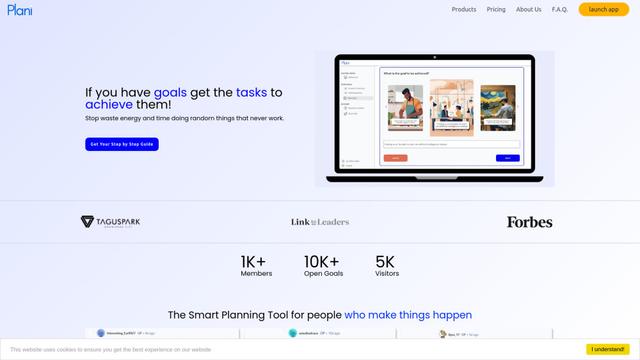
Plani.ai is an AI-powered business planning tool that generates customized strategies, tasks, and actionable plans to help entrepreneurs, startups, and small businesses achieve their business goals.
Tendery.ai
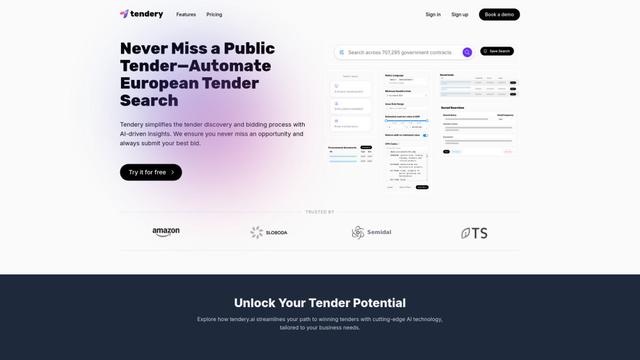
Tendery.ai is an AI-powered platform that transforms EU public procurement by providing automated tender discovery, intelligent matching, and enhanced proposal creation capabilities.

Devozy.ai
Devozy.ai is an AI-powered developer self-service platform that combines Agile project management, DevSecOps, multi-cloud infrastructure management, and IT service management into a unified solution for accelerating software delivery.
MDLR
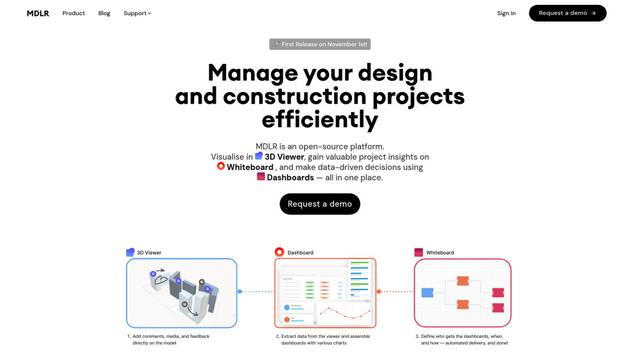
MDLR is an open-source AI-powered platform that streamlines design and construction project management through integrated 3D viewing, real-time dashboards, and interactive whiteboards.
Popular AI Tools Like base
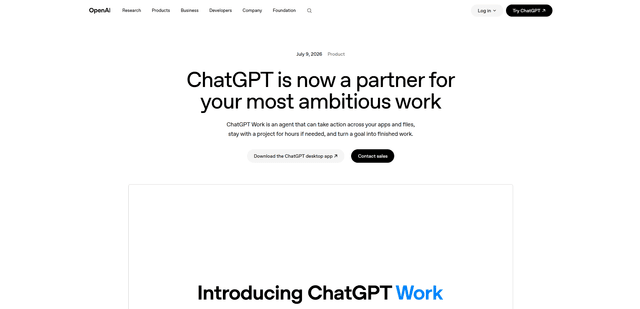
ChatGPT Work
ChatGPT Work is an agent mode inside ChatGPT that can run multi-step projects for hours, pull context from your connected apps and files, and produce finished outputs like docs, slides, sheets, and interactive Sites—while keeping you in control with approvals and enterprise governance.
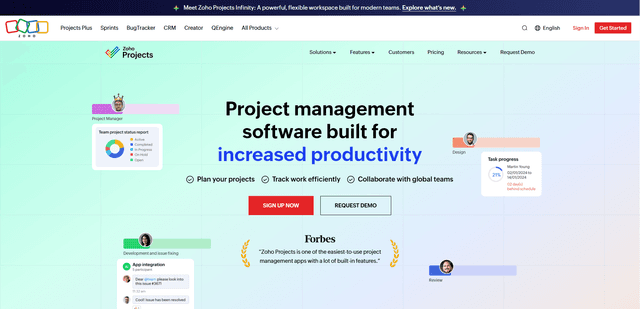
Zoho Projects
Zoho Projects is a cloud-based project management software that helps teams plan, track, and collaborate on projects with features like Gantt charts, task automation, time tracking, and comprehensive reporting tools.
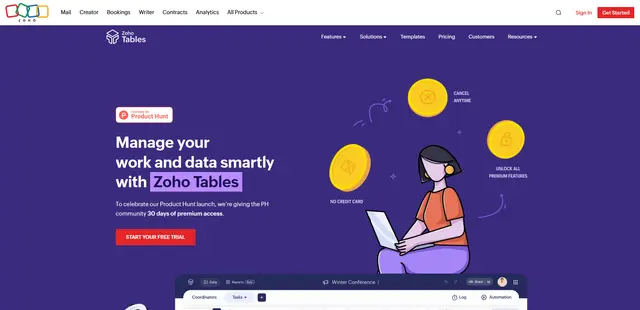
Zoho Tables
Zoho Tables is a modern spreadsheet-database hybrid that helps teams organize data with relational links, build views and dashboards, collaborate in real time, and automate workflows with no-code and AI assistance.
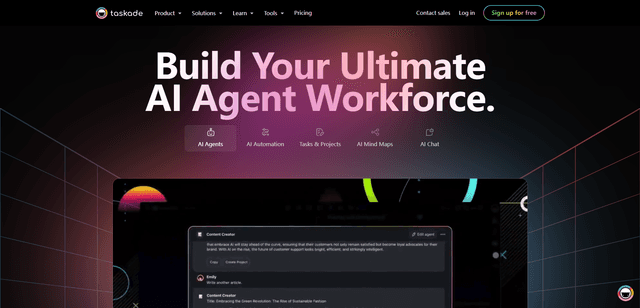
Taskade
Taskade is an AI-powered productivity platform that combines task management, real-time collaboration, and AI automation in one unified workspace for teams and individuals.