BackdropKit
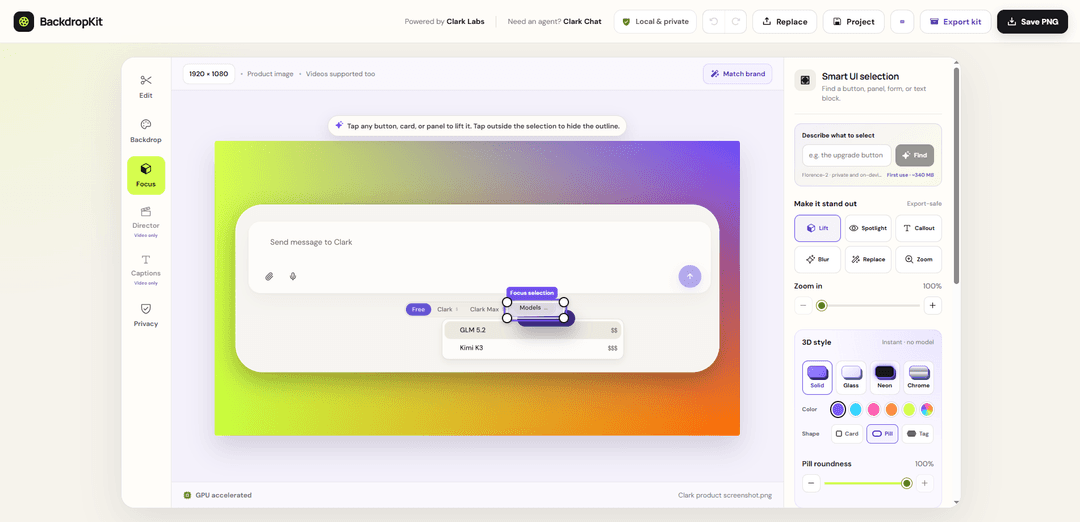
BackdropKit is a free, no-signup, no-watermark browser-based editor that adds polished backgrounds and 3D focus to product screenshots and demo videos, with export-ready launch formats bundled into a single ZIP—without uploading files.
https://backdropkit.com/?ref=producthunt
Product Information
Updated:Aug 8, 2026
What is BackdropKit
BackdropKit is a lightweight web tool for styling product screenshots and product-demo videos into launch-ready media. It helps creators add backgrounds, depth/3D focus, captions, and presentation polish for assets like Product Hunt galleries, social posts, store screenshots, and multiple video ratios. Built to be privacy-friendly and frictionless, it runs directly in the browser with no account required, keeps files on your device, and exports clean outputs without watermarks—often packaged as a complete “launch ZIP” containing the formats you need.
Key Features of BackdropKit
BackdropKit is a free, browser-based product screenshot beautifier and video background editor that helps you add backgrounds, captions, and 3D focus effects to product images and demo videos—without uploads, signup, or watermarks. It runs processing locally on your device (using GPU acceleration via WebGPU when available, with CPU fallback), and can automatically detect clicks/scene changes in demos to generate editable zooms, spotlights, and callouts. It also streamlines launch content creation by exporting multiple channel-ready formats (including images, videos in multiple ratios, GIFs, thumbnails, alt text, and a bundled ZIP).
No uploads, no signup, no watermark: Edits stay in your browser and files remain on-device; exports are clean and free with no account required.
Screenshot + video backdrop styling: Drop in a product screenshot or demo video, then add backgrounds, captions, and focus/3D emphasis for polished marketing-ready media.
On-device acceleration (WebGPU + CPU fallback): Uses GPU acceleration when compatible and falls back to local CPU processing, keeping work fast and private.
Demo Director auto-highlights interactions: Detects clicks and scene changes to produce editable zooms, spotlights, and callouts that can be exported with the video; optional on-device vision can help identify UI targets.
Targeted UI highlighting: Select and emphasize a specific button/card/panel by typing its visible label or description, then adjust the on-device selection before export.
One export kit for every launch format: Exports channel-sized images, multiple video ratios, GIF, thumbnail, post copy, and accessible alt text into a single ZIP for fast distribution.
Use Cases of BackdropKit
Product launches & app store assets: Create consistent, branded screenshot galleries and demo videos for Product Hunt, app listings, and release announcements with multi-format exports.
SaaS marketing & landing pages: Beautify UI screenshots and short demos with backgrounds, captions, and focus effects to improve clarity and conversion on web pages.
Social media & content marketing: Generate platform-specific image/video ratios, GIFs, and thumbnails quickly for X/LinkedIn/Instagram/TikTok promos.
Sales enablement & customer success: Produce annotated walkthrough clips and focused UI callouts for pitch decks, onboarding materials, and help-center content.
Privacy-sensitive teams (local-only editing): Edit internal product screenshots/demos without uploading files—useful for pre-release features, regulated industries, or confidential client work.
Pros
Free forever with no watermark and no signup required
Local-only processing (no uploads) improves privacy and can be faster with GPU acceleration
Strong launch workflow: multi-format exports, ZIP packaging, and accessible alt text support
Cons
Best performance and some smart features may depend on having a compatible GPU/WebGPU support
Browser-based workflow may be less suitable for very long/heavy video projects than dedicated desktop editors
How to Use BackdropKit
1) Open BackdropKit in your browser: Go to https://backdropkit.com/ and load the editor. BackdropKit runs in the browser and is designed to keep your work on-device (no uploads, no signup).
2) Add your source media (image or video): Drag and drop a product screenshot or a product-demo video into the editor (videos are supported). Your media stays on your device while you edit.
3) Add a background (backdrop): Use BackdropKit’s backdrop tools to place a background behind your screenshot/video. You can use the built-in backdrop generator, and (optionally) generate an AI background locally when compatible GPU support is available.
4) Create 3D focus by lifting UI elements: Click any button, card, or panel in your screenshot to “lift” it and create depth/3D focus. This helps emphasize key UI areas in launch media.
5) Manage selections and outlines: If you see a selection outline while editing, click the backdrop (the background area) to hide the selection outline and return to a clean view.
6) Highlight a specific button (targeted emphasis): To quickly focus on a particular UI control, type the button’s visible label or a short description of it. Then adjust the on-device selection before exporting.
7) Style and caption your media: Add captions and styling so your screenshot/video is ready for launch. BackdropKit is intended to produce launch-ready visuals directly from your source media.
8) (Video) Use Demo Director to auto-create focus moments: For product-demo videos, run Demo Director to detect clicks and scene changes and convert them into editable zooms, spotlights, and callouts. Optional vision-based naming of UI targets can be used without uploading the video.
9) Preview the final output: Preview your styled screenshot or directed demo video in the editor to confirm the background, lifted elements, captions, and any zoom/spotlight/callout timing look correct.
10) Export individual assets (no watermark): Export your finished images and/or videos. Exports are clean (no watermark) according to the product’s stated guarantees.
11) Export an all-in-one Launch/Export Kit ZIP: Use the Export Kit option to package multiple launch formats at once—channel-sized images, product videos, GIF, thumbnail, post copy, accessible alt text—into a single ZIP for easy publishing.
BackdropKit FAQs
BackdropKit is a free, in-browser product screenshot beautifier and video background editor that lets you add backgrounds and 3D focus effects to product screenshots and demo videos.
Popular Articles

Vosko AI: Localize and Dub Videos for Global Audiences
Oct 15, 2026

Atoms: A Multi-Agent AI Platform That Transforms Ideas into Launch-Ready Products
Oct 13, 2026

Nano Banana SBTI: What It Is, How It Works, and How to Use It in 2026
Apr 15, 2026

Atoms Review — The AI Product Builder Redefining Digital Creation in 2026
Apr 10, 2026
Latest AI Tools Similar to BackdropKit

EzVideos
EzVideos is an all-in-one video creation tool that helps users generate viral videos for social media platforms like Instagram, TikTok, and YouTube with automated editing features and built-in resources.

Blanc AI
Blanc AI is a revolutionary AI solution that enables video content translation and dubbing into 47+ languages while preserving the original voice, emotions, and lip synchronization.
Wink Mody
Wink Mody is a modified version of the Wink video editing app that offers premium features like AI-powered retouching, 4K exports, and watermark-free editing completely free of charge.
Shortmake AI
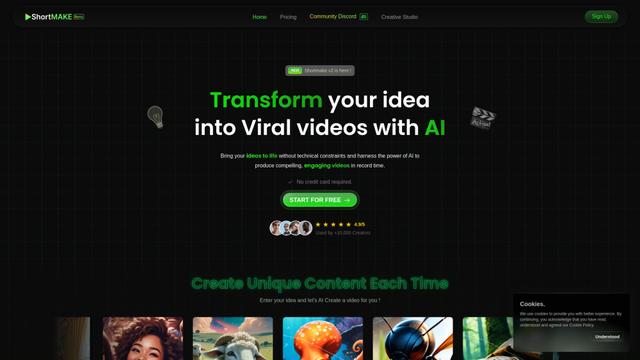
ShortMake is an AI-powered video creation platform that transforms ideas into viral-ready videos by automatically generating scripts, voiceovers, visuals, and subtitles specifically optimized for platforms like TikTok and YouTube Shorts.
Popular AI Tools Like BackdropKit
AI Clips - New Gen
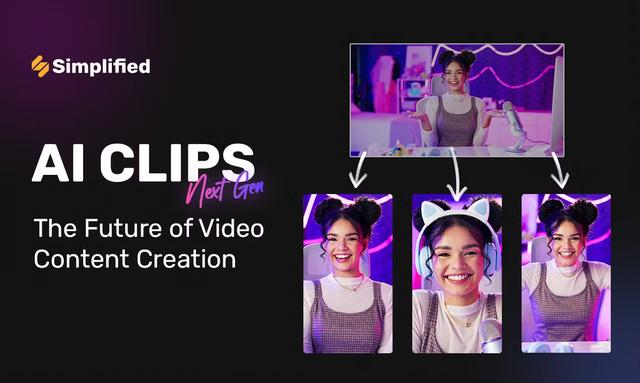
AI Clips - New Gen is an AI-powered video clipping tool that automatically generates engaging short-form content from long videos for multiple social media platforms like YouTube Shorts, TikTok, Instagram Reels and more.
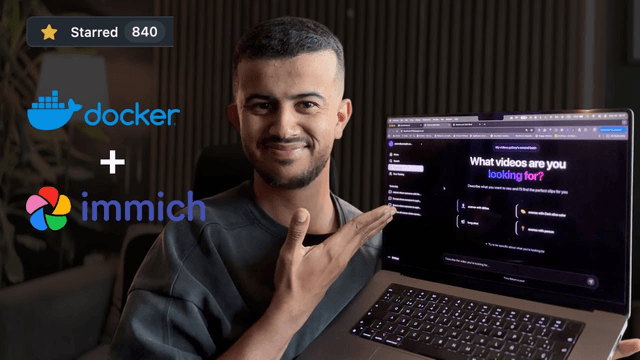
Edit Mind
Edit Mind is an open-source, AI-powered video indexing and semantic search platform that enables users to analyze and search through video content using natural language queries, with features including transcription, frame analysis, face recognition, and object detection.
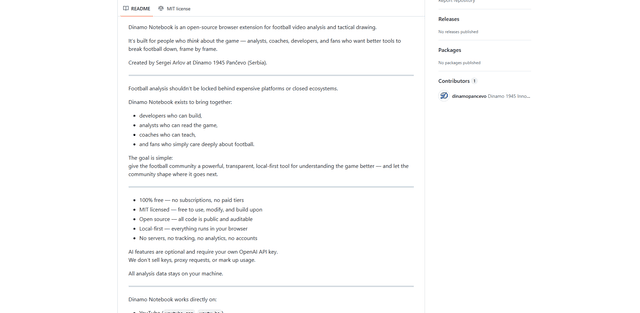
Dinamo Notebook
FreeAI Video Editing
Dinamo Notebook is a free, MIT-licensed, local-first browser extension for football video analysis that lets you draw tactical annotations on YouTube/Dailymotion/Twitch footage and optionally use AI (with your own OpenAI API key) for tactical insights.
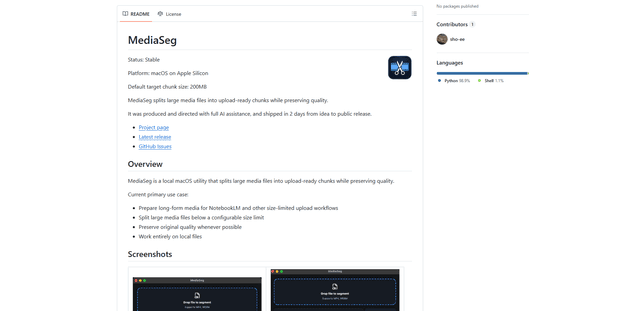
MediaSeg
MediaSeg is a stable, local-first macOS utility that splits large MP4/WEBM media files into upload-ready chunks under a configurable size limit while preserving quality using ffmpeg/ffprobe and an AI-assisted, target-based sizing strategy.