
AnnotateAI
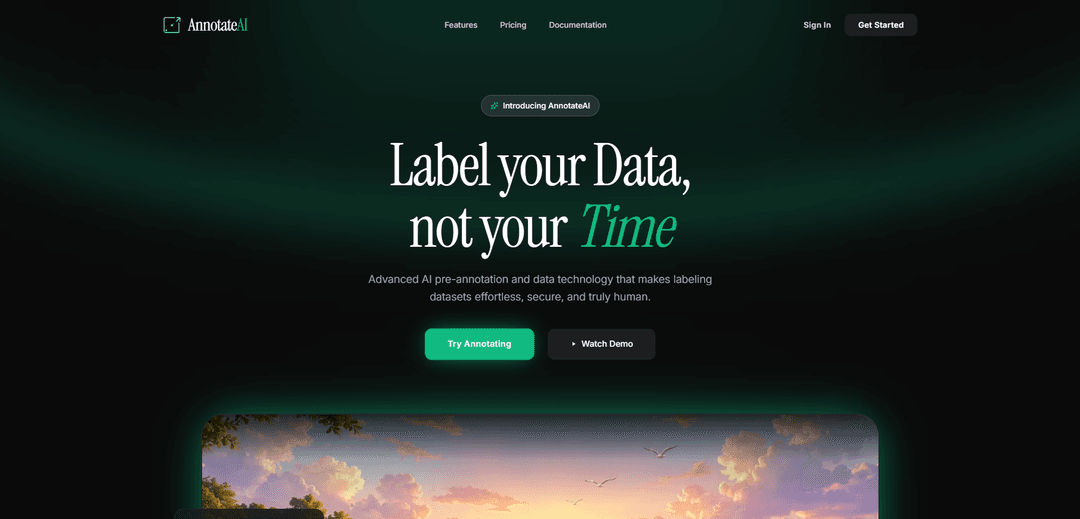
AnnotateAI is an advanced AI-powered data annotation platform that combines AI pre-annotation with human precision to make dataset labeling effortless, secure, and efficient for computer vision and machine learning applications.
https://annotateai.xyz/?ref=producthunt
Product Information
Updated:Mar 8, 2026
What is AnnotateAI
AnnotateAI is a cutting-edge browser-based annotation tool designed to streamline the process of creating high-quality training datasets for AI and machine learning models. It offers a unique hybrid approach that combines automated AI pre-annotation capabilities with human oversight, making it ideal for various data types including images, video frames, and document layouts. The platform emphasizes data privacy and security by processing everything client-side, ensuring sensitive training data remains on local machines.
Key Features of AnnotateAI
AnnotateAI is an advanced AI-powered image annotation tool that combines automated pre-annotation with human precision to streamline dataset labeling. It offers browser-based processing, instant data caching via IndexedDB, and supports multiple export formats while maintaining complete data privacy through client-side processing.
AI Pre-annotation: Intelligent agents automatically perform the initial labeling of uploaded data directly in the browser, significantly reducing manual effort
Human Feedback Loop: Allows users to fine-tune AI-generated labels, adjust boundaries, and correct errors to maintain high accuracy
Universal Export Compatibility: Supports multiple export formats including YOLO, COCO, VOC, and custom JSON for seamless integration with various frameworks
Client-side Processing: All data processing occurs locally in the browser using IndexedDB, ensuring complete data privacy and security
Use Cases of AnnotateAI
Computer Vision Development: Create high-quality training datasets for developing and improving computer vision models
Autonomous Vehicle Systems: Label and annotate images for training self-driving car algorithms and object detection systems
Medical Image Analysis: Annotate medical imagery for training AI models in healthcare diagnostics and analysis
Pros
90% reduction in annotation time through AI assistance
Complete data privacy with client-side processing
Flexible export options for different frameworks
Cons
Free tier limited to 200 images
Storage limitation of 7 days in free tier
Requires internet connection for initial setup and AI processing
How to Use AnnotateAI
Sign up/Access: Visit annotateai.xyz and create a free account to get started with the platform
Import Data: Upload your images, PDFs, or text documents directly into the annotation generator. You can upload up to 100MB ZIP files on free plan or 2GB on Pro plan
AI Pre-annotation: Let the AI agents automatically process and generate initial annotations/bounding boxes for your uploaded data directly in your browser
Human Review & Adjustment: Review the AI-generated annotations and make any necessary adjustments, corrections, or refinements to ensure accuracy
Real-time Sync: All changes are automatically cached in your browser via IndexedDB for secure local processing
Export Results: Export your annotated datasets in your preferred format (YOLO, COCO, VOC, or custom JSON) ready for training
Optional: Chrome Extension: Install the Chrome extension to auto annotate websites and capture screenshots if needed
Storage Management: Free tier users should note 7-day auto-deletion policy, while Pro users get persistent storage
AnnotateAI FAQs
AnnotateAI is an advanced AI-powered image annotation tool that generates high-quality YOLO bounding boxes directly in your browser, designed for computer vision, machine learning datasets, and deep learning pipelines.
AnnotateAI Video
Popular Articles

Atoms: A Multi-Agent AI Platform That Transforms Ideas into Launch-Ready Products
May 22, 2026

Nano Banana SBTI: What It Is, How It Works, and How to Use It in 2026
Apr 15, 2026

Atoms Review — The AI Product Builder Redefining Digital Creation in 2026
Apr 10, 2026

Kilo Claw: How to Deploy and Use a True "Do‑It‑For‑You" AI Agent(2026 Update)
Apr 3, 2026
Latest AI Tools Similar to AnnotateAI
Jorpex
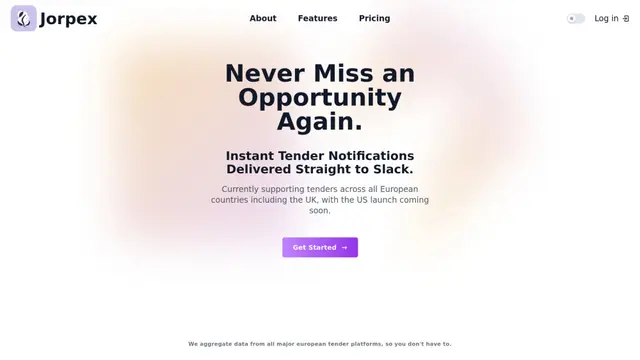
Jorpex is a comprehensive tender notification platform that aggregates and delivers instant tender alerts from across European countries directly to Slack, helping businesses never miss opportunities.

Leadsmrt
Leadsmrt is a lead generation tool that helps businesses scrape, verify and personalize targeted business leads from Google Maps with AI-powered personalization capabilities.

Omnial AI
Omnial AI is a data intelligence platform that leverages AI agents to transform web prompts into structured, actionable data insights backed by Afore Capital.
SERPrecon
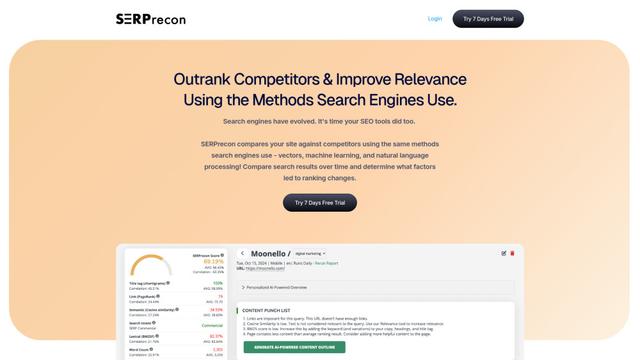
SERPrecon is an advanced SEO tool that leverages vectors, machine learning, and natural language processing to help users analyze and outrank competitors by using the same methods as modern search engines.
Popular AI Tools Like AnnotateAI

Magentic-UI
Magentic-UI is an open-source, human-centered web agent prototype by Microsoft Research that enables collaborative planning and execution of complex web-based tasks through transparent interaction between humans and AI agents.
Web Accessibility Testing MCP
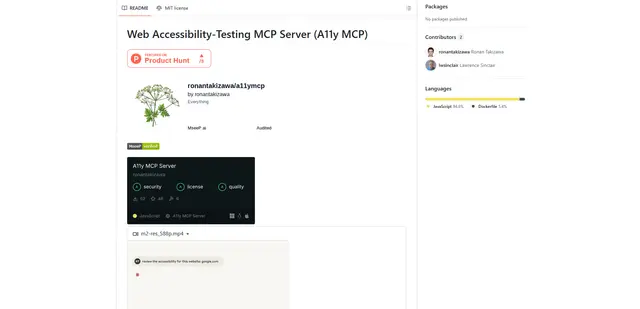
A11y MCP is a Model Context Protocol server that enables AI language models to perform automated web accessibility testing by integrating with Deque's Axe-core API and Puppeteer to analyze web content for WCAG compliance.

Open Browser Use
Open Browser Use is an open-source, agent-runtime-neutral browser automation layer that pairs a Chrome extension with a CLI/SDK/MCP to enable DOM-aware, CDP-powered tab control, navigation, and actions across different AI agent tools.
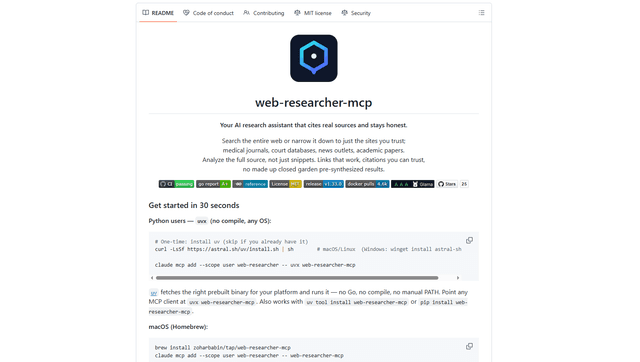
Web Researcher MCP
Web Researcher MCP is a local, production-grade MCP server that lets AI assistants search the web (optionally restricted to trusted “search lenses”), read full sources (including JS-rendered pages, PDFs, and YouTube transcripts), and return verifiable citations with multi-provider failover. [Source: https://github.com/zoharbabin/web-researcher-mcp?ref=producthunt]