Aisma
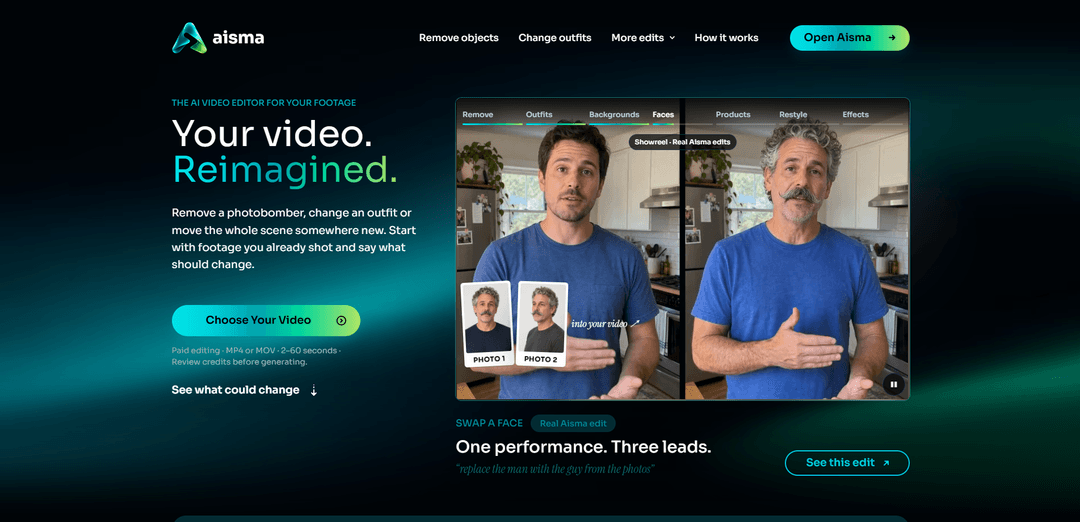
Aisma edits video people have already shot. Upload a 2–60 second clip, describe the change in plain words, and it swaps an outfit, a face or the whole person, changes the background, removes objects or swaps a product, keeping the original framing and audio.
https://aisma.ai/?utm_source=aipure
Product Information
Updated:Nov 16, 2026
What is Aisma
Aisma is an AI-powered video editor for clips you have already filmed. Available on the web, iPhone and Android, it lets creators, businesses and individuals change visual elements in their footage without working with masks or keyframes. Aisma is built by BeInTouch Pte. Ltd. in Singapore.
Key Features of Aisma
Aisma is an AI video editor that transforms existing footage using plain-language instructions. Users can remove objects or people, change outfits and backgrounds, swap faces or products, and restyle clips. It accepts 2–60 second videos and optional reference photos, preserves the original framing and audio, and delivers private 720p or 1080p results.
Prompt-based editing: Describe a change in everyday language without masks, keyframes, or a complex editing timeline.
Object and person removal: Remove unwanted objects or people from a scene and fill the space using surrounding visual context.
Outfit, face, and product swaps: Change clothing or replace a face, person, or product using a description and up to 10 reference photos.
Backgrounds and visual styles: Move a scene to a new setting, restyle footage, or add effects while retaining the filmed motion and camera work.
Private library and cross-device access: Access uploads and results through a private library on the web and mobile apps.
Transparent credit pricing: Choose 720p or 1080p and see the credit cost before generating an edit.
Use Cases of Aisma
Real estate marketing: Remove bins, passersby, or other distractions from property videos.
Fashion content: Show different garments in the same filmed sequence using clothing descriptions or reference photos.
E-commerce advertising: Swap a product in an existing shot to create variations for an online store or campaign.
Social media creation: Change backgrounds, add effects, or restyle a clip for a creative post.
Events and personal videos: Remove photobombers or distracting objects from footage of a wedding, party, or vacation.
Pros
Plain-language requests make visual edits accessible without advanced editing skills.
Preserves the original clip’s framing, length, motion, and audio.
Shows the credit cost before generation and keeps results private.
Cons
Every rendered edit requires paid credits, and results can vary.
Requires an existing video; generating from text or a single image alone is not currently supported.
Clips are limited to 2–60 seconds and 500 MB.
Without an active weekly plan, finished edits remain in the library for only 72 hours.
How to Use Aisma
Open Aisma and sign in: Visit https://aisma.ai or download Aisma: AI Video Editor from the App Store or Google Play. Sign in with Google, Apple or email.
Upload your video: Choose an MP4 or MOV clip that is 2–60 seconds long and no larger than 500 MB. Vertical, square and horizontal videos are supported.
Describe your edit: Write what you want to change in plain language, such as “remove the trash bin” or “change the jacket to black leather.” Add anything important that should stay the same.
Add reference photos if needed: Optionally add up to 10 JPEG, PNG or WebP photos, each up to 20 MB, to specify a face, garment or product. Use photos of people who have agreed to the edit.
Review the settings and price: Choose 720p or 1080p and check the credit price before generating. Every rendered edit requires credits from a pack or plan.
Generate your edit: Press Generate and answer any clarification questions Aisma asks. Follow the progress on the task page; editing typically takes minutes.
Review and save the result: Open the finished MP4 in your private Library. Download it to your device or refine part of the edit if needed. Without an active weekly plan, save it within 72 hours after it finishes.
Aisma FAQs
Aisma is an AI video editor for footage you have already shot. Upload a clip, describe the change in plain language, and optionally add reference photos. It works on the web and in iPhone and Android apps.
Popular Articles

Proferex: A Cloud-Based Ad Tracking and Campaign Optimization Platform
Nov 4, 2026

How to Create Viral Talking Baby Podcast Videos with AI: Step-by-Step Guide
Nov 2, 2026

Vosko AI: Localize and Dub Videos for Global Audiences
Oct 15, 2026
Atoms: A Multi-Agent AI Platform That Transforms Ideas into Launch-Ready Products
Oct 13, 2026
Latest AI Tools Similar to Aisma
EzVideos
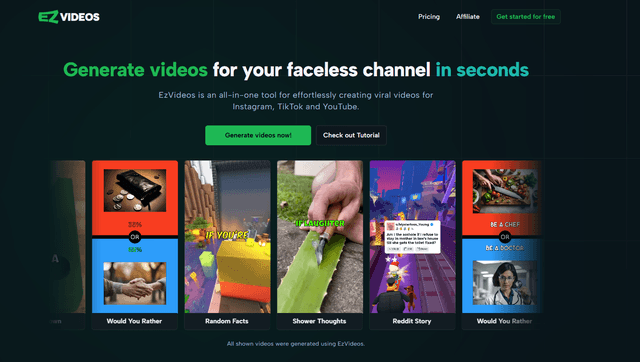
EzVideos is an all-in-one video creation tool that helps users generate viral videos for social media platforms like Instagram, TikTok, and YouTube with automated editing features and built-in resources.

Blanc AI
Blanc AI is a revolutionary AI solution that enables video content translation and dubbing into 47+ languages while preserving the original voice, emotions, and lip synchronization.
Wink Mody
Wink Mody is a modified version of the Wink video editing app that offers premium features like AI-powered retouching, 4K exports, and watermark-free editing completely free of charge.
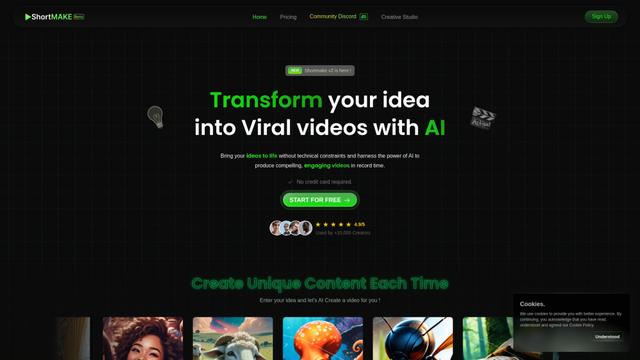
Shortmake AI
ShortMake is an AI-powered video creation platform that transforms ideas into viral-ready videos by automatically generating scripts, voiceovers, visuals, and subtitles specifically optimized for platforms like TikTok and YouTube Shorts.
Popular AI Tools Like Aisma
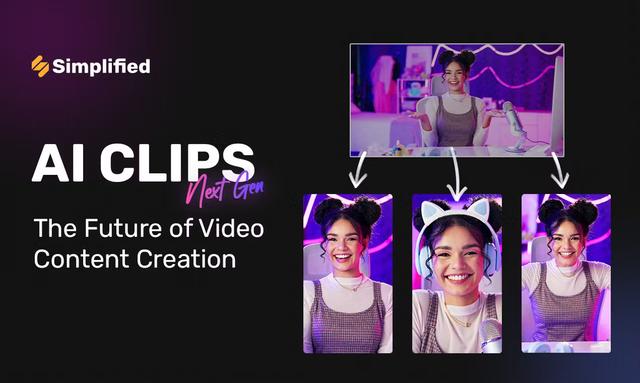
AI Clips - New Gen
AI Clips - New Gen is an AI-powered video clipping tool that automatically generates engaging short-form content from long videos for multiple social media platforms like YouTube Shorts, TikTok, Instagram Reels and more.
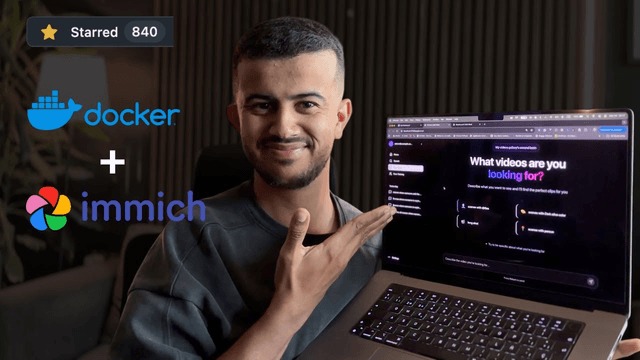
Edit Mind
Edit Mind is an open-source, AI-powered video indexing and semantic search platform that enables users to analyze and search through video content using natural language queries, with features including transcription, frame analysis, face recognition, and object detection.
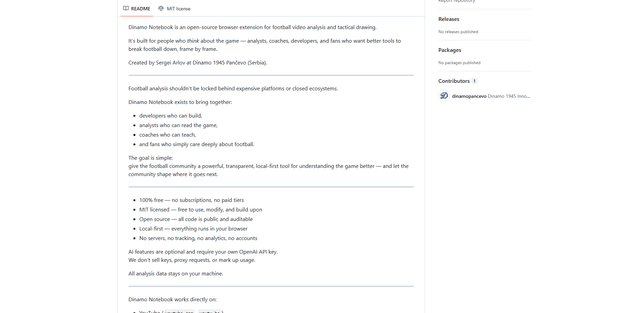
Dinamo Notebook
FreeAI Video Editing
Dinamo Notebook is a free, MIT-licensed, local-first browser extension for football video analysis that lets you draw tactical annotations on YouTube/Dailymotion/Twitch footage and optionally use AI (with your own OpenAI API key) for tactical insights.
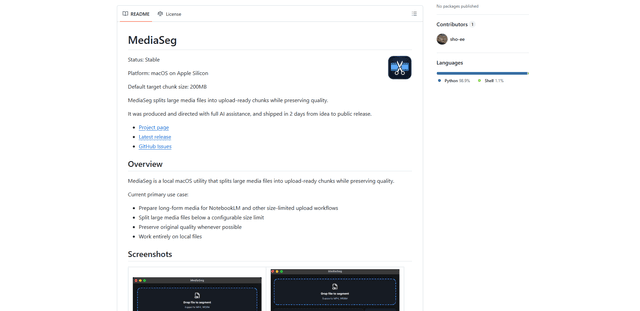
MediaSeg
MediaSeg is a stable, local-first macOS utility that splits large MP4/WEBM media files into upload-ready chunks under a configurable size limit while preserving quality using ffmpeg/ffprobe and an AI-assisted, target-based sizing strategy.