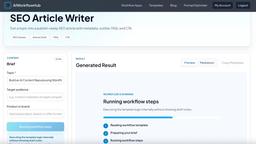
AI Workflow Generator
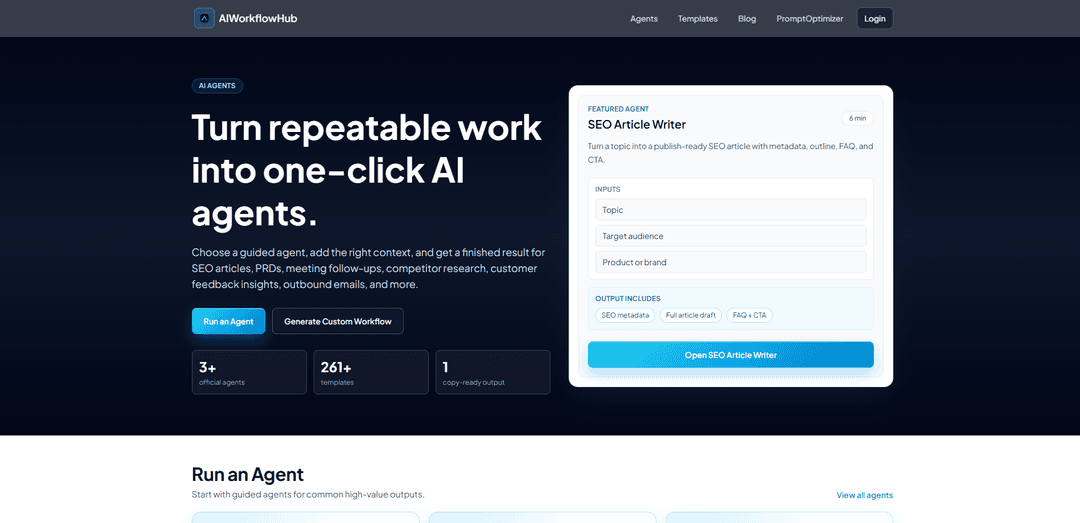
AI Workflow Generator turns any described task into a structured, production-ready, step-by-step workflow in under a minute, with ready-to-use prompts and access to a large template library.
https://aiworkflow.openclawhub.tools/?ref=producthunt
Product Information
Updated:May 19, 2026
What is AI Workflow Generator
AI Workflow Generator (from OpenClawHub) is a web-based tool designed to help individuals and teams quickly convert goals into clear, actionable workflows without needing prompt-engineering expertise. You describe what you’re trying to accomplish, and it produces a structured set of steps with prompt previews and reusable formats, supported by a library of 259+ templates and trending workflow examples. It’s positioned as a fast-start system for standardizing execution, onboarding, and repeatable delivery across common business tasks like content, launch planning, and product work.
Key Features of AI Workflow Generator
AI Workflow Generator is a web-based tool that turns a plain-language task description into a clear, structured, step-by-step workflow in minutes. It emphasizes fast generation (often under a minute), reusable templates (259+), and production-ready outputs that include ready-to-use prompts and structured steps that teams can standardize and export for execution in common LLM chat tools (e.g., ChatGPT/Claude) and documentation systems.
Task-to-workflow generation: Describe your goal in natural language and receive a clear, actionable workflow with defined steps and execution prompts—designed to reduce ambiguity and speed up planning.
Fast-start structured output: Generates a step-by-step workflow (with prompt previews) typically in under a minute, helping users move quickly from intent to an execution plan.
Large template library (259+): Provides a broad set of reusable workflow templates (including trending options) so teams can start from proven playbooks rather than building from scratch.
Production-ready prompts and step logic: Workflows include ready prompts and a structured sequence (e.g., framing → adaptation → blueprint → QA → automation/handoff) to support repeatable, higher-quality outputs.
Team standardization and onboarding: Designed to help teams standardize how work gets done (playbook-like workflows), improving consistency, reducing ramp time for new hires, and increasing publishing/launch velocity.
Export and reuse: Includes export tools (e.g., to Notion) and reusable templates to operationalize workflows across projects and collaborators.
Use Cases of AI Workflow Generator
SaaS content & SEO planning: Generate repeatable article production workflows (rapid planning, conversion boost, QA, automation-ready, performance review) to improve publishing velocity and content-to-lead outcomes.
E-commerce growth content systems: Adapt structured workflows to plan landing pages, product-led content, and promotional campaigns with channel-specific cautions and KPI focus.
Education content and program communications: Create standardized workflows for course announcements, knowledge-base articles, and student-facing newsletters with consistent voice and review steps.
Creator business newsletter growth: Use newsletter planning templates to stabilize open/click performance by turning a topic idea into a structured drafting, editing, and publishing workflow.
Launch and GTM preparation: Turn messy launch inputs into a stepwise plan for messaging, assets, QA checks, and handoff—reducing launch prep time through repeatable templates.
Ops and process documentation: Convert recurring internal tasks into templated workflows that can be shared, reused, and improved over time for smoother execution across teams.
Pros
Very fast workflow generation with structured steps and ready prompts, reducing planning overhead
Large template library makes it easy to start from proven playbooks and standardize team execution
Export/reuse orientation supports operationalizing workflows across tools and collaborators
Cons
Quality depends on how clearly the user describes the task; vague inputs can yield generic workflows
Some capabilities (e.g., full prompt text and export tools) appear to be gated behind an “unlock”/pro usage model
Primarily generates workflows and prompts rather than executing automations directly inside external systems
How to Use AI Workflow Generator
1) Open the AI Workflow Generator: Go to https://aiworkflow.openclawhub.tools/?ref=producthunt to access the generator interface.
2) Decide whether to start from scratch or a template: Either write your own task in the main input box, or click “Browse templates” / “View all” to pick from the template library (259+ reusable templates).
3) Select a template (optional) and preview the workflow steps: If you choose a template (e.g., “B2B SEO Article Production - Rapid Planning”), review the “Preview steps” list to understand the workflow structure before generating.
4) Describe your task clearly in Step 1: In the “Describe the task” field (up to 600 characters), write a specific goal and context. Clear, specific tasks generate better workflows.
5) Generate the workflow (Fast Start): Run the generator to produce a workflow in under 1 minute. The output is a structured, step-by-step plan with ready-to-use prompts.
6) Follow the generated step structure in order: Work through each step sequentially (the tool is designed so each step builds on the previous one). Use the provided prompts to produce the required intermediate outputs.
7) Use the included output formats exactly when specified: If a step requires a strict format (e.g., “Output STRICTLY in JSON” or “Output as markdown table”), copy the prompt and ensure your response matches the required structure.
8) Iterate by refining inputs and re-running as needed: If the workflow is too generic or misses constraints, revise your task description (add constraints, scope boundaries, KPIs, risks) and regenerate for a more production-ready workflow.
9) Unlock full prompts and export tools (if needed): Use “unlock” features when you need the complete prompt text, export tools, and pro flow usage beyond previews (as described in the FAQ).
10) Export and implement the workflow in your team’s system: After generating and finalizing, export the workflow (e.g., into Notion or your documentation system) and use it as a reusable playbook for consistent execution.
AI Workflow Generator FAQs
AI Workflow Generator is a tool that turns a described task into a clear, actionable, step-by-step workflow in minutes, with structured output and ready-to-use prompts.
Popular Articles

Atoms: A Multi-Agent AI Platform That Transforms Ideas into Launch-Ready Products
May 22, 2026

Nano Banana SBTI: What It Is, How It Works, and How to Use It in 2026
Apr 15, 2026

Atoms Review — The AI Product Builder Redefining Digital Creation in 2026
Apr 10, 2026

Kilo Claw: How to Deploy and Use a True "Do‑It‑For‑You" AI Agent(2026 Update)
Apr 3, 2026
Latest AI Tools Similar to AI Workflow Generator
Plani.ai
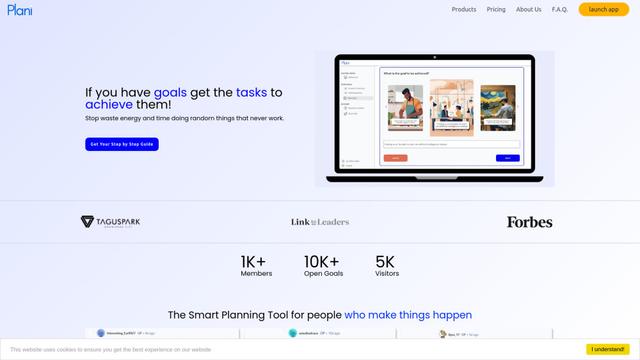
Plani.ai is an AI-powered business planning tool that generates customized strategies, tasks, and actionable plans to help entrepreneurs, startups, and small businesses achieve their business goals.
Tendery.ai
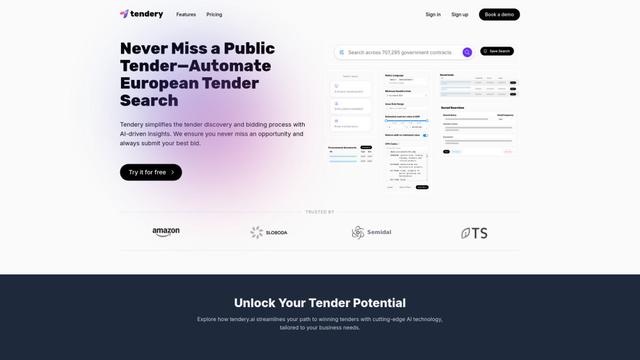
Tendery.ai is an AI-powered platform that transforms EU public procurement by providing automated tender discovery, intelligent matching, and enhanced proposal creation capabilities.

Devozy.ai
Devozy.ai is an AI-powered developer self-service platform that combines Agile project management, DevSecOps, multi-cloud infrastructure management, and IT service management into a unified solution for accelerating software delivery.
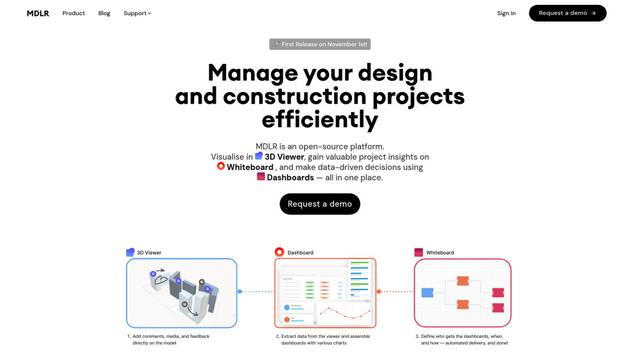
MDLR
MDLR is an open-source AI-powered platform that streamlines design and construction project management through integrated 3D viewing, real-time dashboards, and interactive whiteboards.
Popular AI Tools Like AI Workflow Generator
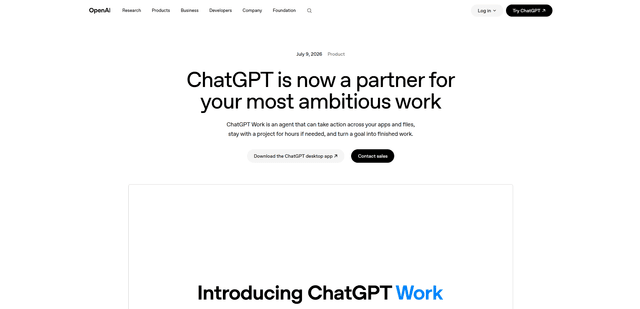
ChatGPT Work
ChatGPT Work is an agent mode inside ChatGPT that can run multi-step projects for hours, pull context from your connected apps and files, and produce finished outputs like docs, slides, sheets, and interactive Sites—while keeping you in control with approvals and enterprise governance.
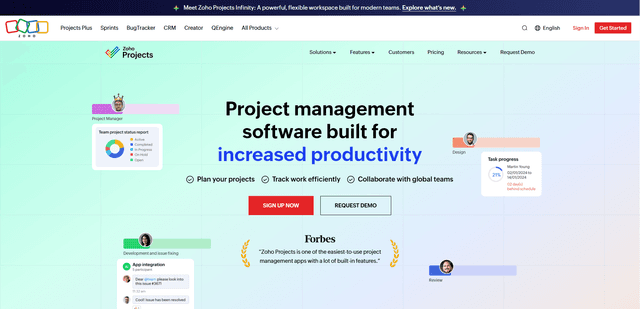
Zoho Projects
Zoho Projects is a cloud-based project management software that helps teams plan, track, and collaborate on projects with features like Gantt charts, task automation, time tracking, and comprehensive reporting tools.
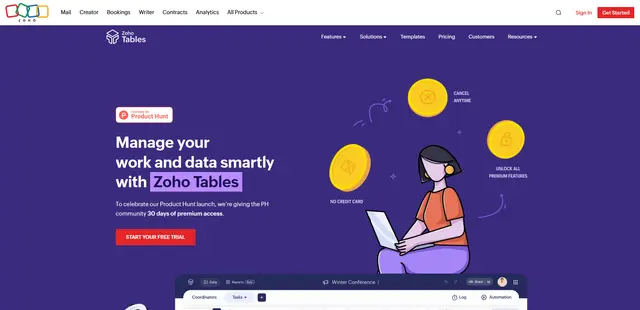
Zoho Tables
Zoho Tables is a modern spreadsheet-database hybrid that helps teams organize data with relational links, build views and dashboards, collaborate in real time, and automate workflows with no-code and AI assistance.
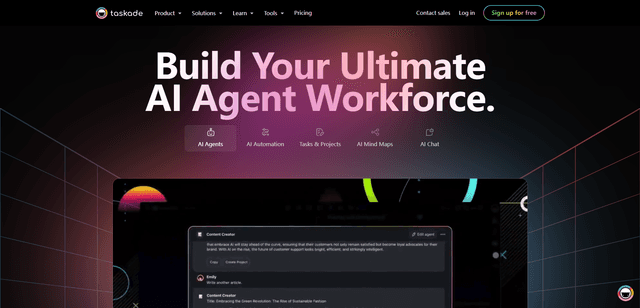
Taskade
Taskade is an AI-powered productivity platform that combines task management, real-time collaboration, and AI automation in one unified workspace for teams and individuals.