AI Image Translator: Free Online Tool for Image Text Translation
AI Image Translator is a completely free online translation tool that lets users instantly translate text within images. Supporting over 120+ languages, it makes understanding foreign content simple and effortless—just upload an image, and the tool will automatically detect and translate the text for you. No sign-up required, no hassle, fast and accurate translation anytime you need it.
https://aiimagetranslator.io/?utm_source=aipure
Product Information
Updated:Jun 18, 2026
What is AI Image Translator: Free Online Tool for Image Text Translation
AI Image Translator is an AI-powered image-to-language translation tool designed to help you understand foreign text embedded in photos, screenshots, scans, posters, menus, manuals, and even manga pages. Instead of manually retyping text into a translator, you upload (or snap) an image, choose a target language, and receive an instant translation you can copy or download. Many services in this category emphasize fast processing, broad language support (often 100+ to 200+ languages), and a browser-based workflow that requires no installation—and in some cases, no account creation—making it convenient for travel, study, work, and content localization.
Key Features of AI Image Translator: Free Online Tool for Image Text Translation
AI Image Translator is a browser-based tool that extracts text from uploaded photos, screenshots, manga pages, and scanned documents using OCR, translates it into a chosen target language (100–200+ languages advertised depending on the source), and can output translated results quickly—often within seconds. It’s positioned as easy to use (drag-and-drop upload, no installation, often no sign-up), privacy-friendly (files processed for translation then cleared, per claims), and useful for real-world scenarios like travel, study, and content localization, with some sources highlighting layout/style preservation where translated text is redrawn into the image.
OCR-based text detection: Automatically recognizes text inside images (photos, screenshots, scanned pages) so users don’t need to retype content manually.
Multi-language translation at scale: Supports a large set of target languages (commonly 100+ and up to 200+ claimed), enabling quick translation across many language pairs.
Fast, in-browser workflow: Runs online with a simple upload → choose language → translate/download flow, designed for rapid results without installing software.
Downloadable and copyable results: Provides translated output that can be downloaded for later viewing/sharing, and in some implementations lets users copy extracted/translated text.
Layout/style preservation (where supported): Some sources describe removing original text, filling the background, and re-rendering translated text to match the image’s layout and visual style.
Batch translation (availability varies): Some sources claim batch uploads/processing for multiple images, though other statements indicate single-image translation only—suggesting feature availability may depend on the specific product/version or plan.
Use Cases of AI Image Translator: Free Online Tool for Image Text Translation
Travel and hospitality: Translate menus, street signs, transit instructions, tickets, and hotel notices from photos to reduce language barriers while traveling.
Education and research: Translate foreign-language textbooks, scanned journals, and technical diagrams/screenshots to speed up comprehension and note-taking.
Manga/comics reading: Translate Japanese manga pages (speech bubbles, narration) into a preferred language for easier reading and understanding.
E-commerce localization: Localize product packaging, banners, listing images, and marketplace graphics into multiple languages while keeping visuals ready for publishing.
Cross-border business communication: Translate screenshots, product specs, and image-based documents shared in international collaborations to streamline discussions and decisions.
Content creation and social media: Convert image-based captions/subtitles and on-image text into other languages to broaden reach for influencers and media teams.
Pros
Convenient image-to-translation workflow that avoids manual typing (OCR + translation in one step).
Broad language support and quick turnaround designed for everyday, on-the-go use.
Claims of privacy-friendly handling (processing then clearing uploads) and low-friction access (often no sign-up).
Potential layout/style preservation for more polished, shareable translated images (where available).
Cons
Accuracy is not guaranteed; results depend heavily on image quality and OCR performance (especially with complex layouts or handwriting).
Batch and layout-preservation capabilities appear inconsistent across sources (may vary by version/plan or may be limited).
Content restrictions apply (e.g., NSFW not supported), which can limit what users can translate.
How to Use AI Image Translator: Free Online Tool for Image Text Translation
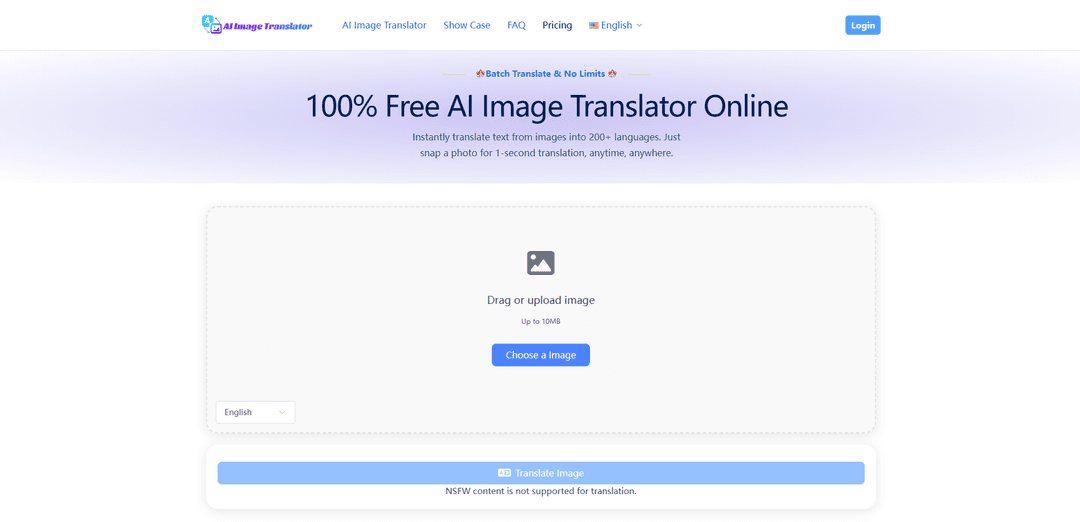
1. Open AI Image Translator in your browser: Go to https://aiimagetranslator.io/ (no app download, no sign-up required).
2. Upload or capture an image: Drag and drop or upload the image you want to translate (up to 10MB). On mobile, you can snap a photo and use it for translation.
3. Choose the target language: Select the language you want the image text translated into (supports 200+ languages).
4. Start the translation: Confirm your language selection to begin. The tool uses OCR to detect the text and translates it automatically (NSFW content is not supported).
5. Review the translated result: Check the translated output; the tool translates the text in the image and keeps the original layout/style as much as possible.
6. Copy, download, or share: After translation appears, copy the translated text and/or download the translated image for viewing, saving, or sharing.
7. (Optional) Batch translate more images: Repeat the upload and language selection steps to translate multiple images (batch translation is supported).
AI Image Translator: Free Online Tool for Image Text Translation FAQs
An AI Image Translator detects text in an image using OCR (Optical Character Recognition), translates it with AI translation models, and can rebuild the image with the translated text while preserving the original layout and design.
Popular Articles

Vosko AI: Localize and Dub Videos for Global Audiences
Oct 15, 2026

Atoms: A Multi-Agent AI Platform That Transforms Ideas into Launch-Ready Products
Oct 13, 2026

Nano Banana SBTI: What It Is, How It Works, and How to Use It in 2026
Apr 15, 2026

Atoms Review — The AI Product Builder Redefining Digital Creation in 2026
Apr 10, 2026
Latest AI Tools Similar to AI Image Translator: Free Online Tool for Image Text Translation
InDesign Translator
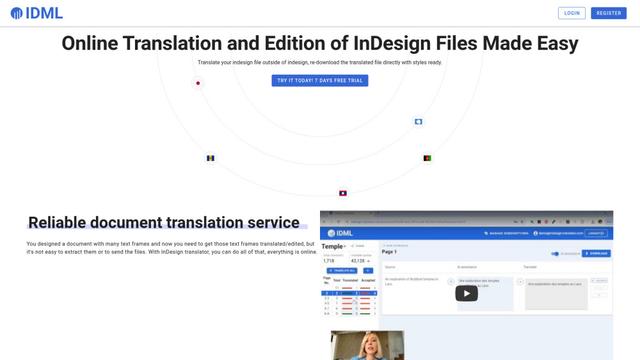
InDesign Translator is an online translation service that enables users to translate InDesign files while maintaining formatting and styles, offering AI-assisted translation and easy collaboration features without requiring translators to have InDesign installed.

Blanc AI
Blanc AI is a revolutionary AI solution that enables video content translation and dubbing into 47+ languages while preserving the original voice, emotions, and lip synchronization.
MenuGuide
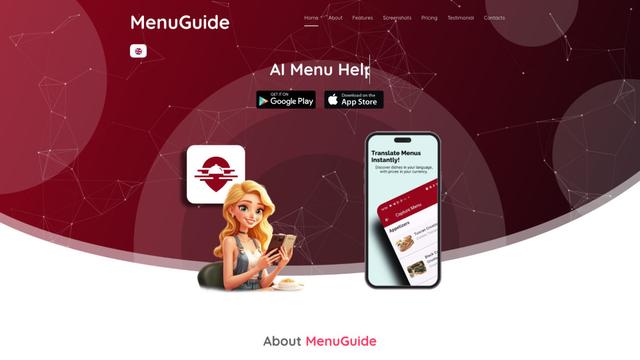
MenuGuide is a cutting-edge AI-powered app that instantly translates restaurant menus from any language to your preferred language, providing dish details, allergen information, and nutritional facts for seamless global dining experiences.
Vocabulary AI
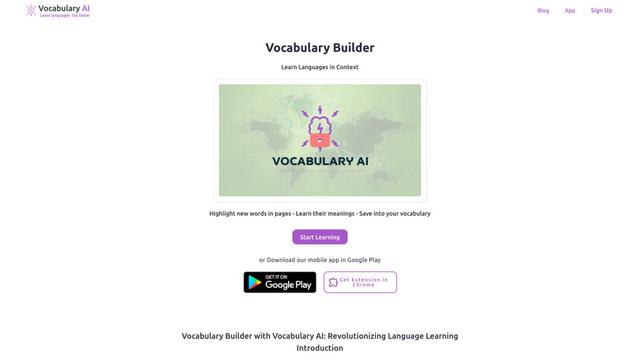
Vocabulary AI is an advanced AI-powered language learning platform that combines translation, vocabulary building, and personalized practice through website, mobile app, and browser extension to help users effectively learn and retain new words.
Popular AI Tools Like AI Image Translator: Free Online Tool for Image Text Translation
ChatGPT Translate
FreeTranslate
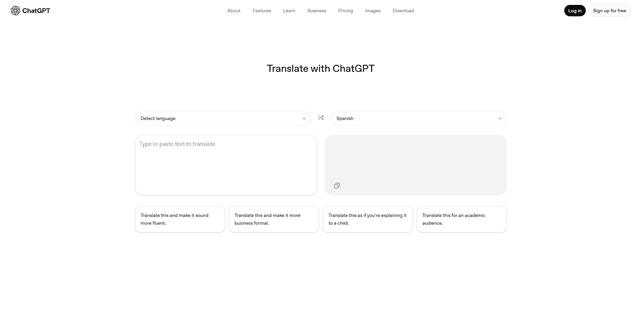
ChatGPT Translate is OpenAI's dedicated translation service that supports 50+ languages with AI-powered customization features for producing natural, context-aware translations across different tones and styles.
RSTGameTranslation
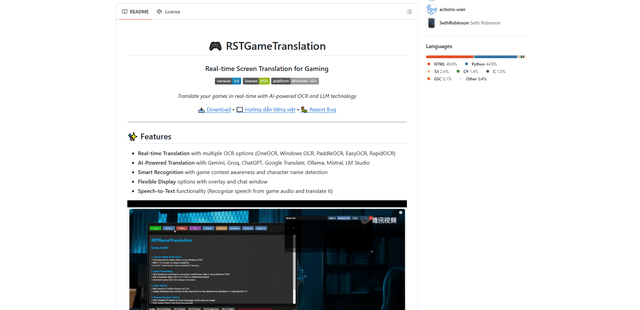
RSTGameTranslation is an open-source real-time game translation tool that combines OCR and AI translation technologies to automatically translate game text across multiple languages while supporting both offline and online modes.
Duory
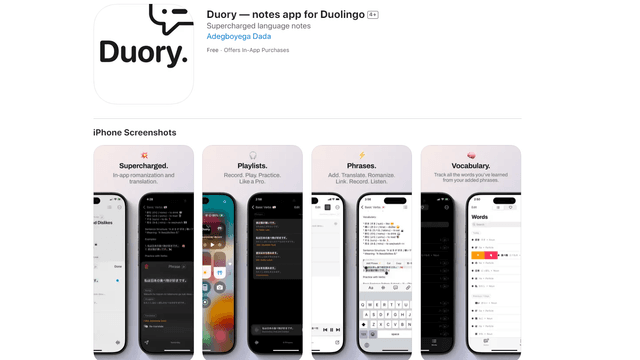
Duory is a dynamic language learning companion app that helps Duolingo users reinforce their lessons through interactive note-taking, translation features, and voice recording capabilities.