
Agently
Agently is an AI workforce platform that builds a live “company brain” across 100+ connected tools and uses Jarvis-orchestrated, role-specialized agents to execute work (not just answer) with auditable action receipts.
https://agently.dev/?ref=producthunt

Product Information
Updated:Jul 16, 2026
What is Agently
Agently is an AI-powered operating system for startup teams that connects to your existing stack—tools like Slack, Linear, Notion, Google Drive, Stripe, HubSpot, GitHub, and Gmail—to centralize context into a single, continuously updated company brain. Instead of behaving like a standalone chatbot, Agently is designed to turn that shared context into real, shippable output: documents, reports, board updates, ticket changes, emails, and other artifacts that land directly in the tools your team already uses. It’s positioned as a step beyond knowledge search and note-taking assistants by combining company-wide memory with execution across integrations.
Key Features of Agently
Agently is an AI-powered work operating system that builds a “company brain” across your tools (via 100+ two-way, OAuth, live-updating connectors) and then uses an orchestrator (Jarvis) plus role-specialized agents to execute real work—not just answer questions. It can search and use shared business context automatically, create shippable artifacts (docs, briefs, reports, plans), and take controlled actions in your real accounts (email, calendars, project boards, social posting), with configurable guardrails and auditable “receipts” for every action.
Company Brain with semantic context retrieval: Aggregates knowledge across connected tools and automatically pulls relevant context into agent conversations via semantic search; performance improves as you feed more content into the Brain.
Jarvis orchestrator for multi-agent execution: Routes tasks to specialized agents, spins up the right workflows, and runs a shared “board” showing triggered/running/shipped work so you can set direction while Jarvis executes.
Role-specialized AI agents that take actions: Provides purpose-built agents (e.g., for sales, ops, marketing, customer success, research) that can execute multi-step workflows like drafting/sending emails, scheduling meetings, updating pipelines, and managing tasks.
Native work surfaces: Spaces (projects) + Pages (docs): Includes built-in Kanban/project management (Spaces) and a block-based document editor (Pages) where agents can create plans, reports, and drafts as durable artifacts—not just chat messages.
100+ integrations with two-way, live updates: Connects to common business tools (e.g., Slack, Linear, Notion, Google Drive, Stripe, HubSpot, GitHub, Gmail, Jira, Asana) to read signals and write back updates/actions across your stack.
Governance, guardrails, and action receipts: Lets teams choose autonomy vs. approval for sensitive actions (send/pay/post), and provides auditable proof/receipts of what was done, where, and when.
Use Cases of Agently
SaaS customer success risk response: Detect signals like failed charges, escalated tickets, or Slack mentions; draft and send save emails, update ticket status, and post leadership updates with traceable receipts.
Sales outbound and pipeline operations: Research leads, draft personalized outreach through Gmail/Outlook, schedule meetings via calendar tools, and manage pipeline tasks/boards—useful for founders or small sales teams.
Operations command center for lean teams: Triage inbox, coordinate calendars, create project plans, and draft internal updates across docs and task boards—acting like an ops manager/CoS for teams that need to move fast.
Marketing campaign planning and execution: Generate campaign plans and content drafts in Pages, coordinate tasks in Spaces, and publish or schedule posts through connected social/work tools with optional human approval.
Cross-tool weekly business reporting: Compile weekly briefs and status docs by pulling live context from multiple systems (product, revenue, support, growth), then ship polished artifacts your team can share or gate.
Engineering-adjacent coordination (non-code workflows): Monitor GitHub/Linear signals, draft release notes or incident summaries, and coordinate follow-ups in Slack and task boards—supporting engineering teams without replacing dev-specific tools.
Pros
Cross-tool execution: goes beyond Q&A to perform actions (email, scheduling, task updates) through real integrations.
Shared, reusable context: a centralized Brain and brand context improve consistency and reduce repetitive briefing.
Shippable outputs and auditability: produces durable artifacts (docs/boards) and provides action receipts for accountability.
Fast onboarding for non-technical teams: OAuth connections and pre-built role agents reduce setup complexity.
Cons
Requires strong guardrails and oversight: autonomous actions (sending/posting/paying) can create risk without careful approval settings.
Effectiveness depends on connected data quality: the Brain improves as you feed it; sparse or messy sources can reduce usefulness.
May not replace best-in-class specialist tools: e.g., engineering-focused project management features in tools like Linear may still be needed.
How to Use Agently
1) Create your Agently workspace: Sign up and create a workspace (the central hub where your agents, Brain, tasks, documents, integrations, and team live). Invite teammates if needed so everyone shares the same context.
2) Connect your tools (OAuth, two-way, live updates): Connect the apps you already use (e.g., Slack, Linear, Notion, Google Drive, Stripe, HubSpot, GitHub, Gmail, Google Calendar, etc.). Agently supports 100+ connectors and keeps data in sync with live updates.
3) Let the Company Brain build and sync: After connecting tools, Agently builds a “company brain” across your stack (a centralized knowledge base that can be searched by meaning). Wait for the initial sync to complete so agents can reference your real business context.
4) Add brand context (tone + business identity): Configure brand context once (your product, positioning, voice, and preferences). This context is automatically injected into agent conversations so drafts (emails, docs, updates) match your team’s tone and facts.
5) Feed the Brain with key documents before heavy use: Upload or add essential docs/snippets (FAQs, pricing, product notes, playbooks, customer notes). The guidance is to spend ~15 minutes adding high-signal materials so agents produce higher-quality, on-brand outputs.
6) Meet Jarvis (the orchestrator) and the specialized agents: Use Jarvis as the command center: it spins up specialized agents, routes work, and runs a shared board with you. Each agent specializes in roles like sales, operations, marketing, customer success, or research.
7) Start a first request in plain language: Open a conversation with Jarvis or a specific agent and describe what you need (e.g., “Draft the weekly brief,” “Investigate churn risk signals,” “Summarize escalated tickets,” “Prepare a funnel diagnostic”). Agents will use your Brain + connected tools to do the work.
8) Choose guardrails: autonomous vs. approval-gated actions: Set what agents can do automatically vs. what must wait for your approval—especially anything that sends, pays, or posts. This lets you start safely (review-first) and gradually increase autonomy as trust grows.
9) Review receipts for every action (audit trail): When agents take actions (send an email, post to Slack, update a ticket, draft a doc), Agently provides “receipts” you can audit. Use these to verify what happened, when, and through which tool.
10) Ship outputs as real artifacts (Pages and files): Instead of leaving results in chat, have agents deliver outputs as shippable artifacts—docs, presentations, sheets, HTML pages, and templates—so your team can share, gate, export, and act on them.
11) Run recurring workflows (Scheduler): Turn repeatable work into scheduled routines (e.g., weekly status doc every Monday 9:00, daily lead ranking export, weekly funnel audit). Agents can re-run the workflow automatically using the latest live data.
12) Expand to multi-step, cross-tool workflows: Ask for end-to-end execution across tools (example patterns from the sources: search the Brain, create tasks, draft a Page, send email via Gmail, schedule follow-ups on calendar, update tickets in Linear/Jira, post summaries to Slack). Keep approvals on sensitive steps until you’re comfortable.
13) (Optional) Use the CLI to discover and message agents via A2A: Install and use the “use-agently” CLI to manage wallets, discover agents, and communicate via the A2A (Agent-to-Agent) protocol. The CLI supports JSON output for programmatic usage and can be used in scripts/automation pipelines.
14) Keep security expectations clear: Operate with Agently’s stated security posture in mind: data encrypted in transit and at rest, processed securely, and not used to train models. Use workspace access controls (remove members to revoke access immediately) and keep approval gates for high-risk actions.
Agently FAQs
Agently builds a company brain across your tools, then runs AI agents that act on it to draft, send, update, and report. It’s not a chatbot—the work runs in the background and lands as real output you can ship.
Agently Video
Popular Articles

Vosko AI: Localize and Dub Videos for Global Audiences
Oct 15, 2026

Atoms: A Multi-Agent AI Platform That Transforms Ideas into Launch-Ready Products
Oct 13, 2026

Nano Banana SBTI: What It Is, How It Works, and How to Use It in 2026
Apr 15, 2026

Atoms Review — The AI Product Builder Redefining Digital Creation in 2026
Apr 10, 2026
Latest AI Tools Similar to Agently

Ticknotes
Ticknotes is an AI-powered meeting assistant that automatically records, transcribes, and generates personalized meeting summaries, action items, and key insights from audio, video, and text content.

Feta
Feta is an AI-powered meeting tool that helps product and engineering teams run efficient meetings by capturing discussions, automating tasks, and providing actionable insights through smart summaries and integrations.
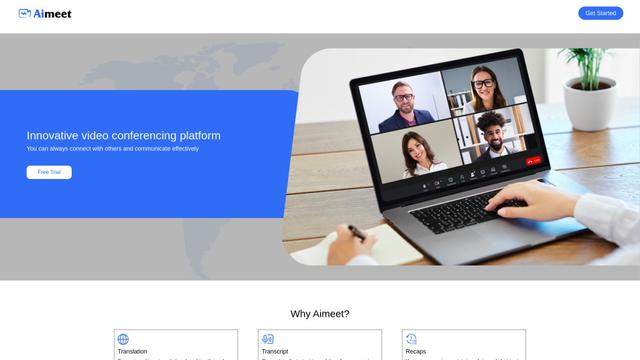
Aimeet
Aimeet is a comprehensive AI-powered communication platform that combines real-time translation, transcription, screen sharing, and unlimited meeting capabilities for effective virtual collaboration.
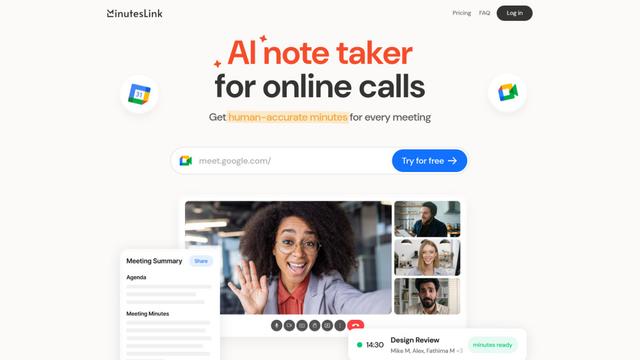
MinutesLink
MinutesLink is an advanced AI-powered note-taking assistant that automatically records, transcribes, summarizes and organizes virtual meetings while building personalized digital avatars from meeting data.
Popular AI Tools Like Agently
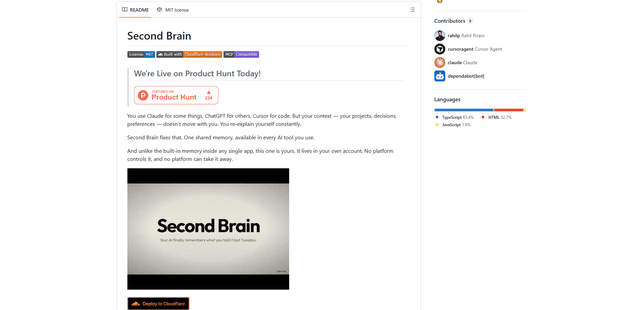
Second Brain for AI
Second Brain for AI is a self-hosted, MCP-compatible persistent memory layer on Cloudflare that lets Claude, ChatGPT, Cursor, and other AI clients store and semantically recall shared context across sessions.
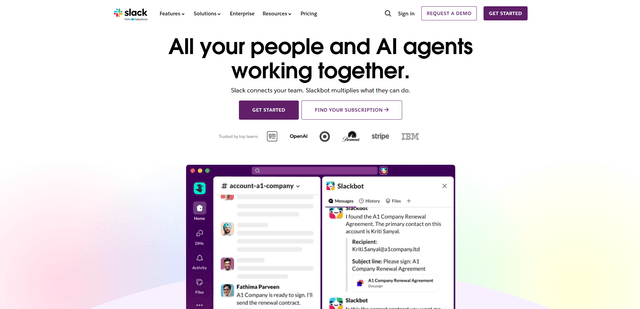
Slack
Slack is an AI-powered work platform that brings team communication, channels, files, automation, and app integrations into one conversational workspace.
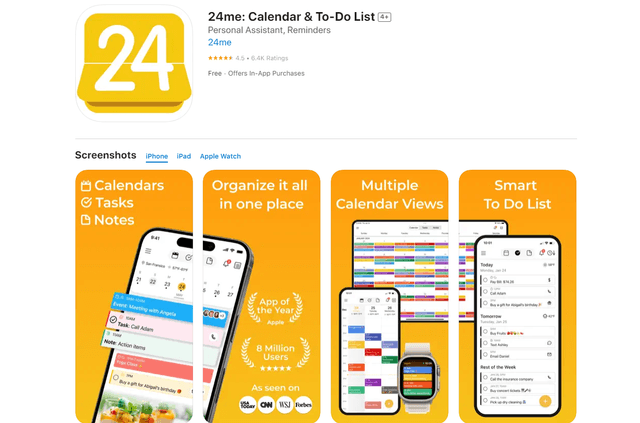
24me Smart Personal Assistant
24me is an award-winning smart personal assistant app that combines calendar, to-do lists, notes, and personal accounts in one unified platform to help boost productivity and time management.
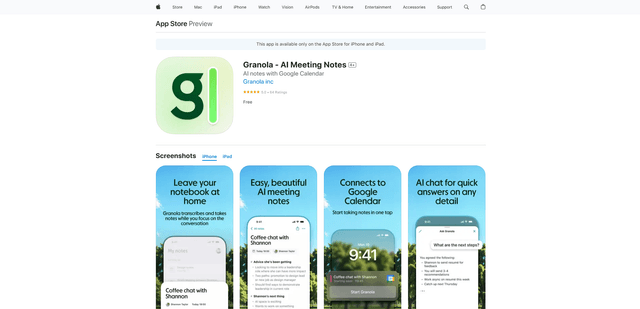
Granola for iOS
Granola for iOS is an AI-powered notepad app that helps users effortlessly capture, transcribe and summarize meeting conversations through intelligent note-taking and one-tap recording capabilities.