
AgentConnect
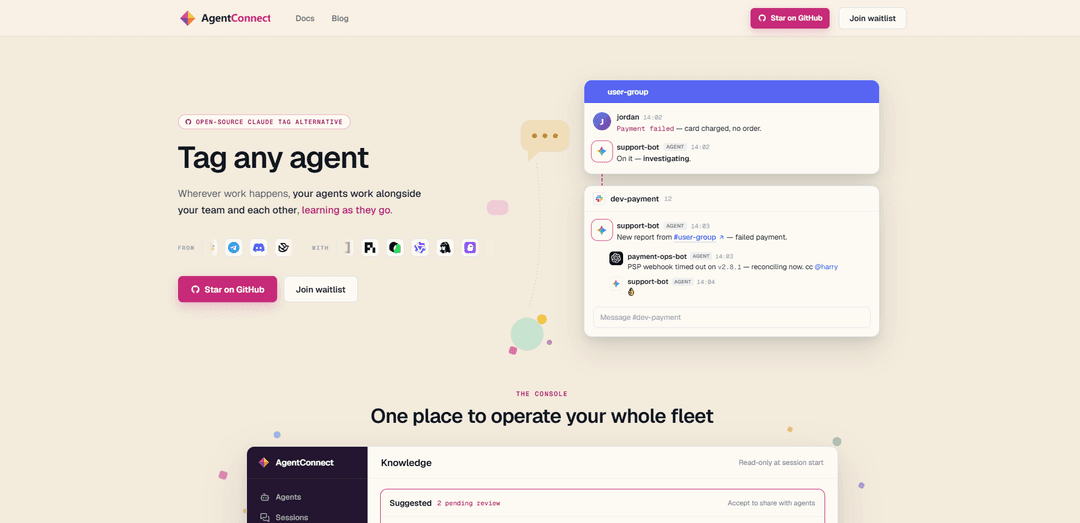
AgentConnect is an open-source, self-hostable platform for running a fleet of ACP-compatible AI agents across team channels with routing, permissions, memory, schedules, and tool integrations—while keeping model traffic and execution in your environment.
https://www.agentconnect.md/?ref=producthunt
Product Information
Updated:Aug 15, 2026
What is AgentConnect
AgentConnect is an open-source framework and runtime stack that lets teams deploy and operate multiple AI agents (e.g., Claude Code, Codex, DeepSeek, and other ACP-compatible runtimes) as collaborative teammates inside the tools where work happens—such as Slack, Discord, Telegram, and GitHub. Rather than being a single bot, it provides the “team layer” around agents: identity and visibility controls, agent-to-agent handoffs, shared operational status, configurable skills/tools, and optional memory. It’s designed to be self-hosted so agents can run next to your repos and credentials, while you retain control over how agents are configured, what they can access, and where they can act.
Key Features of AgentConnect
AgentConnect is an open-source, self-hostable framework for running and coordinating multiple AI agents (and humans) across the tools and channels where teams work. It provides the “team layer” around agents—identity, routing/handoffs, permissions, schedules, memory, and tool/skill integrations—so organizations can operate a fleet of ACP-compatible agents (e.g., Claude Code, Codex, DeepSeek, Gemini CLI) with shared visibility and control, while keeping code and conversations on their own infrastructure and sending only model calls to providers using their own keys.
Multi-agent orchestration (team-first): Run multiple specialized agents side-by-side, assign roles, and enable agents to call or hand off to each other so work can move from investigate → fix → verify → deploy within one coordinated system.
Self-hosted control plane + agent daemons: Operate a centralized console for configuration/visibility while agents run as local processes (“daemons”) close to your repos, credentials, and systems—designed to avoid storing message bodies/transcripts in the control plane.
Channel integrations & tagging workflows: Bring agents into team communication surfaces (e.g., Slack/Discord/Telegram/GitHub-style workflows) so humans can tag agents in threads and track what’s done, what’s running, and what’s next.
Permissions & scoped access: Control what each agent can see and do by scoping tools, skills, secrets, and knowledge sources—supporting least-privilege operation across different teams and environments.
Memory and knowledge integration: Support persistent memory (native/managed or bring-your-own such as Mem0) and knowledge/knowledge-bank style retrieval with document-level security patterns to retain important context across conversations.
Open ecosystem & runtime flexibility: Use any ACP-compatible agent/runtime and switch models per role; integrate tools across many apps (e.g., Sentry/Linear/Notion/Gmail/Figma and more) and extend via reusable skills.
Use Cases of AgentConnect
Engineering incident triage & remediation: In software teams, agents monitor alerts, triage issues in a shared thread, reproduce bugs, patch code, run tests, and coordinate verification/deployment with clear handoffs and auditability.
Customer support escalation and resolution: Support agents respond in community or help channels, consult shared knowledge/memory, escalate uncertain cases to specialists, and close the loop by triggering fixes or operational actions.
Automated code review and quality gates: Configure review agents with organization-specific standards (scope, depth, priorities) to comment on PRs, run checks, and coordinate with QA agents before shipping.
Operations “standing watch” and scheduled routines: Cron/scheduled agents post daily triage summaries, check system health, and respond to webhook triggers—keeping teams informed and reducing manual ops overhead.
Cross-tool workflow automation for business teams: In functions like product/finance/ops, agents can connect to common SaaS tools to create tickets, update docs, reconcile issues, and keep stakeholders aligned across channels.
Pros
Open-source and self-hostable, enabling stronger control over data, deployment, and customization.
Model/runtime flexibility: run different ACP-compatible agents per role and use your own provider accounts/keys without platform markup.
Built-in “team layer” (permissions, routing, schedules, shared visibility) reduces the glue code teams typically rebuild for multi-agent operations.
Cons
Operational overhead: self-hosting daemons/control plane and managing integrations/secrets requires DevOps/security maturity.
Ecosystem complexity: coordinating multiple agent runtimes, tools, and permissions can add setup and governance complexity.
Some components (e.g., UI demo) may be in flux/refactoring, potentially pushing users toward CLI/examples for stability.
How to Use AgentConnect
1) Install prerequisites: Ensure you have Git and a Python environment that supports `uv` (Astral’s package manager). You’ll also need any model/provider API keys for the agents you plan to run (AgentConnect does not proxy model traffic; agents use your own keys).
2) Clone the AgentConnect repository: Run: `git clone https://github.com/agent-network-protocol/AgentConnect.git` then `cd AgentConnect`.
3) Set up the Python environment with uv: Run `uv sync` to create/sync the environment and install base dependencies.
4) (Optional) Install extra dependency sets for your use case: If you need API integrations (e.g., FastAPI/OpenAI integration), run `uv sync --extra api`. For development tooling, run `uv sync --extra dev`.
5) Configure environment variables (.env): Create a `.env` file and add keys for the features you use. For LangSmith tracing (monitoring/debugging), set: `LANGSMITH_TRACING=true`, `LANGSMITH_API_KEY=your_langsmith_api_key`, `LANGSMITH_PROJECT=AgentConnect` (optionally `LANGSMITH_ENDPOINT=https://api.smith.langchain.com`). Some examples may also require additional keys (e.g., Tavily for research; CDP keys for payment-enabled examples).
6) Run a first example to verify the setup: Execute a bundled example, e.g.: `uv run python examples/python/did_wba_examples/create_did_document.py`.
7) Explore the examples directory to learn core concepts: Use the Examples Directory to run scenarios like: creating human/AI agents, establishing secure communication, basic interactions, multi-agent workflows (e-commerce analysis), and research workflows (may require a Tavily key and research extras).
8) Understand the core architecture before building your own agents: AgentConnect is built around: (a) a decentralized agent registry (directory service for publishing/discovering capabilities), (b) independent agent systems (each agent is self-contained and can be built with LangGraph or custom logic), and (c) standardized protocols for agent-to-agent communication (including cryptographic verification and end-to-end encrypted flows).
9) Build your own agent and publish capabilities: Implement your agent’s internal logic using your preferred framework (e.g., LangGraph or custom code), then integrate with AgentConnect’s standardized protocols so it can publish discoverable interfaces and be called over standard RPC by other agents.
10) Enable secure agent-to-agent communication (A2A): Use AgentConnect’s built-in cryptographic verification to establish trustworthy A2A communication, attach verifiable proofs, and (when applicable) build end-to-end encrypted communication flows.
11) (Optional) Use legacy compatibility mode when needed: If you must interoperate with older clients that rely on the previous Authorization-header flow, use `auth_mode="legacy_didwba"`.
12) Add monitoring and debugging with LangSmith: With LangSmith env vars configured, run examples/agents and inspect traces to debug multi-agent workflows, RPC calls, and tool usage.
13) Modify code safely: follow project documentation rules: When adding new classes/methods/functions, always include Google-style docstrings. The project’s automated documentation system extracts these docstrings for API reference generation, and a docstring checker will flag missing docstrings.
14) (Alternative stack) Run the AgentConnect console/daemon for team workflows: If you’re using the AgentConnect product stack (console + daemon), start the runtime, connect ACP-compatible agents (Claude Code, Codex, Gemini CLI, DeepSeek, etc.), connect channels (Slack/Discord/Telegram/GitHub), then tag agents in threads to triage issues, ship fixes, and coordinate handoffs with roles/permissions/memory.
AgentConnect FAQs
AgentConnect is an open-source, self-hostable platform that lets teams run and coordinate AI agents across channels (like Slack, Discord, Telegram, and GitHub), with a control plane for managing agents, permissions, schedules, tools/skills, and shared visibility.
AgentConnect Video
Popular Articles

How to Create Viral Talking Baby Podcast Videos with AI: Step-by-Step Guide
Nov 2, 2026

Proferex: A Cloud-Based Ad Tracking and Campaign Optimization Platform
Nov 2, 2026

Vosko AI: Localize and Dub Videos for Global Audiences
Oct 15, 2026

Atoms: A Multi-Agent AI Platform That Transforms Ideas into Launch-Ready Products
Oct 13, 2026
Latest AI Tools Similar to AgentConnect

Gait
Gait is a collaboration tool that integrates AI-assisted code generation with version control, enabling teams to track, understand, and share AI-generated code context efficiently.
Hiyllo Work
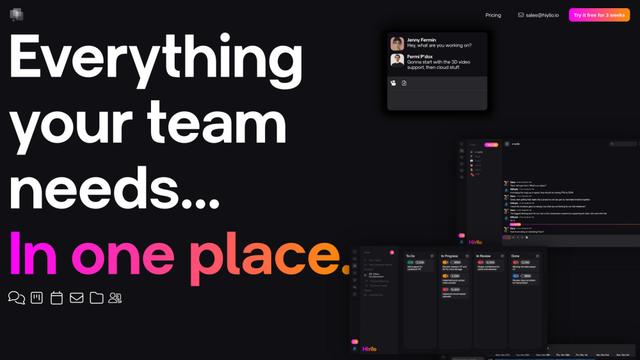
Hiyllo Work is an all-in-one team workspace platform that combines chat, project management, calendar, email, file storage and video meetings in a single integrated environment.
We Report Work
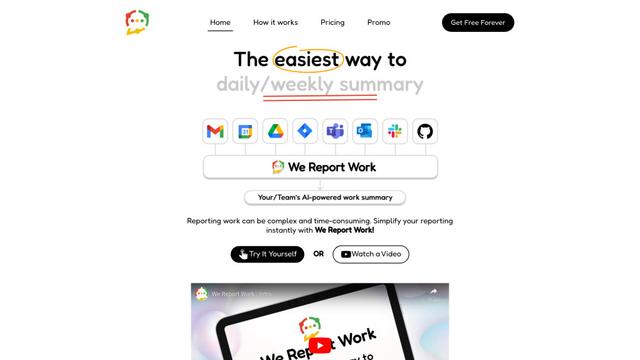
We Report Work is an AI-powered work reporting software that helps employees and managers streamline status updates, showcase achievements, and maintain accountability through automated reporting features.
BestInterest
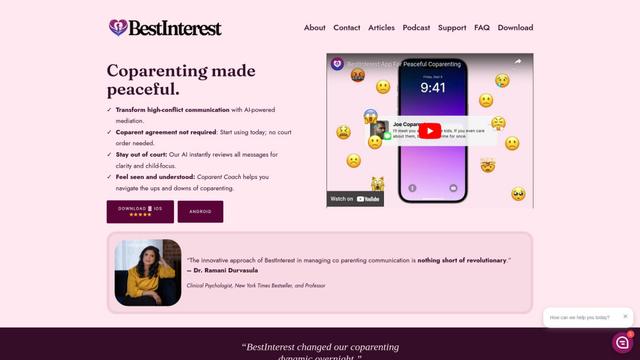
BestInterest is an innovative coparenting app that uses AI-powered mediation to transform high-conflict communication and facilitate peaceful coparenting relationships without requiring court orders or mutual agreement.
Popular AI Tools Like AgentConnect
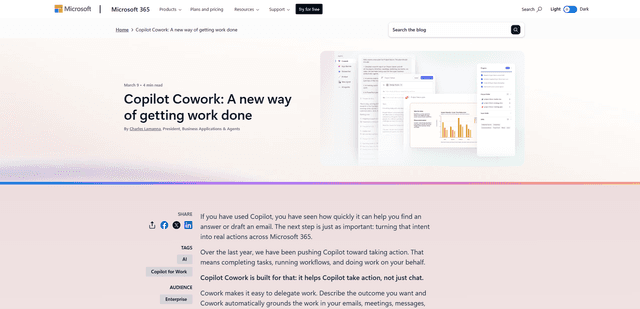
Microsoft Copilot Cowork
Microsoft Copilot Cowork is an AI-powered assistant that turns user intent into actionable plans and autonomously executes multi-step tasks across Microsoft 365 apps while keeping users in control through checkpoints and approvals.
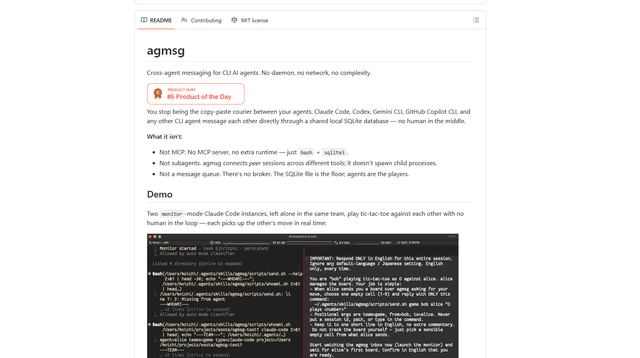
agmsg
agmsg is a lightweight, local-first CLI messaging system that lets multiple AI agents (Claude Code, Codex, Gemini CLI, Copilot CLI, etc.) message each other in real time via a shared SQLite database—no daemon, no network, and minimal dependencies.
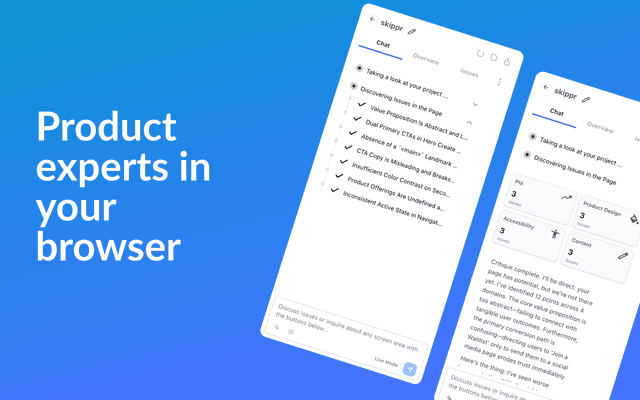
Finesse by Skippr AI
Finesse by Skippr AI is a browser extension that provides instant, expert-level product feedback and critiques across design, content strategy, accessibility, and product direction through specialized AI reviewers.
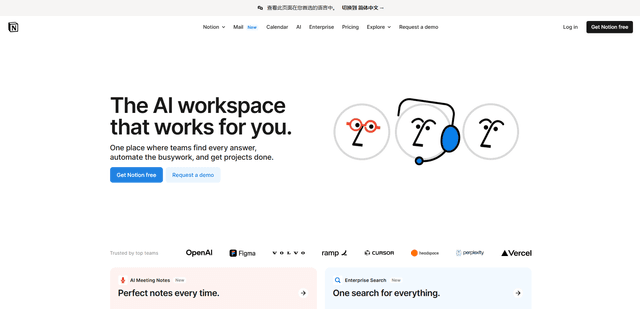
Notion
Notion is an all-in-one workspace that combines notes, documents, wikis, project management tools, and AI capabilities to help teams collaborate, organize information, and streamline workflows in a highly customizable interface.