Acti
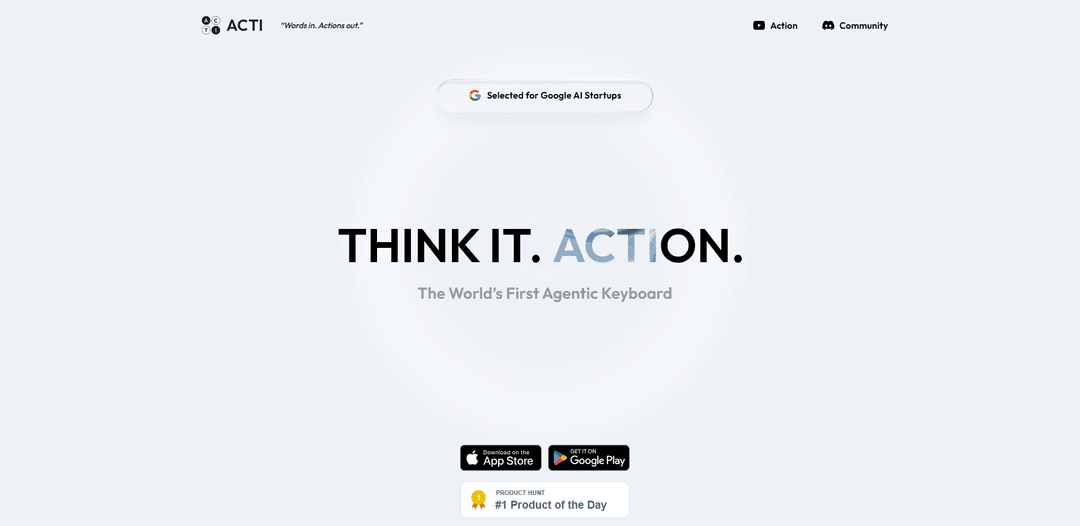
Acti is the world’s first agentic keyboard for iOS and Android that turns what you type in any text field into immediate actions and workflows via an “Acti Bar” trigger and customizable Skill Keys that connect apps and APIs.
https://www.openacti.com/?ref=producthunt
Product Information
Updated:Jul 8, 2026
What is Acti
Acti (by OpenActi) is a system keyboard replacement designed to make “every text field an action layer.” Instead of only predicting words, it helps you execute tasks directly from wherever you’re typing—messages, email, social apps, and more—so you can fetch information, generate content, or trigger connected tools without switching apps. It centers on the idea of a unified command layer on mobile: “Words in. Actions out.” Users can also explore and deploy community-made skills or build their own automations by wiring together apps and APIs.
Key Features of Acti
Acti (by OpenActi) is an “agentic keyboard” for iOS and Android that turns any text field into a unified command layer: you type an intent in-place, long-press the Acti/space bar to invoke actions, and it can fetch information, format outputs, or trigger workflows across connected apps and APIs—reducing app switching and “tab hopping.” It supports customizable “Skill Keys” (single-key shortcuts that can run multi-step tasks) and a Skill Builder/Hub ecosystem for creating and sharing skills. The product emphasizes a local-first, privacy-forward approach where text is processed only when you explicitly invoke Acti Bar or a Skill Key, with encrypted API connections and user control over what is submitted.
Acti Bar (Space Bar) invocation: Type your intent anywhere, then long-press the Acti Bar to trigger AI actions without leaving the current app or text field—turning the keyboard into an action surface, not just a typing tool.
Skill Keys (one-key workflows): Assign a single key to trigger a repeatable, multi-step task (e.g., translate a message, generate a meeting link, share a location link), enabling fast execution directly from the keyboard.
Custom Skill Builder (apps + APIs mashups): Create bespoke skills by wiring prompts and integrations across applications and APIs (e.g., Notion, Gmail, Calendly, and other tools/APIs), then deploy them as reusable keyboard actions.
Cross-app, cross-context command layer: Works across any app that uses a text field on iOS/Android, enabling consistent automation and information retrieval wherever you’re typing (email, messaging, social, notes, etc.).
Skill Hub & community ecosystem: Browse, download, and share skills created by others, extending the keyboard’s capabilities and enabling rapid adoption of workflows tailored to different “roles” or subcultures.
Local-first and explicit-invocation privacy model: Personal context stays on-device by default; text is processed only when you explicitly invoke Acti Bar/Skill Keys, with industry-standard encryption for API connections and user control over submissions.
Use Cases of Acti
Sales & customer support rapid replies: Generate polished responses, summarize customer messages, or insert templated answers directly inside CRM chat/email fields—improving speed and consistency without switching apps.
Marketing & social publishing acceleration: Draft captions, reformat posts for different platforms, pull quick facts (e.g., schedules, stats), and publish-ready copy while staying inside social apps’ compose boxes.
Operations & scheduling automation: Trigger scheduling workflows (e.g., create/share meeting links, propose times) from any messaging or email thread using Skill Keys tied to calendar/scheduling tools.
Field teams and on-the-go coordination: Instantly share location links, generate quick updates, or pull contextual info while typing in messaging apps—useful for logistics, real estate, and service teams.
Personal productivity and knowledge capture: Convert rough notes into structured summaries, action items, or formatted entries and send them to tools like notes/knowledge bases via custom skills—without leaving the current text field.
Developer/automation prototyping for SMBs: Build lightweight keyboard-triggered automations that call internal or third-party APIs (e.g., lookup, status checks, formatting) to streamline repetitive tasks across teams.
Pros
Reduces multitasking friction by executing actions directly from any text field (less app switching/tab hopping).
Highly customizable via Skill Keys and a builder that can combine apps and APIs into repeatable workflows.
Privacy-oriented design: explicit invocation for processing, local-first context by default, encrypted API connections.
Cons
Capability depends on available integrations/skills; advanced workflows may require setup and ongoing maintenance.
As a keyboard-layer product, it may require user behavior change (learning long-press/skill triggers) to realize full value.
Some premium capabilities may be gated behind future subscription tiers (e.g., advanced models/higher usage limits).
How to Use Acti
1) Install Acti: Download Acti from the App Store (iOS) or Google Play (Android) using the links on https://www.openacti.com/.
2) Enable Acti as your system keyboard: On your phone, set Acti as the active keyboard (system keyboard replacement) so it can appear in any text field across apps.
3) Open any app with a text field: Go to Messages, email, social apps, notes—anywhere you can type—then tap into a text field to bring up the keyboard.
4) Type normally (Press to type): Use Acti like a regular keyboard for standard typing.
5) Invoke Acti when you want an action (Hold to act): Long-press/hold the Acti Bar (described as “Acti Bar > Space Bar”) to trigger Acti’s agentic mode.
6) Write your intent in natural language: Type what you want done (your “intent”) directly in the current text field, e.g., “Summon SF’s best Italian restaurants,” “Share my location link,” or “Drop World Cup schedules.”
7) Execute and insert the result without app switching: After invoking Acti, let it produce the requested output (result, link, or action) and place it back into your current conversation/composer—so you stay inside the same app.
8) Use Skill Keys for one-tap workflows: Select or configure dedicated Skill Keys that run pre-built routines on demand (examples mentioned: pulling weather, checking schedules, updating Notion entries).
9) Choose a Skill set (“arsenal”) that matches your use case: Pick from available “arsenals”/collections (examples shown: GenZ Rizzer, Twitter Guy, Productivity Ninja, Super Writer, Crypto Degen, Super Fans) to surface relevant Skill Keys.
10) Create a custom Skill with natural language (Skill Builder): Use Acti Skill Builder to define a workflow in plain English (example shown: “Get current weather for {location} and format as a short summary...”), then bind it to a key.
11) Connect apps and APIs to your Skill: Mash up supported apps/APIs (examples shown: Notion, Gmail, Calendly, Weather API, NBA Stats API, Twitter API, plus “100+ Tools” and “100+ APIs”) so the Skill can fetch data or complete tasks.
12) Deploy and publish Skills (optional): Deploy your created Skills and publish them to the Acti Community/Skill Hub so others can discover and download them.
13) Use Acti with privacy in mind: Per the product description: text is processed only when you explicitly invoke the Acti Bar or a Skill Key, and only to provide the result/link/action you requested; API connections use industry-standard encryption; you control what you submit.
Acti FAQs
Acti is an “Agentic Keyboard” that turns the keyboard into a unified command layer for actions across apps and APIs—positioned as “Words in. Actions out.” and “Every text field is an action layer.”
Acti Video
Popular Articles

Atoms: A Multi-Agent AI Platform That Transforms Ideas into Launch-Ready Products
May 22, 2026

Nano Banana SBTI: What It Is, How It Works, and How to Use It in 2026
Apr 15, 2026

Atoms Review — The AI Product Builder Redefining Digital Creation in 2026
Apr 10, 2026

Kilo Claw: How to Deploy and Use a True "Do‑It‑For‑You" AI Agent(2026 Update)
Apr 3, 2026
Latest AI Tools Similar to Acti

MultipleWords
MultipleWords is a comprehensive AI platform offering 16 powerful tools for content creation and manipulation across audio, video, and image editing with cross-platform accessibility.

Athena AI
Athena AI is a versatile AI-powered platform offering personalized study assistance, business solutions, and life coaching through features like document analysis, quiz generation, flashcards, and interactive chat capabilities.
Taidai.io
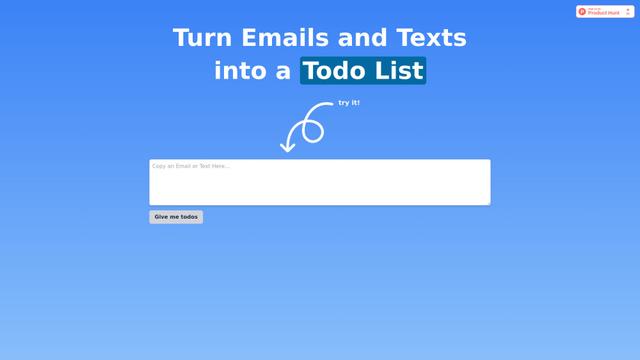
Taidai.io is an AI-powered tool that automatically converts notes, emails, and text content into actionable todo lists.
Repliio
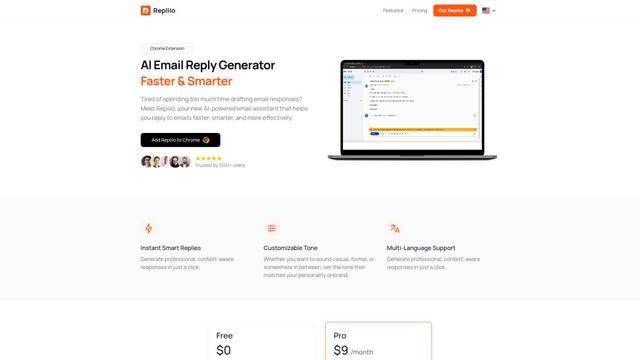
Repliio is an AI-powered email assistant Chrome extension that helps users generate professional, context-aware email responses quickly with customizable tones and multi-language support.
Popular AI Tools Like Acti

Microsoft Excel: Spreadsheets
Microsoft Excel is the industry-leading spreadsheet software that allows users to organize, analyze, and visualize data through powerful features like formulas, charts, and AI-powered insights.

Standboy
Standboy is a VS Code/Cursor extension that auto-expands a Game Boy (GB/GBC/GBA) emulator in the sidebar during AI agent activity, then auto-hides and pauses—resuming mid-frame next time—while keeping a persistent ROM library, saves, and cover art.
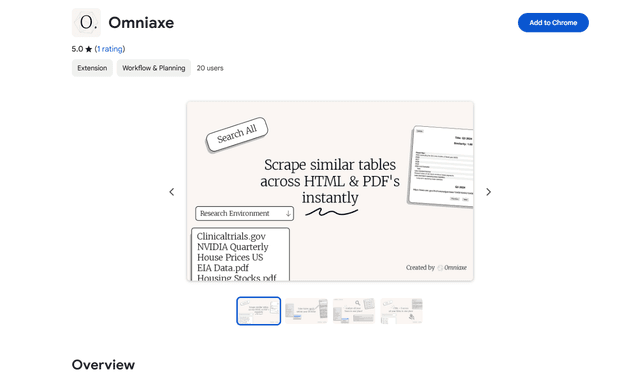
Omniaxe
Omniaxe is an all-in-one Chrome extension research tool that combines seamless data extraction, AI-powered analysis, and centralized note-taking capabilities designed specifically for analysts, researchers and students.

Finesse by Skippr AI
Finesse by Skippr AI is a browser extension that provides instant, expert-level product feedback and critiques across design, content strategy, accessibility, and product direction through specialized AI reviewers.