ArchyBase
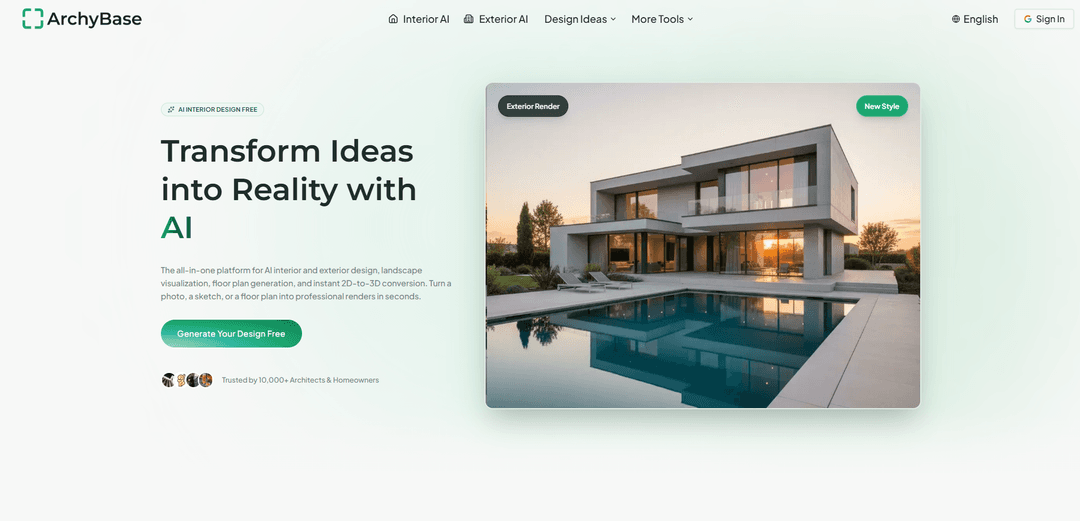
ArchyBase is an all-in-one AI design platform that turns photos, sketches/CAD drawings, and floor plans into fast, photorealistic 4K interior, exterior, landscape renders, plus AI floor plan generation and 2D-to-3D conversion.
https://www.archybase.com/?utm_source=aipure
Информация о продукте
Обновлено:29/06/2026
Что такое ArchyBase
ArchyBase is a browser-based AI-powered architectural and home design visualization suite built for architects, interior designers, real estate professionals, and homeowners. It helps users quickly explore and communicate design ideas by generating presentation-ready visuals from simple inputs—such as a room photo, a house exterior image, a hand sketch, or a line drawing exported from tools like SketchUp/Revit. Beyond rendering, ArchyBase also supports early-stage space planning with an AI floor plan generator and can convert uploaded floor plans into furnished 3D views, enabling rapid iteration without traditional modeling or lengthy render workflows.
Ключевые особенности ArchyBase
ArchyBase is an all-in-one, browser-based AI design visualization platform that turns photos, sketches, and floor plans into photorealistic interior, exterior, and landscape renders in seconds. It supports rapid concept iteration with style presets (35+ styles), 4K-quality outputs, and tools that span the workflow from AI floor plan generation and 2D-to-3D conversion to sketch-to-render and virtual staging—aimed at helping architects, designers, homeowners, and real-estate professionals communicate ideas quickly without traditional rendering queues or complex 3D software.
Photo-to-Design Rendering: Upload a room or home photo and generate redesigned interiors/exteriors that respect existing proportions, walls, windows, lighting, shadows, and textures.
Sketch-to-Render AI: Convert hand sketches or line drawings (e.g., exported from SketchUp/Revit) into presentation-ready renders by adding materials, lighting, depth, and realism while keeping original line intent.
AI Landscape Generator: Visualize outdoor transformations—gardens, patios, pools, decks, and full yard makeovers—from a single photo for fast exploration and client communication.
AI Exterior Home Design: Test curb-appeal changes like facade style, siding/materials, paint colors, roofing, and lighting to preview renovations or listing potential.
AI Floor Plan Generator: Create and refine clean, properly proportioned 2D floor plans from text or rough layouts, with options for blueprint-style, color-coded layouts, and 3D isometric views.
Floor Plan to 3D Conversion: Convert 2D floor plans into a 3D model to better communicate flow, adjacencies, and layout decisions for non-technical stakeholders.
Варианты использования ArchyBase
Architect concept visualization: Generate client-ready renders from early sketches during meetings to iterate quickly on materials, lighting, and style without traditional rendering delays.
Interior design optioning: Produce multiple interior variations from a single room photo to compare styles (e.g., Scandinavian vs. Modern) and accelerate client approvals.
Real estate virtual staging: Stage empty rooms with furniture and decor in seconds to help buyers visualize potential and improve listing performance.
Home renovation planning: Homeowners can test exterior refreshes and interior remodel directions before spending on construction or furnishings.
Landscape & outdoor sales enablement: Contractors can show homeowners realistic backyard proposals (pool, deck, patio, planting) from a photo to reduce ambiguity and close deals faster.
Pre-build layout communication: Generate floor plans and convert them to 3D to make layouts understandable for families, clients, or builders before committing to a final plan.
Преимущества
Very fast generation (often under ~10 seconds) enabling rapid iteration without rendering queues
All-in-one suite covering interiors, exteriors, landscapes, floor plans, and 2D-to-3D conversion in one platform
Photorealistic, presentation-friendly outputs (including 4K) with attention to lighting/material cues
Free-to-try tier available without a credit card (core features accessible for evaluation)
Недостатки
User-guided rather than autonomous—requires active uploads, parameter/style selection, and iterative direction
Generation limits on the free plan (e.g., limited number of AI design generations) may constrain heavy usage
Outputs may still require professional review for construction accuracy and code/engineering constraints
Как использовать ArchyBase
1) Open ArchyBase and start a project: Go to https://www.archybase.com/ and click “Get Started Free / Try Now”. Create an account if prompted (the site notes core features are free to try without a credit card).
2) Choose the workflow (tool) you need: From the main tools, pick one based on your input and goal: AI Interior Design (room redesign), AI Exterior Home Design (facade/curb appeal), AI Landscape Design (outdoor concepts), Sketch to Render (turn linework into a render), AI Floor Plan Generator (create a plan from a description or rough layout), or Floor Plan to 3D (convert an existing plan into a 3D view).
3) Prepare your input (photo, sketch, or plan): Use a clear, well-lit photo for interior/exterior/landscape redesigns. For Sketch to Render, use a clean sketch or exported line drawing (the site mentions SketchUp/Revit line drawings). For floor plans, use a rough layout upload or be ready to describe the home you want.
4) Upload your input to the selected tool: Click the tool’s call-to-action (e.g., “Try it on Your Photo”, “Upload Your Sketch”, “Design Your Landscape”, “Redesign Exterior”, “Generate a Floor Plan”, or “Convert to 3D”) and upload the image/file.
5) Select a style and direction: Choose an architectural/interior style (ArchyBase highlights 35+ styles such as Modern, Scandinavian, Industrial). For redesign tools, specify the look you want (materials, mood, etc.) using the available style options and any prompt fields provided.
6) Generate the first result: Run the generation. ArchyBase positions outputs as fast (often under ~10 seconds) and photorealistic, with options up to 4K quality depending on plan/settings.
7) Iterate with variations to compare options: Generate multiple alternatives to explore different design directions (e.g., compare Scandinavian vs. Modern for the same room/exterior). This is a core use case highlighted for rapid concept iteration and client discussions.
8) Refine the output using tool options: Adjust settings available in the chosen workflow—commonly style changes, layout refinements (for floor plans), and camera/multi-angle adjustments (listed in plan features). Re-generate until the concept matches your intent.
9) Use floor plan modes when applicable: If using the AI Floor Plan Generator, switch between presentation formats mentioned on the site: technical blueprint, color-coded layout, and 3D isometric view—depending on whether you’re communicating with builders, clients, or reviewing internally.
10) Convert floor plans to 3D for easier visualization (optional): If you have a 2D plan, use Floor Plan to 3D to create a furnished 3D model so stakeholders can understand room connections and flow before construction or remodeling.
11) Download/export your results: Download the generated images/renders for presentations, listings, or portfolios. The pricing section indicates watermark-free original image downloads are included (including on the Free plan as listed).
12) Manage usage via generations/plan limits: Track your available AI generations. The pricing section lists a Free plan with 4 generations and paid tiers with higher monthly generation counts (including “Pro AI design generations”) for heavier iteration and higher-volume workflows.
Часто задаваемые вопросы о ArchyBase
ArchyBase is an AI-powered design visualization platform that turns photos, sketches, CAD drawings, and floor plans into high-quality, photorealistic architectural renders for interior, exterior, landscape, and floor plan workflows.
Популярные статьи

Vosko AI: локализация и дубляж видео для мировой аудитории
Oct 15, 2026

Atoms: Мультиагентная ИИ-платформа, которая превращает идеи в готовые к запуску продукты
May 22, 2026

Nano Banana SBTI: Что это такое, как это работает и как это использовать в 2026 году
Apr 15, 2026

Обзор Atoms — AI Product Builder, переопределяющий цифровое творчество в 2026 году
Apr 10, 2026
Последние ИИ-инструменты, похожие на ArchyBase
Rendair
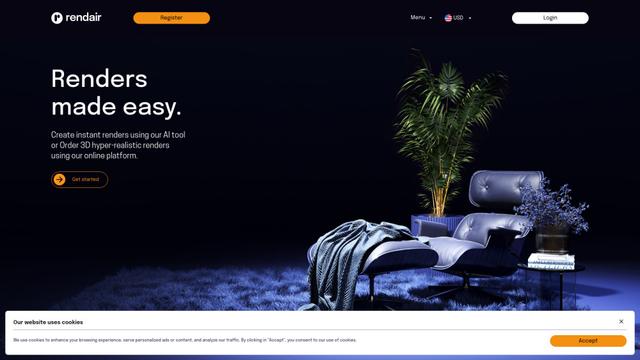
Rendair — это универсальная платформа для архитектурного рендеринга, основанная на ИИ, которая предлагает быстрые, высококачественные визуализации как с помощью инструментов ИИ, так и с помощью профессиональных 3D-художников для архитекторов, дизайнеров и профессионалов в сфере недвижимости.

Triorama AI
Triorama AI — это платформа 3D-конфигуратора, управляемая ИИ, которая позволяет компаниям электронной коммерции предлагать своим клиентам возможности реального времени для персонализации и визуализации продуктов.

AiHouse
AiHouse是一款AI驱动的3D室内设计和制造软件,简化了从设计到生产整个过程。
Kanai
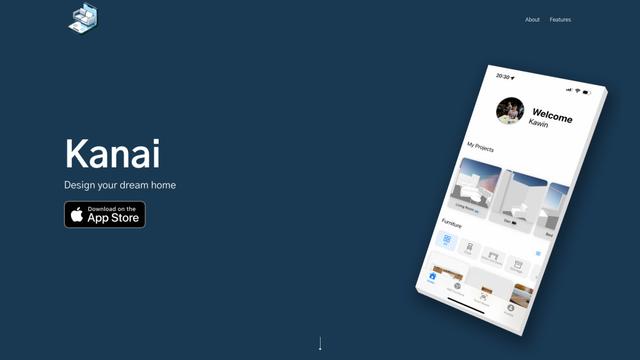
Kanai — это платформа для 3D интерьерного дизайна на базе искусственного интеллекта, которая позволяет пользователям генерировать модели мебели, визуализировать пространства и сотрудничать над идеями дизайна с использованием естественного языка.
Популярные ИИ-инструменты, похожие на ArchyBase
Planner 5D
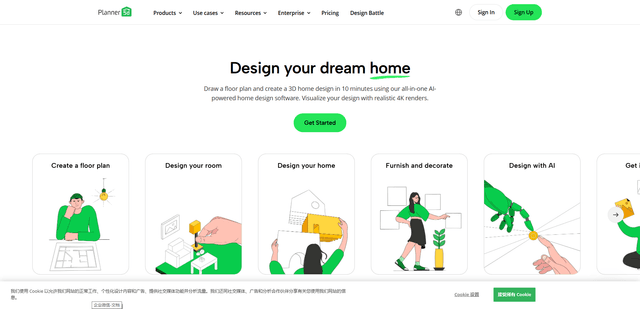
Planner 5D — это программное обеспечение для дизайна дома на базе искусственного интеллекта, которое позволяет пользователям создавать подробные 2D- и 3D-планы этажей, обставлять помещения и визуализировать проекты с помощью реалистичных 4K-рендеров с обширным каталогом, содержащим более 8000 наименований.
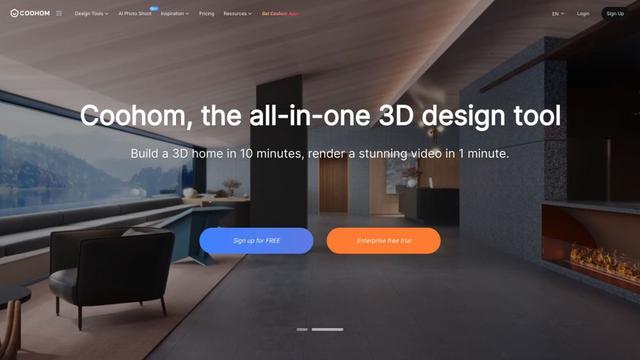
Coohom
Coohom — это универсальная платформа для 3D дизайна и визуализации, которая позволяет пользователям создавать планы этажей, рендерить фотореалистичные изображения и проектировать интерьеры за считанные минуты.

RoomGPT
RoomGPT — инструмент для дизайна интерьера на базе ИИ, позволяющий пользователям мгновенно трансформировать и визуализировать свои пространства, загружая фотографию и выбирая темы дизайна.
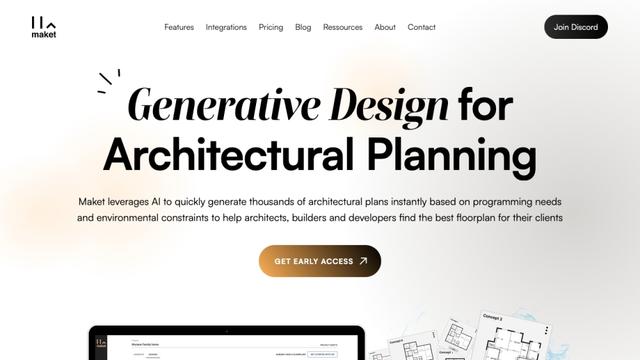
Maket
Maket - это программное обеспечение для генеративной дизайн-системы на основе ИИ, которое позволяет архитекторам, строителям и разработчикам мгновенно создавать тысячи индивидуальных архитектурных планов и 3D-визуализаций на основе ограничений проекта.