Zoom Workplace for Intune
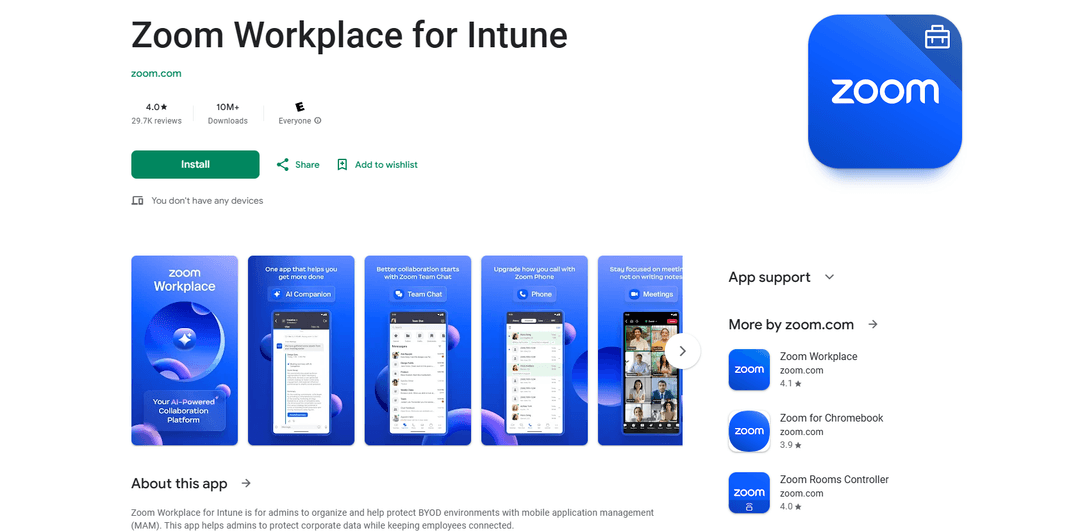
Zoom Workplace untuk Intune adalah platform komunikasi yang berfokus pada perusahaan yang memungkinkan administrator untuk mengamankan dan mengelola lingkungan BYOD melalui manajemen aplikasi seluler (MAM) sambil memberi karyawan fitur kolaborasi komprehensif Zoom.
https://play.google.com/store/apps/details?id=us.zoom.videomeetings4intune&hl=en&utm_source=aipure
Informasi Produk
Diperbarui:Jan 27, 2026
Apa itu Zoom Workplace for Intune
Zoom Workplace untuk Intune adalah versi khusus Zoom yang dirancang khusus untuk lingkungan perusahaan yang menggunakan Microsoft Intune untuk manajemen perangkat seluler. Ini menggabungkan kemampuan komunikasi komprehensif Zoom - termasuk obrolan tim, rapat, telepon, papan tulis, kalender, surat, dan catatan - dengan fitur keamanan dan manajemen yang ditingkatkan untuk administrator TI. Platform ini didukung oleh AI dan memerlukan akun kerja perusahaan dan lingkungan yang dikelola Microsoft untuk berfungsi.
Fitur Utama Zoom Workplace for Intune
Zoom Workplace untuk Intune adalah platform kolaborasi yang berfokus pada perusahaan yang menggabungkan rapat video, obrolan tim, telepon, papan tulis, kalender, surat, dan catatan dengan fitur keamanan yang ditingkatkan. Ini dirancang khusus untuk bekerja dengan Microsoft Intune untuk manajemen aplikasi seluler (MAM), yang memungkinkan administrator TI untuk melindungi data perusahaan sambil mempertahankan konektivitas karyawan. Platform ini mencakup fitur yang didukung AI dan menyediakan kemampuan manajemen aplikasi seluler yang diperluas untuk mencegah kebocoran informasi perusahaan.
Manajemen Keamanan yang Ditingkatkan: Administrator TI dapat mengelola pengaturan aplikasi dari jarak jauh, melindungi data perusahaan, dan menghapus informasi sensitif dari perangkat yang hilang atau dicuri
Integrasi AI Companion: Menyediakan ringkasan rapat otomatis, penyusunan konten, dan ringkasan pesan yang belum dibaca untuk meningkatkan produktivitas
Hub Komunikasi Terpadu: Menggabungkan obrolan tim, rapat, telepon, papan tulis, kalender, surat, dan catatan dalam satu platform
Manajemen Aplikasi Seluler: Integrasi tanpa batas dengan Microsoft Intune untuk mengelola lingkungan BYOD dan melindungi data perusahaan
Kasus Penggunaan Zoom Workplace for Intune
Kerja Jarak Jauh Perusahaan: Memungkinkan kolaborasi jarak jauh yang aman untuk organisasi besar dengan persyaratan data sensitif
Manajemen Lingkungan BYOD: Membantu organisasi mengelola dan mengamankan perangkat milik karyawan yang digunakan untuk keperluan kerja
Komunikasi Industri yang Diatur: Menyediakan platform komunikasi yang aman untuk industri dengan persyaratan perlindungan data yang ketat seperti perawatan kesehatan atau keuangan
Kelebihan
Fitur keamanan yang kuat untuk perlindungan data perusahaan
Platform kolaborasi all-in-one yang komprehensif
Integrasi tanpa batas dengan Microsoft Intune
Kekurangan
Memerlukan akun kerja perusahaan dan lingkungan yang dikelola Microsoft
Beberapa fitur mungkin tidak tersedia di semua negara
Pengguna melaporkan masalah login dan konektivitas sesekali
Cara Menggunakan Zoom Workplace for Intune
Prasyarat: Pastikan Anda memiliki akun kerja perusahaan dan berada di lingkungan yang dikelola Microsoft dengan Intune diaktifkan
Unduh dan Instal: Unduh Zoom Workplace untuk Intune dari toko aplikasi organisasi Anda atau Google Play Store/Apple App Store
Masuk: Luncurkan aplikasi dan masuk menggunakan kredensial akun kerja perusahaan Anda (autentikasi Microsoft)
Berikan Izin: Izinkan izin yang diperlukan untuk notifikasi, akses perangkat terdekat, dan akses lain yang diminta saat diminta
Akses Fitur: Gunakan fitur platform lengkap termasuk obrolan tim, rapat, telepon, papan tulis, kalender, surat, dan catatan
Bergabung dengan Rapat: Bergabung dengan rapat terjadwal dengan satu ketukan atau gunakan ID rapat dan kode sandi untuk bergabung dengan rapat lain
Gunakan Fitur AI: Akses fitur AI Companion (jika dilisensikan) untuk mendapatkan ringkasan rapat, membuat draf konten, dan meninjau pesan yang belum dibaca
Kelola Pengaturan: Konfigurasikan preferensi Anda untuk notifikasi, bahasa, dan pengaturan aplikasi lainnya melalui menu pengaturan
Dapatkan Dukungan: Hubungi Administrator TI perusahaan Anda untuk masalah atau pertanyaan tentang penggunaan aplikasi atau kebijakan privasi
FAQ Zoom Workplace for Intune
Zoom Workplace untuk Intune adalah versi khusus dari Zoom yang dirancang untuk pengguna perusahaan yang terintegrasi dengan Microsoft Intune. Ini menyediakan semua fitur standar Zoom sambil memberikan administrator TI kemampuan manajemen aplikasi seluler yang diperluas untuk melindungi informasi perusahaan di lingkungan BYOD (Bring Your Own Device).
Artikel Populer

Vosko AI: Lokalisasi dan Sulih Suara Video untuk Audiens Global
Oct 15, 2026

Atoms: Platform AI Multi-Agen yang Mengubah Ide menjadi Produk Siap Diluncurkan
May 22, 2026

Nano Banana SBTI: Apa Itu, Bagaimana Cara Kerjanya, dan Cara Menggunakannya di Tahun 2026
Apr 15, 2026

Ulasan Atoms — Pembuat Produk AI yang Mendefinisikan Ulang Kreasi Digital di Tahun 2026
Apr 10, 2026
Alat AI Terbaru Serupa dengan Zoom Workplace for Intune

Gait
Gait adalah alat kolaborasi yang mengintegrasikan generasi kode yang dibantu AI dengan kontrol versi, memungkinkan tim untuk melacak, memahami, dan membagikan konteks kode yang dihasilkan AI dengan efisien.

Hiyllo Work
Hiyllo Work adalah platform ruang kerja tim serba ada yang menggabungkan obrolan, manajemen proyek, kalender, email, penyimpanan file, dan rapat video dalam satu lingkungan terintegrasi.
We Report Work
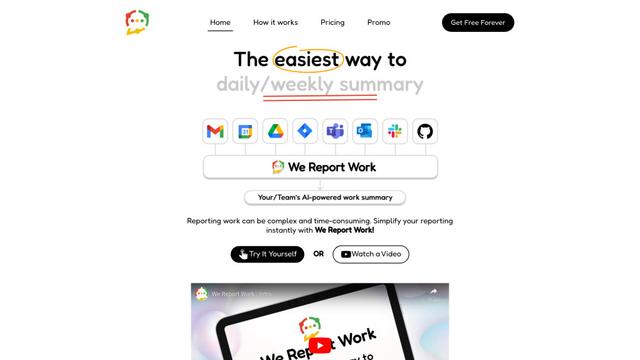
We Report Work adalah perangkat lunak pelaporan kerja yang didukung AI yang membantu karyawan dan manajer menyederhanakan pembaruan status, memamerkan pencapaian, dan mempertahankan akuntabilitas melalui fitur pelaporan otomatis.
BestInterest
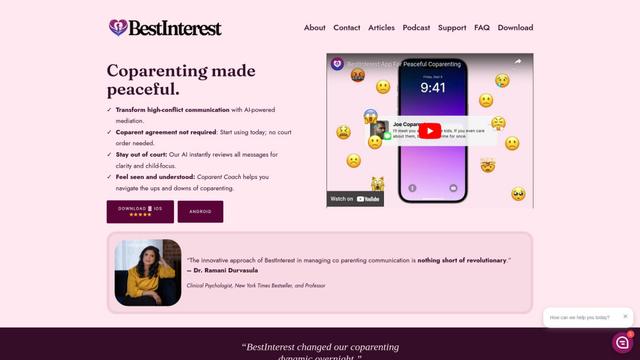
BestInterest adalah aplikasi coparenting inovatif yang menggunakan mediasi bertenaga AI untuk mengubah komunikasi konflik tinggi dan memfasilitasi hubungan coparenting yang damai tanpa memerlukan perintah pengadilan atau kesepakatan bersama.
Alat AI Populer Seperti Zoom Workplace for Intune

Microsoft Copilot Cowork
Microsoft Copilot Cowork adalah asisten bertenaga AI yang mengubah niat pengguna menjadi rencana yang dapat ditindaklanjuti dan secara mandiri menjalankan tugas multi-langkah di seluruh aplikasi Microsoft 365 sambil menjaga pengguna tetap memegang kendali melalui titik pemeriksaan dan persetujuan.
agmsg
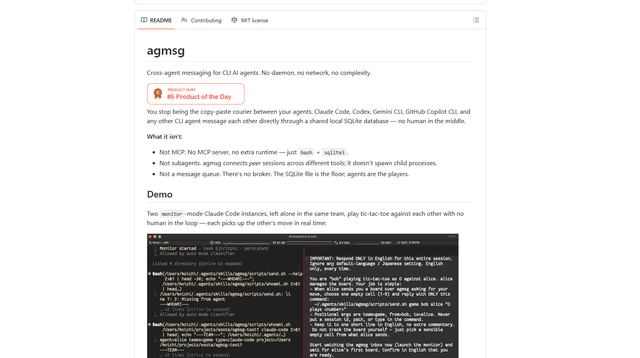
agmsg adalah sistem pengiriman pesan CLI yang ringan dan mengutamakan lokal yang memungkinkan beberapa agen AI (Claude Code, Codex, Gemini CLI, Copilot CLI, dll.) saling mengirim pesan secara real time melalui database SQLite bersama—tanpa daemon, tanpa jaringan, dan dependensi minimal.

Finesse by Skippr AI
Finesse oleh Skippr AI adalah ekstensi browser yang menyediakan umpan balik dan kritik produk tingkat ahli instan di seluruh desain, strategi konten, aksesibilitas, dan arah produk melalui peninjau AI khusus.
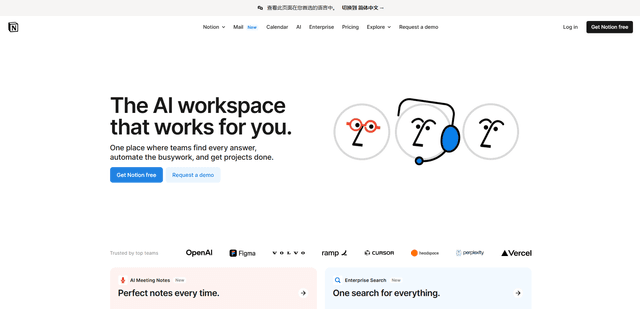
Notion
Notion adalah ruang kerja lengkap yang menggabungkan catatan, dokumen, wiki, alat manajemen proyek, dan kemampuan AI untuk membantu tim berkolaborasi, mengatur informasi, dan merampingkan alur kerja dalam antarmuka yang sangat dapat disesuaikan.