
Zinley
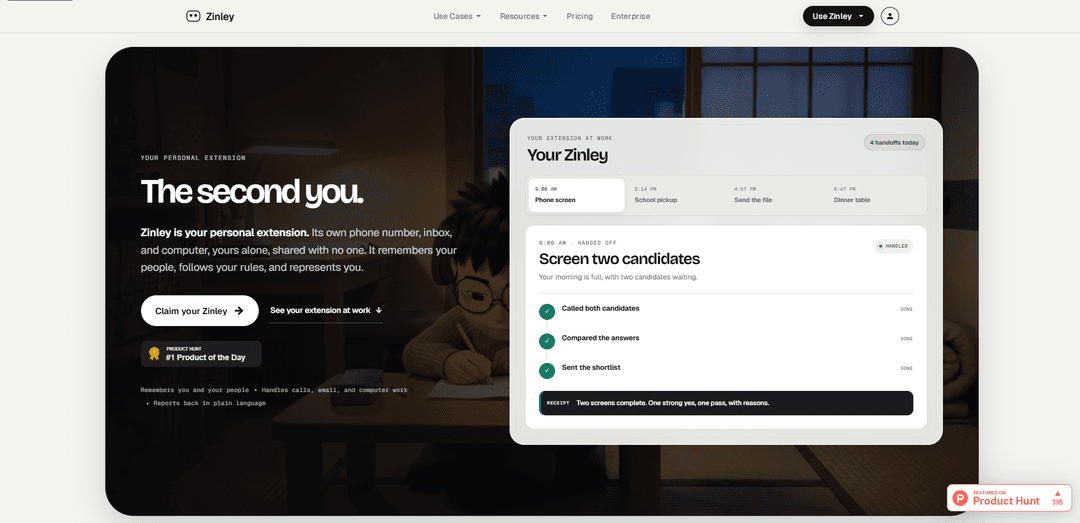
Zinley is a personal “extension of you” with its own phone number, email inbox, and computer that remembers your people, follows your rules, and handles calls, emails, and tasks with clear handoffs.
https://zinley.com/?ref=producthunt
Product Information
Updated:Aug 8, 2026
What is Zinley
Zinley is an AI-powered personal extension designed to represent you and get work done across communication and day-to-day operations. Instead of being only a chat assistant, it has its own identity—its own phone number and inbox—and can operate on its own computer (and only the devices you approve). It remembers you, your contacts, and ongoing “open loops,” so it can handle real-world interactions like scheduling, follow-ups, and routine requests, then report back in plain language when decisions or review are needed. Zinley also supports common tools and workflows, integrating with apps like Gmail, Slack, Google Calendar, Notion, Linear, GitHub, Drive, Figma, Stripe, iMessage, and Discord.
Key Features of Zinley
Zinley is a “personal extension” that operates with its own dedicated phone number, email inbox, and computer to handle real-world tasks on your behalf. It remembers you and the people you interact with, follows your rules, and represents you externally (calls/email) while also doing behind-the-scenes work (research, documents, data ops) across approved devices and common workplace apps. Zinley focuses on completing workflows end-to-end—booking, following up, waiting on hold, drafting artifacts—and then reporting back with clear, plain-language receipts and escalation when judgment or approval is needed.
Own phone number (AI representative): Takes and makes calls from a dedicated number, handles routine conversations (e.g., scheduling, questions), waits on hold, captures details, and escalates decisions back to you when needed.
Own email inbox (CC-to-delegate workflow): You can CC Zinley on email threads; it moves the conversation forward in your tone, coordinates details like times and logistics, and lands confirmed invites on your calendar.
Persistent memory of people and context: Maintains shared history, open loops, and relationship context (e.g., vendors, candidates, clients) so you don’t need to re-explain background each time.
Acts on a dedicated computer + approved devices: Performs computer work on its own machine and only on devices you explicitly allow (e.g., can wake a sleeping laptop, but can be blocked from specific machines).
Plain-language receipts and handoffs: After completing work, provides a structured recap of what it did, what changed, and what remains uncertain—so you review outcomes rather than manage a chat.
Integrations with common work apps: Works with tools like Gmail, Slack, Google Calendar, Notion, Linear, GitHub, Drive, Figma, Stripe, iMessage, and Discord to execute tasks where your team already operates.
Use Cases of Zinley
Recruiting and HR coordination: Screens candidates via phone, compares responses, schedules interviews through email threads, and returns ranked shortlists with transcripts/recaps for faster hiring decisions.
Executive assistant for busy professionals: Manages inbound calls and emails, books meetings, follows up, and summarizes outcomes—reducing context switching while keeping you in control for key decisions.
Customer/vendor scheduling and support: Acts as a front line for clients or vendors (e.g., plumbers, service providers), handling reschedules, gathering requirements (including constraints like allergies), and booking appointments.
Operations and back-office workflows: Cleans records, reconciles numbers, updates spreadsheets, flags exceptions that need judgment, and produces decision-ready briefs with sources and open questions.
Team “one inbox/one number” intake: Provides a shared-facing phone/inbox for a team without exposing personal mailboxes, routing requests with the right context and maintaining continuity across interactions.
Personal logistics and family coordination: Handles school or household calls, captures changes (pickup, accounts, events), and sends concise summaries—useful when you’re unavailable or asleep.
Pros
End-to-end delegation via dedicated identity (phone + email + computer), not just chat-based suggestions
Contextual memory about people and open loops reduces repeated explanations and improves continuity
Clear handoffs/receipts make outcomes easy to review and audit
Works with widely used productivity and collaboration tools
Cons
Trust/expectations risk when representing you externally (callers may assume they’re speaking to you unless disclosure is explicit)
Requires careful configuration of rules/approvals to avoid unwanted actions on devices or in communications
Memory about contacts and history may raise privacy/governance concerns depending on what is stored and how it’s controlled
Some tasks may still require human judgment, leading to escalations and potential delays for edge cases
How to Use Zinley
1) Check requirements and install Zinley (macOS): Use a Mac running macOS 10.15 (Catalina) or later (4GB RAM minimum; 8GB recommended; Intel or Apple Silicon). Download the Zinley DMG, open it, and drag Zinley (Zinley Studio) into Applications. Launch it from Applications; if macOS blocks it, allow it in System Settings/Preferences > Security & Privacy.
2) Log in and open the Projects page: Open the Zinley app and sign in with your Zinley account credentials. After login, you’ll land on the Projects page where you can create and manage projects.
3) Create a new project (optional): On the Projects screen, click the + button (bottom-right) to create a new project. Name it and choose the directory where it should be saved. Select the project you created to open it.
4) Add an existing project (e.g., an Xcode project): In Zinley, press the + icon and choose the option to add/import a project. Select the Xcode project you want to work on. In the project list, click your project to begin.
5) Install and prepare Xcode (for iOS/macOS app work): Install Xcode from the Mac App Store. Open Xcode once and install any additional components if prompted. Ensure Xcode Command Line Tools are installed so builds/compiles work properly.
6) Start interacting with Zinley via chat: With your project selected, use the chat interface to give instructions. A simple first test is typing something like “Hello Zinley” to confirm everything is working.
7) Generate code by prompting with “code:”: To have Zinley build features or create an app, type: code: followed by a plain-English description of what you want it to develop. Zinley will generate/update files in your project accordingly.
8) Build and run the app in Xcode: Open the project in Xcode and click the Run button to compile and launch the app (Simulator or device). This is how you verify Zinley’s changes produce a working build.
9) Let Zinley self-heal build errors: If the build/run fails, Zinley will attempt to fix encountered errors when prompted. Re-run after fixes; Zinley may revert and retry if needed to resolve issues.
10) Grant macOS permissions if Zinley can’t access files: If Zinley needs access to folders (e.g., Desktop), go to System Settings > Privacy & Security > Files and Folders, find Zinley, and enable the needed folder access (e.g., Desktop Folder). Then close and reopen Zinley.
11) Use Zinley for “personal extension” workflows (calls/email/computer work): Use Zinley as a personal extension with its own inbox and phone number: email it directly or CC it on threads so it can handle scheduling and follow-ups in your tone, and use it to perform computer-based tasks on approved devices. It will report back with a plain-language recap (“receipt”) when work is done.
12) Deploy a website project (if applicable): On the Projects screen, click the rocket icon (top-right) to open deployment management. Configure a domain (or use an auto-assigned one on free tier), switch deployment online/offline, and access the live site at the provided zinley.site URL. Note: deployments may expire after ~15 minutes (plus a grace period) unless reactivated.
Zinley FAQs
Zinley is a personal AI extension with its own phone number, email inbox, and computer. It remembers your people, follows your rules, and can represent you by handling calls, email, and work across approved devices, then reporting back in plain language.
Zinley Video
Popular Articles

Vosko AI: Localize and Dub Videos for Global Audiences
Oct 15, 2026

Atoms: A Multi-Agent AI Platform That Transforms Ideas into Launch-Ready Products
Oct 13, 2026

Nano Banana SBTI: What It Is, How It Works, and How to Use It in 2026
Apr 15, 2026

Atoms Review — The AI Product Builder Redefining Digital Creation in 2026
Apr 10, 2026
Latest AI Tools Similar to Zinley

Ticknotes
Ticknotes is an AI-powered meeting assistant that automatically records, transcribes, and generates personalized meeting summaries, action items, and key insights from audio, video, and text content.

Feta
Feta is an AI-powered meeting tool that helps product and engineering teams run efficient meetings by capturing discussions, automating tasks, and providing actionable insights through smart summaries and integrations.
Aimeet
Aimeet is a comprehensive AI-powered communication platform that combines real-time translation, transcription, screen sharing, and unlimited meeting capabilities for effective virtual collaboration.
MinutesLink
MinutesLink is an advanced AI-powered note-taking assistant that automatically records, transcribes, summarizes and organizes virtual meetings while building personalized digital avatars from meeting data.
Popular AI Tools Like Zinley
Second Brain for AI
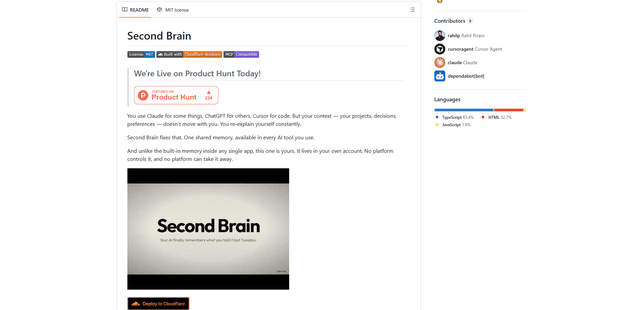
Second Brain for AI is a self-hosted, MCP-compatible persistent memory layer on Cloudflare that lets Claude, ChatGPT, Cursor, and other AI clients store and semantically recall shared context across sessions.
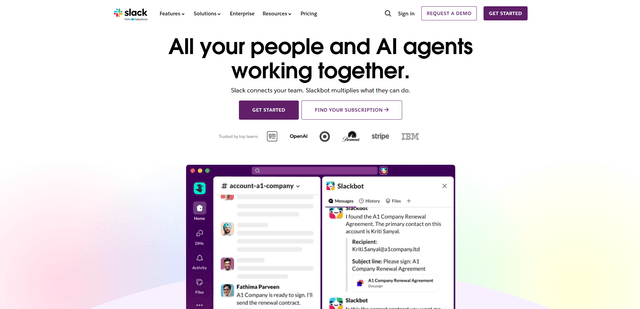
Slack
Slack is an AI-powered work platform that brings team communication, channels, files, automation, and app integrations into one conversational workspace.
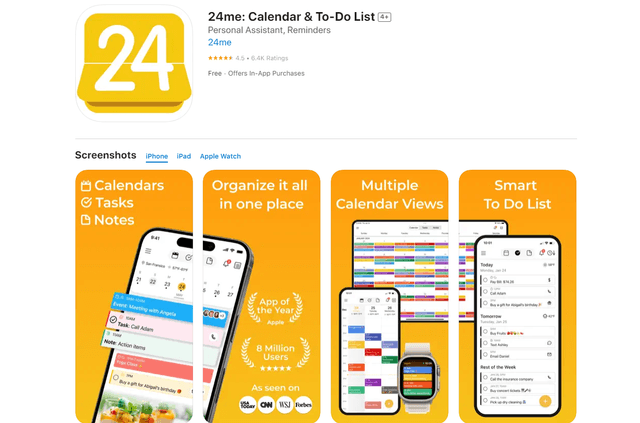
24me Smart Personal Assistant
24me is an award-winning smart personal assistant app that combines calendar, to-do lists, notes, and personal accounts in one unified platform to help boost productivity and time management.
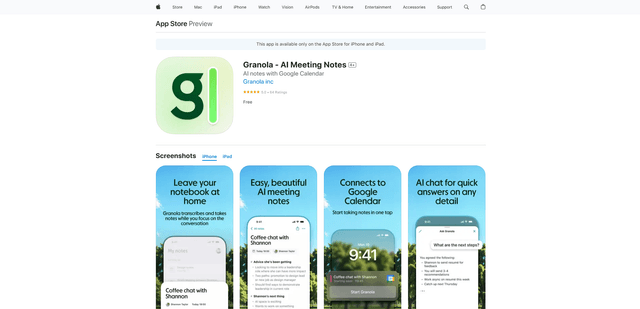
Granola for iOS
Granola for iOS is an AI-powered notepad app that helps users effortlessly capture, transcribe and summarize meeting conversations through intelligent note-taking and one-tap recording capabilities.