
YourSitee
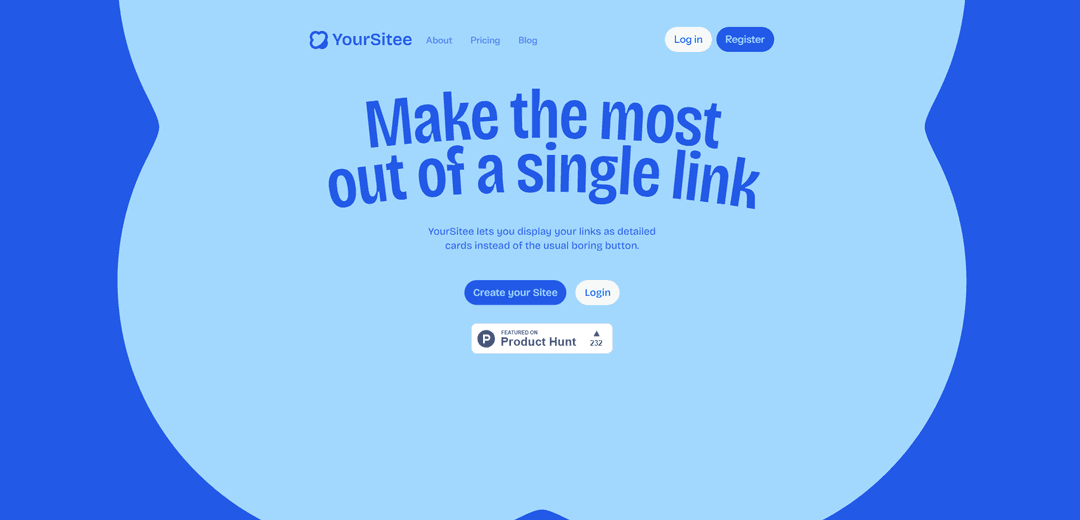
YourSitee is a visual, customizable link-in-bio platform that turns one shareable URL into a fast mini-site with rich link cards, widgets, and built-in analytics.
https://yoursit.ee/?ref=producthunt
Product Information
Updated:Aug 8, 2026
What is YourSitee
YourSitee is a modern link-in-bio service that brings your links, social profiles, and content together on one customizable page (“Sitee”). Instead of using simple buttons, it lets you present links as detailed, visual cards and organize everything into a clean, mobile-friendly mini-website you can share anywhere. Built in Hungary with a global focus, YourSitee offers a Free plan for creating and publishing your page, with Premium options for expanded limits and advanced features.
Key Features of YourSitee
YourSitee is a visual link-in-bio platform that consolidates your links, social profiles, content, and widgets into one customizable, mobile-friendly page you can share anywhere. It supports rich link cards (instead of simple buttons), flexible page customization (profile, colors, fonts, backgrounds, layout), and built-in analytics to understand visits and clicks. Users can start for free, optionally upgrade for expanded limits and advanced customization, and even import an existing Linktree using an AI Editor to quickly generate a starting page (with a recommended review before publishing).
Visual link cards (not just buttons): Display links as detailed, more engaging cards to make your bio link more clickable and informative than a standard list of buttons.
Customizable personal page: Personalize profile elements, colors, fonts, backgrounds, layout, and widgets so the page feels like your brand; some advanced customization may require Premium.
Widget & platform integrations: Add links and supported widgets for popular platforms (e.g., YouTube, Instagram, Spotify, GitHub, Last.fm) and arrange them to match your goals.
AI-assisted Linktree import: Paste an existing Linktree URL and YourSitee’s AI Editor creates a starter version of your page, which you can refine before publishing.
Built-in analytics dashboard: Track page visits, link clicks, visitor countries, and top-performing links; analytics depth may vary by plan.
Free plan with optional Premium: Create, customize, and share a Sitee for free, with Premium available for additional tools and expanded limits.
Use Cases of YourSitee
Creator / influencer bio hub: Use one link in Instagram/TikTok/X bios to route followers to your latest content, channels, playlists, and sponsorship links with analytics on what performs best.
Artist or musician promo page: Centralize streaming links, new releases, videos, tour/booking info, and social profiles in a single branded page with rich cards and embeds.
Small business micro-landing page: Share a clean, mobile-first page containing key links like store, booking, menus, contact, and social proof—ideal when you don’t want a full website.
Community or project directory: Organize Discord/Telegram links, documentation, donation links, and updates in one place, making onboarding and navigation easier.
Portfolio / professional profile: Create a simple professional hub linking to LinkedIn, GitHub, case studies, and contact methods, styled to match your personal brand.
Pros
Free plan available for core creation, customization, and sharing
Strong visual customization (profile, backgrounds, fonts, layout) and rich link cards
AI-assisted Linktree import speeds up migration
Built-in analytics for visits and link performance insights
Cons
Advanced customization options and expanded limits may require Premium
AI-generated Linktree imports can miss or misinterpret details and need manual review
Analytics availability varies by plan (not all insights may be included on Free)
How to Use YourSitee
1) Register and claim your username: Go to https://yoursit.ee/ and click “Create your Sitee” (Register). Choose a username to claim your YourSitee page.
2) Log in to your dashboard: After registering, log in at https://yoursit.ee/dashboard/login to access your page and editing tools.
3) Enter Edit mode: Open your YourSitee page while logged in, then click the button at the bottom of the screen to enter Edit mode.
4) Set up your profile basics: In Edit mode, add or update your profile details (e.g., avatar/profile image and profile information) so visitors immediately know who you are.
5) Customize the look and feel: Personalize your page by adjusting colors, fonts, background, layout, and widgets to match your style/brand. Note: some advanced customization options may be Premium features.
6) Add your content blocks: Add the items you want to show on your page, such as links, social profiles, images, text, and buttons.
7) Add platform widgets (embeds): Use supported widgets to make your page more interactive (for example, YouTube, Instagram, Spotify, GitHub, and Last.fm) so visitors can preview content directly on your Sitee.
8) Arrange items in the best order: Reorder your links/cards/widgets so the most important items appear at the top and your page flows logically for visitors.
9) Import from Linktree (optional): If you already have a Linktree, use YourSitee’s AI Editor to import it by providing your existing Linktree URL to generate a starting version of your page. Review the imported result before publishing because AI imports can miss or misinterpret details.
10) Change your username (optional): On the profile card editing screen, scroll to the “Username” field, enter your new preferred username, and save your changes to update your profile URL.
11) Share your YourSitee link everywhere: Copy your unique YourSitee page link (your username on yoursit.ee) and place it in your social bios and profiles so people can find everything from one link.
12) Use analytics to understand performance: Check YourSitee Analytics to see page visits, link clicks, visitor countries, and which links perform best. Availability of analytics may vary by plan.
13) Set up a YourSitee subdomain as your Bluesky handle (optional): Log in to YourSitee, then in Bluesky go to Settings → Account → Handle. Choose “I have my own domain,” then “No DNS Panel,” and enter a YourSitee-provided subdomain (example format: yourname.ysit.ee). Follow Bluesky’s prompts to complete the handle change.
14) Verify YourSitee on your Discord profile via Connections (optional): In YourSitee user settings, find “YourSitee on your Discord profile” and click “start,” then copy the preferred URL. In Discord, open User Settings (cogwheel), go to Connections, choose Domain, paste the URL, and verify. If it doesn’t turn green immediately, wait 1–2 minutes and verify again.
15) Get help if you’re stuck: If you have questions or need troubleshooting, visit the Help Center at https://help.yoursit.ee/.
YourSitee FAQs
YourSitee is a visual link-in-bio platform that brings your links, social profiles, content, and online presence together on one customizable page that you can share with a single link.
YourSitee Video
Popular Articles

Vosko AI: Localize and Dub Videos for Global Audiences
Oct 15, 2026

Atoms: A Multi-Agent AI Platform That Transforms Ideas into Launch-Ready Products
Oct 13, 2026

Nano Banana SBTI: What It Is, How It Works, and How to Use It in 2026
Apr 15, 2026

Atoms Review — The AI Product Builder Redefining Digital Creation in 2026
Apr 10, 2026
Latest AI Tools Similar to YourSitee
GPT Easy Web
GPT Easy Web is a user-friendly AI-powered platform that enables users to easily build, customize and manage websites through natural language interactions and automated tools without requiring coding knowledge.
AI Website Tool
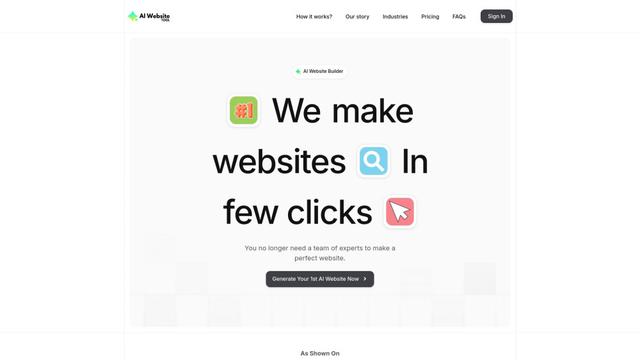
AI Website Tool is an AI-powered website builder that creates professional websites in minutes by automatically generating business-focused copy, custom visuals, and responsive designs with just a few clicks.
Softgen
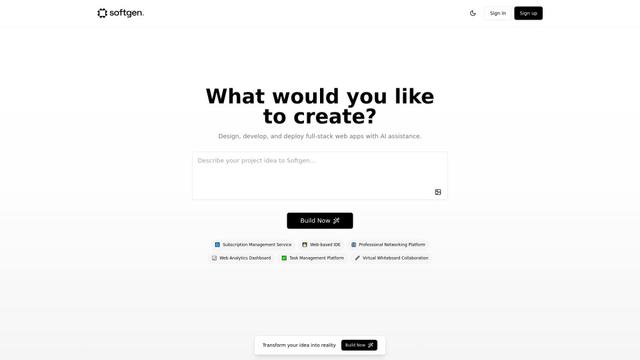
Softgen.ai is an AI-powered full-stack project generator platform that enables users to transform their ideas into functional web applications without coding requirements.
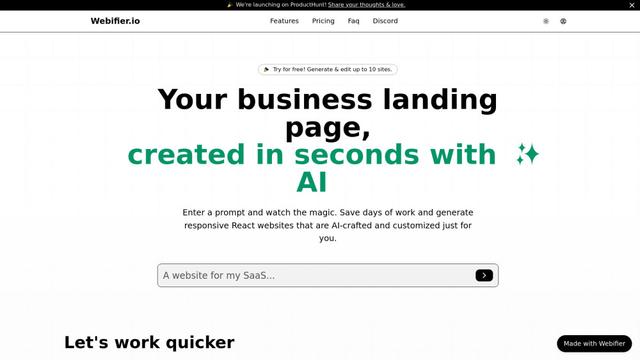
Webifier
Webifier is an AI-powered tool that transforms text prompts into fully functional React landing pages with clean, exportable code using NextJS14, TailwindCSS, and Shadcn components.
Popular AI Tools Like YourSitee
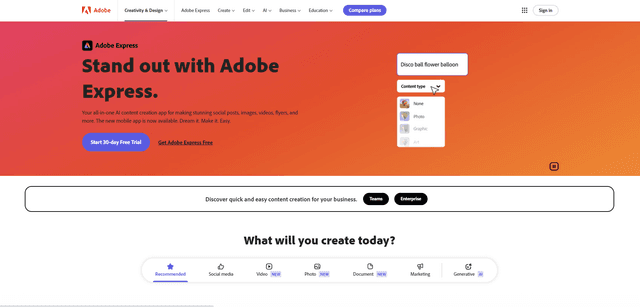
Adobe Express
Adobe Express is an all-in-one AI-powered content creation app for easily making stunning social posts, images, videos, flyers, and more with professionally designed templates and assets.
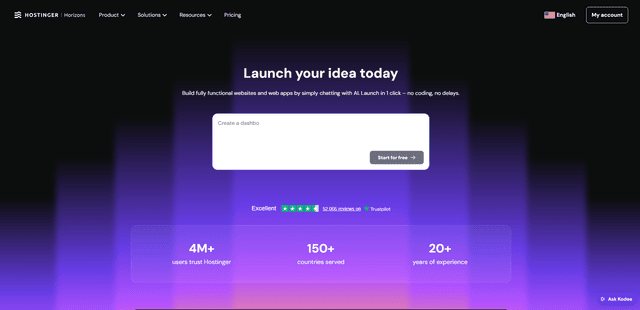
Hostinger
Hostinger is a web hosting and domain service provider offering AI-powered tools like Horizons that enables anyone to build, edit, and publish custom web apps and websites without coding through a simple chat interface.
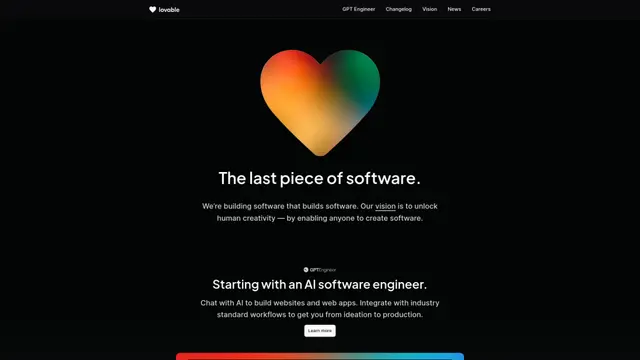
GPT Engineer
GPT Engineer is an AI-powered software development tool that enables anyone to build web applications by chatting with an AI engineer.
Manus Shopify Connector
Manus Shopify Connector lets you build a Shopify-backed storefront, manage your catalog, and generate data-driven campaigns from a single chat—using Shopify APIs with OAuth-scoped access and Shopify checkout.