
Xeder
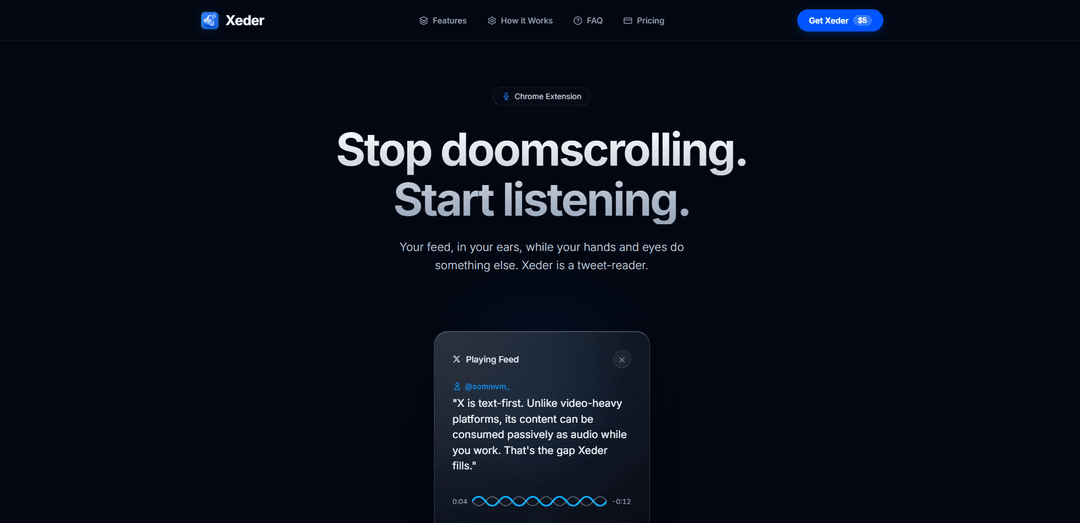
Xeder is a Chrome extension that converts your X/Twitter feed into audio, allowing you to listen to tweets instead of scrolling through them.
https://xeder-app.web.app/?ref=producthunt
Product Information
Updated:Apr 8, 2026
What is Xeder
Xeder is an innovative Chrome browser extension that transforms the way users consume content on X (formerly Twitter). Launched as a text-to-speech solution, it converts text-based tweets from your feed into natural audio that you can listen to while doing other tasks. The extension is available for a one-time payment of $4.99, offering users a lifetime license with unlimited audio generation capabilities.
Key Features of Xeder
Xeder is a Chrome extension that converts your X/Twitter feed into audio format, allowing you to listen to tweets instead of scrolling through them. It works directly in your browser, requiring no account connection, and offers a one-time payment model of $4.99 for lifetime access. The extension includes features like custom playback speeds, different voice options, and local processing for privacy protection.
Audio Conversion: Transforms text tweets into natural text-to-speech audio that can be played while doing other tasks
Browser Integration: Works as a Chrome extension overlay that reads directly from your screen without requiring account access
Customizable Playback: Offers adjustable playback speeds and different voice options for personalized listening experience
Privacy-Focused: Processes data locally and only transmits specific text for audio generation, ensuring user privacy
Use Cases of Xeder
Multitasking Professionals: Allows busy professionals to stay updated on their Twitter feed while working on other tasks
Content Monitoring: Enables social media managers and marketers to monitor feeds hands-free while performing other duties
Accessibility Solution: Provides an audio alternative for users with visual impairments or those who prefer audio consumption
Productivity Enhancement: Helps users break free from visual scrolling addiction while staying informed
Pros
One-time payment model instead of subscription
Privacy-focused with local processing
No need for account connection or login credentials
Cons
Limited to Chrome browser only
Requires active X/Twitter account
Only works with text content, not images or videos
How to Use Xeder
Install Chrome Extension: Download and install the Xeder extension from the Chrome Web Store and pin it to your browser toolbar
Purchase License: Pay the one-time fee of $4.99 to get a lifetime license. You will receive a unique license key via email
Enter License Key: Input your unique license key received via email to activate the extension
Open X/Twitter: Navigate to X/Twitter in your Chrome browser while logged into your account
Start Listening: Click the play button on the Xeder widget overlay to have your X/Twitter feed read aloud to you while you work
Customize Settings: Adjust playback speeds and voices according to your preferences through the extension settings
Xeder FAQs
Xeder is a Chrome extension that reads your X/Twitter feed aloud using natural text-to-speech, allowing you to listen to your feed while doing other tasks instead of scrolling.
Xeder Video
Popular Articles

Atoms: A Multi-Agent AI Platform That Transforms Ideas into Launch-Ready Products
May 22, 2026

Nano Banana SBTI: What It Is, How It Works, and How to Use It in 2026
Apr 15, 2026

Atoms Review — The AI Product Builder Redefining Digital Creation in 2026
Apr 10, 2026

Kilo Claw: How to Deploy and Use a True "Do‑It‑For‑You" AI Agent(2026 Update)
Apr 3, 2026
Latest AI Tools Similar to Xeder

MicVoice.Ai
MicVoice.Ai is an all-in-one AI voice generator platform that transforms written text into high-quality, natural-sounding speech with over 5000 realistic AI voices supporting 17+ languages.

Narrai
Narrai is an AI-powered mobile app that instantly creates voice narration and background music for short videos by automatically generating relevant scripts and offering multiple narrator personas.

Vagent
Vagent is a lightweight voice interface that enables users to interact with custom AI agents through voice commands, providing a natural and intuitive way to control automations with support for 60+ languages.

F5 TTS
F5-TTS is a state-of-the-art, non-autoregressive text-to-speech system that uses Flow Matching and Diffusion Transformer techniques to generate highly natural and expressive speech with zero-shot voice cloning capabilities.
Popular AI Tools Like Xeder
FnKey
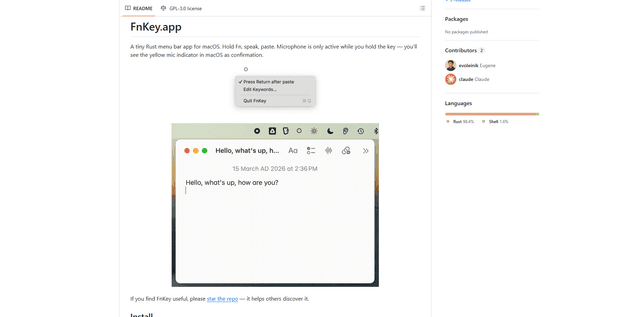
FnKey is a lightweight macOS menu bar application that enables quick voice-to-text transcription by holding the Fn key to speak and automatically pastes the transcribed text when released.
Audio player for ChatGPT
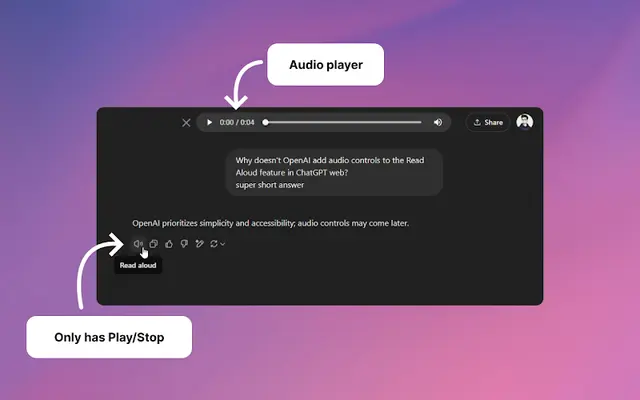
A Chrome extension that enhances ChatGPT's Read Aloud feature by adding a user-friendly audio player with basic controls like play/pause, seek bar, and duration display.
VoiSistant
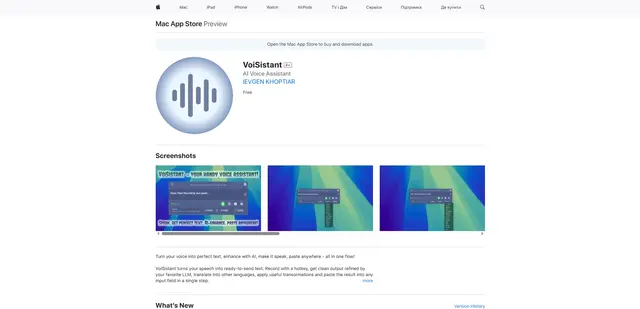
VoiSistant is a comprehensive voice-to-text application that combines speech recognition, AI enhancement, translation, and text-to-speech capabilities in one seamless workflow.
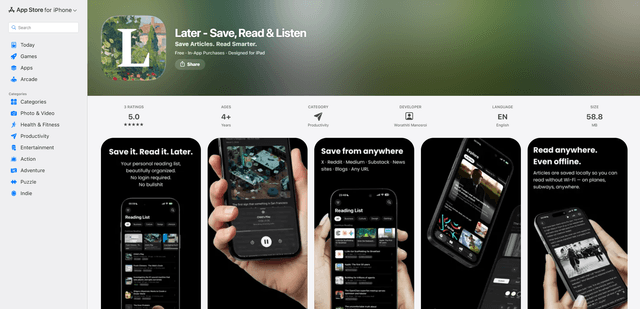
LaterAI
Later is an AI-powered read-it-later app that lets you save articles, read them in a distraction-free environment, and listen to them with natural-sounding AI voices - all while maintaining complete privacy with on-device processing.