
Wowable
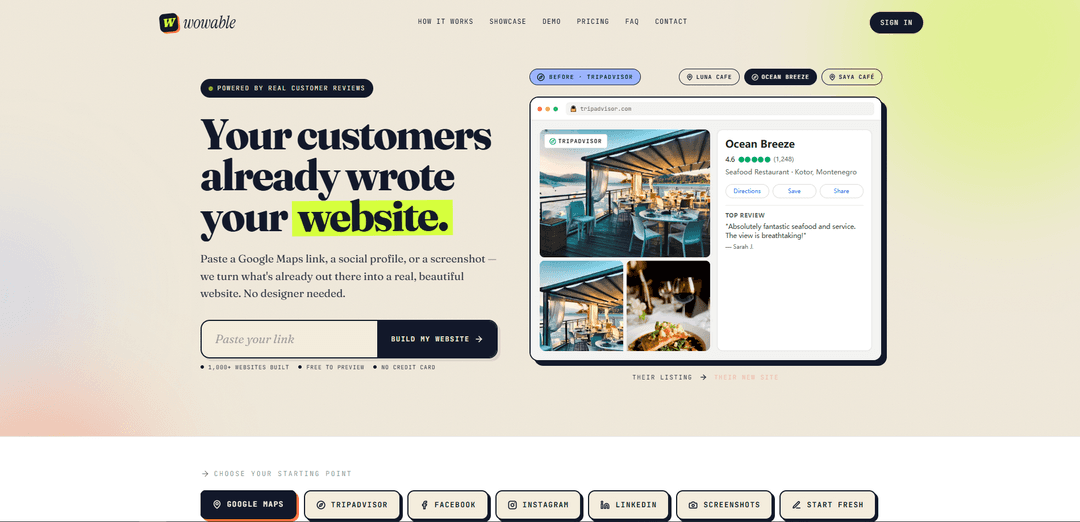
Wowable instantly turns a Google Maps listing, social profile, or screenshots into a polished, editable website using real customer reviews, photos, and public business details—free to preview with no design or copywriting needed.
https://wowable.ai/?ref=producthunt
Product Information
Updated:May 18, 2026
What is Wowable
Wowable is an AI website builder designed for local businesses and creators who want a professional web presence without hiring a designer or spending time writing copy. By using what’s already publicly available—such as Google reviews, business photos, hours, location details, and social profile content—Wowable generates a complete website in about a minute. It supports multiple starting points including Google Maps, TripAdvisor, Facebook, Instagram, LinkedIn, and even uploaded screenshots, making it easy to create a site from whatever online footprint you already have.
Key Features of Wowable
Wowable is an AI website builder that turns existing public business information—such as Google Maps listings, reviews, photos, hours, location details, and social profiles (TripAdvisor, Facebook, Instagram, LinkedIn)—or even screenshots into a polished, editable website in about a minute. It emphasizes using “real customer reviews” as the core website copy, offers a free preview with no credit card, and is designed for non-designers who want a fast, credible web presence based on what’s already online.
Link-to-website generation: Paste a Google Maps or social profile link and Wowable automatically generates a complete website structure and content from the public information available.
Review-powered website copy: Builds key messaging using real customer reviews and ratings, helping businesses present authentic social proof without writing copy from scratch.
Auto-import of business details: Pulls business name, photos, hours, location, and other listing data automatically to populate the site with minimal manual input.
Multiple starting points (links, screenshots, or fresh): Start by pasting links (Google Maps, TripAdvisor, Facebook, Instagram, LinkedIn), uploading screenshots, or answering a few questions to generate the initial site.
Fast, editable output: Produces a ready-to-use website in minutes that you can edit, making it suitable for quick launches and iterative improvements.
Free preview workflow: Offers a free preview and requires no credit card upfront, lowering friction for trying the product before committing.
Use Cases of Wowable
Restaurants, cafés, and hospitality: Turn strong Google reviews, photos, and location info into an attractive site with menu/contact calls-to-action, ideal for venues that rely on local discovery.
Salons, gyms, and local services: Quickly create a professional site from an existing listing to showcase hours, address, photos, and reputation—useful for appointment-driven businesses.
Clinics and wellness practices: Generate a clean, trust-forward web presence using ratings and testimonials from public listings, helping new patients find and contact the practice.
Small retail shops and boutiques: Convert a Maps listing and social presence into a simple website that highlights popularity, photos, and essential store info without hiring a designer.
Agencies/freelancers building client sites fast: Produce a credible first draft in minutes for client review, then refine by editing—useful for rapid prototyping and faster delivery.
Pros
Very fast time-to-first-website (minutes/~60 seconds) with minimal input
Leverages authentic reviews and existing public assets, reducing copywriting/design work
Multiple input options (links, screenshots, or start fresh) and a free preview with no credit card
Cons
Quality and completeness depend on the availability/accuracy of public listing data and reviews
May offer less deep customization than fully bespoke web design or advanced website builders
How to Use Wowable
1) Open Wowable: Go to https://wowable.ai/ and click “Build my website” (free preview, no credit card).
2) Choose your starting point: Select what you want to build from: Google Maps, TripAdvisor, Facebook, Instagram, LinkedIn, Screenshots, or Start Fresh.
3) If using Google Maps: copy your business listing link: Open your business on Google Maps and copy the shareable listing URL (the page notes it works with any Google Maps business listing).
4) Paste the link into Wowable: In the “Paste your Google Maps link” field, paste the URL and submit to start the build.
5) (Optional) Use screenshots instead of a link: If you don’t have a link or prefer another source, upload screenshots as your input instead.
6) Let Wowable pull public details automatically: Wowable reads useful public information (e.g., business name, reviews, photos, hours, location, bio/services) so you don’t have to copy-paste content.
7) Review the generated site: After the build (positioned as ~60 seconds), open the produced website preview (typically on a wowable.ai subdomain) and check the structure/sections.
8) Edit and customize: Use the editable site to adjust copy, photos, sections (e.g., Popular Reviews, Photos, Contact), and any business details as needed.
9) Publish/keep your site link: Once satisfied, keep and share the live site link created by Wowable (examples on the site show published pages on wowable.ai subdomains).
Wowable FAQs
Wowable is an AI tool that turns existing public business information (like Google reviews, photos, and listings) into a polished, editable website in about 60 seconds.
Wowable Video
Popular Articles

Atoms: A Multi-Agent AI Platform That Transforms Ideas into Launch-Ready Products
May 22, 2026

Nano Banana SBTI: What It Is, How It Works, and How to Use It in 2026
Apr 15, 2026

Atoms Review — The AI Product Builder Redefining Digital Creation in 2026
Apr 10, 2026

Kilo Claw: How to Deploy and Use a True "Do‑It‑For‑You" AI Agent(2026 Update)
Apr 3, 2026
Latest AI Tools Similar to Wowable
GPT Easy Web
GPT Easy Web is a user-friendly AI-powered platform that enables users to easily build, customize and manage websites through natural language interactions and automated tools without requiring coding knowledge.
AI Website Tool
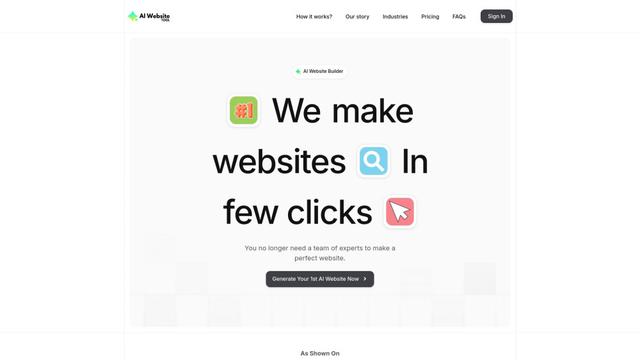
AI Website Tool is an AI-powered website builder that creates professional websites in minutes by automatically generating business-focused copy, custom visuals, and responsive designs with just a few clicks.

Softgen
Softgen.ai is an AI-powered full-stack project generator platform that enables users to transform their ideas into functional web applications without coding requirements.
Webifier
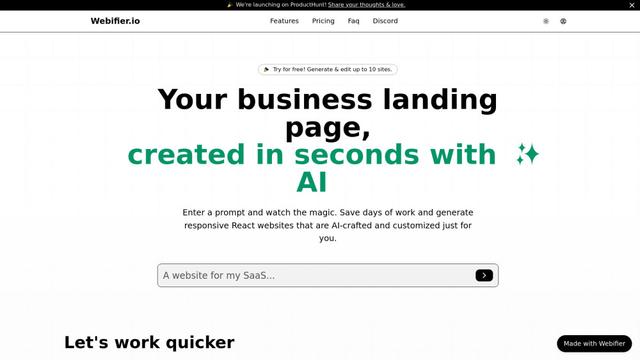
Webifier is an AI-powered tool that transforms text prompts into fully functional React landing pages with clean, exportable code using NextJS14, TailwindCSS, and Shadcn components.
Popular AI Tools Like Wowable
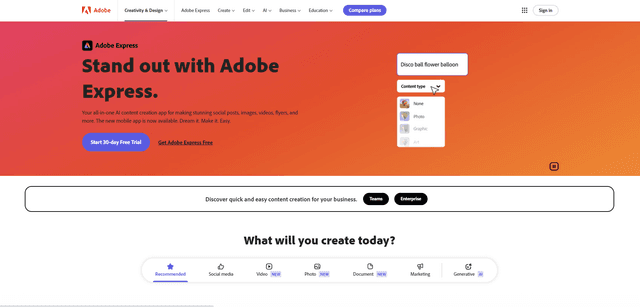
Adobe Express
Adobe Express is an all-in-one AI-powered content creation app for easily making stunning social posts, images, videos, flyers, and more with professionally designed templates and assets.
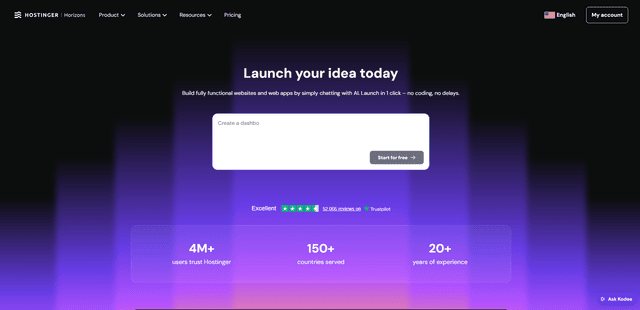
Hostinger
Hostinger is a web hosting and domain service provider offering AI-powered tools like Horizons that enables anyone to build, edit, and publish custom web apps and websites without coding through a simple chat interface.

GPT Engineer
GPT Engineer is an AI-powered software development tool that enables anyone to build web applications by chatting with an AI engineer.
Manus Shopify Connector
Manus Shopify Connector lets you build a Shopify-backed storefront, manage your catalog, and generate data-driven campaigns from a single chat—using Shopify APIs with OAuth-scoped access and Shopify checkout.