
Wingbits AI
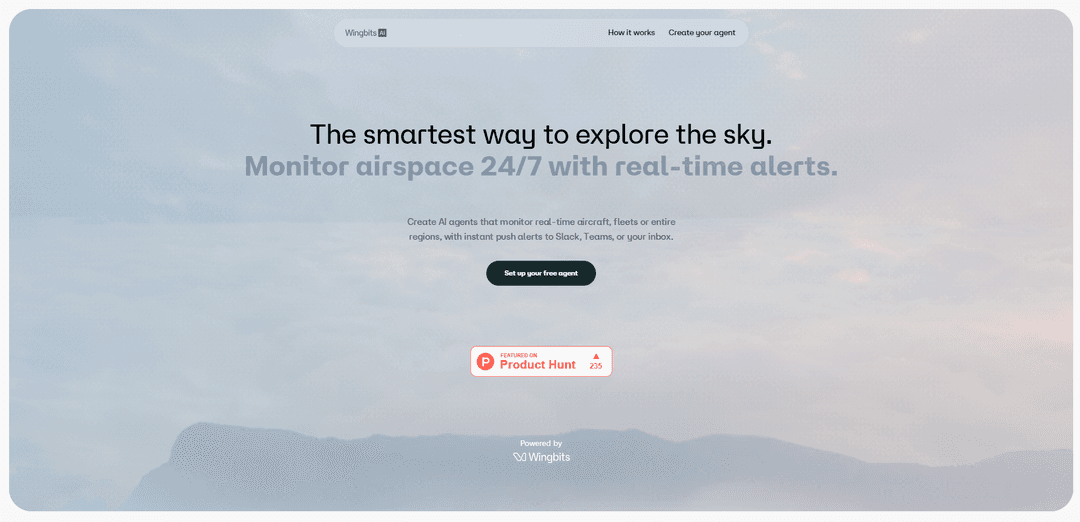
Wingbits AI is a real-time airspace monitoring platform that lets you create AI agents to track aircraft, fleets, or regions 24/7 and automatically deliver alerts and reports to Slack, Teams, email, or phone.
https://wingbits.ai/?ref=producthunt
Product Information
Updated:Jun 8, 2026
What is Wingbits AI
Wingbits AI is an AI-powered flight and airspace intelligence product designed to help individuals and organizations “ask the sky anything” and stay informed about what’s happening in the air in real time. Built around configurable agents and a live map experience, it supports use cases like tracking a specific aircraft, monitoring activity across a geographic region, and generating ongoing situational awareness for aviation, logistics, operations, and OSINT-style monitoring. The product emphasizes automation (scheduled checks and monitoring) and flexible delivery (Slack, Teams, email, and other integrations) so users can receive insights without constant manual searching.
Key Features of Wingbits AI
Wingbits AI lets you create always-on AI agents that monitor real-time and historical aircraft activity worldwide and automatically push alerts, reports, and analysis to the tools you already use (e.g., Slack, Teams, email). You can query the live map in plain English, track specific aircraft, regions, or fleets, and use advanced airspace signals like GPS-jamming and TCAS alerts alongside rich filters (aircraft type, altitude, operator history, seats/engines) and historical playback to turn continuous airspace monitoring into automated workflows.
24/7 monitoring agents: Create custom AI agents that continuously scan real-time flight activity for aircraft, fleets, or geographic regions and run on a schedule you set.
Automated alerts, reports, and insights: Get instant notifications and scheduled summaries delivered automatically to Slack, Microsoft Teams, or your inbox.
Natural-language airspace queries: Ask the system what’s flying right now in plain English to quickly locate aircraft and understand activity without manual filtering.
Advanced live map + airspace event layers: Explore aircraft on a live map with layers such as GPS jamming and TCAS alerts for situational awareness beyond basic tracking.
Deep filters + historical playback: Filter by aircraft type, altitude, operator history, seats, engines, and more, and review historical movements with playback for investigations and trend analysis.
Integrations and custom setups: Connect existing tools/platforms (e.g., Slack, email, Sheets, Telegram) or request a custom integration to fit operational workflows.
Use Cases of Wingbits AI
OSINT and journalism alerting: Newsrooms and researchers can monitor government/private jets or specific regions and receive immediate alerts when notable aircraft appear or patterns change.
Airport and airspace operations monitoring: Ops teams can automate region-level monitoring, track anomalies (e.g., GPS-jamming spikes), and receive frequent updates for real-time awareness.
Fleet and corporate aviation tracking: Operators can track entire fleets, automate status checks, and push updates to internal channels for coordination and performance visibility.
Drone/AAM readiness and airspace planning: UAV and advanced air mobility stakeholders can use continuous aircraft activity monitoring and alerts to support safer planning and airspace integration efforts.
Security and risk monitoring: Security teams can watch sensitive areas for unusual flight behavior and get notifications tied to predefined triggers and schedules.
Personal travel and situational awareness: Individuals can set agents to track a traveling friend/family member or a specific aircraft and receive timely updates without constantly checking a map.
Pros
Automates continuous airspace monitoring with configurable agents and scheduled checks
Multiple delivery channels (Slack/Teams/email) make alerts operationally actionable
Powerful exploration via natural-language queries, advanced filters, and historical playback
Cons
Higher-value datasets (e.g., VIP/OSINT aircraft data) may require approval on enterprise plans
Lower-tier plans limit chat messages, agent count, and automation frequency (manual runs or slower checks)
How to Use Wingbits AI
1) Open Wingbits AI and sign in: Go to https://wingbits.ai/ and create an account or sign in so you can access the live map, chat, and agent setup.
2) Explore the skies in real time (manual mode): Use the live map and/or the chat to describe what you want to find right now—e.g., locate a specific aircraft, monitor a geographic region, or track an entire fleet.
3) Apply filters to narrow what you see: Filter aircraft and events by criteria such as aircraft type, altitude, operator history, seats, engines, and use features like historical playback. You can also explore signals like GPS jamming and TCAS alerts on the live map.
4) Turn a repeated question into a custom agent: When you know what you want to monitor continuously (aircraft/region/fleet/event type), create a custom agent that automates the manual querying and monitoring for you.
5) Configure the agent’s schedule (automation frequency): Set how often the agent should run checks. Plan limits apply (e.g., Starter supports automated checks roughly every 5 minutes; Pro supports checks roughly every 1 minute).
6) Choose where alerts and reports should be delivered: Connect your preferred delivery channels and select where you want notifications sent—Slack, Teams, email/inbox, or other supported tools (e.g., Telegram; Sheets may be available for workflows).
7) Define what should trigger an alert vs. a report: Specify the conditions that matter (e.g., a certain aircraft enters/leaves a region, a GPS-jamming spike appears, a filtered set of aircraft changes) and whether you want instant alerts, scheduled summaries, or deeper analysis.
8) Run a test and validate results: Manually run the agent once (or use manual runs if your plan is manual-only) to confirm the query, filters, and alert thresholds produce the expected outputs.
9) Enable 24/7 monitoring: Activate the agent so it runs automatically on your chosen schedule and continuously monitors airspace activity without manual intervention.
10) Manage usage and scale with the right plan: If you hit message/agent/check limits, upgrade as needed: Explorer includes a trial with limited chat and a pre-built agent; Starter adds multiple custom agents and automated checks with Slack/email delivery; Pro increases agent count, message volume, and supports airport-level and region-level queries; Enterprise/Media offers custom frequency and optional VIP/OSINT aircraft data (approval required), plus SSO/SLA support.
Wingbits AI FAQs
Wingbits AI is a product that lets you create AI agents to monitor real-time aircraft data and send alerts and reports automatically.
Wingbits AI Video
Popular Articles

Vosko AI: Localize and Dub Videos for Global Audiences
Oct 15, 2026

Atoms: A Multi-Agent AI Platform That Transforms Ideas into Launch-Ready Products
Oct 13, 2026

Nano Banana SBTI: What It Is, How It Works, and How to Use It in 2026
Apr 15, 2026

Atoms Review — The AI Product Builder Redefining Digital Creation in 2026
Apr 10, 2026
Latest AI Tools Similar to Wingbits AI
Aguru AI
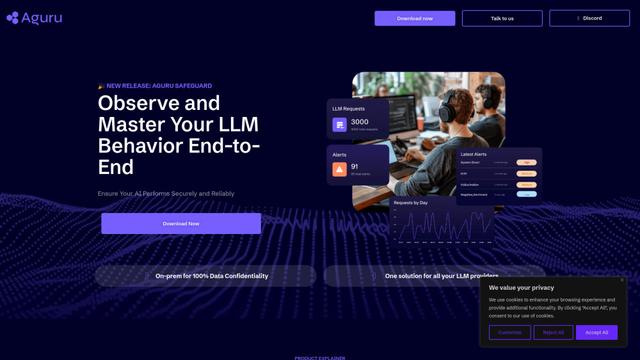
Aguru AI is an on-premises software solution that provides comprehensive monitoring, security, and optimization tools for LLM-based applications with features like behavior tracking, anomaly detection, and performance optimization.

Jorpex
Jorpex is a comprehensive tender notification platform that aggregates and delivers instant tender alerts from across European countries directly to Slack, helping businesses never miss opportunities.
Prompt Inspector
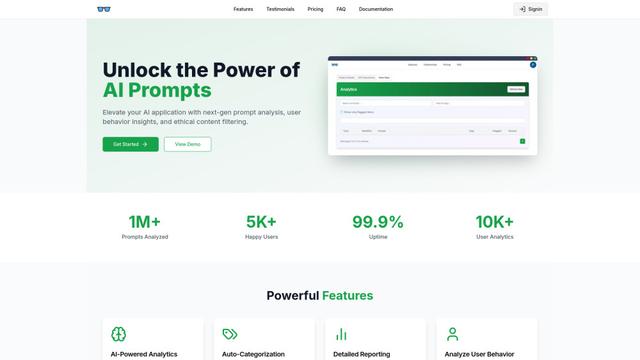
Prompt Inspector is an AI-powered analysis tool that helps developers and businesses optimize their LLM interactions through comprehensive prompt analysis, user behavior insights, and ethical content filtering.
Token Counter
Token Counter is an intuitive online tool that helps users accurately calculate token counts and estimate costs for various AI language models including GPT-4, GPT-3.5-turbo, Claude, and other LLMs.
Popular AI Tools Like Wingbits AI

VoltOps
VoltOps is a framework-agnostic LLM observability platform that provides real-time visual monitoring, debugging, and optimization tools for AI agents across any technology stack.
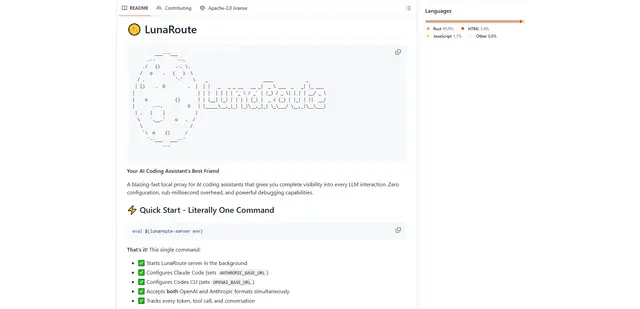
LunaRoute
LunaRoute is a high-performance local proxy for AI coding assistants like Claude Code, OpenAI Codex CLI, and OpenCode that provides complete visibility into every LLM interaction with zero-overhead passthrough, comprehensive session recording, and powerful debugging capabilities.
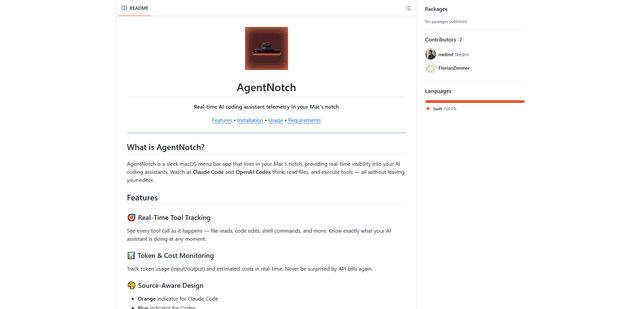
AgentNotch
AgentNotch is a macOS menu bar app that lives in your Mac's notch, providing real-time visibility and monitoring of AI coding assistants like Claude Code and OpenAI Codex.
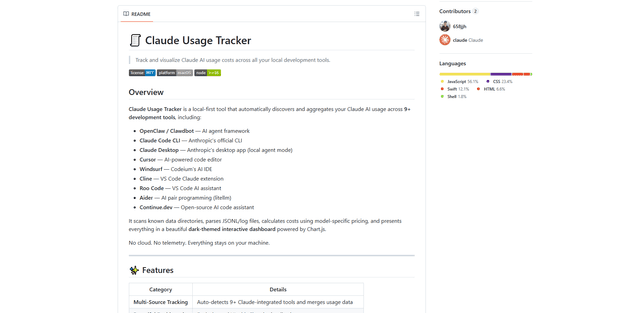
Claude Usage Tracker
Claude Usage Tracker is a local-first tool that automatically monitors and visualizes Claude AI usage costs across multiple development tools through a comprehensive dashboard with real-time analytics and detailed breakdowns.