
WeWeb.io
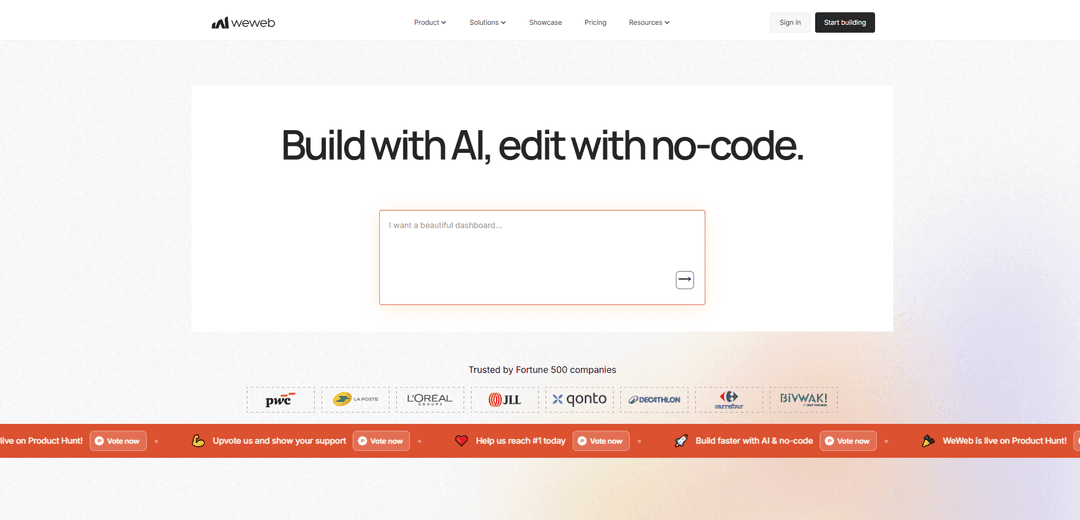
WeWeb.io is an AI-powered no-code platform for building production-ready web apps fast, with a visual drag-and-drop editor, backend/data integrations, and the option to publish to a global CDN or export self-hostable Vue.js code for no vendor lock-in.
https://www.weweb.io/?ref=producthunt
Product Information
Updated:Jun 8, 2026
What is WeWeb.io
WeWeb.io is a visual development platform that helps teams and non-technical builders create custom, production-grade web applications without needing to write code. It combines AI-assisted app generation with a powerful editor for pixel-level UI control and workflow building, enabling you to build anything from MVPs to scalable SaaS products, portals, directories, and internal tools. WeWeb is designed to connect to common databases and APIs, supports authentication and app logic, and emphasizes flexibility by allowing users to deploy on WeWeb’s infrastructure or export the generated application code.
Key Features of WeWeb.io
WeWeb.io is an AI-powered no-code/low-code visual development platform for building production-ready web applications. It combines AI app generation (pages, logic, databases, and components) with a drag-and-drop editor for pixel-perfect UI and workflow-based logic, integrates with common backends and APIs (e.g., Xano, Supabase, Airtable, Stripe), and supports one-click deployment on a global CDN. For teams that want maximum control, WeWeb can export a standard Vue.js single-page application (PWA-ready) for self-hosting, reducing vendor lock-in while keeping a fast, developer-friendly building experience.
AI app generation: Generate complete app structures from natural language prompts, including pages, data structures, logic, and even coded components, then refine via prompts or the visual editor.
Visual drag-and-drop editor: Edit UI and behavior visually—from small design tweaks to complex flows—using reusable elements/sections, responsive views, and design-system style consistency.
Workflows for business logic: Build application logic with visual workflows (including branching) and triggers, with options to extend using custom JavaScript when needed.
Integrations & API connectivity: Connect to popular tools and databases (e.g., Xano, Supabase, Airtable, Google Sheets) and external services via APIs; includes native payments support (e.g., Stripe) and common app utilities (email/SMS).
Code export & self-hosting: Export production-ready code as a standard Vue.js SPA and deploy anywhere (e.g., AWS/GCP/Azure) to support CI/CD and minimize vendor lock-in.
Built-in hosting & performance: Publish in one click to a global AWS CDN with prerendering for fast load times and SEO-friendly pages, while also supporting PWA-style experiences.
Use Cases of WeWeb.io
Startup MVPs and SaaS products: Rapidly prototype and launch subscription apps, dashboards, and customer-facing portals using AI generation, workflows, and integrations like Stripe and external databases.
Internal tools for operations: Build admin panels, CRUD apps, approval flows, and reporting interfaces on top of existing data sources (Supabase/Xano/Airtable) without a full frontend engineering team.
Customer and partner portals: Create authenticated portals for order status, account management, onboarding, and support workflows, integrating with existing auth/data systems.
Data directories and listing platforms: Publish searchable directories (e.g., marketplaces, catalogs) with fast rendering and optional search integrations, while keeping design control in a visual builder.
Agency delivery for client web apps: Agencies can deliver pixel-perfect web apps quickly, reuse components/workflows across projects, and hand off exported code for clients who require self-hosting.
Pros
Strong speed-to-build: AI generation plus a polished visual editor accelerates delivery of production-grade web apps.
Flexible architecture: works on top of many backends via integrations/APIs and supports custom code when needed.
Low vendor lock-in: export a standard Vue.js SPA and self-host on your own infrastructure.
Cons
Mobile experience/performance may be less optimal than desktop for some use cases, even with responsive design and PWA support.
Support experience can be inconsistent based on user reports, with some complaints about responsiveness and billing after cancellation.
How to Use WeWeb.io
1) Create an account and start a new project: Go to https://www.weweb.io/, click “Get started”, then log in or create a free account. Create a new project to open the WeWeb editor.
2) Choose your build approach: AI-first or visual-first: Option A (AI-first): Ask WeWeb AI to generate a full web-app (pages, database, logic, and coded components). Option B (visual-first): Start from a blank project and build with the drag-and-drop editor.
3) Generate an initial app structure with WeWeb AI (optional): Describe your app in natural language (key pages, user roles, core workflows, and data you need). WeWeb AI can create complete pages, database tables, APIs/workflows, authentication rules, and even coded components.
4) Edit the UI with the drag-and-drop visual editor: Use WeWeb’s editor to place and arrange components on pages. Adjust layout and styling visually (from small pixel changes to complex UI structures). Ensure your screens are responsive across breakpoints (desktop/tablet/mobile).
5) Set up your data layer (built-in or external): In the Data & API area, either (a) create internal database tables and views with fields, relationships, filters, and pagination, or (b) connect to external data sources (e.g., Supabase, Xano, Airtable, or any API).
6) Create backend logic with APIs and workflows: Build backend endpoints and reusable workflows visually. Add logic such as conditionals, loops, middleware, and integrations (e.g., calling external APIs, sending emails/SMS, triggering automation tools).
7) Configure authentication, roles, and access control: Enable authentication and define users/roles. Protect pages, collections, table views, and APIs with role-based rules. You can also ask AI to set up Auth, roles, and access rules.
8) Bind UI components to data and actions: Connect UI elements (lists, forms, tables, buttons) to your data queries and workflows. Implement CRUD flows (create, read, update, delete) and any business processes using WeWeb’s visual logic.
9) Add integrations your app needs: Connect to common tools (e.g., Stripe, Zapier, n8n, Google Sheets) or any service with an API. Use workflows to orchestrate calls and return structured responses to the UI.
10) Extend with custom code when needed: Import and edit custom coded components directly in WeWeb for full flexibility. You can also add custom JavaScript/CSS or install packages as needed to handle advanced UI or logic.
11) Use design systems for consistency: Create reusable styles/presets and UI patterns via a design system so your components remain visually consistent across pages and projects.
12) Test and iterate inside the editor: Preview key user flows (auth, CRUD, integrations, role restrictions). Refine UI and workflows visually or by prompting AI for targeted changes.
13) Publish your app (hosted by WeWeb): Publish in one click. WeWeb builds a Vue.js application and prerenders pages for fast loading and SEO, then serves it on a global CDN.
14) Export and self-host (optional): If you want full infrastructure control, export your app as a Vue.js Single Page Application (SPA) and deploy on-premise or to any cloud provider.
15) Learn and get help: Use WeWeb’s learning resources (roadmaps, tutorials, courses) and join the community forum at https://community.weweb.io/ for Q&A and project examples.
WeWeb.io FAQs
WeWeb is a visual development platform powered by AI that lets you build production-grade custom web applications without needing coding experience.
WeWeb.io Video
Popular Articles

Atoms: A Multi-Agent AI Platform That Transforms Ideas into Launch-Ready Products
May 22, 2026

Nano Banana SBTI: What It Is, How It Works, and How to Use It in 2026
Apr 15, 2026

Atoms Review — The AI Product Builder Redefining Digital Creation in 2026
Apr 10, 2026

Kilo Claw: How to Deploy and Use a True "Do‑It‑For‑You" AI Agent(2026 Update)
Apr 3, 2026
Latest AI Tools Similar to WeWeb.io

Hapticlabs
Hapticlabs is a no-code toolkit that enables designers, developers and researchers to easily design, prototype and deploy immersive haptic interactions across devices without coding.

Monyble
Monyble is a no-code AI platform that enables users to launch AI tools and projects within 60 seconds without requiring technical expertise.
Abyss
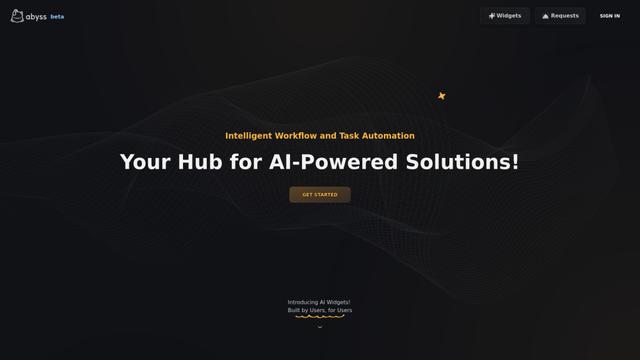
Abyss is an AI-powered platform that enables users to create, share and run automated task-specific Widgets without requiring technical expertise.

AppScape
AppScape is a no-code platform offering ready-to-use AI-powered apps and customizable SaaS solutions, enabling quick deployment without traditional development costs and technical expertise.
Popular AI Tools Like WeWeb.io
GitHub MCP Server
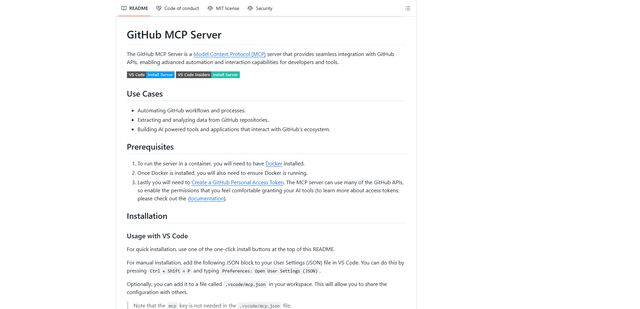
GitHub MCP Server is a Model Context Protocol server that enables seamless integration between AI models and GitHub APIs, providing standardized tools for repository management, issue tracking, and code operations.

GoCodeo SaaS Builder
GoCodeo SaaS Builder is an AI-native framework that automatically generates production-ready full-stack SaaS applications using autonomous AI agents, complete with authentication, real-time features, and TypeScript integration.

iBrowsy
iBrowsy is a modern, AI-powered web browser for macOS that combines intelligent features, privacy-first design, and seamless user experience with built-in GPT-4 assistance.

VibeSDK by CloudFlare
VibeSDK is an open-source AI-powered platform by Cloudflare that enables developers to deploy their own full-stack vibe coding environment with one click, allowing users to generate and deploy applications through natural language descriptions.