
thita.ai
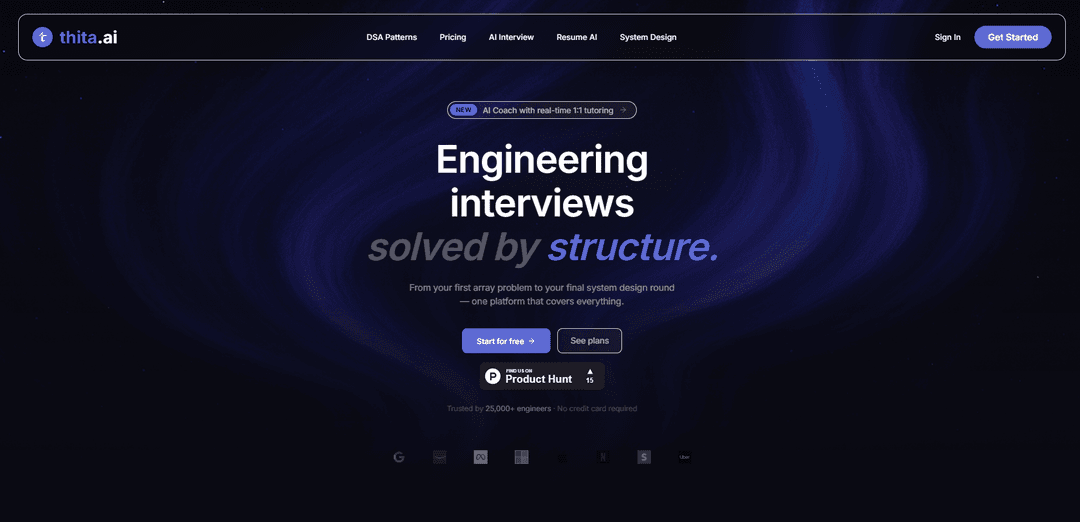
thita.aiは、適応型模擬面接、90以上のDSAパターンベース学習、リアルタイムコードフィードバック、システム設計練習、AI履歴書最適化を1か所にまとめたAI搭載の面接準備プラットフォームです。
https://thita.ai/?ref=producthunt&utm_source=aipure
製品情報
更新日:2026年06月09日
thita.aiとは
thita.aiは、初期のDSA練習から最終的なシステム設計および行動面接まで、エンジニアが技術的な採用プロセスをエンドツーエンドで準備するのに役立つように構築されたワンストッププラットフォームです。問題リストを提供するだけでなく、構造化された学習パスとパターン習得を重視し、現実的なAI主導の面接シミュレーションも行います。この製品には、即座のフィードバックを備えたブラウザ内コーディング環境、役割および企業指向の準備キット、ATS互換性と職務関連性を向上させることを目的とした履歴書分析/生成ツールも含まれています。
thita.aiの主な機能
Thita.aiは、AIを活用したエンジニアリング面接準備プラットフォームです。DSAパターン習得、システム設計(HLD/LLD)演習、AI模擬面接、リアルタイム実行を伴うAIコードフィードバック、ATS最適化を目的とした履歴書分析/生成を網羅し、体系的な学習と実践を統合します。パターンベース学習(90以上のパターン)、即時採点とフィードバックを伴う適応型面接、ガイド付きコーチング(視覚的な説明とセッションノートを含む1対1のAIチューターセッション)、役割および企業に特化した準備キットと進捗追跡を重視しています。
90以上のDSAパターン習得トラック: 90以上のアルゴリズムパターンにわたる厳選されたパターン優先の演習で、対応する面接問題、段階的な難易度、およびビデオ、解説、インフォグラフィックなどの補助リソースを提供し、応用可能な問題解決スキルを構築します。
適応型フォローアップを伴うAI模擬面接: リアルタイムの質問、フォローアッププロンプト、即時採点/フィードバックを伴う模擬面接(コーディング、システム設計、行動)で、実際の面接のプレッシャーを再現し、コミュニケーションと技術的な深さを評価します。
AIコード演習 + フィードバック + 実行: マルチ言語サポート(例:Python/C++/Java)を備えたソリューションを記述および実行するためのブラウザ内コーディング環境と、問題を指摘し、最適化を提案し、エッジケースを検出するのに役立つAI主導のレビュー。
インタラクティブキャンバスによるシステム設計演習(HLD/LLD): 構造化されたアプローチと視覚的なアーキテクチャワークフローを使用して、高レベルおよび低レベルのシステム設計の両方を練習し、トレードオフの推論と設計の完全性を向上させるためのAIフィードバックを提供します。
AIコーチ(視覚とメモ付きの1対1の個別指導): 弱点に合わせてパーソナライズされたリアルタイムのコーチングセッション(音声ベースを含む)で、視覚的な説明/図と、学習ライブラリとして再利用できる自動生成されたセッションノートを提供します。
履歴書AI:ATS分析と生成: ATS互換性、キーワード/インパクトの強化、テンプレートベースの生成に焦点を当てた履歴書採点と最適化により、自動スクリーニングを通過する可能性を高めます。
thita.aiのユースケース
ソフトウェアエンジニア面接準備(個人): SWEの役割を準備している候補者は、パターン追跡、コードフィードバック、模擬面接を利用して、技術的なスクリーニングやオンサイトループにおけるスピード、正確性、コミュニケーション能力を構築します。
シニア採用ループのためのシステム設計準備: 中堅からシニアエンジニアは、構造化されたキャンバスとフィードバックを使用して、HLD/LLDのプロンプト(例:URL短縮サービスなどの一般的なサービス)を練習し、アーキテクチャのトレードオフと明確さを向上させます。
大学/ブートキャンプの構造化されたカリキュラムサポート: 学生は、進捗追跡と演習セットを備えたガイド付き学習パス(DSA/システム設計/データサイエンス)に従い、断片的なリソースをまとまりのある学習計画に変えます。
キャリアサービスと履歴書最適化ワークフロー: 求職者は、ATSスコアリングとキーワードの整合性を使用して履歴書を繰り返し改善し、役割により密接に一致させ、面接の呼び出しを増やします。
採用と初期スクリーニング(企業): チームはThitaのエンタープライズ製品(例:ThitaHire)を使用して、一貫したAI主導の評価と採用担当者に優しいフィードバックにより、一次面接を自動化し、面接官の帯域幅使用量を削減できます。
メリット
オールインワンプラットフォーム:DSA、システム設計、模擬面接、コードフィードバック、履歴書ツールを単一のワークフローに統合します。
構造化されたパターンベースのアプローチ:再利用可能なフレームワークに焦点を当てることで、ソリューションを記憶するだけでなく、一般化するのに役立ちます。
オンデマンド練習:AI面接/コーチングは、スケジューリングなしで利用でき、即時フィードバックと要約が提供されます。
デメリット
無料/下位層での使用制限:主要な機能(AI面接、コードフィードバック、履歴書分析)は、プランに応じてクォータベースです。
AIフィードバックは補助的なものであり、保証されません:プラットフォームは面接/仕事の結果を明示的に保証せず、ガイダンスには人間の判断が必要な場合があります。
最適な価値は適合性に依存します:単純な問題リスト/エディタのみを必要とするユーザーは、より広範なプラットフォームが彼らのニーズ以上であると感じるかもしれません。
thita.aiの使い方
1) アカウントを作成してサインインする: https://thita.aiにアクセスし、「Get Started」(または「Sign In」)をクリックします。アカウントを作成し(無料プランではクレジットカード不要)、ダッシュボードに入ります。
2) 準備する内容(役割+ラウンド)を選択する: ダッシュボードから、集中したいトラック/ラウンドを選択します(DSA、システム設計—HLD/LLD、行動面接、およびデータサイエンス/AI/MLやPMなどの利用可能な役割ベースのパス)。
3) ガイド付きロードマップのために構造化された学習パスから始める: 「Learning Paths」を開き、ガイド付きトラック(例:DSA、システム設計)を選択します。ランダムな練習を避け、実際に必要なトピックに集中するためにシーケンスに従います。
4) DSAパターンシートを使用してパターン別に練習する(ランダムな問題ではなく): 「DSA Patterns」を開き、1つのパターンファミリー(例:Two Pointers、Sliding Window、Trees/Graphs)を選択します。そのパターンで5〜10問を解き、素早く認識できるようになるまで練習し、次に別のパターンファミリーに進みます。
5) 組み込みのコーディング環境で問題を解く: 「Problems」または「Code Practice」に移動し、問題を選択し、エディタでソリューションを記述し(Python/C++/Javaなどの多言語サポート)、テストを実行し、合格するまで繰り返します。
6) AIコードフィードバックをリクエストして正確性と効率を向上させる: ソリューションを実行した後、AIフィードバック機能を使用して、エッジケース、時間/空間複雑度、最適化の提案に関するレビューを受けます。修正を適用し、テストを再実行します。
7) AI模擬面接を行い、実際の面接の流れをシミュレートする: 「AI Interview」を開き、面接タイプ(コーディング、システム設計、行動面接)を選択し、時間制限のあるセッションを開始します。AI面接官は、あなたの回答に基づいて追加の質問をし、難易度を調整します。
8) 面接のスコアと詳細なフィードバックを確認する: 模擬面接後、スコアリングとフィードバック(コミュニケーション、問題解決、技術的深さ)を確認します。レポートが強調する弱点に注意し、それらを次の練習目標に変換します。
9) AIコーチを1対1の個別指導に利用する(音声+視覚的な説明): 「AI Coach」を開いてリアルタイムの個別指導セッションを実行します。口頭でアプローチを説明すると、コーチはガイダンスを提供し、リアルタイムで視覚的な図を描き、あなたの弱点に合わせて支援をパーソナライズします。
10) 自動生成されたセッションノートを改訂ライブラリとして保存し、再利用する: コーチング/面接セッション後、生成されたノートと、あなたのソリューションと代替案を説明する図を確認します。それらを個人的な参照ライブラリとして整理し、面接前に再訪します。
11) 構造化されたプロンプトと視覚的な設計でシステム設計を練習する: 「System Design」を開き、一般的なHLD/LLDプロンプト(例:URL短縮サービス)を練習します。インタラクティブなキャンバス/視覚的なアプローチ(利用可能な場合)を使用し、アーキテクチャ、トレードオフ、APIに関するAIフィードバックを取り入れます。
12) 特定の企業をターゲットにするために企業別キットを使用する(プランに含まれている場合): 「Company Wise Kits」に移動し、ターゲット企業を選択し、パターン/難易度 breakdownでマッピングされた質問を練習します。これにより、準備を企業の典型的な面接スタイルに合わせます。
13) Resume AIで履歴書を分析し、最適化する: 「Resume Analyzer」を開き、履歴書をアップロードし、ATSスコアと改善提案(キーワード、インパクト、フォーマット)を確認します。変更を適用し、スコアが改善するまで再確認します。
14) ターゲットの役割に合わせた履歴書バージョンを生成する(プランに含まれている場合): 「Resume Generation」を使用して、役割に合わせた履歴書バリアントを作成します。バージョンを比較し、職務記述書とATSのガイダンスに最も一致するものを保持します。
15) 進捗状況を追跡し、毎週反復する: 進捗追跡/分析(利用可能な場合)を使用して、どのパターンやラウンドで苦労しているかを特定します。計画を再調整します。弱いトピックにはより多くのパターン演習、現実感を高めるためにはより多くの模擬面接、そして定期的な履歴書の更新を行います。
16) 無料制限に達した場合にのみプランを選択する: 無料プランで提供されるAI面接、コードフィードバック、または履歴書分析が不足している場合は、「Pricing」からPro/Eliteにアップグレードするか(タイムラインに合う場合は1回限りの90日間のロードマップを選択)、アップグレードします。
thita.aiのよくある質問
Thita.aiは、エンジニアリングおよび技術職向けのAIを活用した面接準備プラットフォームです。DSAパターンベースの学習、AI模擬面接、システム設計の練習、AI支援によるコード練習、履歴書分析ツールを1か所で組み合わせます。




thita.aiに類似した最新のAIツール
Lingogo
Lingogoは、働く専門家向けに特別に設計されたAI駆動の英語学習アプリで、会話型AIチュータリングを通じて実際の職場シナリオの練習を提供します
Resume Workshop
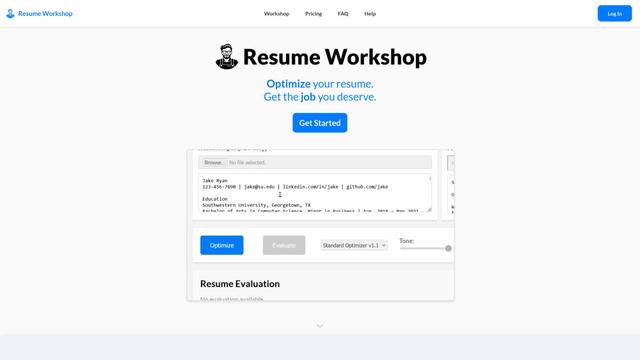
Resume Workshopは、求職者が特定の求人情報に一致するように関連するキーワードとフレーズで履歴書を調整するのを助けるAI駆動の履歴書最適化プラットフォームです
Jobbie
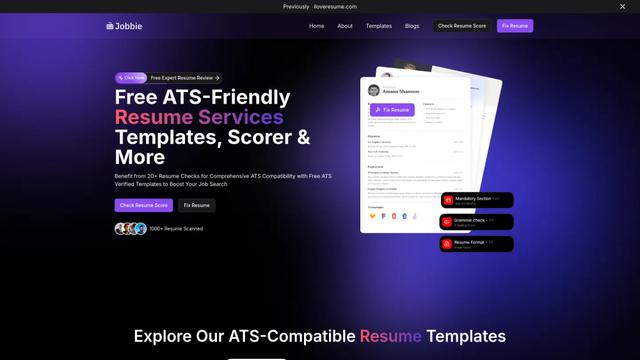
Jobbieは、求職者がApplicant Tracking Systemsを通過できるプロフェッショナルな履歴書を作成するのを支援するために、履歴書チェック、スコアリング、テンプレート、AI駆動の最適化ツールを含む無料のATSフレンドリーな履歴書サービスを提供する包括的なオンラインプラットフォームです
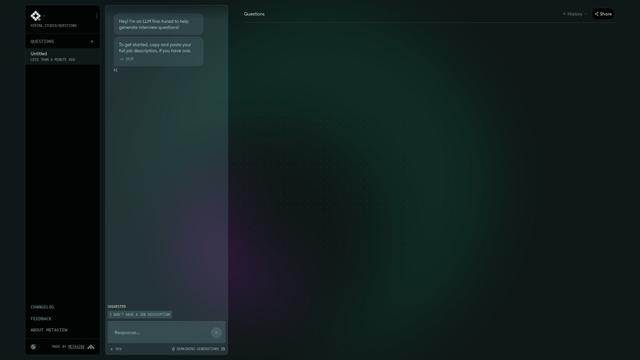
Hiring Studio by Metaview
MetaviewによるHiring Studioは、採用チームがフォローアップの提案と詳細な回答ルーブリックを持つカスタマイズされた面接質問を生成するのを助ける無料のAI駆動ツールです
thita.aiに似た人気のAIツール
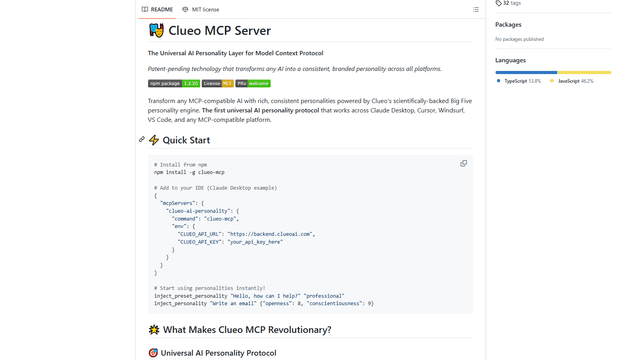
ClueoMCP
ClueoMCPは、特許出願中のテクノロジーと科学的に裏付けられたビッグファイブ性格特性を使用して、すべてのAIをプラットフォーム全体で一貫したブランドの性格に変える普遍的なAI性格レイヤーです。
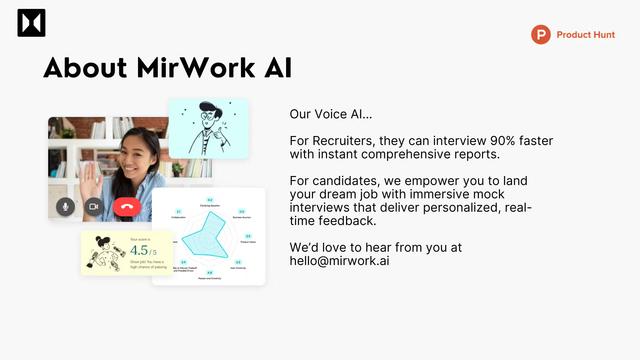
Quick Mock - AI interviewer for Any Job
Quick Mockは、ユーザーが主要なプラットフォームから職務記述を抽出し、リアルタイム音声AI技術と包括的なフィードバックを使用してリアルな模擬面接を即座に実施できるAI駆動の面接準備ツールです
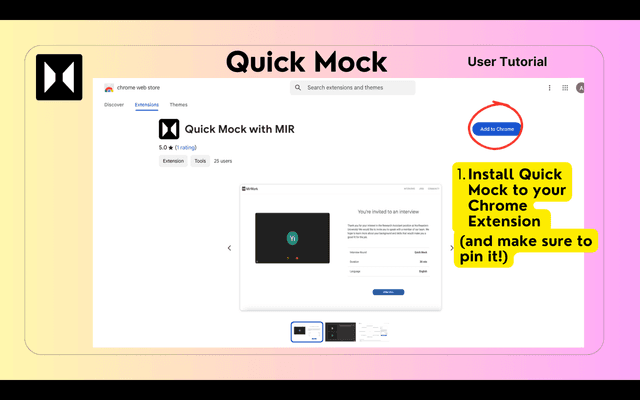
QuickMock 2.0 – AI for Hot Interviews
QuickMock 2.0は、AI搭載のインタビュー準備ツールで、LinkedInの職務記述をリアルタイムのフィードバックと大手企業からの彰合的な質問バンクを備3048305f、カ30b930bf30de30a430ba3055308c305f30e230c330af30a430f330bf30d330e530fc306b变換3057307e30593002
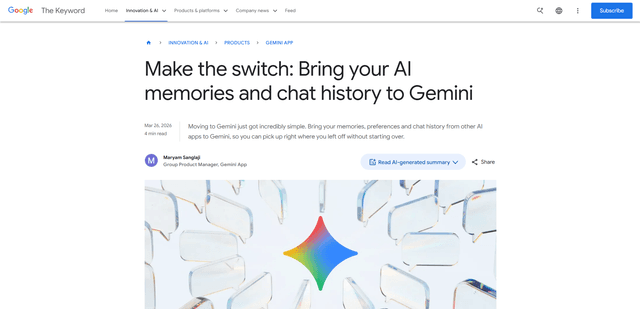
Google Gemini Memory Import
Google Geminiのメモリインポートは、ユーザーが他のAIアシスタントからGeminiに、メモリ、好み、チャット履歴を最初からやり直すことなくシームレスに転送できる新機能です。