
Google Gemini Memory Import
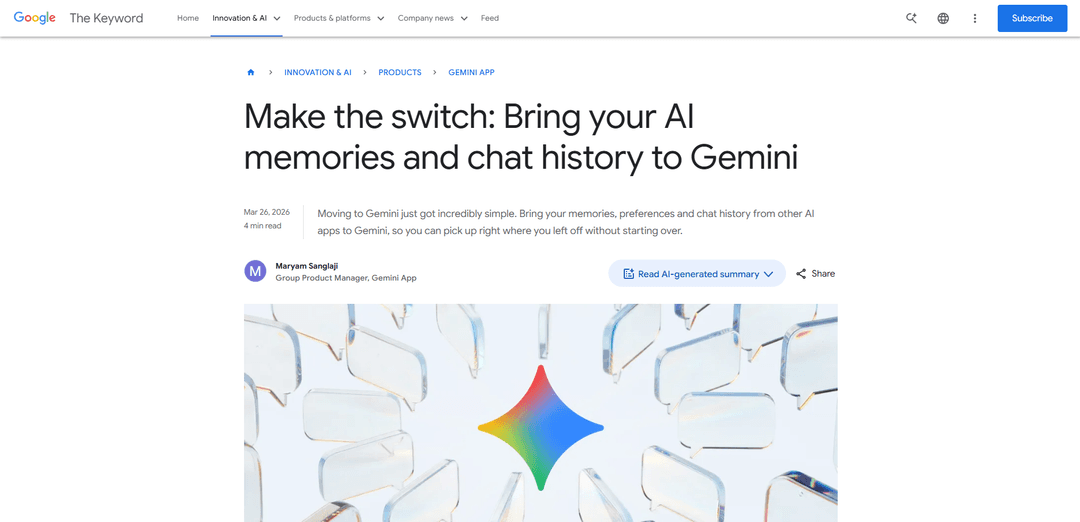
Google Gemini Memory Import is a new feature that allows users to seamlessly transfer their memories, preferences, and chat histories from other AI assistants to Gemini without starting from scratch.
https://blog.google/innovation-and-ai/products/gemini-app/switch-to-gemini-app?ref=producthunt
Product Information
Updated:Apr 8, 2026
Google Gemini Memory Import Monthly Traffic Trends
Google Gemini Memory Import received 8.5m visits last month, demonstrating a Slight Decline of -12.1%. Based on our analysis, this trend aligns with typical market dynamics in the AI tools sector.
View history trafficWhat is Google Gemini Memory Import
Google Gemini Memory Import is a revolutionary switching tool introduced by Google that enables users to transition smoothly from other AI chatbots to Gemini. Launched in March 2026, this feature addresses the common challenge of starting over when switching AI assistants by allowing users to import their existing AI relationships, preferences, and conversation histories. The tool is available for all consumer accounts (except Business, Enterprise, and U18 accounts) and represents a significant step forward in making AI assistants more personalized and user-friendly.
Key Features of Google Gemini Memory Import
Google Gemini Memory Import is a new feature that allows users to seamlessly transfer their AI preferences, relationships, personal context, and chat history from other AI platforms to Gemini. Users can either copy-paste a prompt to import key memories or upload a ZIP file containing their complete chat history, enabling them to continue their AI interactions without starting from scratch when switching to Gemini.
Memory Import via Prompt: Users can copy a suggested prompt into their current AI app and paste the response back into Gemini to transfer key preferences, relationships, and personal context
Chat History Upload: Support for uploading ZIP files (up to 5GB) containing complete chat history from other AI providers to maintain conversation continuity
Personal Intelligence Integration: Integration with Gmail, Photos, Search history, and past Gemini chats for enhanced personalized responses when access is granted
Secure Memory Storage: Secure analysis and storage of imported information in Gemini's context for future interactions
Use Cases of Google Gemini Memory Import
Travel Planning Continuity: Users can transfer their travel planning conversations and preferences from other AI platforms to continue trip planning seamlessly in Gemini
Personal Context Transfer: Transfer important personal information like family relationships, interests, and background to maintain personalized interactions
Professional Project Migration: Move ongoing project discussions and context from other AI platforms to continue work-related conversations in Gemini
Pros
Eliminates the need to start over when switching AI platforms
Maintains conversation continuity and context
Integrates with other Google services for enhanced personalization
Cons
Not available for Business, Enterprise, and U18 accounts
Not yet available for EEA/UK/CH users
Requires manual export and import process
How to Use Google Gemini Memory Import
Open Gemini Settings: Navigate to the Settings page in your Gemini app by opening 'Settings and help'
Select Import Option: Find and select the 'Import memory to Gemini' option in Settings
Copy Suggested Prompt: Copy the suggested prompt that Gemini provides for memory import
Paste to Other AI: Go to your current AI chatbot and paste the copied prompt to generate a summary of your preferences
Copy AI Response: Copy the response/summary generated by your current AI chatbot
Import to Gemini: Return to Gemini, paste the copied response into the designated text field, and click 'Add memory'
Import Chat History (Optional): To import full chat history, export your data as a ZIP file (up to 5GB) from your current AI provider and upload it to gemini.google.com/import
Verify Import: Gemini will analyze and securely save the imported information, creating a new chat thread with your imported context
Google Gemini Memory Import FAQs
Go to Settings in Gemini, select the import option. You'll get a suggested prompt to copy and paste into your current AI app. Copy the response from your current AI app and paste it back into Gemini. Gemini will analyze and save those details to your context.
Popular Articles

Vosko AI: Localize and Dub Videos for Global Audiences
Oct 15, 2026

Atoms: A Multi-Agent AI Platform That Transforms Ideas into Launch-Ready Products
Oct 13, 2026

Nano Banana SBTI: What It Is, How It Works, and How to Use It in 2026
Apr 15, 2026

Atoms Review — The AI Product Builder Redefining Digital Creation in 2026
Apr 10, 2026
Analytics of Google Gemini Memory Import Website
Google Gemini Memory Import Traffic & Rankings
8.5M
Monthly Visits
#8357
Global Rank
#353
Category Rank
Traffic Trends: Nov 2024-Jun 2025
Google Gemini Memory Import User Insights
00:00:53
Avg. Visit Duration
1.93
Pages Per Visit
55.03%
User Bounce Rate
Top Regions of Google Gemini Memory Import
US: 26.94%
IN: 8.76%
GB: 5.14%
JP: 4.24%
DE: 3.01%
Others: 51.91%
Latest AI Tools Similar to Google Gemini Memory Import

Folderr
Folderr is a comprehensive AI platform that enables users to create custom AI assistants by uploading unlimited files, integrating with multiple language models, and automating workflows through a user-friendly interface.

Peache.ai
Peache.ai is an AI character chat playground that enables users to engage in flirty, witty, and daring conversations with diverse AI personalities through real-time interactions.

TalkPersona
TalkPersona is an AI-powered video chatbot that provides real-time human-like conversation through a virtual talking face with natural voice and lip-sync capabilities.

Thaly AI
Thaly AI is an AI-powered sales assistant that automates customer conversations and lead qualification to help businesses scale their sales operations while saving time.
Popular AI Tools Like Google Gemini Memory Import

GPT‑5.5 | ChatGPT Official
GPT‑5.5 in ChatGPT is OpenAI’s latest work-focused model designed to understand complex goals, use tools effectively, check its work, and carry multi-step tasks (coding, research, documents, spreadsheets) through to completion with stronger safeguards.

DuckDuckGo AI Chat
DuckDuckGo AI Chat is a free, anonymous way to access popular AI chatbots like GPT-3.5, Claude, and others while preserving user privacy.

Arch
Arch is an intelligent Layer 7 gateway built on Envoy Proxy that provides secure handling, robust observability, and seamless integration of prompts with APIs for building fast, robust, and personalized AI agents.

Off-grid LLM over Radio
A platform that integrates Large Language Models (LLMs) with Meshtastic mesh communication networks to enable off-grid AI interactions and automated task execution through radio communication.