
Webstorio
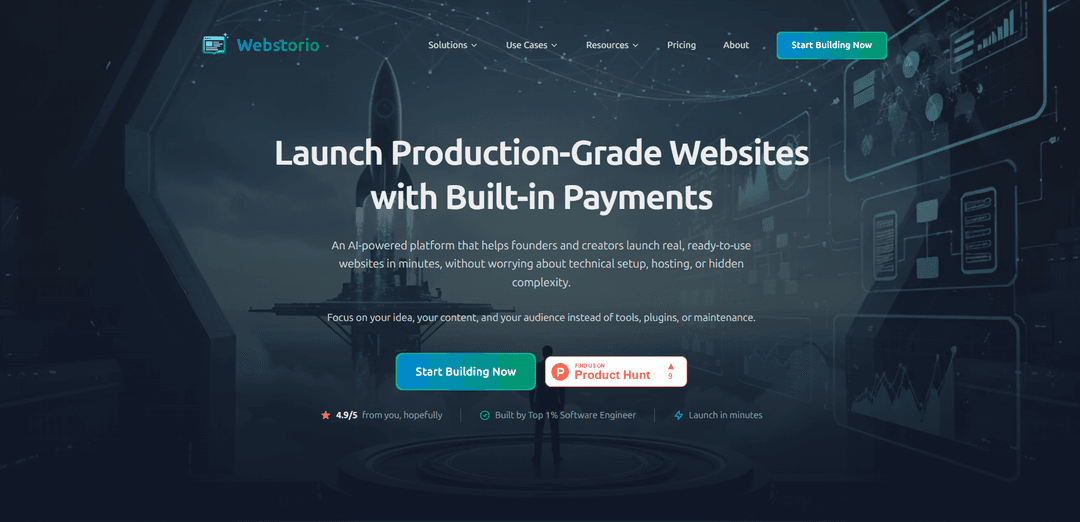
Webstorio is an AI-powered, all-in-one website builder that lets you launch production-grade sites in minutes with a built-in modular backend, CMS, database, hosting, and growth tools like SEO and analytics.
https://webstorio.com/?ref=producthunt
Product Information
Updated:Jun 8, 2026
What is Webstorio
Webstorio is a modern website-building platform designed for founders and creators who want to ship real, ready-to-use websites quickly without dealing with complex technical setup. Unlike many AI web builders that output untested code suited mainly for prototypes, Webstorio pairs AI-assisted page generation with a production-ready, integrated backend from day one. It combines a visual page builder and editor with built-in CMS, database, hosting, and optional modules (such as authentication, stores, bookings, and forms) so you can create, manage, and publish a complete website from a single platform.
Key Features of Webstorio
Webstorio is an AI-powered, all-in-one website builder designed to launch production-grade websites quickly, combining an AI page generator with a visual editor and a built-in, modular backend. It includes integrated CMS, database, hosting, SEO, and analytics, and lets you enable ready-made backend features (like authentication, store, booking, and forms) per project with one click—avoiding plugins, external integrations, and complex setup. The platform emphasizes reliable, production-ready output rather than untested code generation, with one-click deployment and centralized site management.
AI-powered page builder: Generate responsive page layouts from a description, then iterate quickly with AI suggestions while retaining full control to adjust structure and styling.
Visual editor with live preview: Point-and-click editing with instant feedback so what you design matches what visitors see, enabling fast changes without coding.
Built-in CMS, database, and hosting: Integrated content management and data storage from day one, reducing reliance on third-party services and eliminating extra setup.
Modular, production-ready backend features: Toggle common capabilities—such as user authentication, online store, booking systems, and forms—without plugins or custom backend builds.
Built-in SEO & analytics: Automatic SEO optimization tools and integrated analytics to help sites get discovered and track growth without additional tooling.
One-click deployment & site management: Publish to production with minimal configuration and manage pages, structure, and SEO settings from a central dashboard.
Use Cases of Webstorio
Startup marketing sites and product launches: Founders can quickly generate landing pages, manage content in the CMS, and ship updates fast while keeping a production-ready backend available for growth.
Ecommerce for small brands: Enable the online store module to sell products without stitching together separate storefront, CMS, and hosting services.
Booking-based services: Service businesses (e.g., salons, coaches, studios) can turn on booking features and publish a polished site with scheduling flows.
Creator and portfolio websites: Creators can use AI-assisted page generation plus WYSIWYG content editing to publish and maintain portfolios, newsletters, or content hubs.
Events and community pages: Build event sites with forms, CMS-driven schedules/speakers, and quick iteration for announcements and updates.
Agencies delivering client sites: Agencies can standardize delivery with reusable modules (CMS, auth, forms) and reduce maintenance by avoiding plugin-heavy stacks.
Pros
All-in-one platform (builder + CMS + database + hosting) reduces setup time and tool sprawl
Modular backend features can be enabled per project without plugins or complex integrations
AI generation paired with a visual editor enables fast iteration while keeping manual control
One-click deployment simplifies going from draft to production
Cons
May be less flexible than fully custom development for highly specialized backend logic or architectures
Relying on a single platform can create vendor dependency for hosting and backend capabilities
Advanced teams may want deeper low-level control than a no-code/visual workflow typically provides
How to Use Webstorio
1. Sign up and access the dashboard: Go to https://webstorio.com/ and create an account (or log in). Once inside, you’ll land in the main dashboard where you can create and manage websites (projects).
2. Create a new Project: Click to create a Project. Start from a blank canvas or choose a ready-made template to speed up setup.
3. Toggle on the backend features you need: In your project’s Features area, enable only what your site requires (e.g., CMS/Content, Database, User Authentication, Online Store, Booking Systems, Forms). These are modular, ready-made features you can turn on with one click.
4. Set up your CMS and database (if using content/data): If you enabled CMS & Database, configure the content structure you’ll manage (collections/content types) so your pages can pull real content and data from Webstorio’s built-in backend.
5. Generate pages with the AI-powered page builder: Use the AI page builder to describe what you want (site type, sections, style). Webstorio will suggest page structure, layout, and components to quickly produce responsive pages.
6. Refine pages in the Visual Editor: Open the Visual Editor to adjust layout and styling with point-and-click controls. Use the live preview to confirm changes look correct before publishing.
7. Add and edit content with the WYSIWYG editor: Use the rich text (what-you-see-is-what-you-get) editor to write and format content exactly as it will appear on the site. Add images, links, and formatting directly—no code required.
8. Manage site structure and pages from Website Management: From the project’s page management view, create, duplicate, organize, and update pages. Use this to maintain a clear site structure and a consistent publishing workflow.
9. Configure SEO and analytics: Use Webstorio’s built-in SEO and analytics tools to set site/page SEO settings and track growth. Ensure key pages are optimized before going live.
10. Publish your website: When ready, deploy to production with one click. Webstorio handles the technical setup and hosting so you can launch without manual configuration.
11. Iterate and scale by enabling more modules: As your needs grow, return to the Features toggles to enable additional capabilities (e.g., store, bookings, authentication) without adding plugins or external services.
Webstorio FAQs
Webstorio is an all-in-one platform with a built-in, modular, production-ready backend plus CMS, database, and hosting. Unlike many AI web builders that generate untested code, Webstorio provides a complete backend and CMS from day one.
Popular Articles

Vosko AI: Localize and Dub Videos for Global Audiences
Oct 15, 2026

Atoms: A Multi-Agent AI Platform That Transforms Ideas into Launch-Ready Products
Oct 13, 2026

Nano Banana SBTI: What It Is, How It Works, and How to Use It in 2026
Apr 15, 2026

Atoms Review — The AI Product Builder Redefining Digital Creation in 2026
Apr 10, 2026
Latest AI Tools Similar to Webstorio

GPT Easy Web
GPT Easy Web is a user-friendly AI-powered platform that enables users to easily build, customize and manage websites through natural language interactions and automated tools without requiring coding knowledge.

AI Website Tool
AI Website Tool is an AI-powered website builder that creates professional websites in minutes by automatically generating business-focused copy, custom visuals, and responsive designs with just a few clicks.

Softgen
Softgen.ai is an AI-powered full-stack project generator platform that enables users to transform their ideas into functional web applications without coding requirements.
Webifier
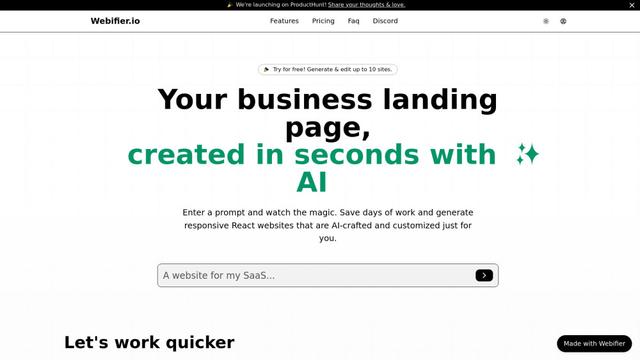
Webifier is an AI-powered tool that transforms text prompts into fully functional React landing pages with clean, exportable code using NextJS14, TailwindCSS, and Shadcn components.
Popular AI Tools Like Webstorio
Adobe Express
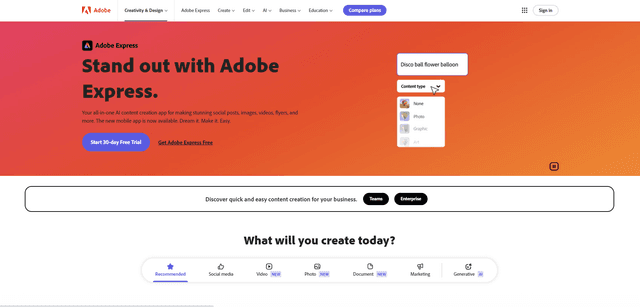
Adobe Express is an all-in-one AI-powered content creation app for easily making stunning social posts, images, videos, flyers, and more with professionally designed templates and assets.
Hostinger
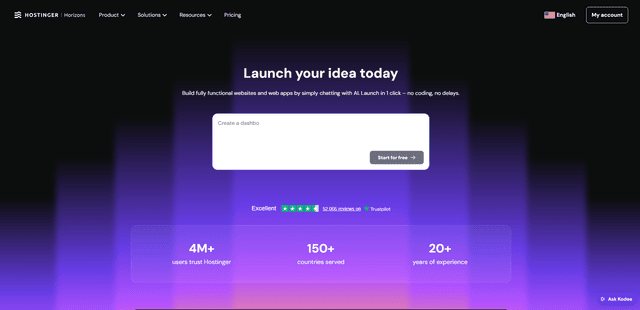
Hostinger is a web hosting and domain service provider offering AI-powered tools like Horizons that enables anyone to build, edit, and publish custom web apps and websites without coding through a simple chat interface.

GPT Engineer
GPT Engineer is an AI-powered software development tool that enables anyone to build web applications by chatting with an AI engineer.
Manus Shopify Connector
Manus Shopify Connector lets you build a Shopify-backed storefront, manage your catalog, and generate data-driven campaigns from a single chat—using Shopify APIs with OAuth-scoped access and Shopify checkout.