
Weave
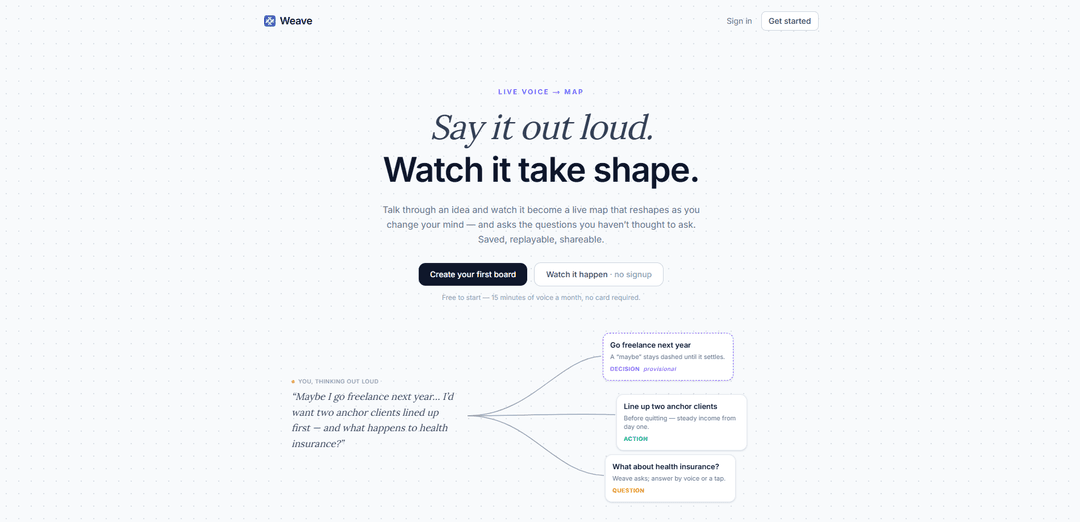
Weave is a voice-first idea-mapping tool that turns live speech into a linked, reshaping map of cards (including charts), then saves it for replay, sharing, and export.
https://sayweave.com/?ref=producthunt
Product Information
Updated:Aug 8, 2026
What is Weave
Weave (sayweave.com) is a web-based product designed to help you think out loud and immediately see your thoughts organized as a live visual map. Instead of typing notes, you speak through an idea and Weave converts your sentences into connected cards—capturing ideas, facts, and questions—so you can explore complex topics as they form. Boards are saved automatically and can be replayed later, shared via link, or exported to common formats, making Weave useful for brainstorming, planning, and sense-making.
Key Features of Weave
Weave (sayweave.com) is a web-based voice-to-visual mapping tool that turns spoken thinking into a live, linked “map” of cards that updates as you refine your ideas. It supports push-to-talk or open-mic capture, automatically organizes and tidies concepts into connected nodes (including charts), and proactively surfaces questions, options, and risks to help you explore gaps in your reasoning. Boards are saved and replayable, can be shared via read-only links, and exported to common formats (Markdown, PNG, SVG).
Live voice → map: Speak through an idea and Weave converts sentences into linked cards in seconds, producing a structured visual map that evolves as you change your mind.
Push-to-talk and open mic capture: Hold Space to talk or use hands-free open mic, making it easy to capture fast, messy, in-the-moment thinking without typing.
Auto-structuring with idea/fact/question tagging: Half-formed thoughts can land as tentative “guesses” that reshape until they settle, helping separate ideas, facts, and open questions as the map grows.
Question prompts + options/risks expansion: When you pause, Weave tidies the board and suggests “questions worth asking,” and can break cards into options and risks to deepen analysis.
Replayable, shareable boards: Every board is saved so you can replay how the thinking unfolded and share a read-only link for async review and alignment.
Export to Markdown/PNG/SVG: Export boards for documentation and presentations, enabling easy handoff into docs, wikis, or slide decks.
Use Cases of Weave
Product discovery and roadmap mapping: PMs can talk through user problems and proposed solutions, then use the generated map to identify missing questions, tradeoffs, and risks before committing to a roadmap.
Founder and strategy ideation: Founders can verbalize strategy, positioning, and go-to-market hypotheses and quickly get a structured board that can be replayed and shared with advisors or teammates.
Research synthesis and sensemaking: Researchers can narrate findings from interviews or reading sessions and let Weave organize claims, evidence, and open questions into a coherent concept map.
Teaching, tutoring, and lesson planning: Educators can explain a topic out loud and generate a connected map of concepts (and questions to ask next), which can be exported as visuals or notes.
Team alignment and meeting capture: Teams can use voice capture to turn brainstorming or planning discussions into a structured artifact that’s replayable for those who missed the session.
Pros
Fast capture of complex thinking via voice with automatic visual structuring
Proactive prompts (questions, options, risks) encourage deeper reasoning and gap-finding
Saved, replayable boards with sharing and export options support collaboration and documentation
Cons
Free tier is limited (e.g., 15 minutes of voice per month), which may constrain frequent users
Voice-first workflow may be less suitable in noisy environments or for users who prefer typing-only ideation
Quality of maps and prompts may vary depending on clarity of speech and the complexity/ambiguity of the topic
How to Use Weave
1. Create an account and sign in: Go to https://sayweave.com, then click “Get started” (or “Sign in”) to access Weave.
2. Start a new board: From the Weave app, open the Boards area (Get started → /boards) and create a new board to capture a session.
3. Begin a voice session (push-to-talk): Hold the Space bar and talk through your idea. Weave turns your spoken sentences into linked cards on a live map as you speak.
4. Use hands-free mode (optional): Enable open mic if you want to talk continuously without holding Space.
5. Watch the map build in real time: As you speak, Weave converts sentences into connected cards (including charts when relevant). Early, uncertain thoughts may appear as “dashed guesses” that reshape as you clarify.
6. Let Weave surface what to ask next: Pause speaking to let Weave tidy the board and float the questions worth asking—prompting you with gaps, uncertainties, or next steps you may not have considered.
7. Expand a card to explore options and risks: Open/break a card into its alternatives and potential risks to deepen the map and refine the idea.
8. Iterate by changing your mind out loud: Continue talking to revise assumptions, add constraints, or change direction; the map reshapes to reflect the updated thinking.
9. Replay the session: Use Replay to review how the thought process unfolded over time (saved and replayable per board).
10. Share the board: Generate a shareable read-only link so others can view the board.
11. Export your board: Export the board in your preferred format—Markdown, PNG, or SVG—for documentation, presentations, or further editing.
12. Manage usage on the free tier: If you’re on the free plan, keep sessions within the included allowance (free to start with 15 minutes of voice per month, no card required).
Weave FAQs
Weave turns live voice into a visual map (a board) in real time. You talk through an idea and Weave generates linked cards that reshape as you change your mind, surfaces questions worth asking, and saves the session for replay and sharing.
Weave Video
Popular Articles

Vosko AI: Localize and Dub Videos for Global Audiences
Oct 15, 2026

Atoms: A Multi-Agent AI Platform That Transforms Ideas into Launch-Ready Products
Oct 13, 2026

Nano Banana SBTI: What It Is, How It Works, and How to Use It in 2026
Apr 15, 2026

Atoms Review — The AI Product Builder Redefining Digital Creation in 2026
Apr 10, 2026
Latest AI Tools Similar to Weave

Parcae
Parcae is a mind mapping mobile application that helps users organize thoughts and ideas into structured visual maps with intuitive gesture-based controls and automatic saving features.
PlayNode
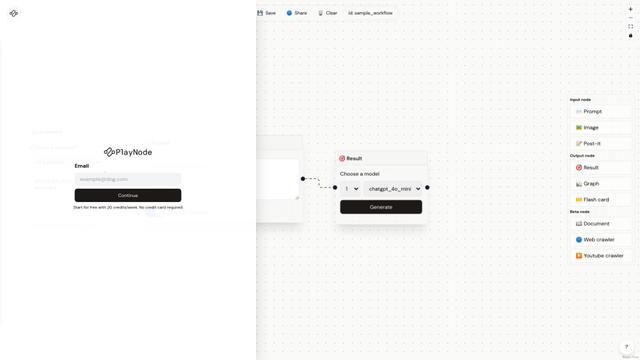
PlayNode is an AI-powered node-based interface tool that helps users explore and analyze multiple ideas through an intuitive workflow system.
Knotix
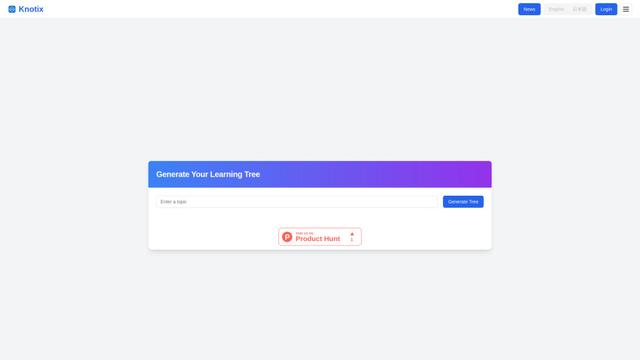
Knotix is an AI-powered knowledge platform that generates interactive visual knowledge trees from questions and keywords to help users discover valuable insights and connections across different topics.
Sparky
Sparky is an AI-powered journaling and personal growth app that combines guided journaling, task management, and AI-assisted reflection to help users focus on self-improvement.
Popular AI Tools Like Weave
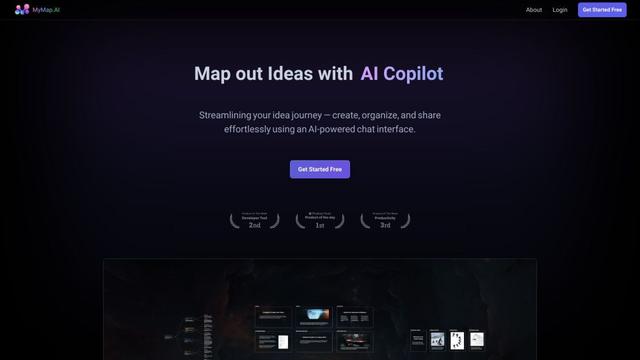
MyMap.AI
MyMap.AI is an AI-powered tool that transforms ideas into visual maps and presentations through a user-friendly chat interface.
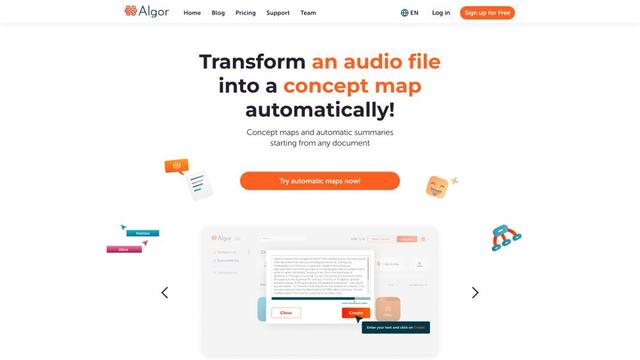
Algor Education
Algor Education is an AI-powered web app for creating concept maps, mind maps, flashcards, and summaries from digital texts, photos, and audio files.
flowith
Flowith is an innovative AI productivity tool powered by GPT-4 that offers a canvas-based, node-driven interface for seamless collaboration with AI and enhanced deep work.

Xmind AI: The Collaborative Mind Mapping Tool
Xmind AI is an AI-powered collaborative mind mapping tool that enables teams to generate ideas, organize thoughts, and create presentations seamlessly across devices.