Virse
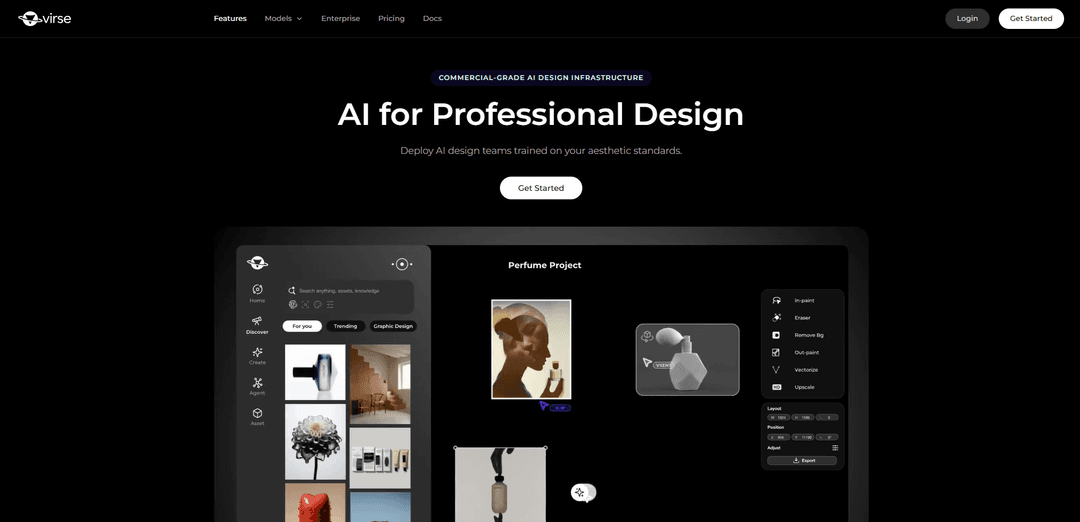
Virse is a commercial-grade AI design platform that unifies 50+ image and video models on an infinite visual canvas, using multi-agent workflows to keep references, iterations, and brand style consistent from concept to final output.
https://www.virse.ai/?utm_source=aipure
Product Information
Updated:Aug 24, 2026
What is Virse
Virse is an AI creative system built for professional design, bringing AI models, creative tools, assets, context, and collaboration into one continuous workflow. Designed to be human-led, Virse keeps creative direction in your hands while AI expands your exploration and execution. With Aesthetic Memory, Virse learns your visual language and carries context into everything you create. With 50+ leading AI models in one continuous environment, Virse helps designers, creative teams, and brands explore, compose, and refine without fragmentation.
Key Features of Virse
Virse is a commercial-grade AI design platform built around an infinite canvas where creative teams can keep references, assets, feedback, and iterations connected while using 50+ image/video models in one shared workspace. It emphasizes workflow continuity, multi-agent collaboration, and “taste/brand” encoding so outputs remain controllable and consistently on-brand across campaigns and revisions—positioning itself as an AI design operating system that supports professional designers rather than a one-shot prompt tool.
Infinite canvas workflow: A visual workspace that keeps project materials (references, assets, tasks, outputs, feedback) connected to reduce context loss across iterations and campaign extensions.
Shared project context + multi-agent collaboration: Multiple collaborating AI agents can work from the same project context, enabling role-based creative workflows and coordinated exploration while preserving decisions over time.
50+ models on one surface: Access a broad model ecosystem (including tools such as GPT Image 2, Seedance 2.0, and MiniMax H3) without moving between disconnected prompt windows, supporting image and video workflows in one place.
Taste/brand encoding for consistency: Learns and holds a team’s visual language so designers, agencies, and partners can work within the same stylistic rails and maintain continuity across outputs.
Style continuity + batch variation: Supports generating multiple variations while keeping a consistent look, helping teams compare directions and iterate toward commercial-ready results.
Search with taste (visual archive retrieval): Enables searching within your own work/archive by visual similarity or style, making it easier to reuse prior decisions and references.
Use Cases of Virse
Brand campaign production (ads & key visuals): Create and iterate on connected campaign assets while keeping references, feedback, and extensions on one canvas to maintain consistent art direction across deliverables.
Packaging and brand design systems: Encode a studio/brand’s visual standards once, then generate and refine packaging concepts and supporting visuals with consistent style across teams and partners.
E-commerce product imagery at scale: Produce consistent product shots and scene renders across catalogs by reusing shared context, references, and style rails while generating batch variations.
Industrial design visualization workflows: Organize sketches, references, and iterative renders in a single project space to preserve design intent and manage controlled revisions over time.
Footwear/fashion concept storytelling: Develop cinematic concept visuals and product narratives by coordinating multiple references and iterations while keeping a consistent look across a collection.
Cross-model image-to-video exploration: Move between image and video models within the same canvas to explore directions and extensions without rebuilding prompts or losing creative context.
Pros
Strong workflow continuity: keeps assets, decisions, and iterations connected rather than scattered across separate tools.
Designed for teams: shared standards, multi-agent collaboration, and consistent on-brand output across multiple designers/partners.
Broad model access in one place: supports multimodel experimentation (image/video) without constant context switching.
Cons
Not a complete compliance/production guarantee: should not be treated as automatic brand approval, copyright clearance, accessibility review, color proofing, or print preflight.
Best evaluated at workflow level: may not be a proven one-to-one replacement for specialized single-purpose tools (e.g., specific rendering/3D features) depending on needs.
How to Use Virse
1) Choose your entry path (solo or team): Decide whether you will (a) start on your own by opening a canvas with your references, or (b) bring your whole studio/team to encode one shared visual standard that everyone uses.
2) Create a new project canvas: Open Virse and start a new canvas (the core workspace). Treat it as the place where references, prompts, outputs, feedback, and iterations stay connected instead of being scattered across separate chat windows.
3) Import and organize references on the canvas: Add your key inputs (brand assets, mood references, product shots, prior campaign work). Arrange them spatially so the project context is visible at once and easy to review with others.
4) Encode your taste / visual language: Use Virse’s “taste, encoded” approach by curating the references that represent your desired look. The goal is to establish a consistent aesthetic baseline that Virse can hold across iterations and collaborators.
5) Pick the right model for the task (50+ models, one canvas): Select a model based on what you’re making (image vs video, exploration vs controlled output). Virse is designed for routing different parts of production to different models while keeping everything on the same canvas.
6) If generating video with MiniMax H3, choose the correct H3 mode: Use T2V for text-driven generation, I2V when an existing image should anchor the scene, and R2V when you need tighter control over identity, motion, camera behavior, style, or voice.
7) Write prompts using a structured checklist (7 layers): Draft prompts using the seven-layer structure: Reference Roles, Timeline, Look, Camera, Sound, Exact Text, and Limits. Not every prompt needs all layers, but using them as a checklist improves control and troubleshooting.
8) Assign explicit roles to each reference (especially for multi-reference work): When using multiple references, specify what each reference is responsible for (e.g., identity, wardrobe, environment, lighting, composition). This reduces conflicts where the model preserves the wrong attribute from the wrong input.
9) Add timeline direction for video (chronological change): Describe video prompts chronologically: Current state → observable action → camera response → final state. Keep timelines clear and avoid overloading them with too many simultaneous changes.
10) Direct camera behavior explicitly: Include camera instructions (e.g., static tripod, slow dolly-in, handheld, pan/tilt) and clarify what should remain stable. Vague camera language is a common reason outputs become hard to control.
11) Specify sound / voice when needed (native audio workflows): If your workflow includes audio, add sound direction in the prompt layer (Sound) and use the mode that supports tighter control (often R2V when voice/identity control matters).
12) Run controlled variations and compare on the canvas: Generate multiple variants in parallel and pin them next to the references and prompt versions that produced them. Use the canvas to compare options side-by-side and keep decision history visible.
13) Troubleshoot systematically when outputs ignore references: Check for: conflicting references, unclear preservation rules, overloaded timelines, vague camera language, or the wrong workflow/model selection. For H3 specifically, verify you are using the correct workflow split (e.g., T2V/I2V/first-last-frame vs reference-driven R2V) so references are actually honored.
14) Use multi-agent collaboration for production workflows: Assign different agents or parallel tasks for reference analysis, visual exploration, and campaign adaptation. Keep all outputs and notes connected to the same canvas so context is not lost between iterations.
15) Extend an approved direction across a campaign: Once a direction is approved, reuse the same encoded standard and reference set to adapt outputs across formats, markets, languages, and product variants—while keeping continuity on the canvas.
16) Use “search with taste” to retrieve prior work by visual similarity: Search your archive by how it looks (not just filenames). Reuse successful compositions, lighting setups, and style references to maintain consistency and speed up new briefs.
17) Keep a designer-led review and delivery loop: Use Virse to accelerate exploration and iteration, but keep human review for final typography, corrections, approvals, and delivery. Do not treat Virse as an automatic solution for brand approval, copyright clearance, accessibility review, or print preflight.
18) Optimize for iteration speed (local vs hosted finishing): Structure your workflow around fast iteration first (so you can make good creative decisions), then use higher-quality finishing (e.g., higher-resolution outputs) once the direction is stable.
Virse FAQs
Virse is a commercial-grade AI design platform that helps professional creative teams generate controllable, consistently on-brand visual output.
Virse Video
Popular Articles

Vosko AI: Localize and Dub Videos for Global Audiences
Oct 15, 2026

Atoms: A Multi-Agent AI Platform That Transforms Ideas into Launch-Ready Products
Oct 13, 2026

Nano Banana SBTI: What It Is, How It Works, and How to Use It in 2026
Apr 15, 2026

Atoms Review — The AI Product Builder Redefining Digital Creation in 2026
Apr 10, 2026
Latest AI Tools Similar to Virse
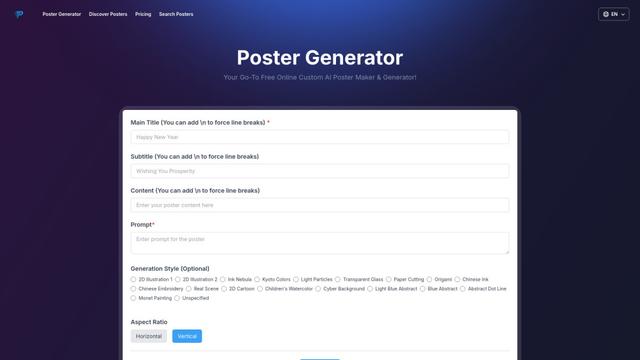
Poster Generator
An AI-powered online poster maker that enables users to effortlessly create stunning custom posters through templates, AI generation, and drag-and-drop editing tools without requiring design skills.
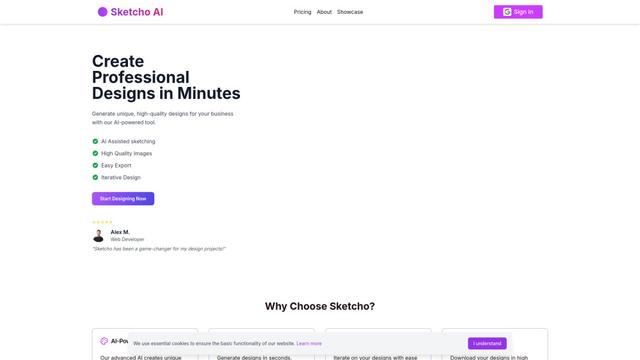
Sketcho
Sketcho is an AI-powered design tool that transforms sketches and ideas into high-quality professional designs through an intuitive interface.
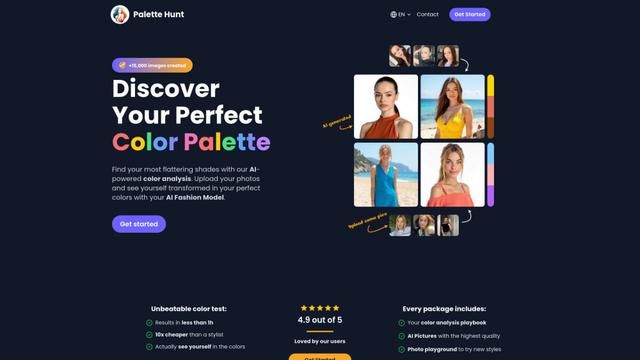
Palette Hunt
Palette Hunt is an AI-powered color analysis tool that helps users discover their perfect color palettes through personalized analysis and AI-generated fashion models.
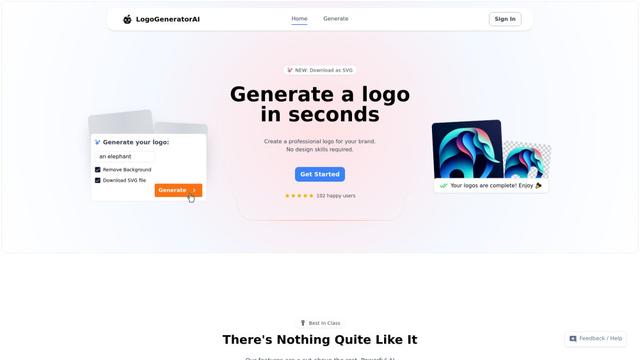
LogoGeneratorAI
LogoGeneratorAI is an advanced AI-powered logo creation tool that generates unique, professional SVG logos with customizable features like color schemes, image cropping, and background removal.
Popular AI Tools Like Virse
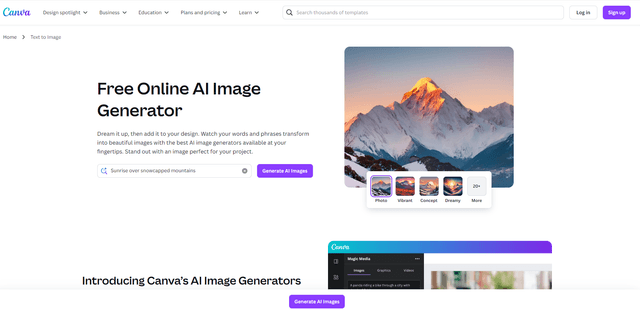
Canva AI
Canva AI is an advanced suite of AI-powered design tools integrated into Canva's platform, offering features like text-to-image generation, background removal, and content creation assistance to streamline the design process.
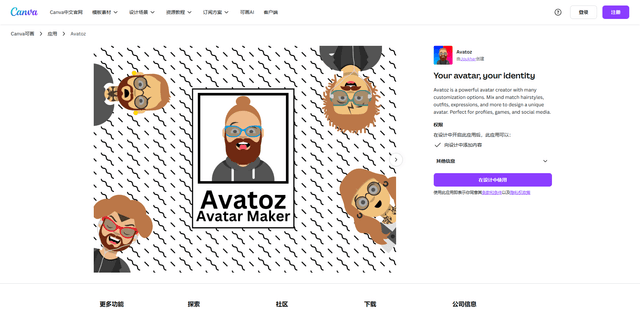
Avatoz
Avatoz is a powerful avatar creator app for Canva that allows users to design unique, customized avatars with extensive options for hairstyles, outfits, expressions and more.
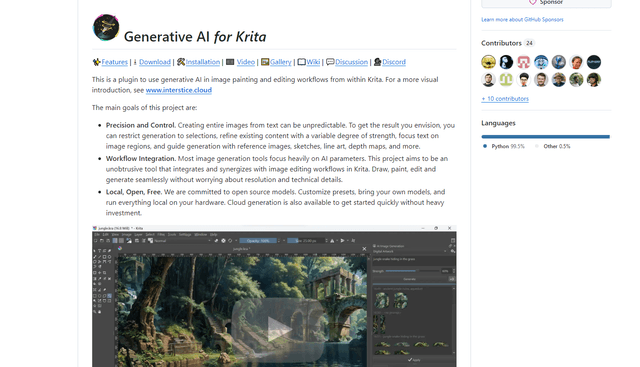
Krita
Krita is a free and open-source digital painting and illustration software that offers a wide range of professional-grade tools for artists and designers.
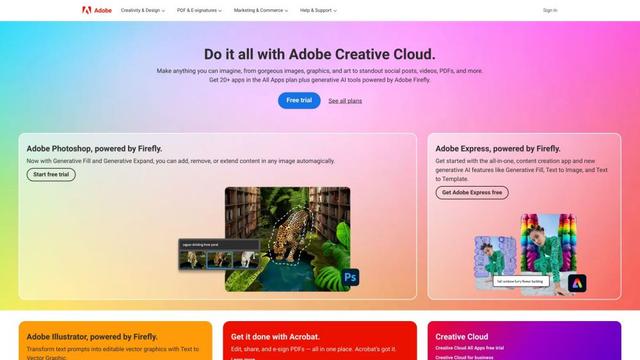
Adobe
Adobe is a leading software company that provides creative, marketing, and document management solutions through innovative applications and services.