VideoAny
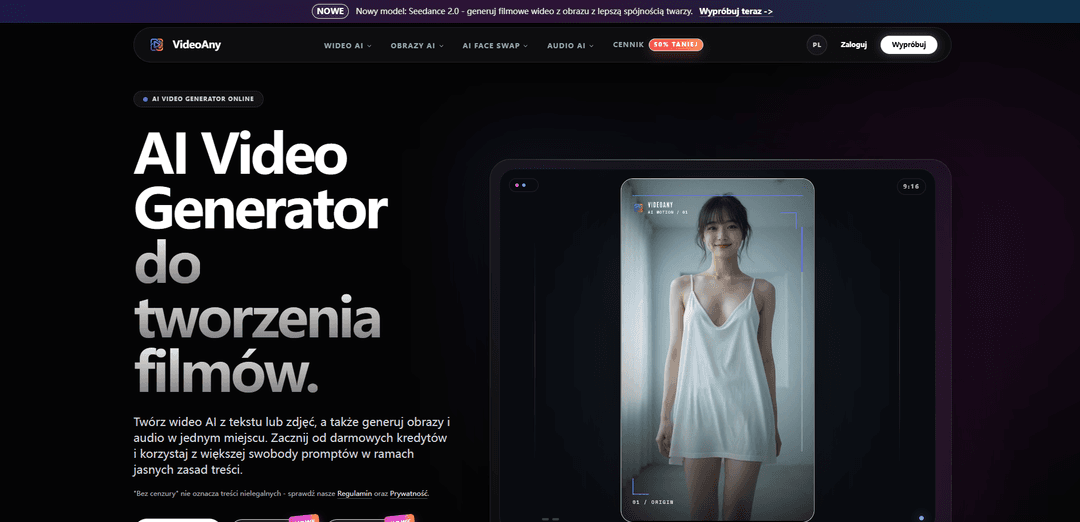
VideoAny is a video-first, all-in-one AI studio that generates AI video from text or images, with built-in AI image and AI audio tools (music, voice, SFX) and an “uncensored” mode on its native models within clear content rules.
https://videoany.pl/?utm_source=aipure
Product Information
Updated:Aug 18, 2026
What is VideoAny
VideoAny is a multimodal AI creation platform designed to help creators, teams, and brands produce video-first content end to end in one place. It combines text-to-video and image-to-video generation with integrated AI image creation/editing and AI audio production (e.g., text-to-music, voice cloning, and sound effects), aiming to replace a fragmented creative stack with a single workflow. The product offers a free tier with starter credits, while paid plans generally unlock higher output quality/resolution, faster queues, and higher limits; it also notes that commercial usage depends on the plan and users’ rights to their inputs.
Key Features of VideoAny
VideoAny is a web-based, video-first AI creation studio that combines text-to-video and image-to-video generation with built-in AI image and AI audio tools in one workflow. It supports multiple generation models (e.g., Kling, Vidu, Wan, Seedance, Grok Imagine, Sora) and offers features like face swap, lip sync, and AI video effects to help creators produce short-form content, ads, and storytelling clips quickly. The platform positions itself as “uncensored” (i.e., fewer arbitrary prompt refusals) while still enforcing responsible-use rules and prohibiting illegal or non-consensual content. It runs on a freemium, credit-based model with a free tier and paid upgrades for higher quality, faster queues, batch processing, and broader commercial usage rights depending on plan terms.
All-in-one video, image, and audio studio: Create AI videos from text or images, generate supporting AI images, and produce audio (music/voice/SFX) without switching tools—built for end-to-end, video-first creation.
Multi-model video generation options: Choose from a suite of models (including options like Kling, Vidu, Wan, Seedance, Grok Imagine, and Sora) to balance realism, motion quality, speed, and prompt adherence for different projects.
AI video utilities: effects, face swap, and lip sync: Enhance clips with AI effects and transformation tools, plus face swap and lip sync features for avatar-style content, remixes, and short-form edits.
Integrated AI audio pipeline: Generate or transform audio assets for video—such as text-to-music, voice/voice-clone style capabilities, and sound effects—so visuals and sound can be produced in one place.
“Uncensored”/minimal-filter prompting (with policy limits): Offers increased creative latitude on its native models with fewer unnecessary blocks, while explicitly restricting illegal, non-consensual, or otherwise prohibited content per guidelines.
Freemium, credit-based access with upgrades: Start with free credits on a free tier; paid plans/credit packs unlock higher resolution, faster priority queues, batch processing, and expanded usage rights for commercial work (per terms).
Use Cases of VideoAny
Social media content and viral short clips: Creators can rapidly turn prompts or images into vertical-ready short videos, add effects, and generate matching audio for TikTok/Reels/Shorts-style publishing.
Marketing and performance ads: Marketing teams can prototype and iterate ad creatives quickly—generating multiple visual directions, short video variations, and background music/SFX in a unified workflow.
Brand storytelling and product promos: Small brands and startups can create cinematic-style promos or narrative snippets from scripts/prompts, using model selection and effects to match a desired aesthetic.
Education and explainers: Educators and course creators can produce simple animated visuals from text, pair them with voice/music, and export platform-optimized videos for lessons and presentations.
Creative experimentation (art, satire, stylized visuals): Artists and creators can explore more flexible prompt territory (within rules) to generate experimental motion pieces, character concepts, and stylized video sequences.
Localization and content variations at scale: With batch processing and faster queues on paid tiers, teams can produce multiple versions of the same concept (different hooks, visuals, or audio) for testing and regional variants.
Pros
Unified workflow: video + image + audio generation in one web studio reduces tool switching and production time.
Model variety: multiple video models enable trade-offs between speed, realism, and prompt fidelity.
Free tier/credits: easy to try and prototype before paying, with upgrades for higher output and efficiency.
More flexible prompting: “uncensored” positioning can reduce arbitrary refusals for legitimate creative work (within policy).
Cons
Commercial rights can depend on plan/terms: free-tier usage may be limited to non-commercial use; licensing requires careful review.
Third-party model constraints: external models may still apply their own safety filters and reject prompts.
Quality/speed vary by model and queue: generation times and results can fluctuate based on demand, settings, and chosen plan.
How to Use VideoAny
1) Open VideoAny and sign in: Go to https://videoany.io (global) or https://videoany.pl (Polish). Create an account or log in. New users can start with free credits on the free tier.
2) Choose the workflow you need: From the main menu, pick the tool that matches your goal: Image-to-Video, Text-to-Video, Video-to-Video, AI Effects (templates), Face Swap (video/photo/GIF), Lip Sync, Text-to-Image, Image-to-Image, Text-to-Music, Video-to-Audio, Image-to-Audio, or Audio-to-Video.
3) Select a model (optional but recommended): Pick an AI model suited to your output needs (quality, speed, style). The platform lists multiple models (e.g., VideoAny models and other model options). If you’re unsure, choose a general high-quality default recommended by the platform for broad use.
4) Prepare your inputs (image/video/audio/text): Upload your source file or write your prompt/script. For Image-to-Video, use a sharp JPG/PNG/WebP/HEIC with the main subject clearly visible; avoid heavy blur, clutter, unreadable text, or cropped faces. Use an image aspect ratio that matches your target platform (e.g., 9:16 for Shorts/Reels, 16:9 for YouTube).
5) Write a clear prompt (especially motion instructions): Be specific about subject, environment, and camera motion. For photo-to-video, describe simple camera moves (pan/zoom/dolly) and subtle subject motion. Start with small changes and iterate. Keep one baseline prompt and change one variable at a time to improve consistency.
6) Set output preferences: Choose settings such as format/aspect ratio and any available strength/preset controls for motion or style. Standard output is typically HD; higher resolutions may be available depending on the model and plan.
7) Generate a draft preview: Run generation to produce a first draft. Video generation typically takes minutes (depending on model, clip length, and queue).
8) Review and iterate: Watch the result and refine prompts/settings. Improve consistency by keeping the core prompt structure stable and adjusting only one element per iteration. Archive your prompt and settings so you can reproduce results later.
9) Use optional workflows to extend or refine: If supported in your workflow: extract frames from a video (Video-to-Image) and re-animate them with Image-to-Video; generate supporting images (Text-to-Image/Image-to-Image); add audio (Text-to-Music, Video-to-Audio, Image-to-Audio) to build a complete post in one studio.
10) Download/export your final output: Once satisfied, export/download the generated video (and any images/audio). Free-tier outputs may include watermarks and limited resolution; paid plans typically unlock higher resolution, priority queues, batch processing, and no-watermark outputs (depending on plan).
11) Confirm usage rights before publishing (especially commercial): Commercial use depends on your plan and the platform’s terms. Ensure you have rights to all inputs you upload (images, voices, faces, prompts, trademarks/IP). Free users are commonly limited to personal/non-commercial use; paid plans generally provide broader commercial rights—verify in the current Terms.
12) Follow responsible-use rules: “Uncensored/minimal filtering” does not mean illegal or unsafe content is allowed. The platform emphasizes responsible-use guidelines: no illegal content, no minors, no non-consensual sexualized likenesses, no exploitation, and no rights violations. If something is blocked, revise the prompt to be safer and more specific.
VideoAny FAQs
VideoAny is a video-first AI studio for creating AI video, AI images, and AI audio in one place (e.g., text-to-video, image-to-video, image generation/editing, and audio generation).
Popular Articles

Proferex: A Cloud-Based Ad Tracking and Campaign Optimization Platform
Nov 4, 2026

How to Create Viral Talking Baby Podcast Videos with AI: Step-by-Step Guide
Nov 2, 2026

Vosko AI: Localize and Dub Videos for Global Audiences
Oct 15, 2026

Atoms: A Multi-Agent AI Platform That Transforms Ideas into Launch-Ready Products
Oct 13, 2026
Latest AI Tools Similar to VideoAny
Loud Fame
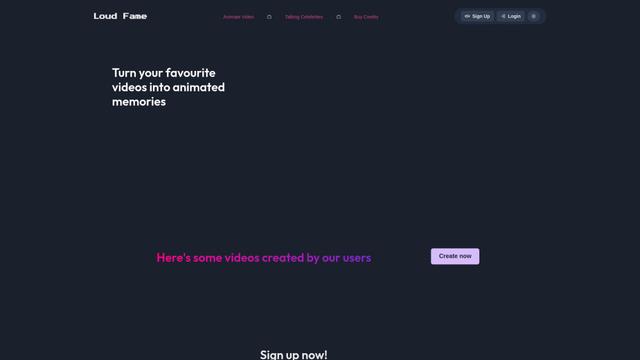
Loud Fame is an AI-powered video transformation tool that allows users to convert regular videos into anime-style animations and create AI-generated celebrity talking videos.
BizBoom.ai
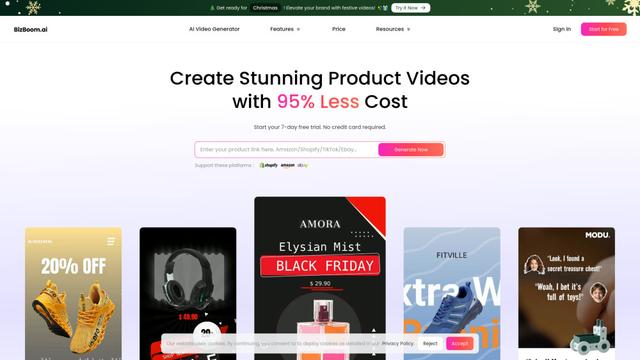
BizBoom.ai is an AI-powered platform that automatically generates professional product videos from product links and images with 95% less cost.

EzVideos
EzVideos is an all-in-one video creation tool that helps users generate viral videos for social media platforms like Instagram, TikTok, and YouTube with automated editing features and built-in resources.
Illuminix
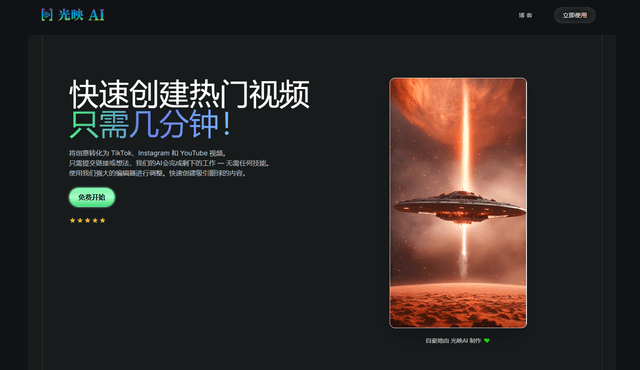
Illuminix is an AI-powered platform that empowers businesses with autonomous hyper-experts and specialized tools for automated business processes, data management, and video content creation.
Popular AI Tools Like VideoAny
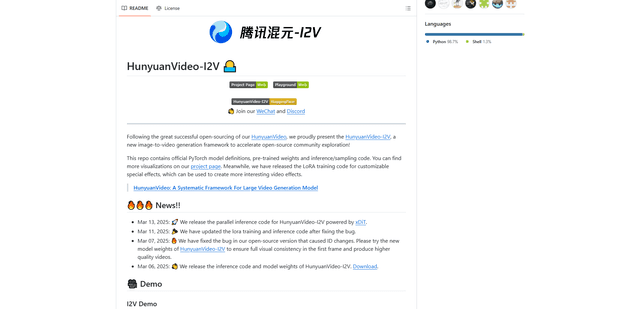
HunyuanVideo-I2V
HunyuanVideo-I2V is an open-source AI framework developed by Tencent that transforms static images into high-quality, dynamic videos with customizable motion effects and exceptional visual consistency.
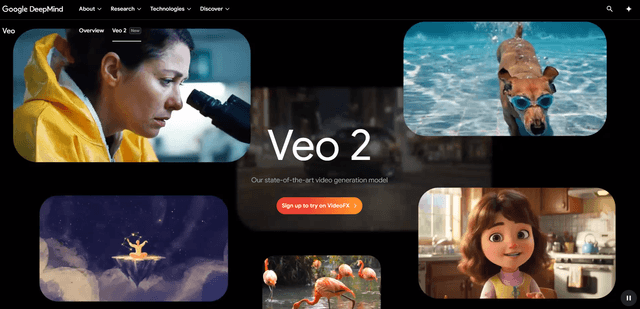
Google Veo 2
Veo 2 is Google DeepMind's state-of-the-art AI video generation model that can create high-quality videos up to 4K resolution with realistic motion, extensive camera controls, and improved physics simulation from text prompts.

Vibing
Vibing is an AI-powered dating app that helps users share authentic moments through video stories and make genuine connections based on personality matching and interactive features.
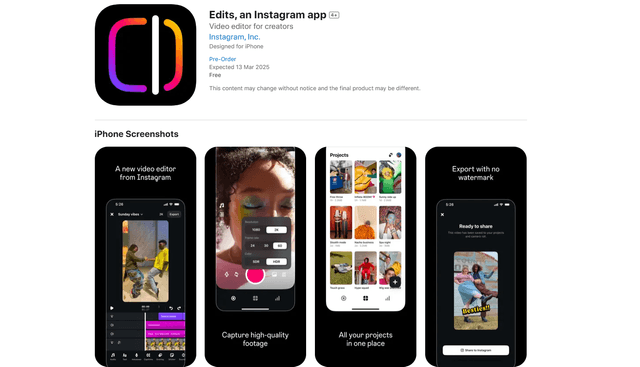
Edits, an Instagram app
Edits is Instagram's free video creation app that provides creators with professional editing tools, AI features, and analytics capabilities to create high-quality videos directly from their phones.